


Category filter
Incident Management Guide: Real-Time Alerts & Remediation | Hexnode UEM
Architecture Overview: Hexnode Incidents are dynamic, real-time alerts generated by potential risks or system failures. Unlike static compliance rules, incidents track runtime variables such as failed deployments, agent errors, and third-party integration disruptions.
Organizational Benefits
- Environment Visibility: Real-time monitoring of the entire managed fleet.
- Proactive Remediation: Early detection of misconfigurations and vulnerabilities.
- Auditability: Detailed incident stories and chronological logs for compliance.
Administrative Roles & Permissions
Hexnode helps with Role-Based Access Control (RBAC) to delegate incident handling:
- Super Admins & Admins: Full authority to view, assign, and resolve incidents.
- Incident Manager: A custom role for dedicated technicians focused on investigation and remediation.
Incident Categories & Purpose
Incidents are grouped into seven distinct categories for streamlined prioritization:
| Category | Purpose |
|---|---|
| Critical | Immediate high-severity failures like expired Apple APNs certificates or UEM license limits. |
| Endpoints | Device-level issues: rooted/jailbroken states, compliance violations, and command failures. |
| Users | Identity-related risks: location anomalies, geofence violations and suspicious credential changes. |
| Apps | Application management failures: VPP license depletion and unsuccessful installations. |
| Patches | Vulnerability status: failed patch deployments and unpatched operating systems. |
| Identity Providers | Integration synchronization: failed directory syncs and deleted directory objects. |
| Exports | Centralized hub for all incident report (PDF/CSV) export requests. |
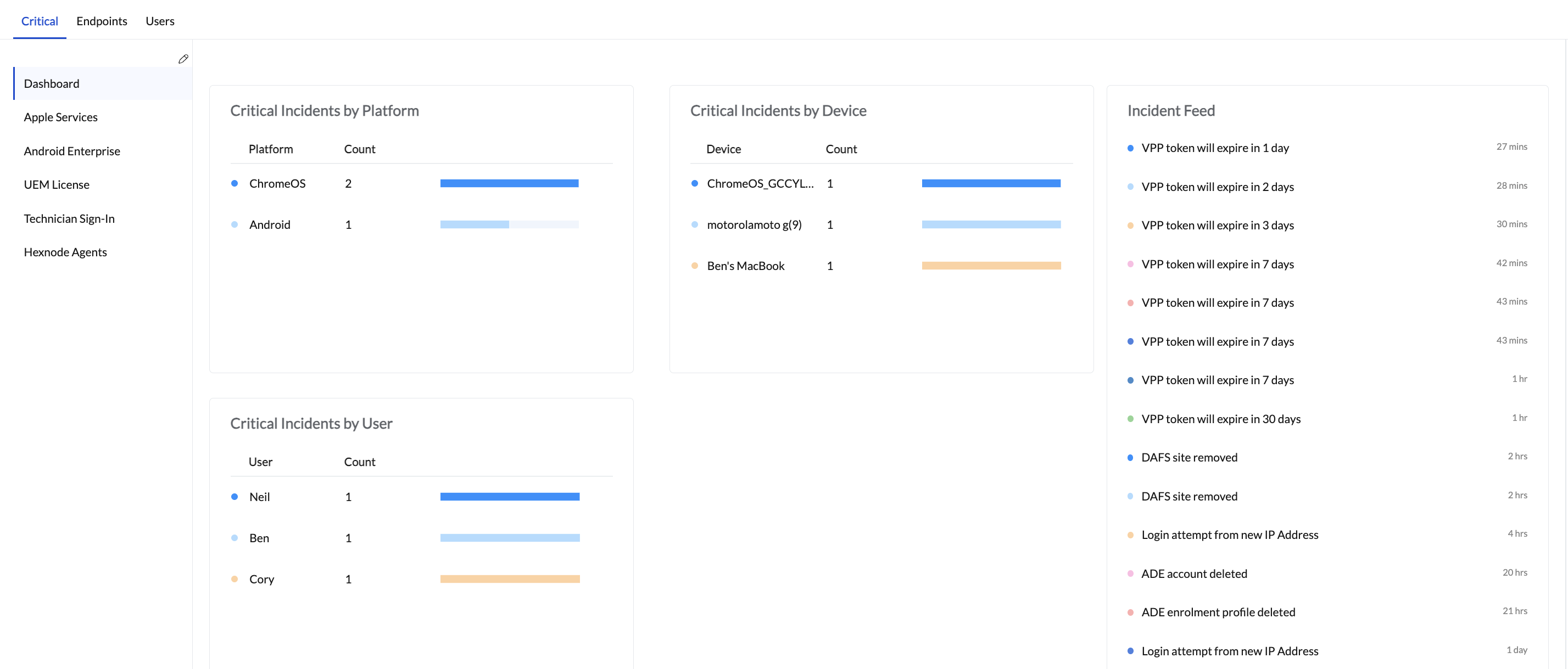
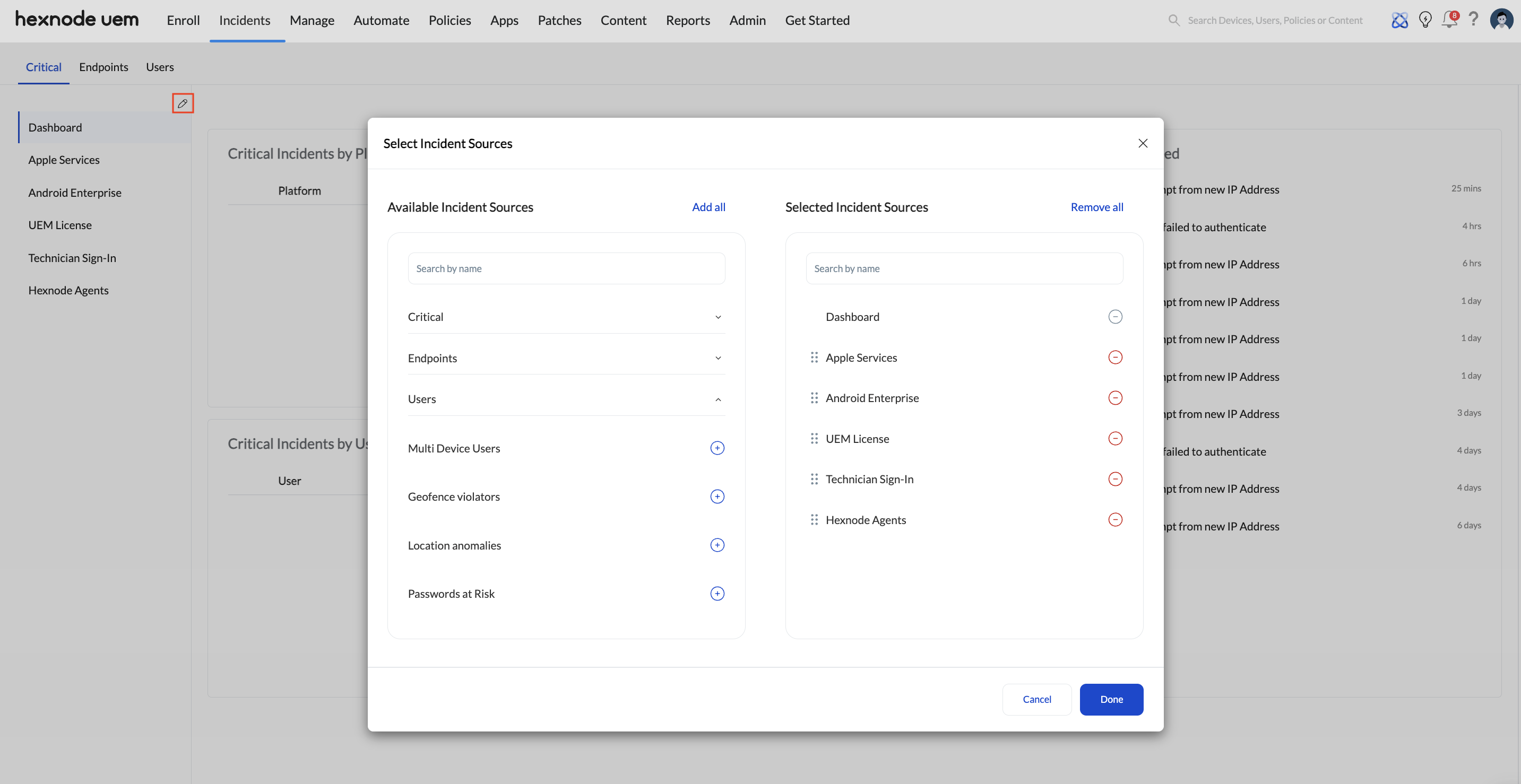
Critical Incident Sources
Specific integrations monitored for Critical alerts:
- Apple Services: APNs certificates and VPP token validity.
- Android Enterprise: Organization disenrollment and profile deletions.
- UEM License: Device count limits and license expiration.
- Hexnode Agents: Active Directory and DAFS sync health.
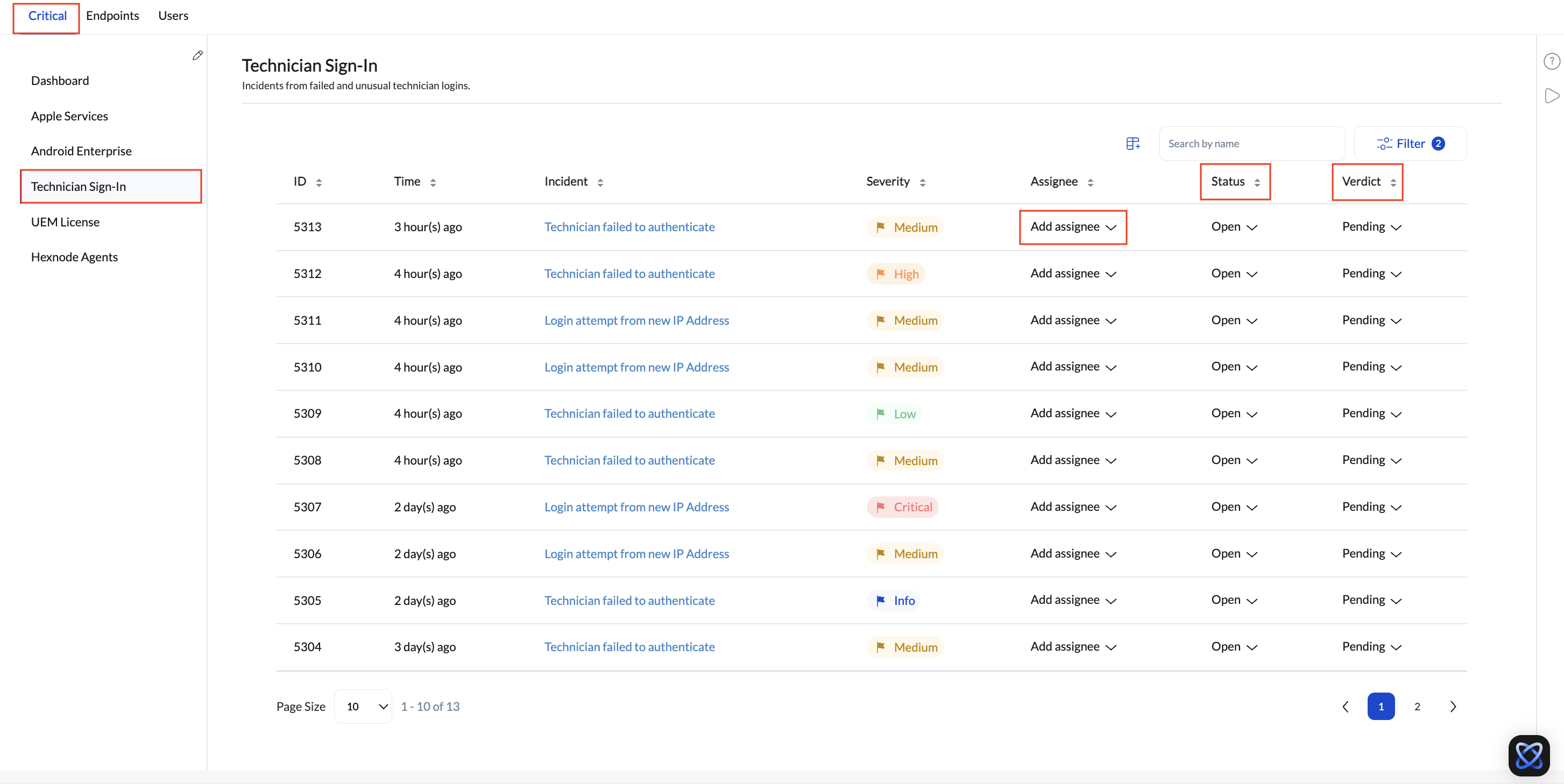
Incident Data Attributes
| Field | Definition |
|---|---|
| Severity | Automatic levels: Critical, High, Medium, Low, or Info. |
| Status | Lifecycle stage: Open, In Progress, or Resolved. |
| Verdict | Technician assessment: Pending, False Positive, or Fixed. |
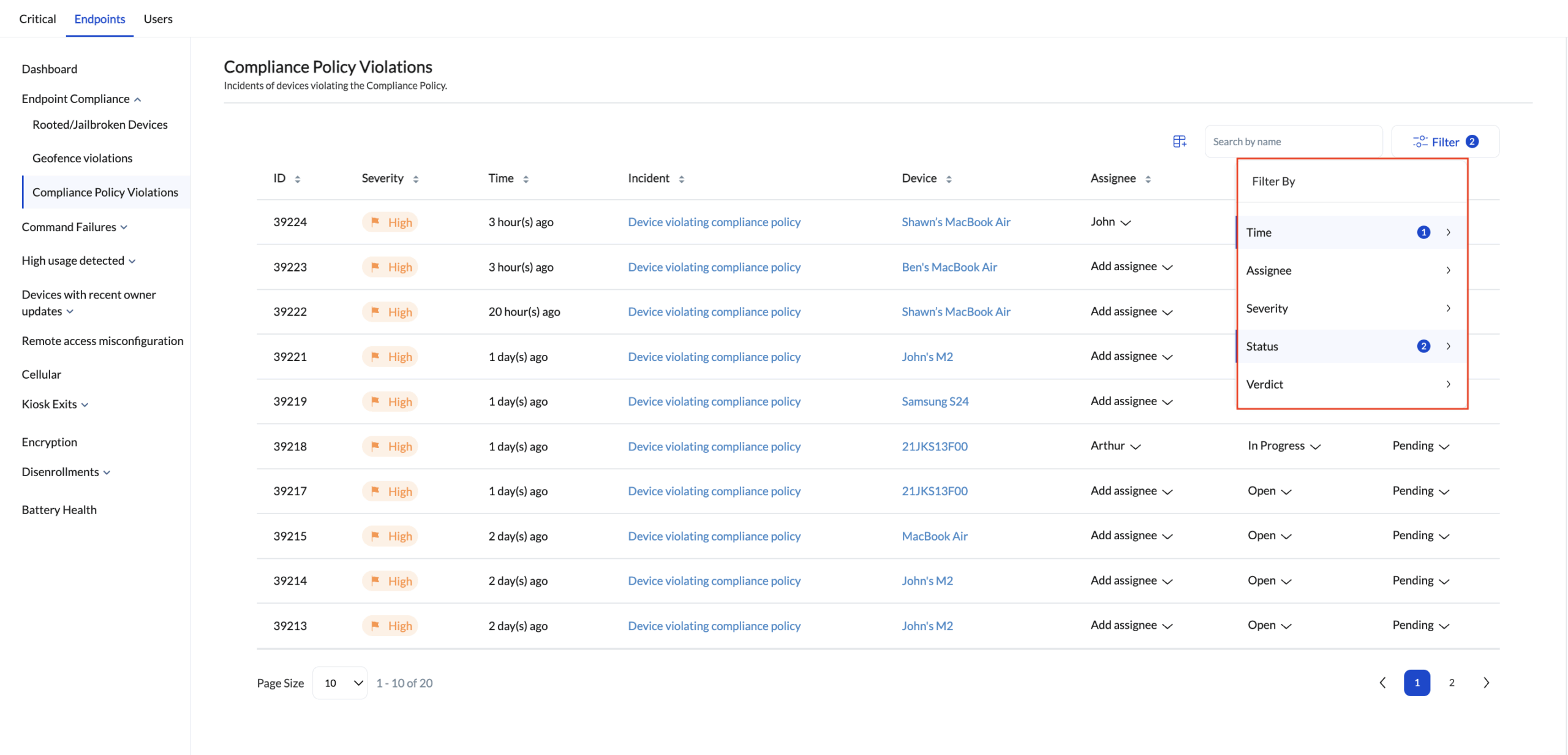
Efficiency Controls: Filtering
| Filter Type | Logic Range |
|---|---|
| Time | Today, Yesterday, Last 7/30 Days, or Custom Range. |
| Assignee | Specific technician name search. |
| Status/Verdict | Narrow down by resolution state and investigation result. |
Collaboration & Customization
- Incident Story: Chronological history of all state changes and comments.
- Comments: Threaded discussions with @mention support.
- Custom Fields: Organization-specific data points. Each custom field requires a Field Name and supports an optional Description. (Supported data types: Link, Checkbox, Dropdown, etc.).
Frequently Asked Questions
Can roles other than Admin or Super Admin manage incidents?
Yes, administrators can create a dedicated ‘Incident Manager’ custom technician role to delegate incident-handling responsibilities.
How to create an Incident Manager?
Navigate to Admin > Technicians and Roles > Add Technician. Enter the technician’s account information, including name, email, and phone number. Configure SSO, CAPTCHA, 2FA, and logout settings, then click Next. Under the Roles section, click Assign Role and select Incident Manager. Click Assign.
What makes an incident critical in Hexnode?
An incident is critical if it meets high-impact thresholds, such as expired Apple Push Certificates, license errors, or agent communication failures.
How are incidents assigned a severity?
Critical level incidents represent the most severe issues and are treated as top priority requiring immediate action. The remaining levels – High, Medium, Low, and Info – follow in descending order of urgency. These severity levels are predefined by Hexnode.
How does Hexnode detect endpoint incidents?
Hexnode detects incidents whenever a configuration, restriction, or compliance rule fails to apply, or if a device fails to communicate with the server.


