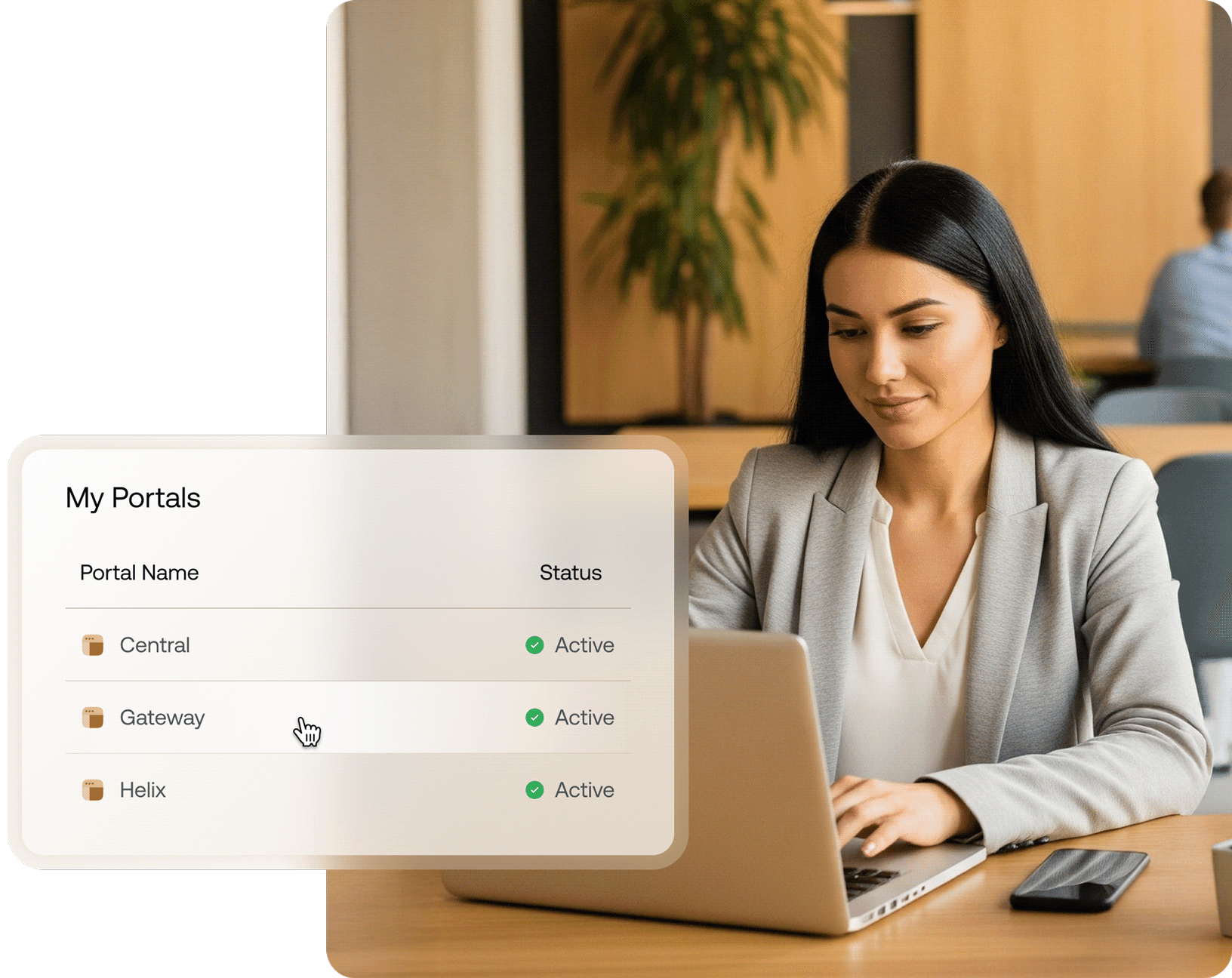
From IT chaos to complete control
Fragmented Management

Disorganized billing

Manual IT processes
Limited Visibility

Complicated access

Weak client data security




Centralized Control

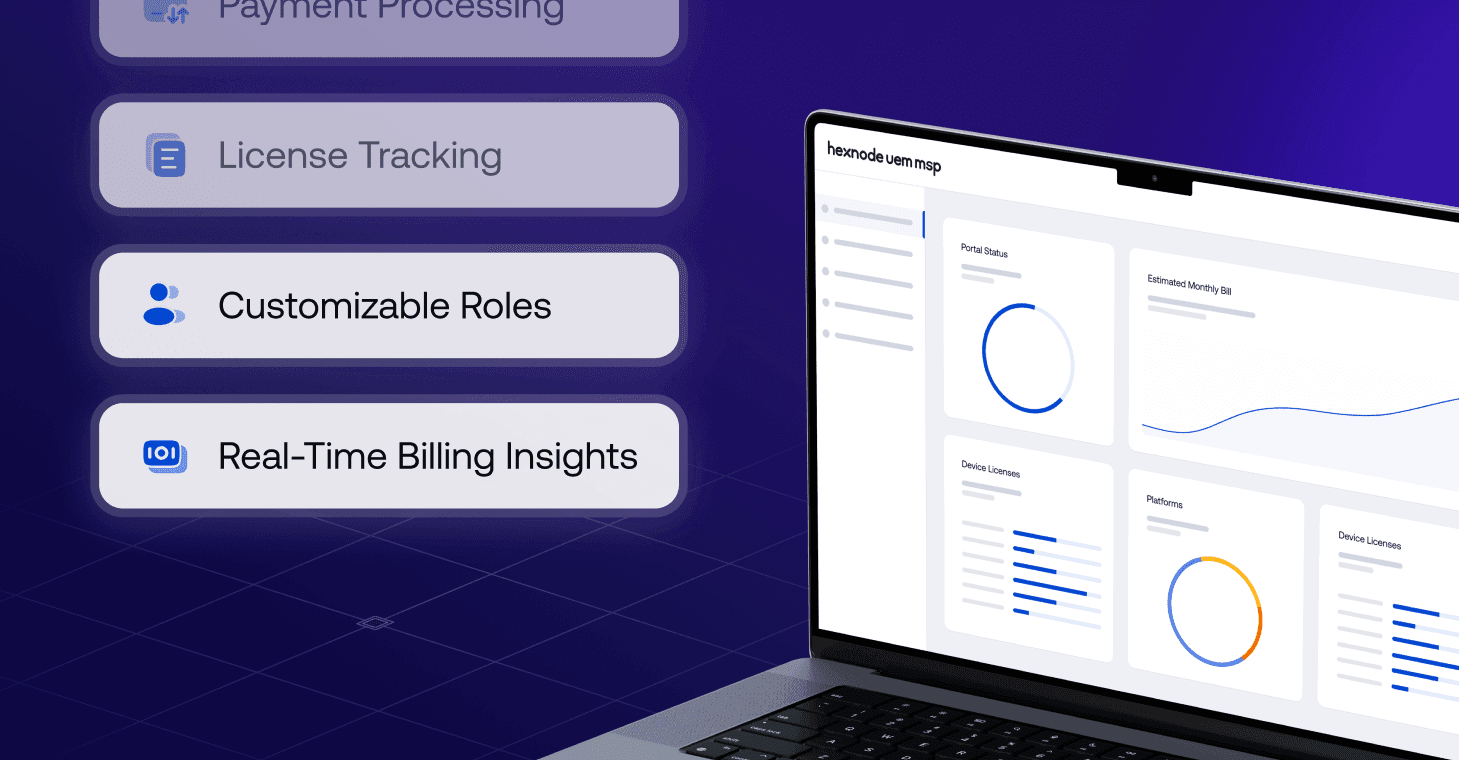
Actionable billing

Reduced overheads

Real-time visibility

Unified credentials

Protected data
Designed to help MSPs do more, effortlessly


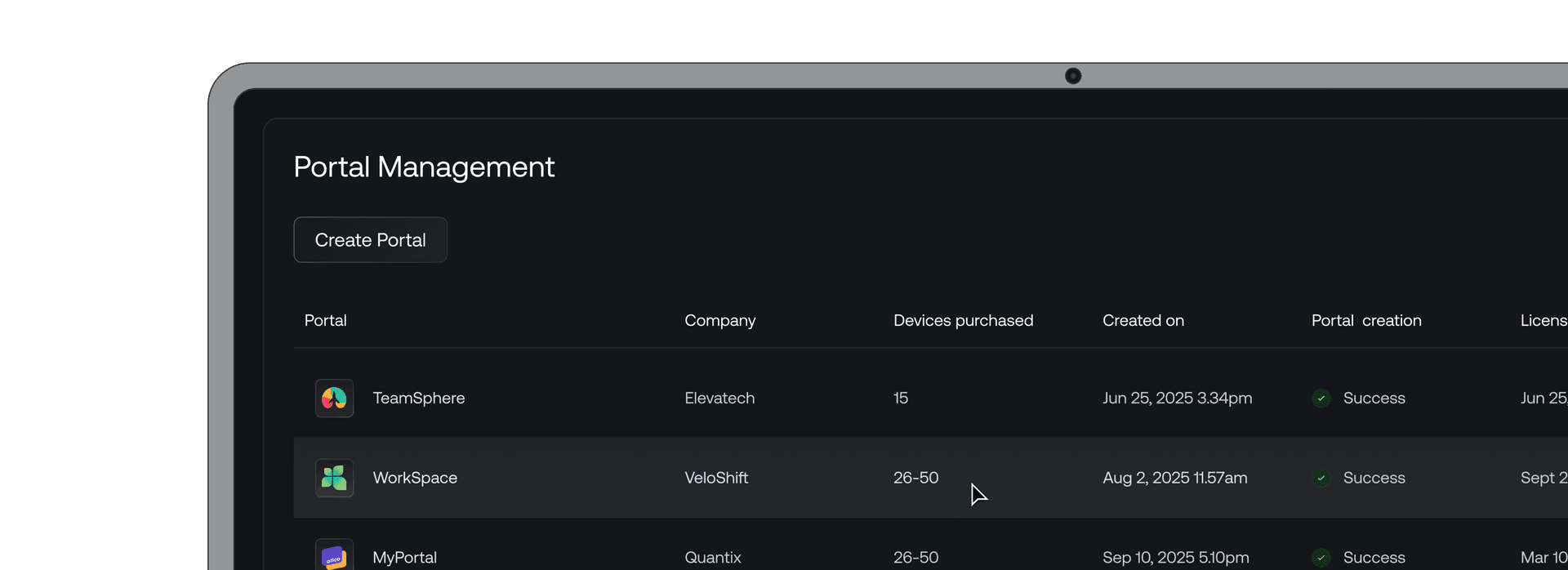
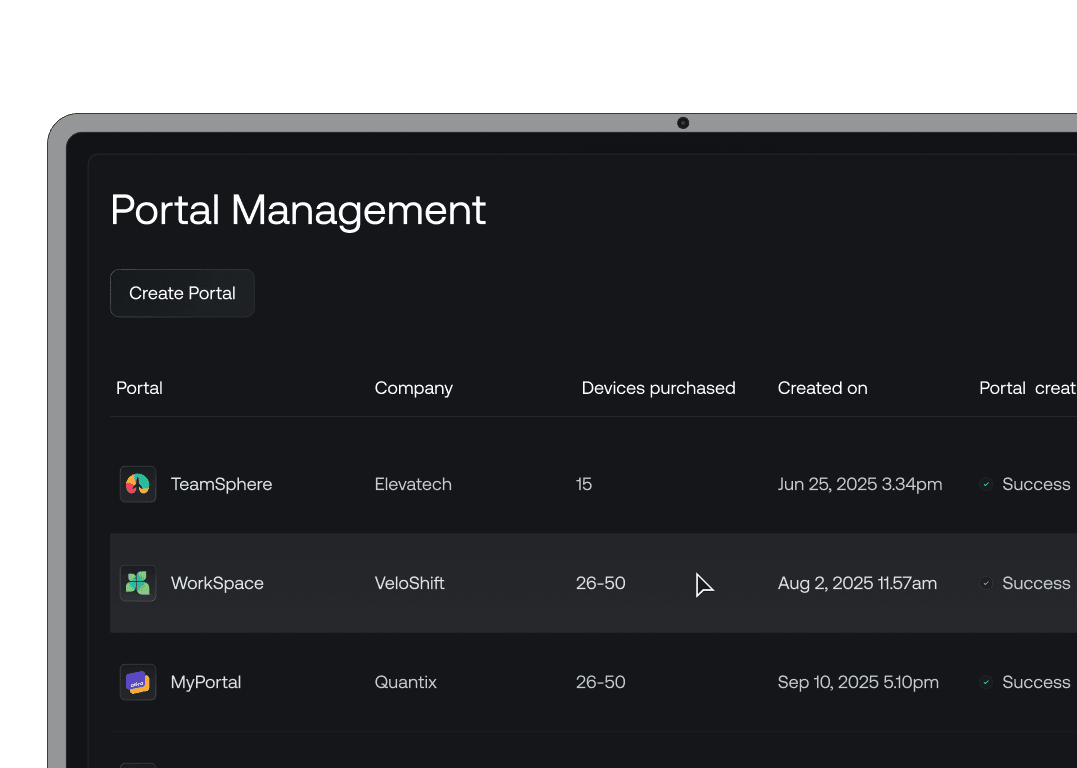
All the right UEM features, right where you need them


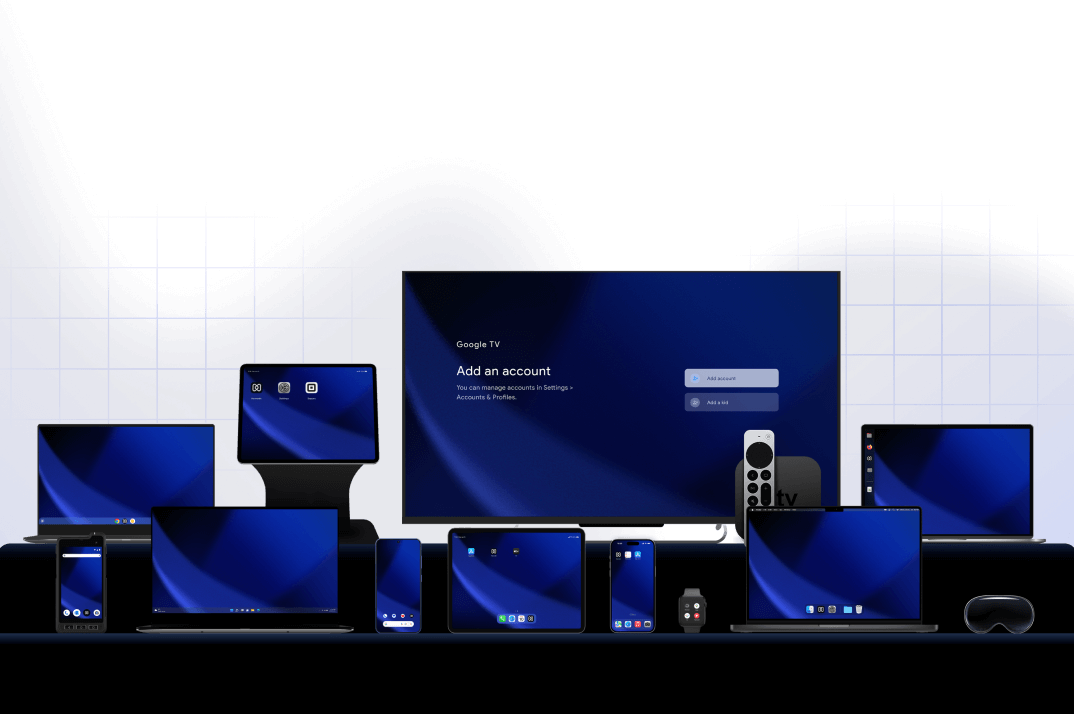
Multiple Platforms
Manage iOS, Android, Windows, macOS, Linux, ChromeOS, visionOS, tvOS, Android TV and Fire OS, all with a single policy.

AI Powered Solution
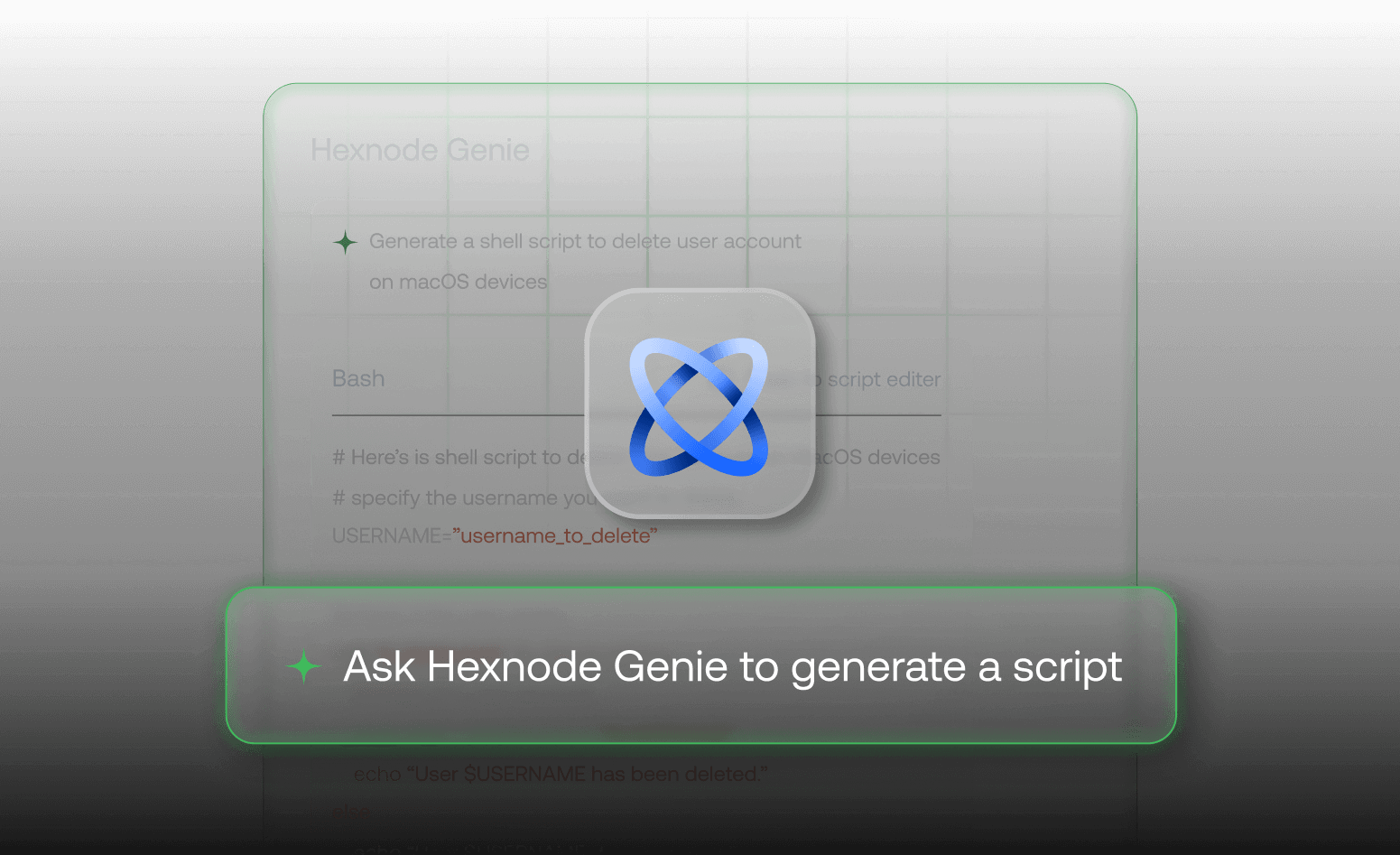
Get smarter with our AI powered assistance. Generate custom scripts, resolve issues and apply fixes with Hexnode Genie, which is just a text away.

Remote Management
Offer real-time assistance and access devices remotely to tackle issues or monitor unattended devices. Remotely push content to designated locations on the device.

Security Management
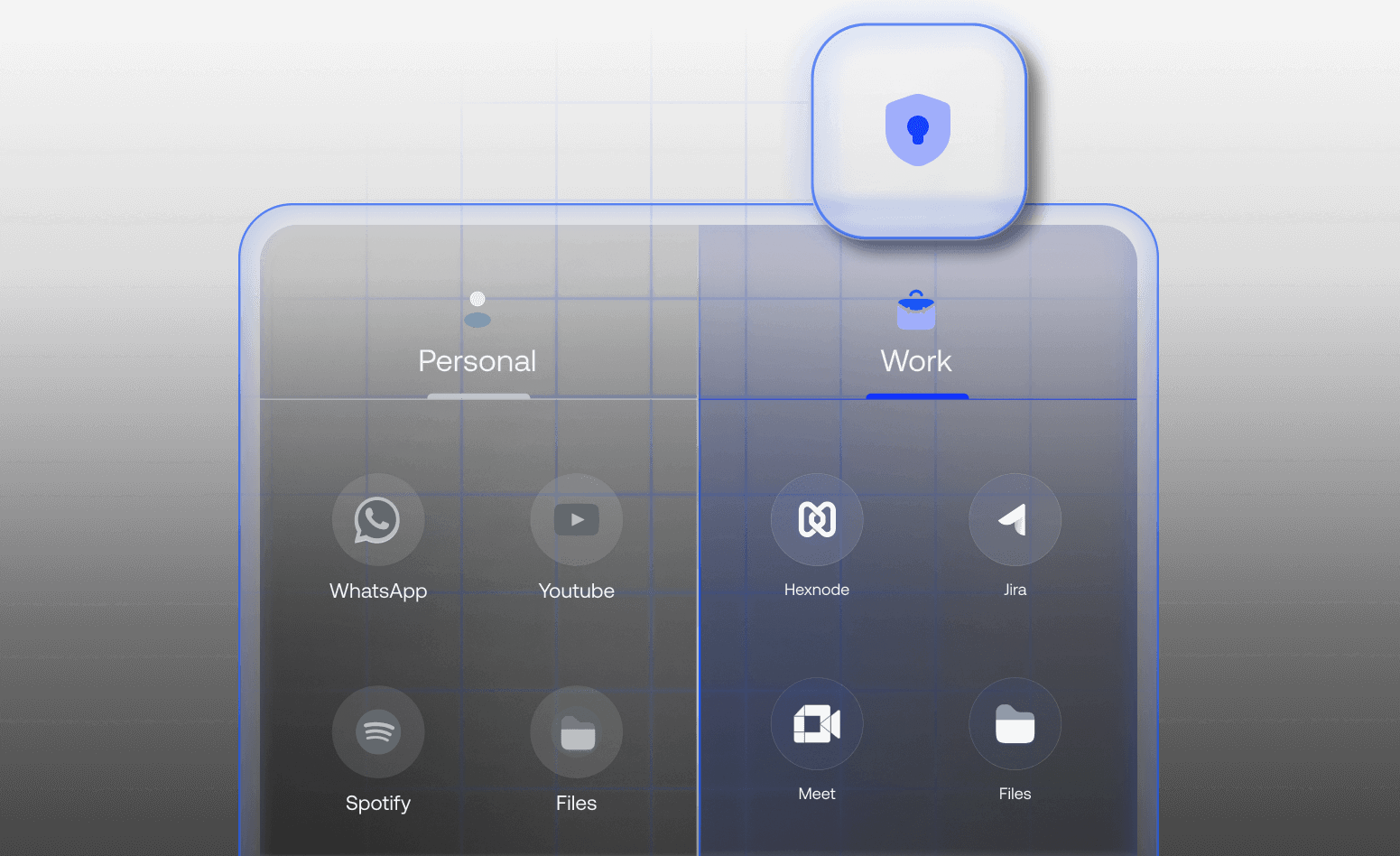
An intelligent security suite to configure system and application-level encryptions, create a dedicated space for work related data and activate device theft prevention.

Report Management
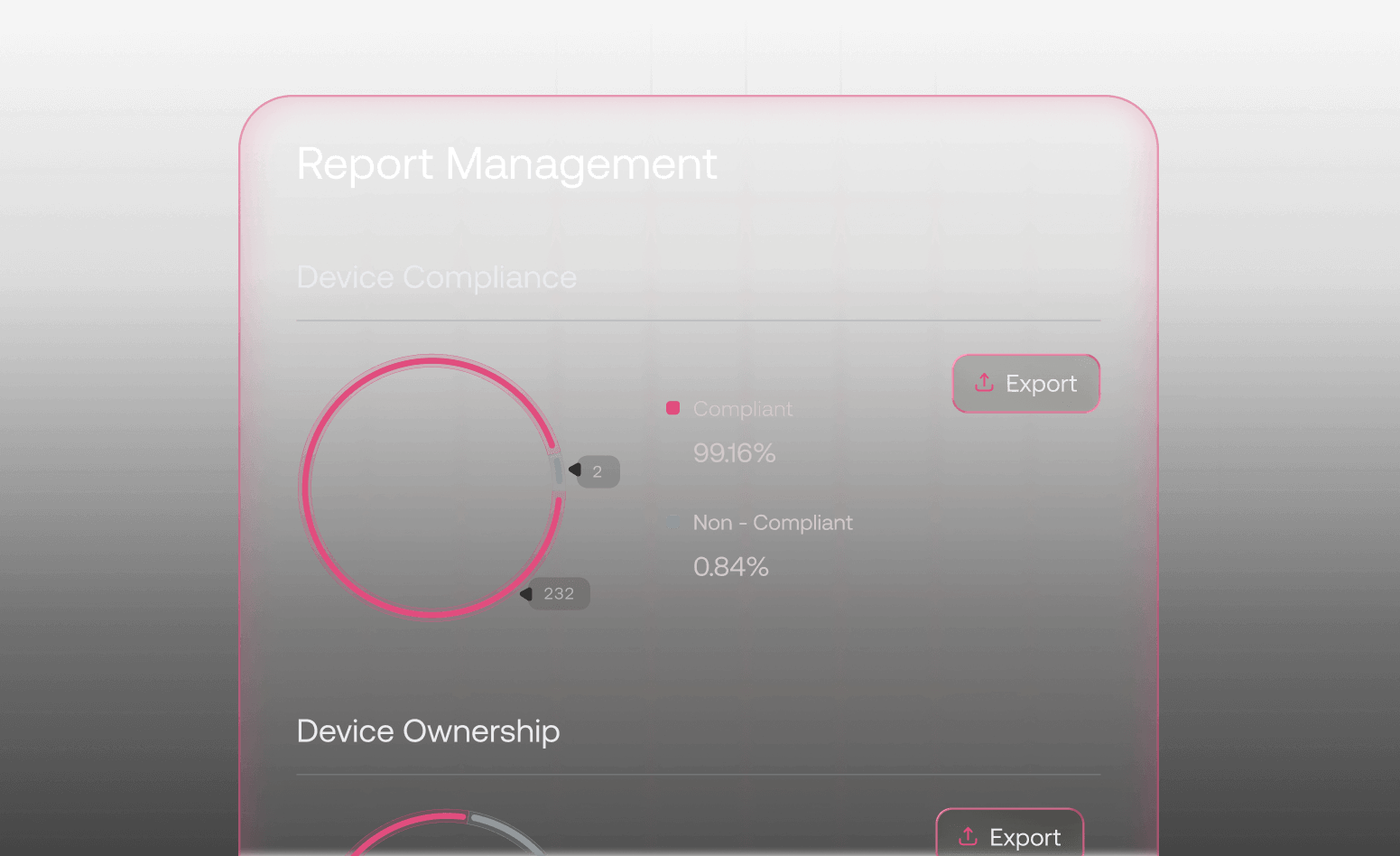
Track and record every aspect of device management. Define relevant criteria and customize data layouts for tailored insights. Export them in convenient file formats.

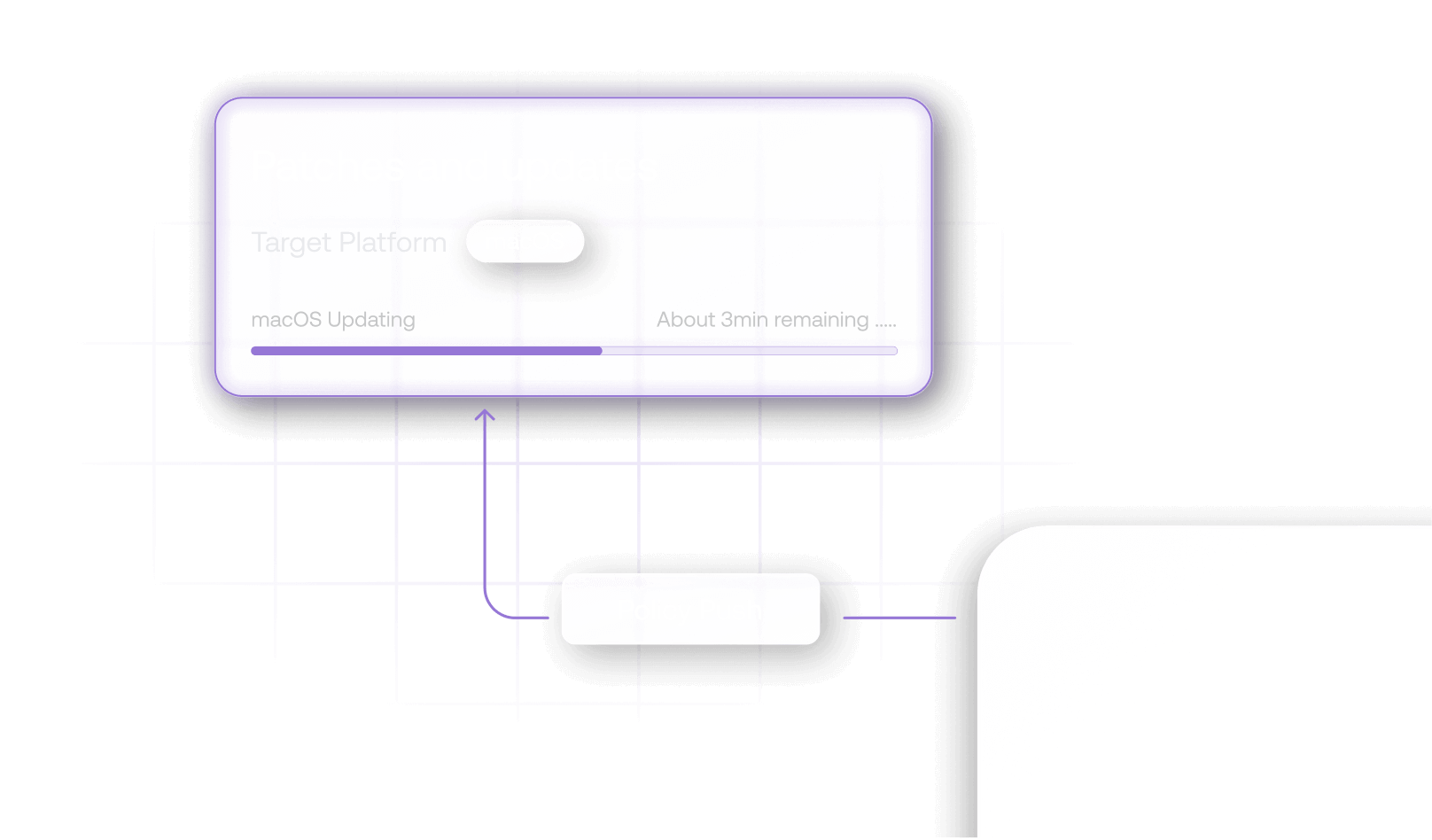
Patch Management
Identify critical updates and streamline deployments. Strategically roll out automatic or manual patches, test for stability, and minimize security risks.

Kiosk Management
Set up kiosk lockdown with multiple modes, configure peripheral settings, define background applications. Enable browsing configurations and restrict unnecessary web pages.