




Security-First Android MDM Solution Built for Scale
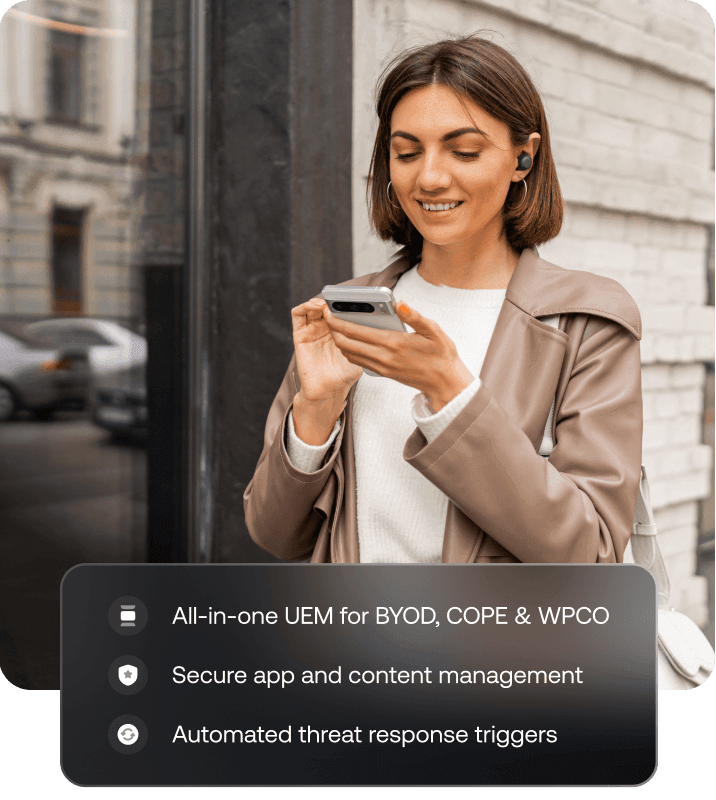
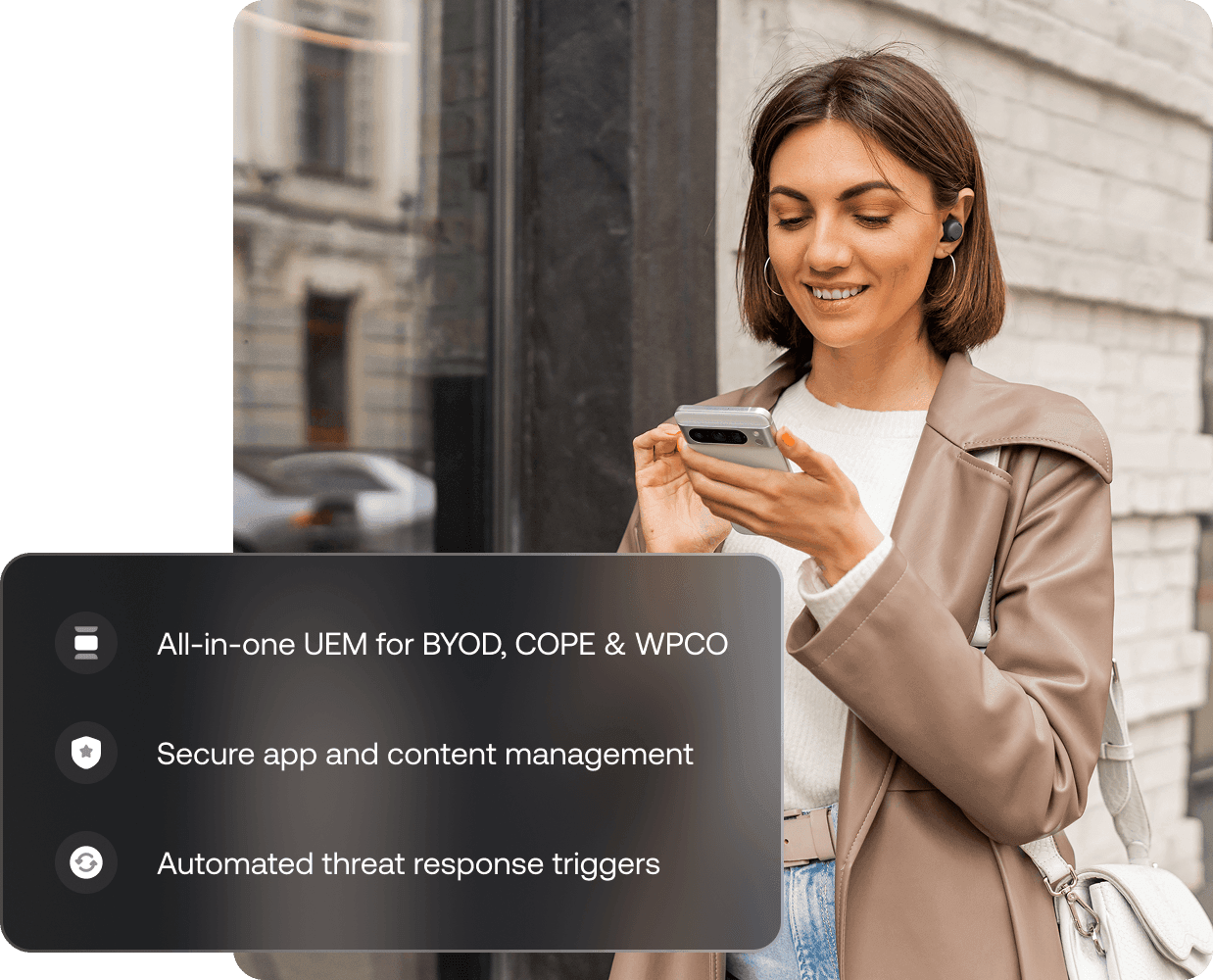
Loved by all. Recognized by the best.



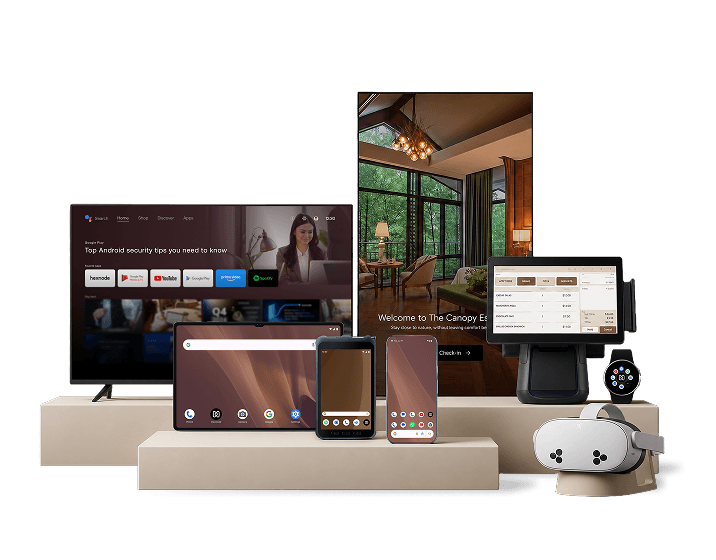
One Console for Every Android Device Your Business Runs
Run every Android deployment from a single system. Enforce policies, control apps, and secure devices consistently across your fleet so that as your business evolves, your management stays centralized and in control.
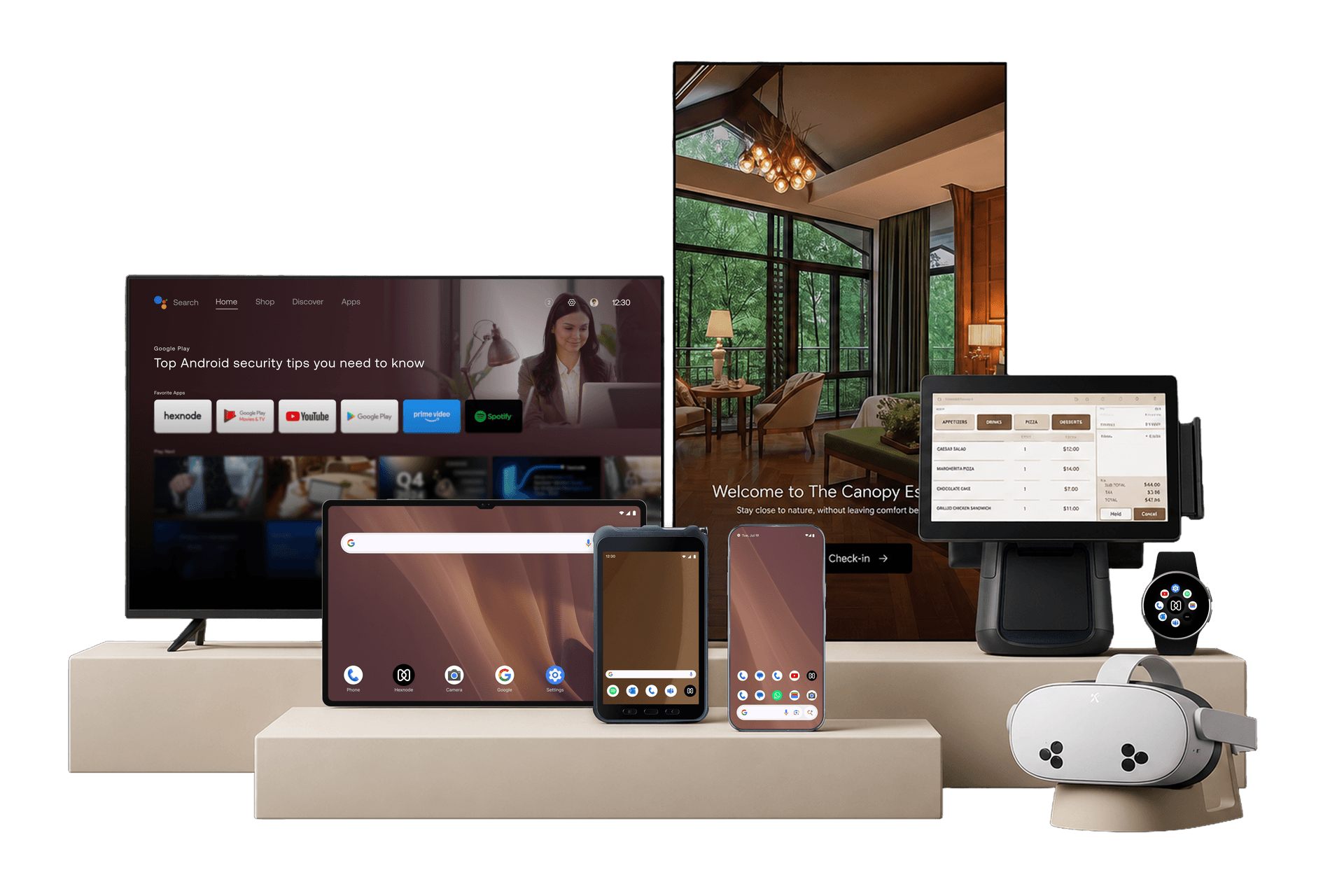

Smartphones
Secure and manage employee devices seamlessly across both personal and corporate use cases.

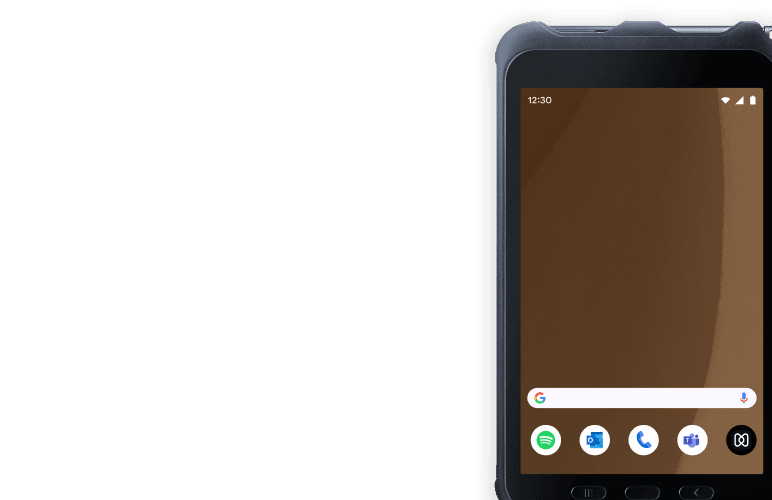
Tablets
Deploy, lock down, and control shared or customer-facing tablet experiences at scale.

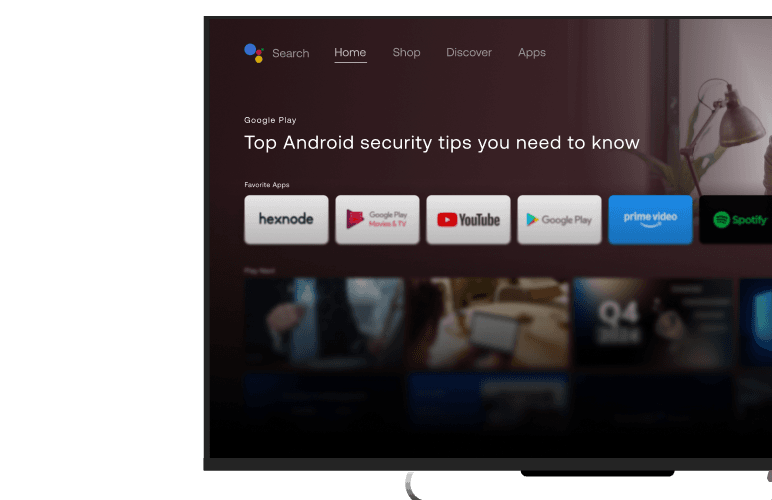
Android TV
Manage digital screens, media boxes, and meeting room displays without requiring manual intervention.

Rugged Devices
Keep high-durability field and warehouse devices reliable, controlled, and 100% operational.

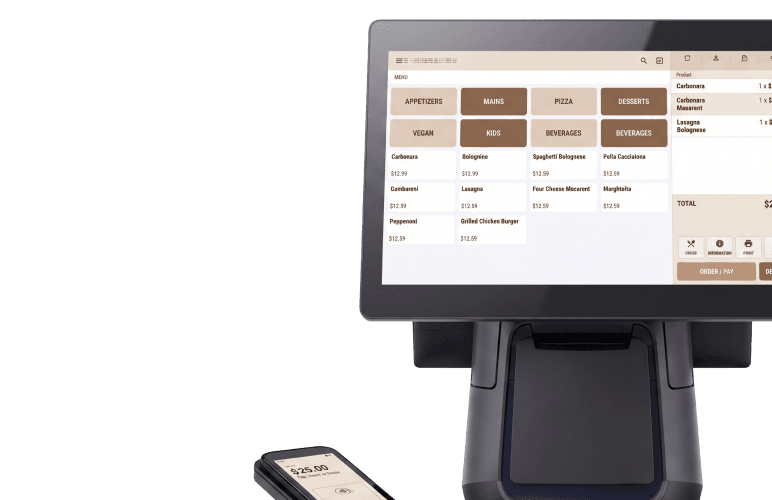
POS Terminals
Lock down point-of-sale hardware into secure kiosk modes to run only what your business needs.

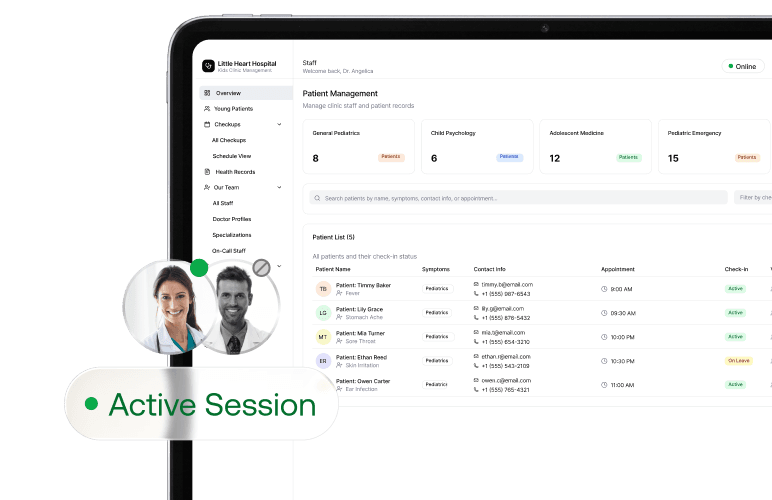
Shared Devices
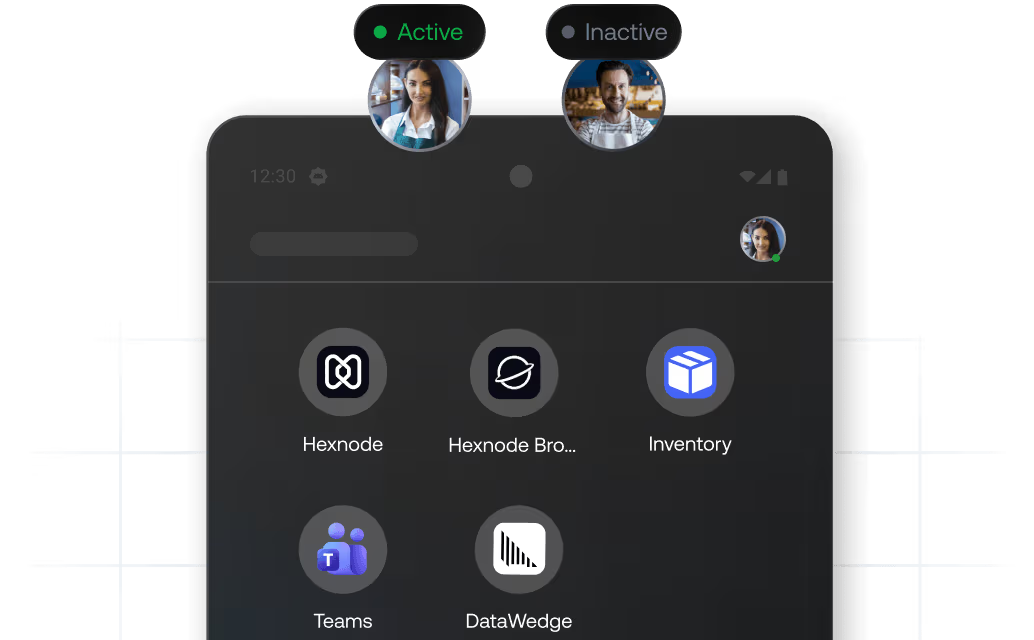
Enable multi-user access with automated policy enforcement and clean transitions across every active session.

Digital Signage
Control, schedule, and update media content on remote display devices from a single interface.

Wearables
Extend complete visibility and security control to Android-powered wearable devices in the field.

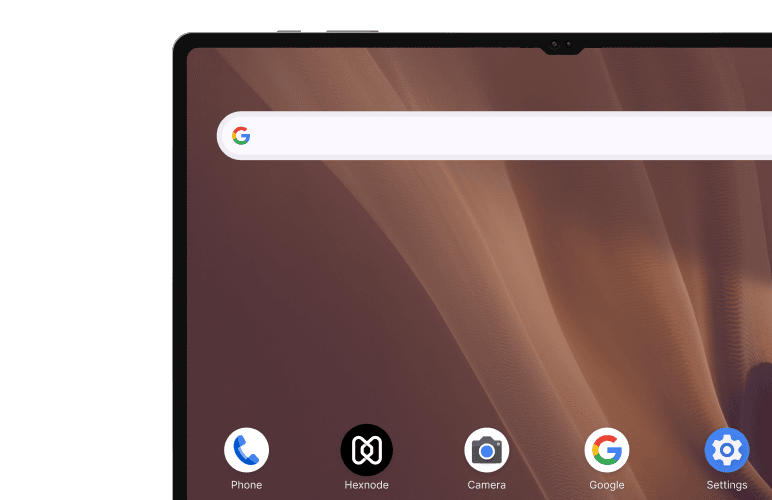

Real-Time Visibility for Every Android Device
Know where your devices are. Always.
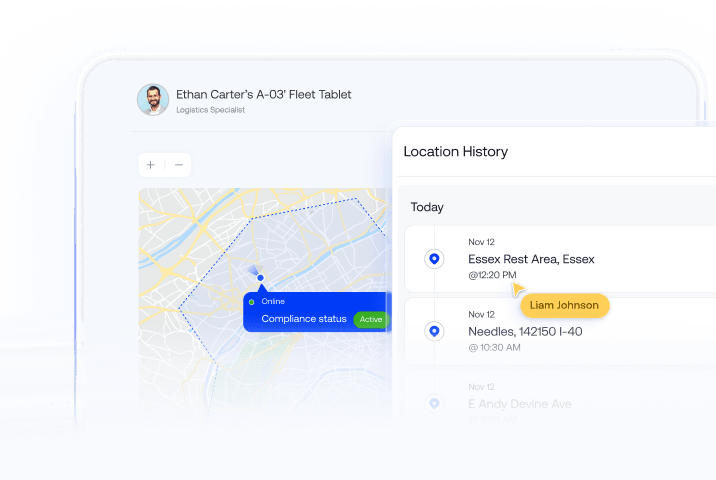
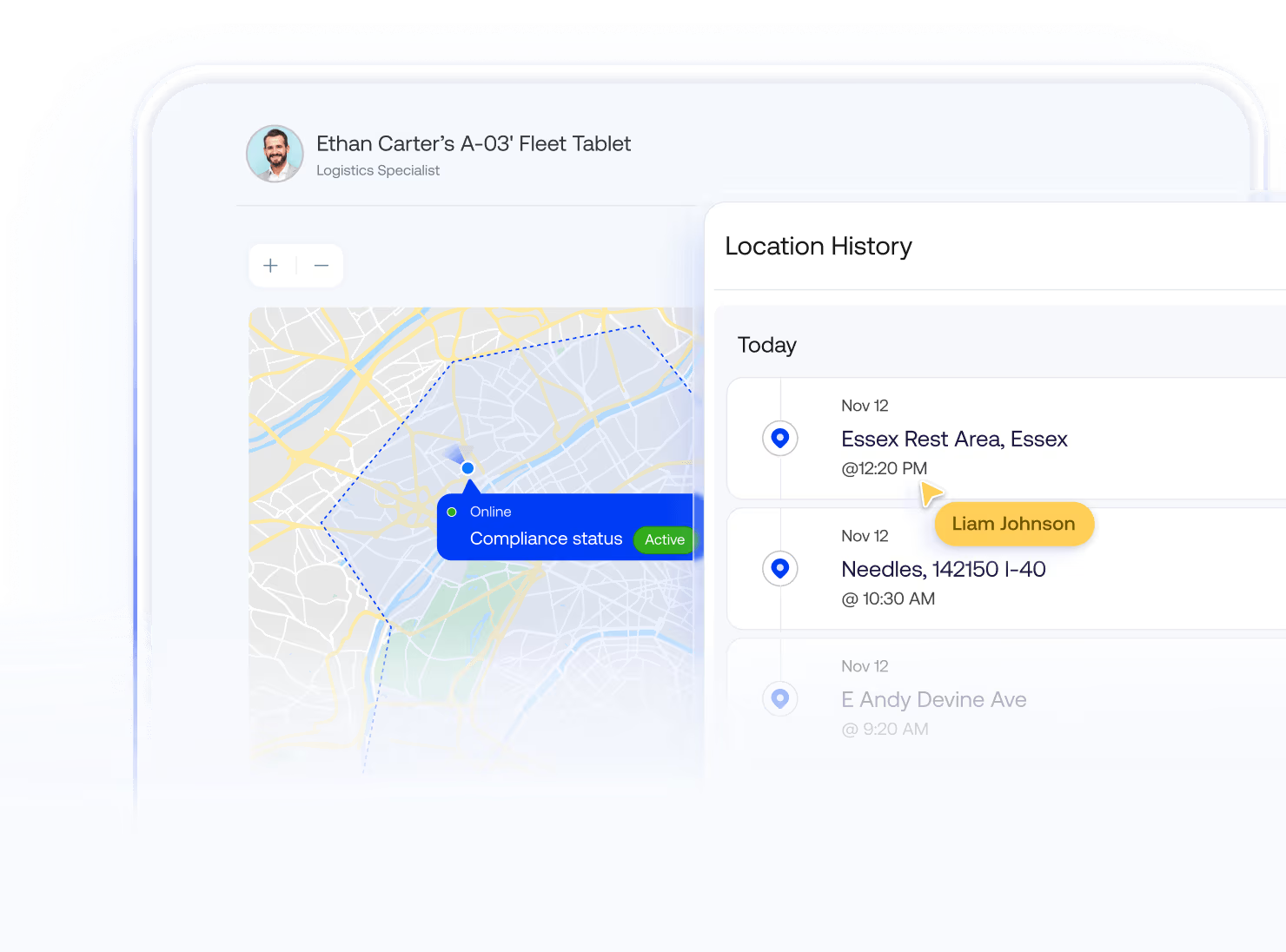
Track and monitor your Android devices in real time, no matter where they are. Gain live location visibility across your fleet and respond faster when issues arise.

View the live location of every managed device to stay informed and respond instantly when needed.
Set custom-shaped geofences and trigger automated policy changes when a device enters or exits a zone.
Access historical location data for auditing, compliance tracking, and operational insights across your Android fleet.
Lock, track, or locate misplaced devices to improve recovery rates and prevent unauthorized access.
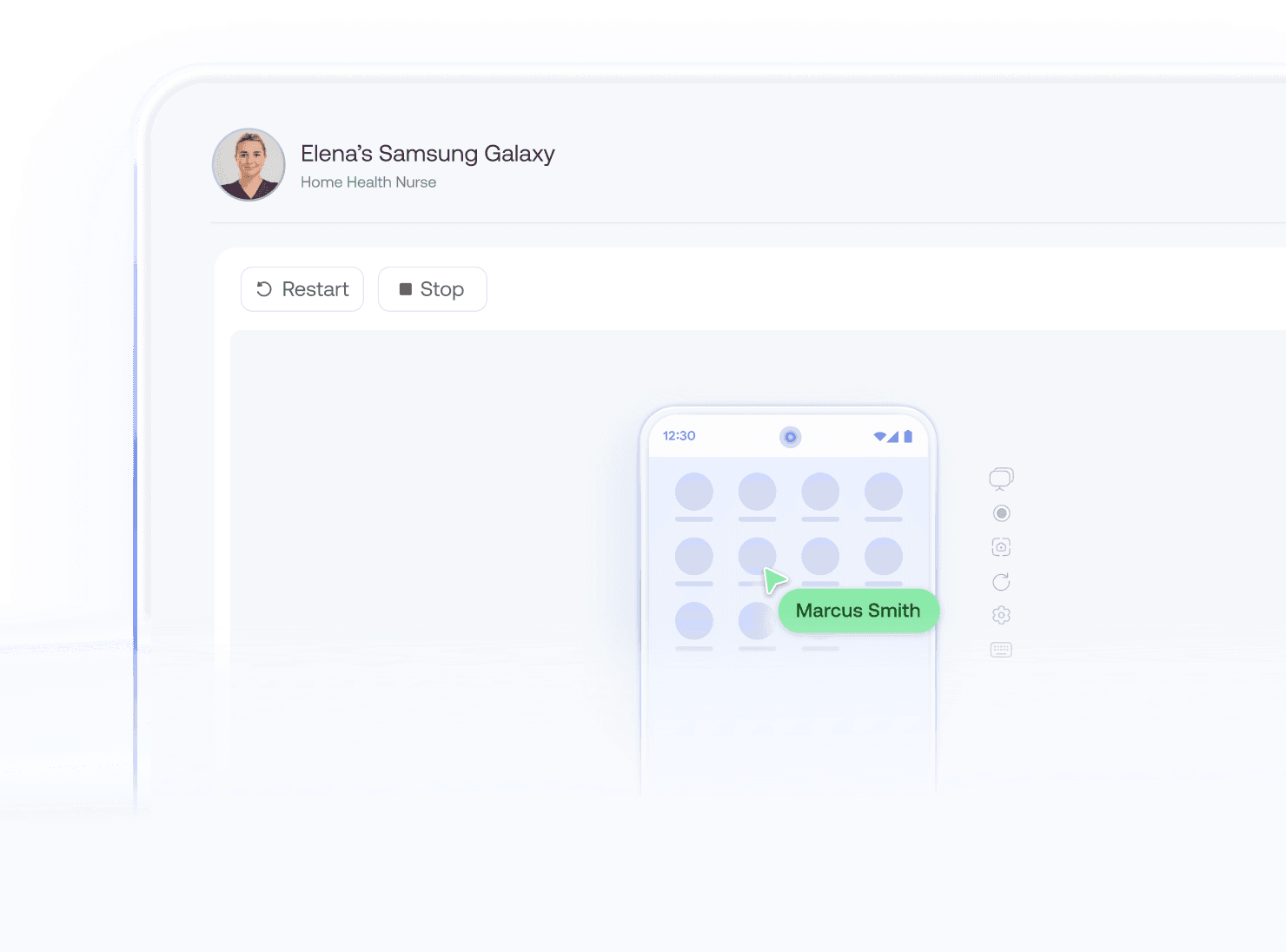
Deploy Dedicated Kiosk Experiences

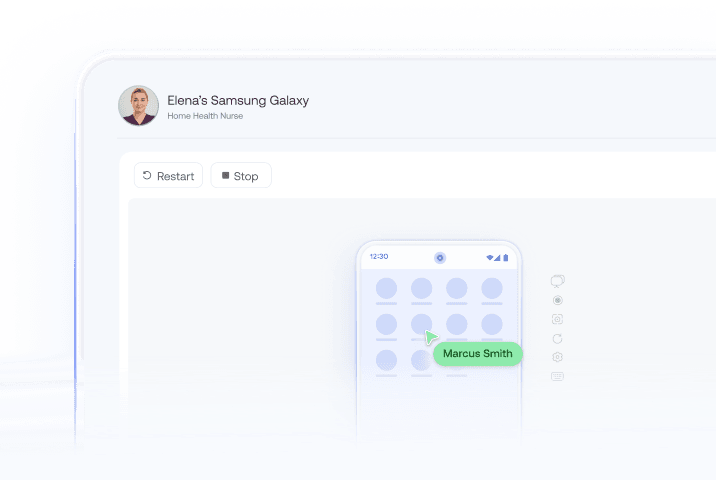
Lock Devices to Approved Apps
Restrict devices to one app or a curated set of apps, ensuring users stay within defined workflows without deviation.

Control Peripheral Access
Control access to USB, Bluetooth, hardware ports, and peripheral connections to prevent unauthorized data transfer or device misuse.

Auto-Launch Critical Apps
Auto-launch a specific app as the device enters kiosk mode, and define time intervals to re-launch the app seamlessly.

Prevent Tampering and Misuse
Block end-user access to native system settings, physical hardware buttons, and the notification panel to prevent tampering.
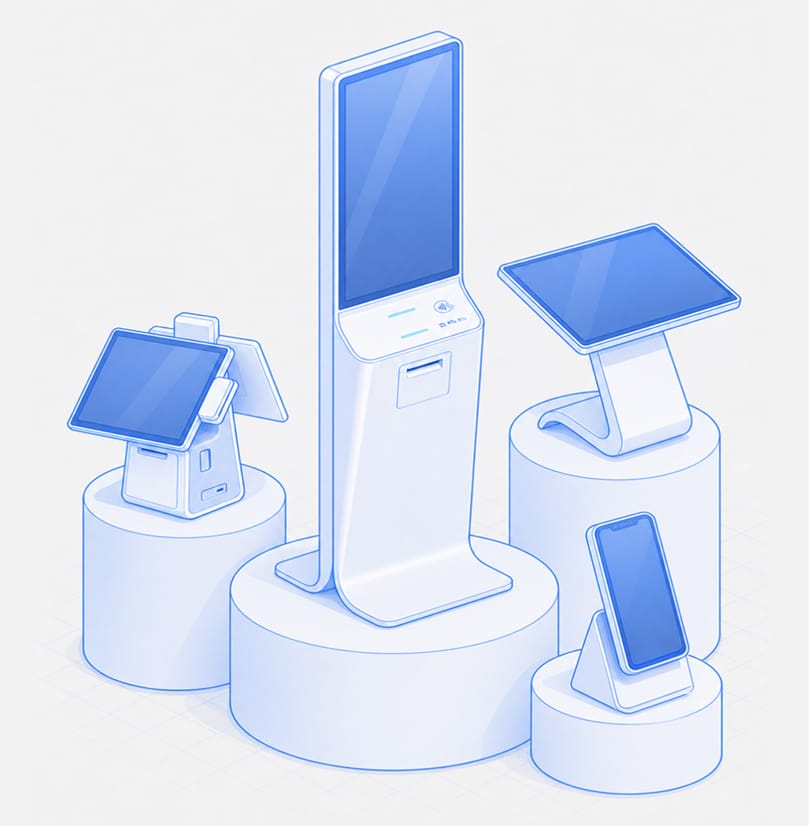
Everything You Need to Manage Android Devices
Hexnode's Android MDM software gives IT admins granular control across the full device lifecycle, across enrollment, configuration, security, app management, and retirement – all from one console.
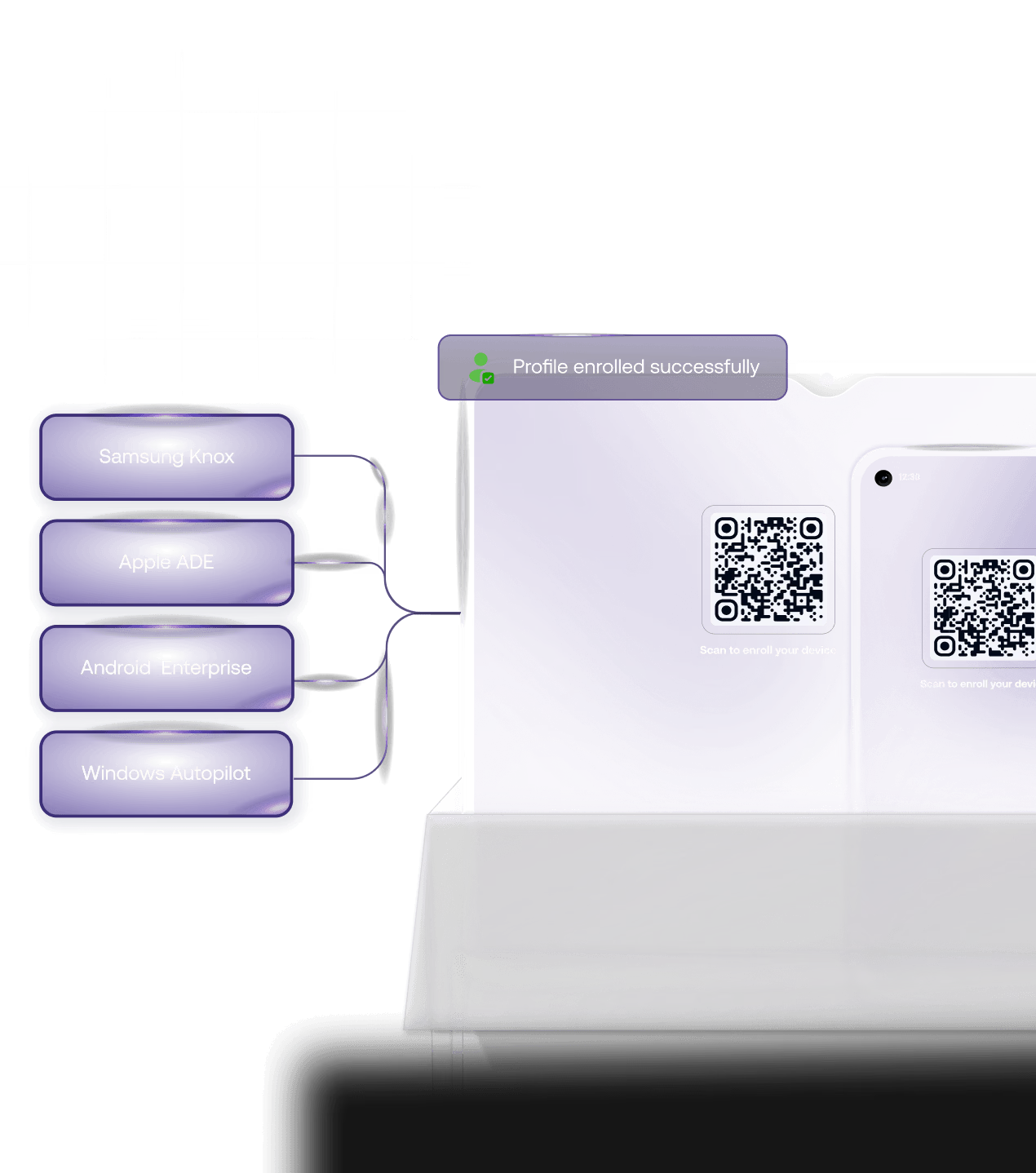
Enroll Android devices in bulk without touching a single one
Manual device setup doesn't scale. Hexnode supports every major Android enrollment method, so devices reach your teams pre-configured and ready to work.
 Android Zero-Touch Enrollment: Devices ship directly to users, pre-enrolled. No IT intervention required.
 - QR Code Enrollment: Enroll Android devices in seconds by scanning a QR code during setup.
- Samsung Knox Mobile Enrollment (KME): Automatically enroll Samsung devices the moment they power on.
- ROM Enrollment: Pre-configure devices at the firmware level, so they enroll automatically right out of the box.
- eSIM Management: Deploy and manage cellular plans over the air while monitoring eSIM health in real time on the device dashboard.
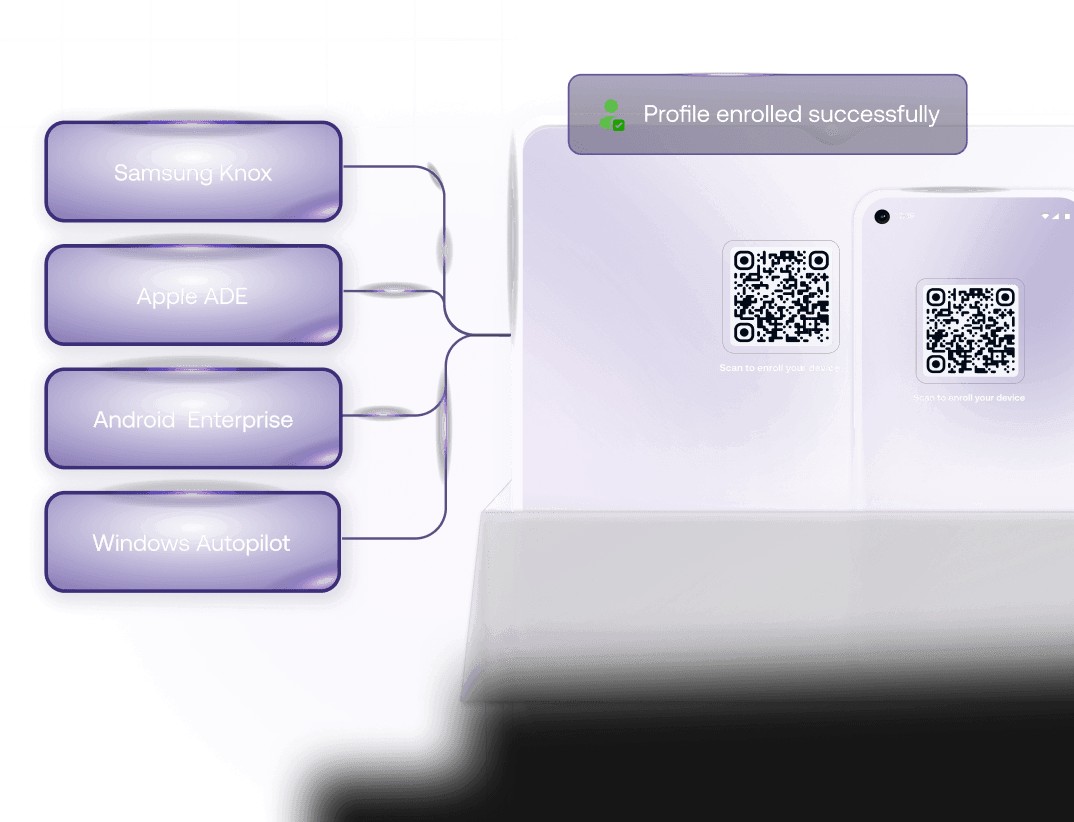



Enroll Android devices in bulk without touching a single one
Manual device setup doesn't scale. Hexnode supports every major Android enrollment method, so devices reach your teams pre-configured and ready to work.
- Android Zero-Touch Enrollment: Devices ship directly to users, pre-enrolled. No IT intervention required.
- QR Code Enrollment: Enroll Android devices in seconds by scanning a QR code during setup.
- Samsung Knox Mobile Enrollment (KME): Automatically enroll Samsung devices the moment they power on.
- ROM Enrollment: Pre-configure devices at the firmware level, so they enroll automatically right out of the box.
- eSIM Management: Deploy and manage cellular plans over the air while monitoring eSIM health in real time on the device dashboard.
Push apps silently. Control what runs and what doesn't.
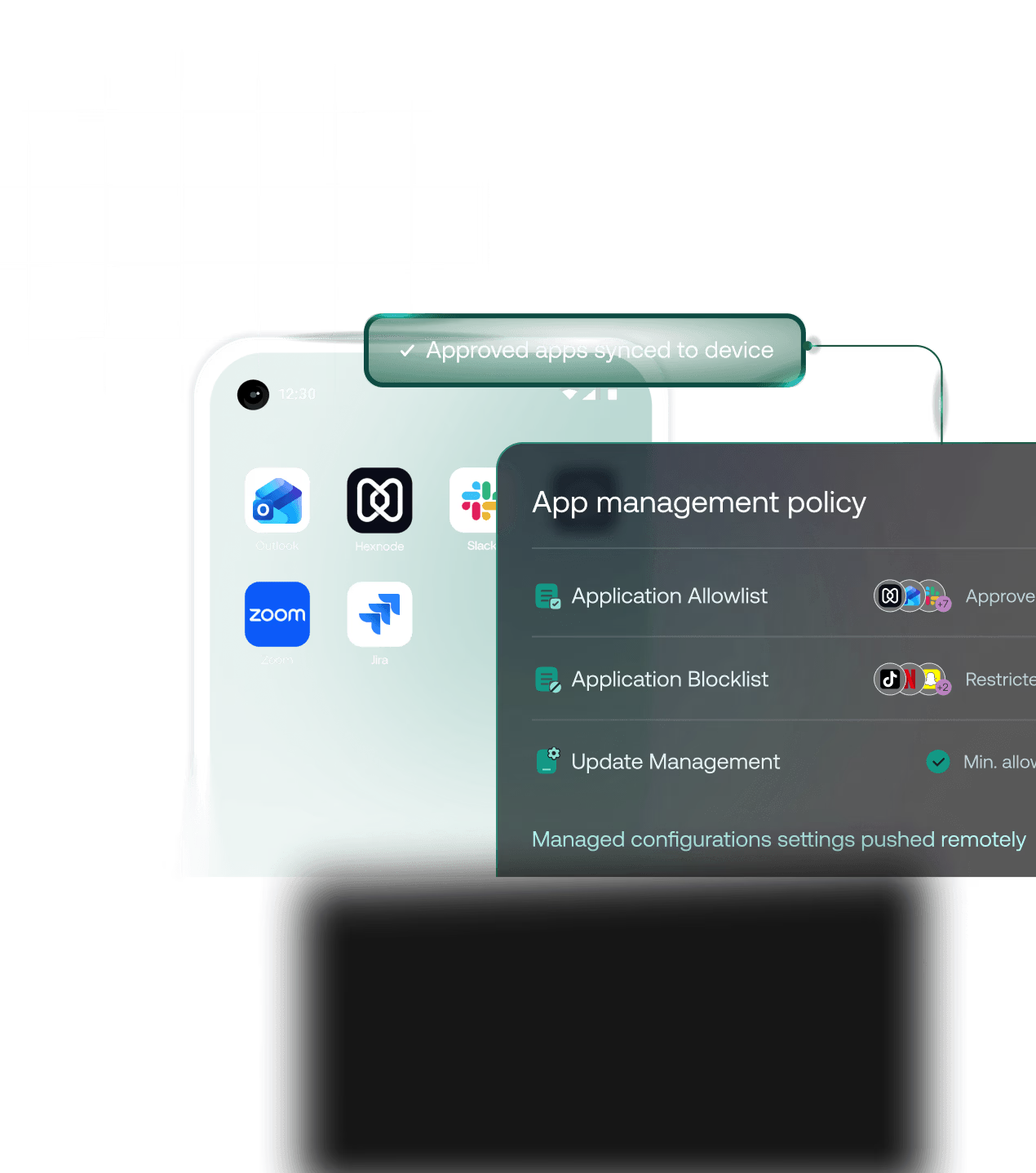
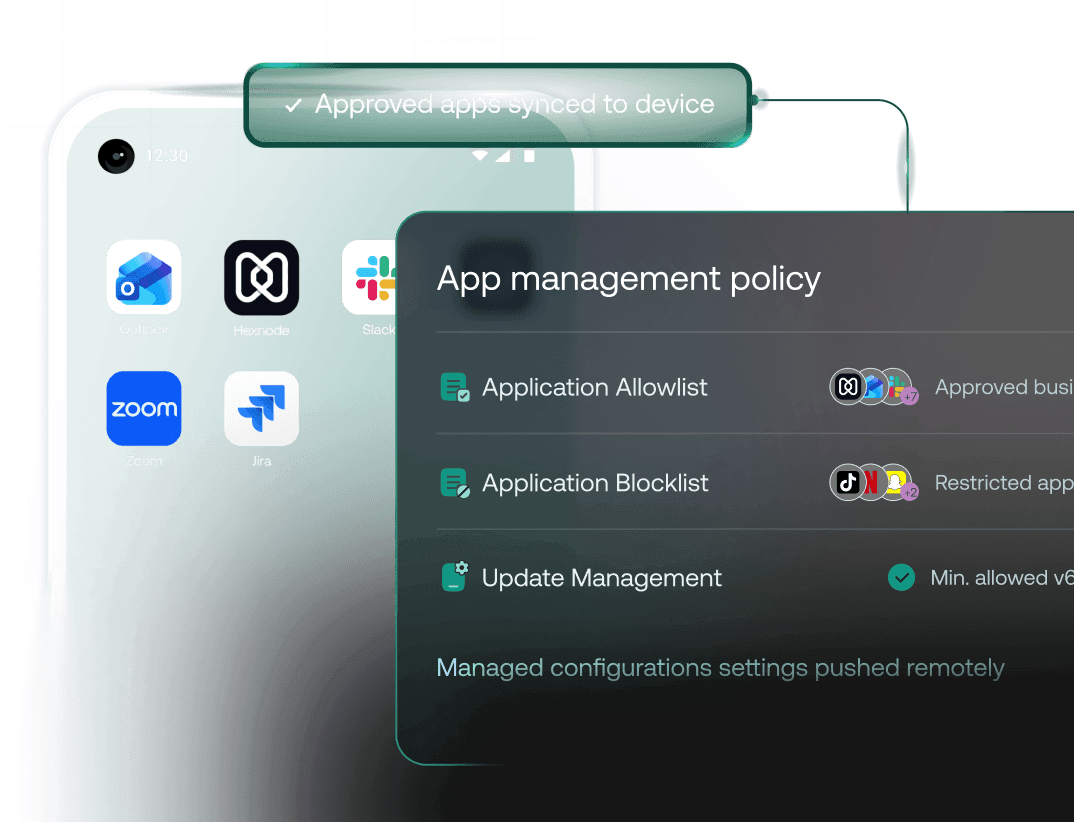
App sprawl is one of the biggest security risks on unmanaged Android devices. Hexnode integrates with Managed Google Play to give you complete control. Deploy, update, or remove apps without user prompts.
- Silent Installation Matrix: Silently install, update, and uninstall apps across your entire fleet without user interaction, ensuring apps stay current and consistent on every device.
- Private App Distribution: Distribute private enterprise apps directly to devices without publishing them to the public Play Store, keeping your internal apps secure and controlled.
- Enterprise App Allowlisting: Allowlist approved apps and block everything else to prevent unauthorized usage, keeping devices secure, compliant, and focused on work.
- Remote App Configuration: Configure managed app settings remotely before the app even opens on the device, ensuring everything is set up correctly from the start.



Enforce Android Security Without Gaps
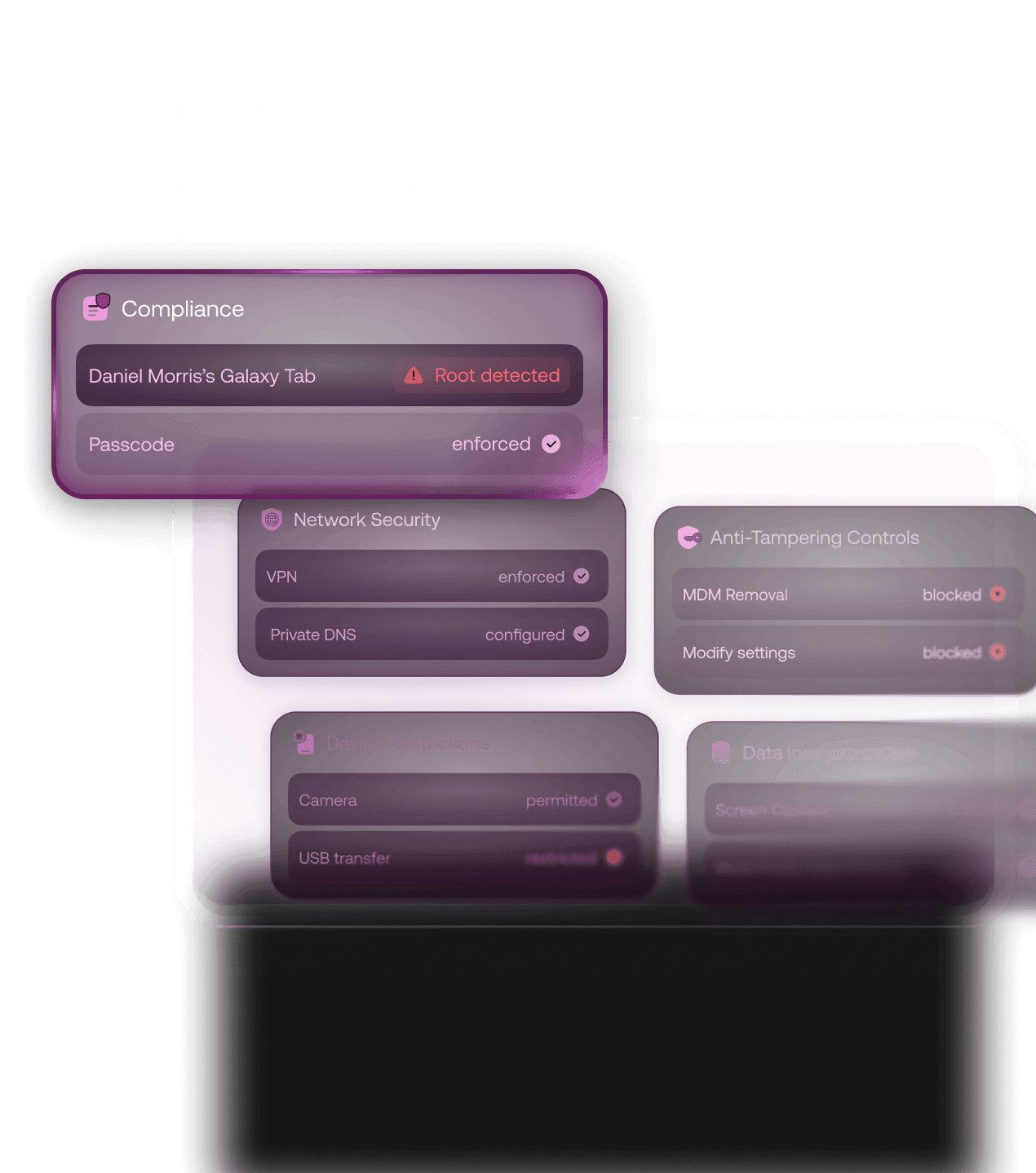
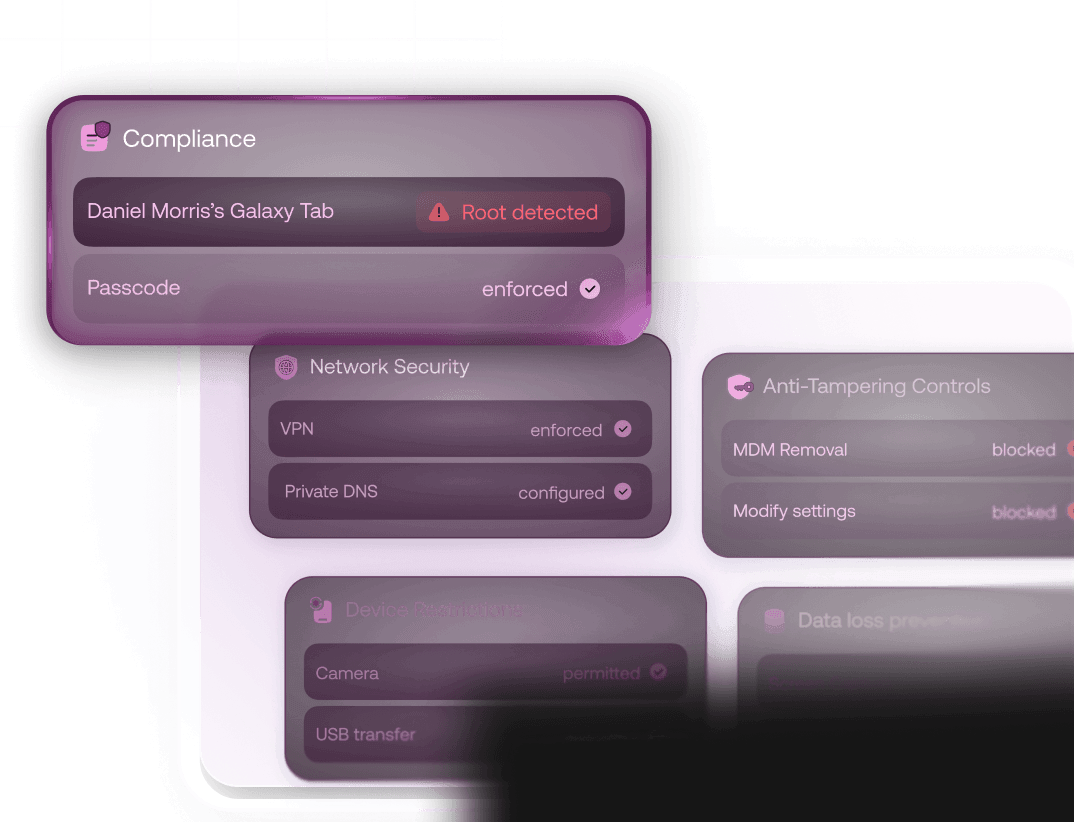
Keep every Android device secure from day one. Apply security rules the moment a device enrolls, and keep them in place automatically to protect data, maintain compliance, and reduce risk across your Android fleet.
- Advanced Password Policies: Set advanced password policies and define failed-attempt thresholds. Devices automatically wipe themselves if unauthorized access is detected.
- Instant Remote Wipe: Remotely lock or wipe devices the moment they're reported lost or stolen, or when they cross the geofence you define.
- Factory Reset Protection (FRP): Set up Factory Reset Protection (FRP) to prevent unauthorized resets on company-owned devices.
- Safe Browsing & Web Filtering: Control what users can access online by blocking risky or non-work-related sites. Enforce safe browsing policies across every Android device without relying on user behavior.
- WPA3 Wi-Fi Security: Secure corporate network connections by deploying WPA3 Wi-Fi profiles with custom EAP and certificate authentication methods.



Automate OS updates across your Android device fleet
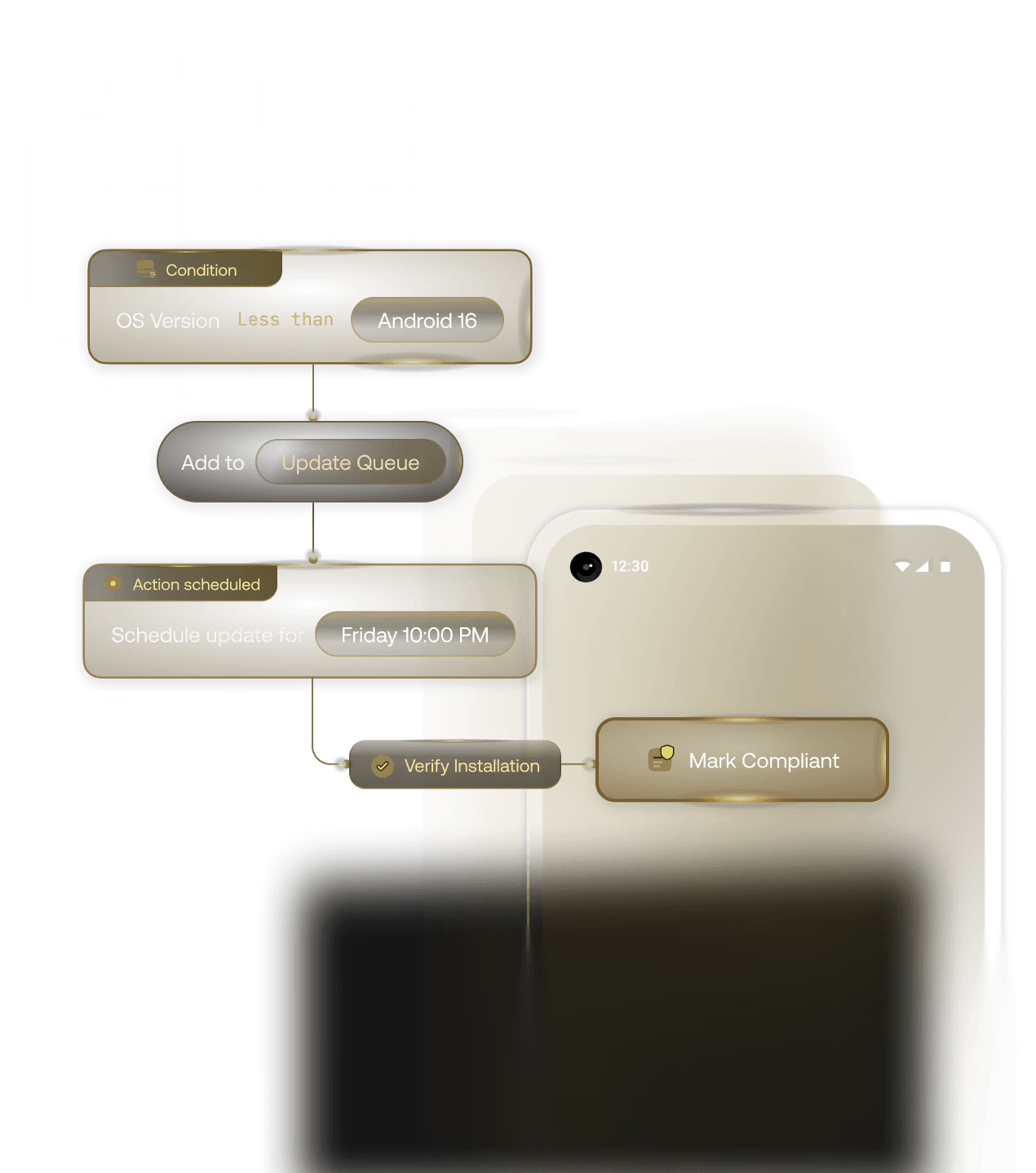
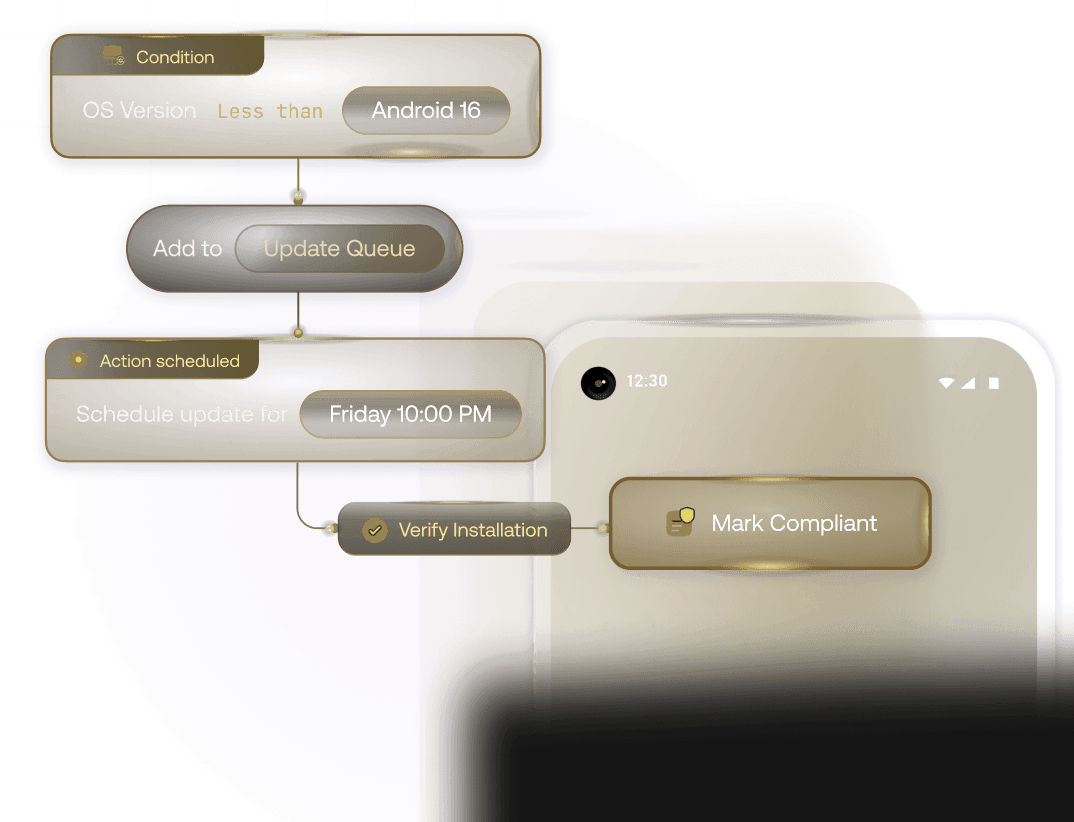
Keep every Android device up to date without disrupting users or operations. Schedule, control, and enforce OS updates across your fleet to reduce vulnerabilities and maintain compliance.
- Off-Hours Update Scheduling: Plan OS updates during off-hours, so devices stay up to date without interrupting users or critical workflows.
- Version Control Enforcement: Set minimum OS version requirements to ensure devices stay compliant and protected against known vulnerabilities.
- OS Update Postponement: Freeze OS updates temporarily, when you need to test compatibility first before rolling it out to the devices.
- Fleet Compliance Tracking: Track update status across your fleet and identify devices that are outdated or non-compliant.



One Android MDM for Every Ownership Model
Android device management isn't one-size-fits-all — it depends on who owns the device and how it's used. Hexnode supports all Android Enterprise ownership models from a single console, so you can manage BYOD, COPE, and fully managed devices without switching tools as your deployment evolves.
Company-Owned Devices
Total control over devices, strictly built for work. Ensure complete security over corporate data and apply advanced restrictions.
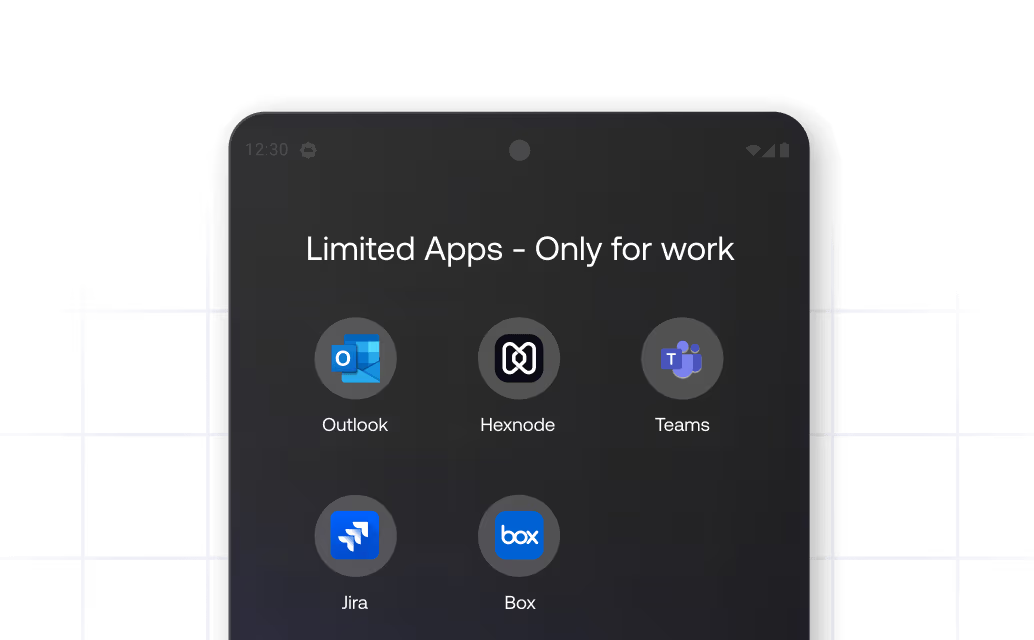
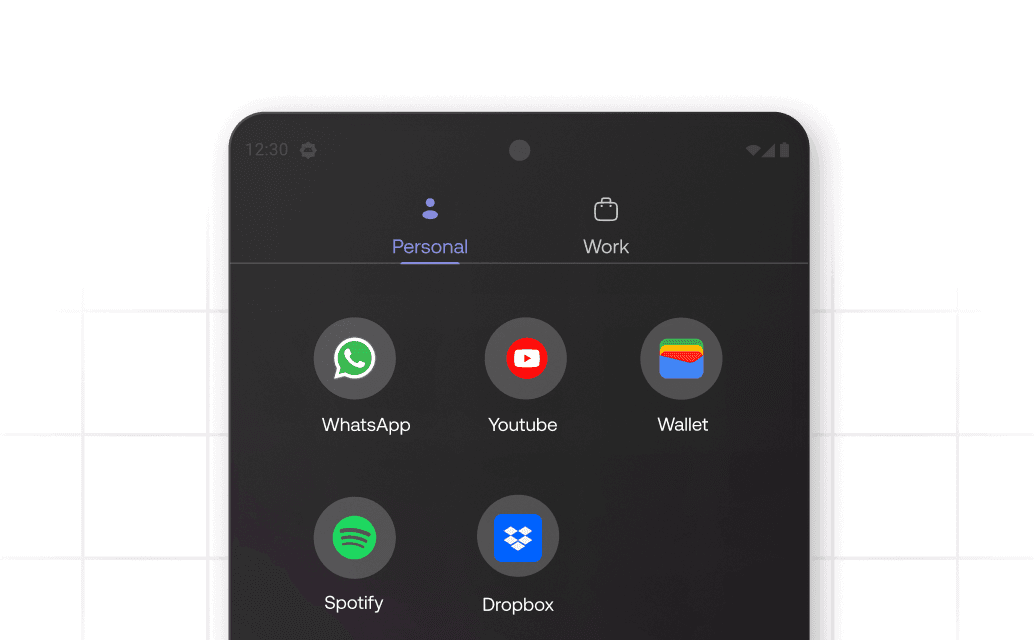
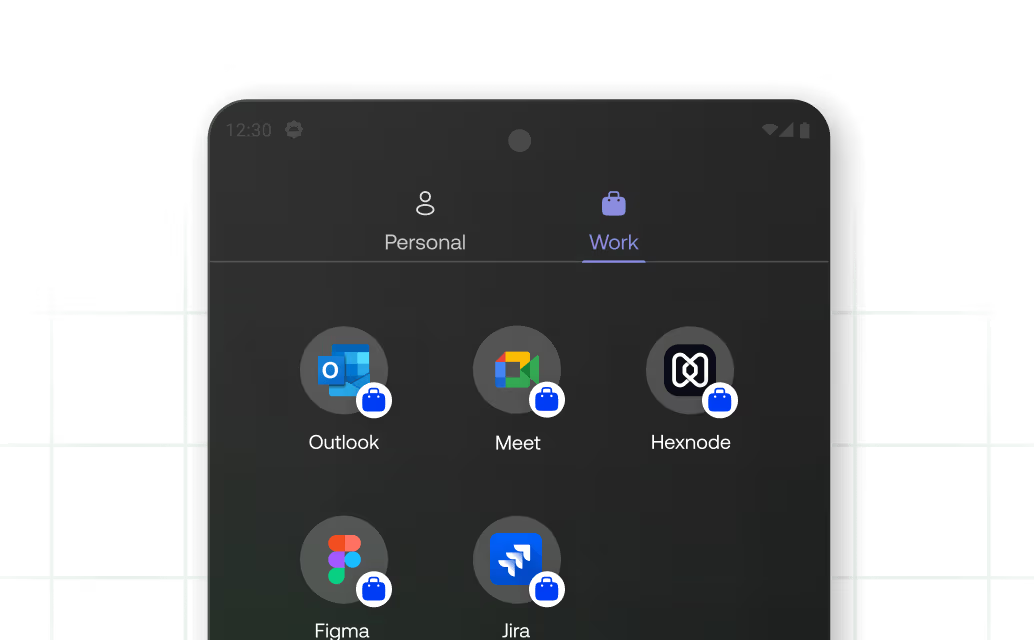
Enable personal use on company-owned devices with a secure work profile. Leverage containerization while keeping complete control over the device.
Personally-Owned Devices (BYOD)
Create a work profile on a personally owned device using containerization, thereby separating work and personal data.
Shared Devices
Enable multiple users to securely access a single device while maintaining consistent policies and access controls for each individual session.
Designed for Real-World Android Deployments
From field teams and retail stores to shared devices in healthcare, Hexnode’s Android MDM adapts to each use case, giving you the control, security, and flexibility needed to manage devices in real-world environments.








Built for the Android Enterprise Ecosystem
Powered by Android Enterprise
Leverage Google's Android Enterprise framework to unlock an extended level of control over the entire device. Containerize work and personal data for added security with BYOD.
Enhanced Management with Samsung Knox
Fortify security for Samsung devices with Knox’s granular features. Advanced capabilities like secure boot, real-time kernel protection, and folder encryption help safeguard corporate data.
Support for Leading Android OEMs
Access advanced hardware-level features specific to OEMs. Hexnode partners with the leading Android OEM vendors to deliver custom customer-centric functionalities.











Why IT Teams Choose Hexnode

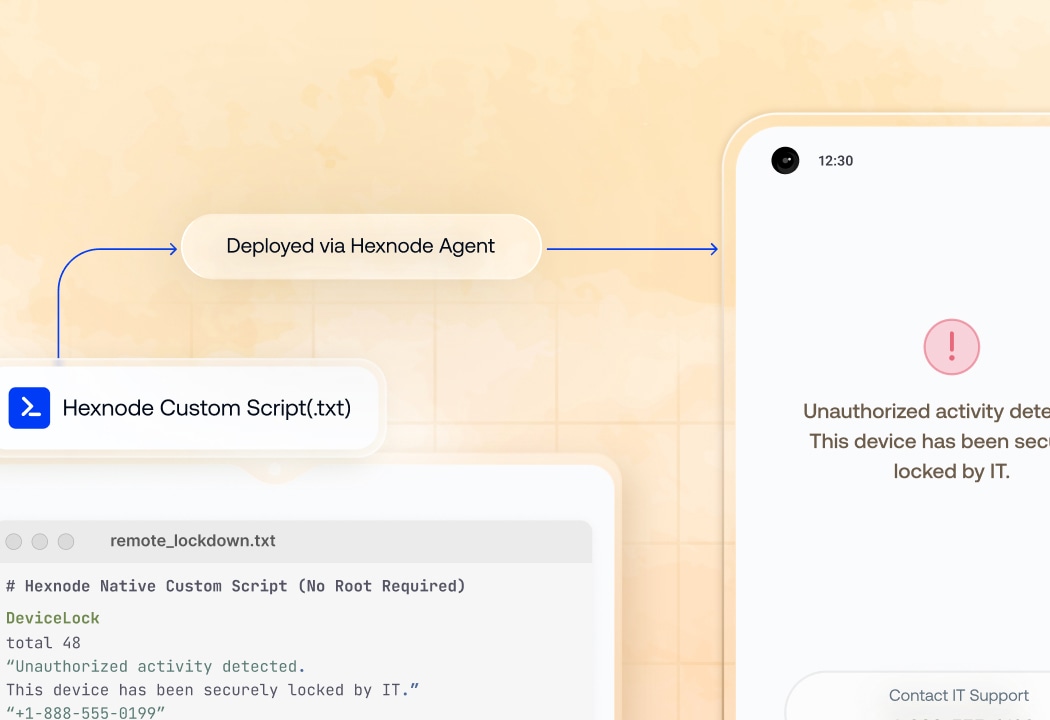
Automation That Actually Reduces IT Work
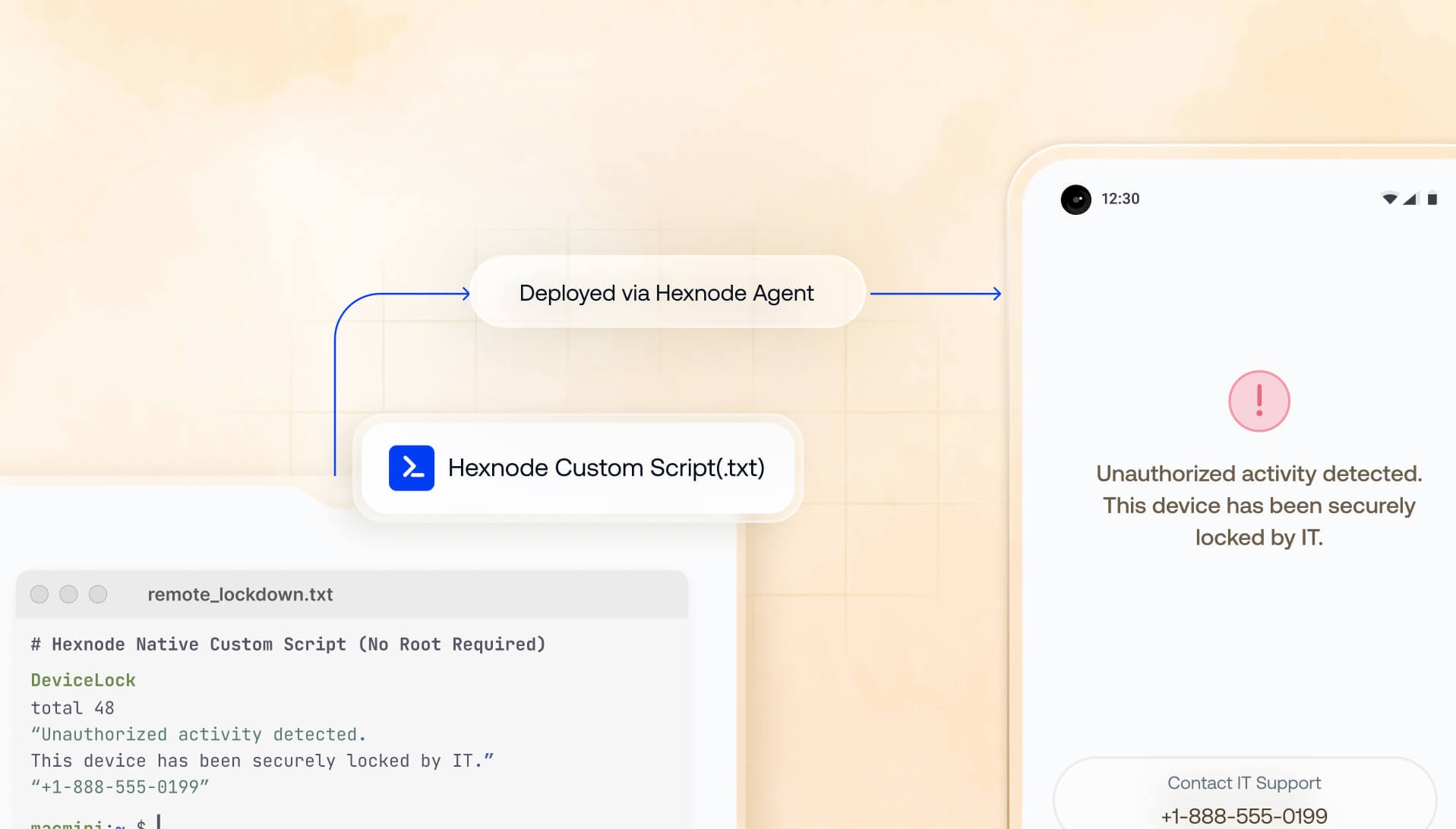
Built to reduce manual effort, Hexnode puts automation at the core of Android device management. Go beyond built-in policies with script execution — run shell and custom scripts directly on devices for deeper control.
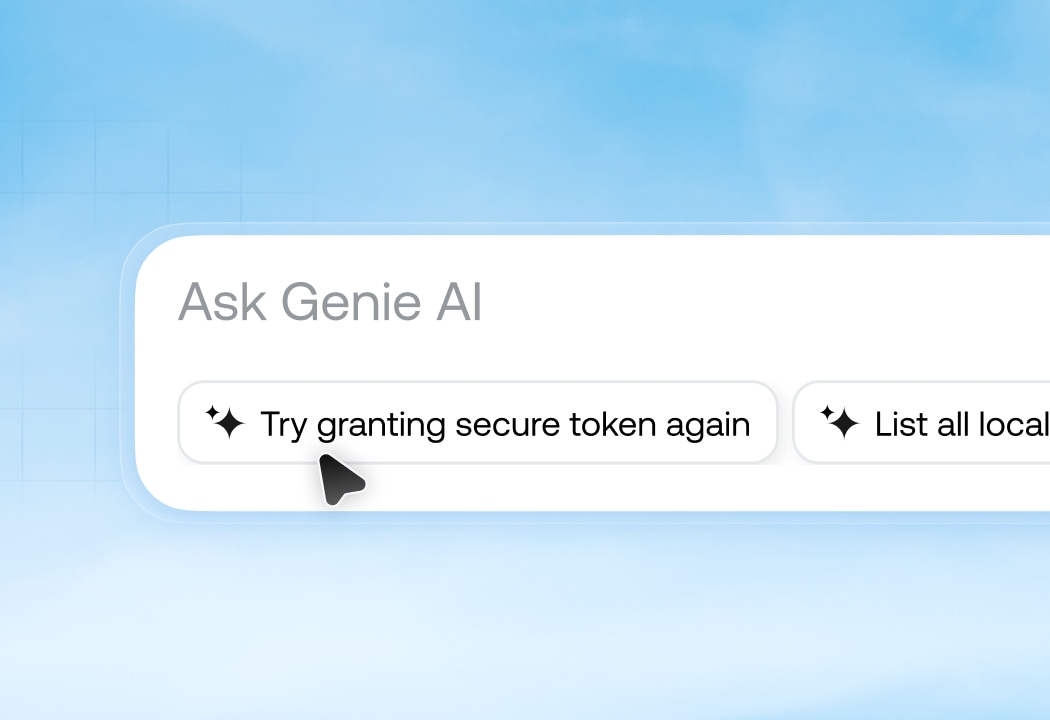
Smarter Management with Built-in Intelligence
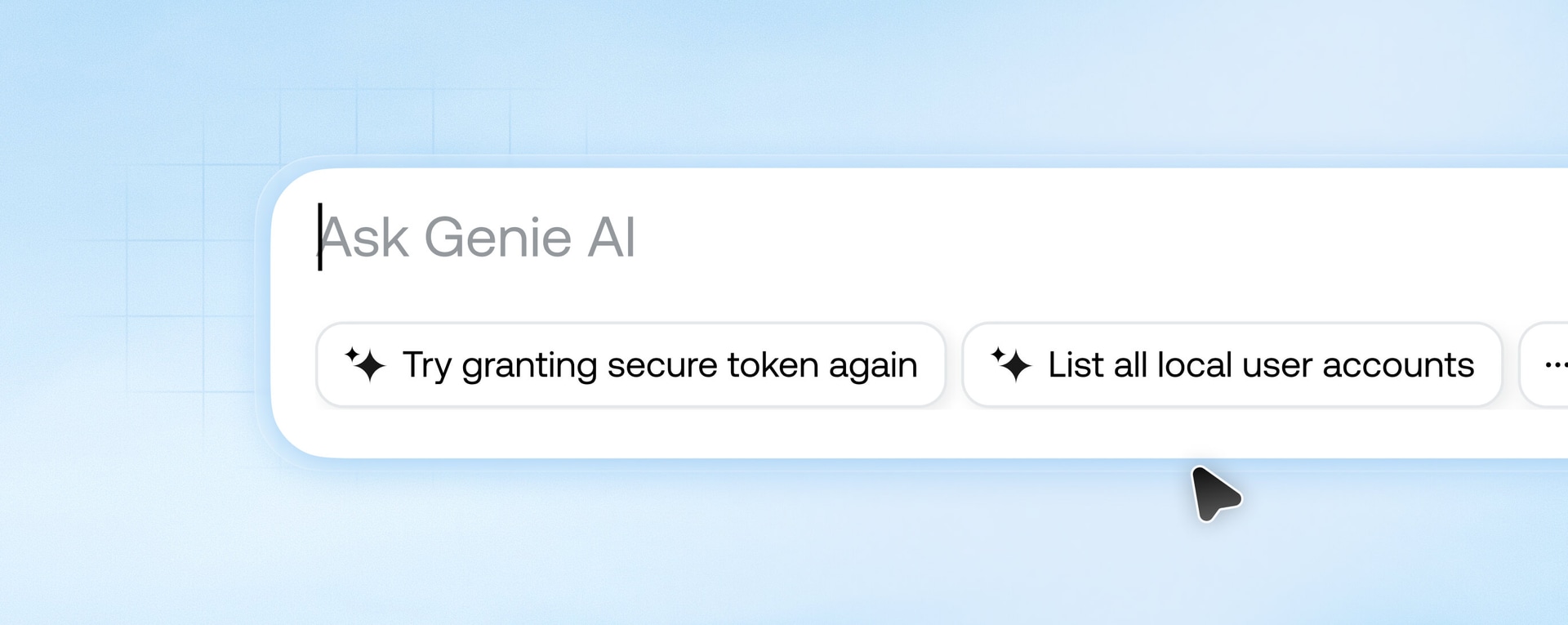
Hexnode Genie brings AI directly into the UEM console. Query devices in natural language, get instant insights, and take action without navigating dashboards or building reports. When issues arise, Genie helps identify root causes faster, and recommends the next steps.
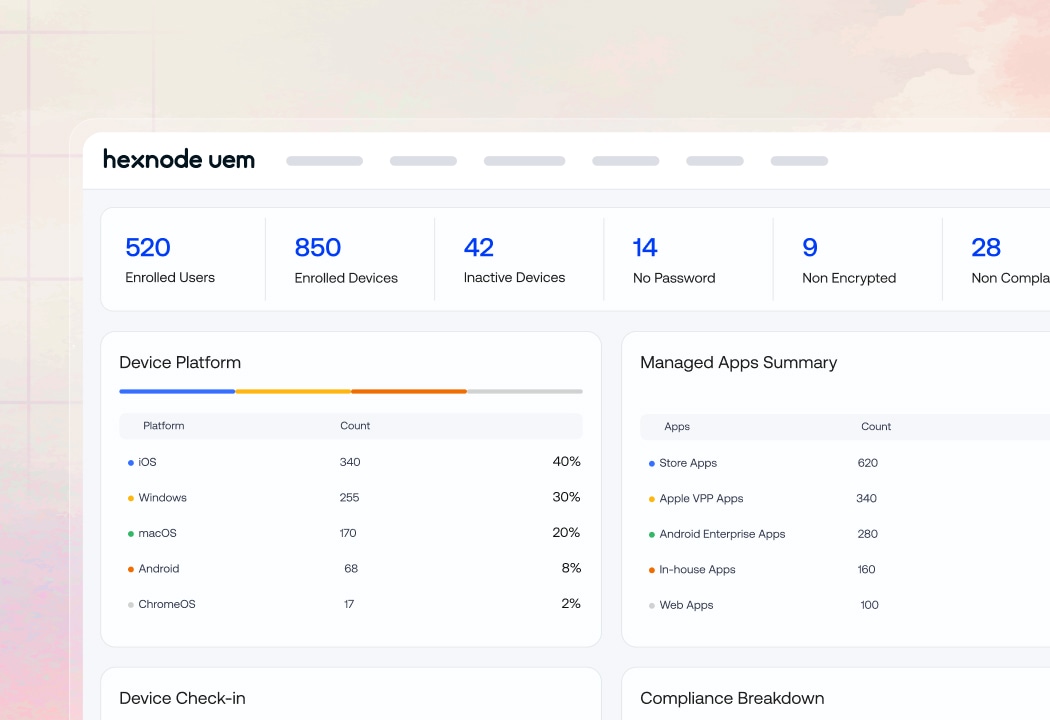
Control Everything From One Console
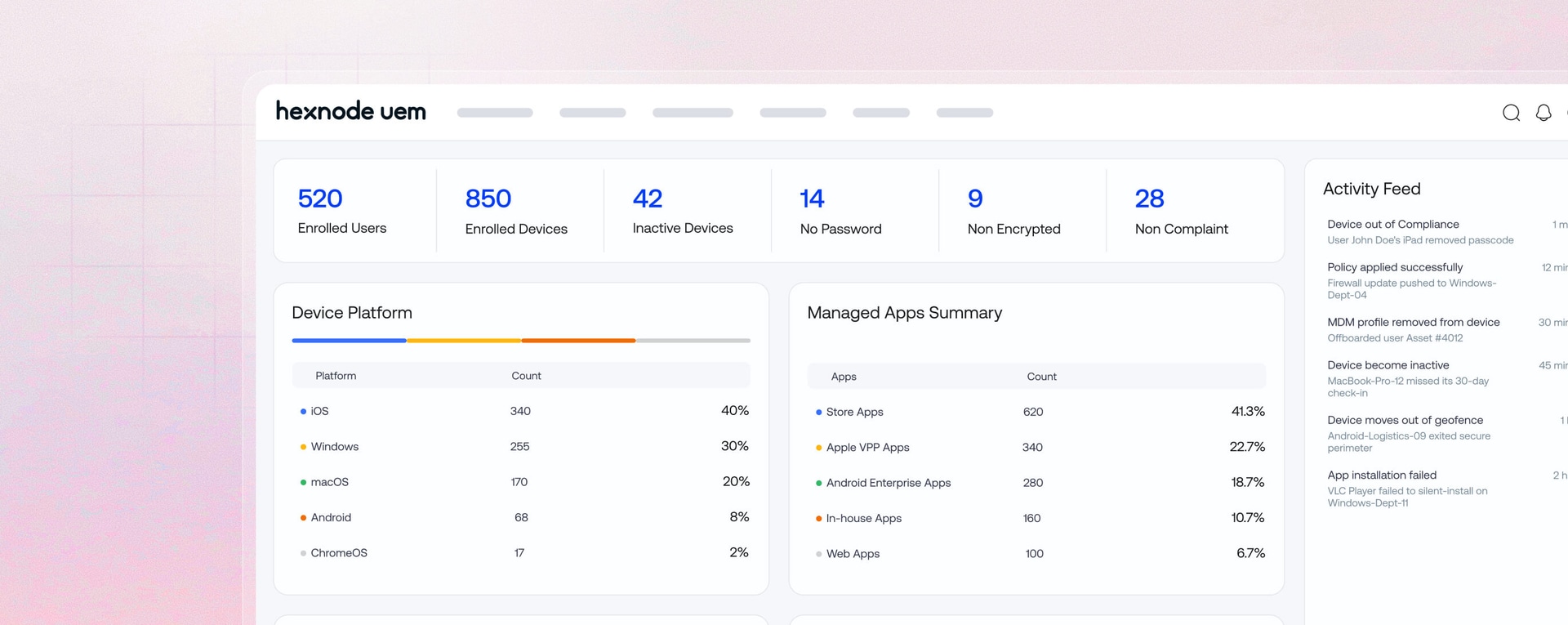
Device management often gets fragmented across apps, security, policies, and more. Hexnode brings everything into a single workspace, so you can manage, monitor, and act without switching contexts. Extend that control further with Hexnode XDR and IdP.
One Policy Engine Across Every Device and Platform
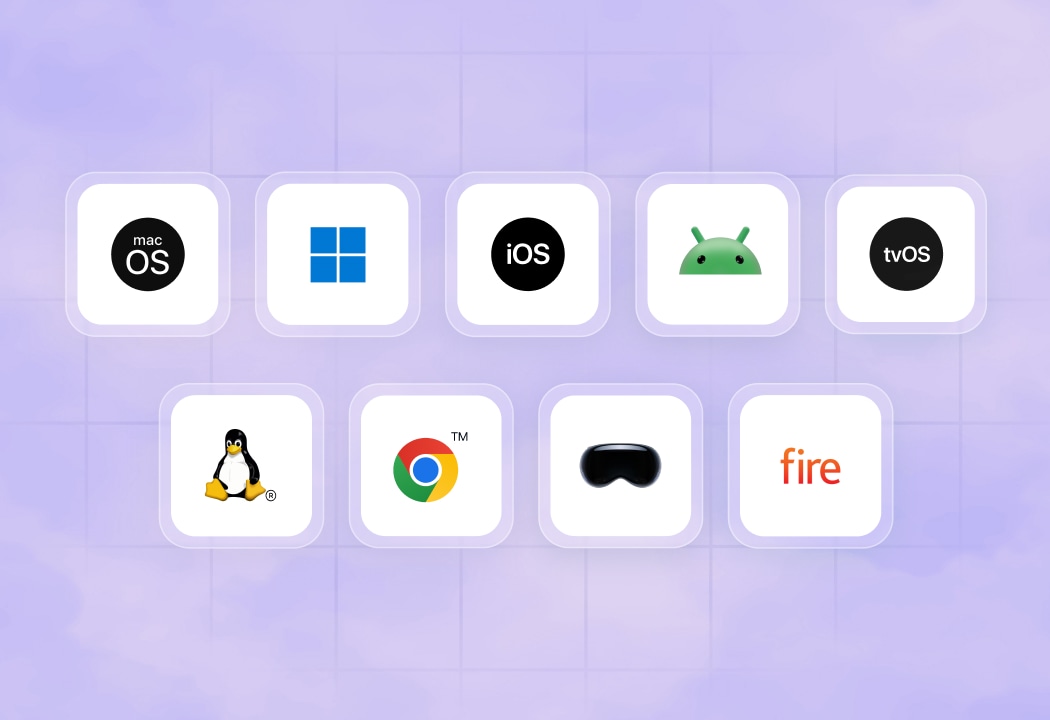
Managing devices across platforms and form factors usually means creating separate policies for each. With Hexnode, define a policy once and apply it across your entire fleet consistently and without duplication.
Worldwide Reach. Measurable Impact.
Hexnode secures digital workspaces around the globe. Our platform simplifies device management at scale, allowing IT departments to automate routine tasks and cut down on operational costs.
50M+
IT hours saved annually
13000+
Customers global fleet deployments

700+
Distribution and technology partners
130+
Countries with active corporate footprints

"By using Hexnode, the productivity and time savings have been very big. The time spent actually deploying a device has gone down. It used to take us about 20 minutes now it just takes us about 10."
















FAQs
What is Android MDM and how does it work?
What's the difference between Android MDM and Android Enterprise?
Can Hexnode manage both BYOD and company-owned Android devices?
What Android enrollment methods does Hexnode support?
Does Hexnode support Samsung Knox?
Can Hexnode manage Android devices alongside other operating systems?
How does Hexnode handle OS updates on managed Android devices?





14 day free trial
No credit card