


Category filter
How to create APNs certificate?
Overview
The Apple Push Notification service (APNs) is a cloud-based gateway created by Apple Inc. to facilitate communication between third-party services (like Hexnode UEM) and Apple devices.
Why it is Required
Hexnode UEM requires an APNs certificate to authorize and send commands to iOS, iPadOS, and macOS devices. The communication flow is as follows:
- Hexnode UEM Server sends a notification to the APNs Server.
- APNs Server forwards the communication to the target Apple Device.
Configuration Workflow (3 Steps)
Step 1: Create a Certificate Signing Request (CSR)
- Log in to the Hexnode UEM Portal.
- Navigate to Admin > APNs.
- Select Configure APNs Certificate.
- Click Generate CSR to download the self-signed certificate provided by Hexnode.
Step 2: Upload the CSR to the Apple Server
- Visit the Apple Push Certificates Portal.
- Log in with a corporate or personal Apple ID.
- Click Create a Certificate.
- Upload the Self-Signed certificate (CSR) downloaded from Hexnode in Step 1.
- Download the newly generated APNs certificate (.pem file) from Apple.
Step 3: Upload the APNs Certificate to Hexnode
- Return to the Hexnode UEM Portal.
- Upload the APNs certificate file received from Apple.
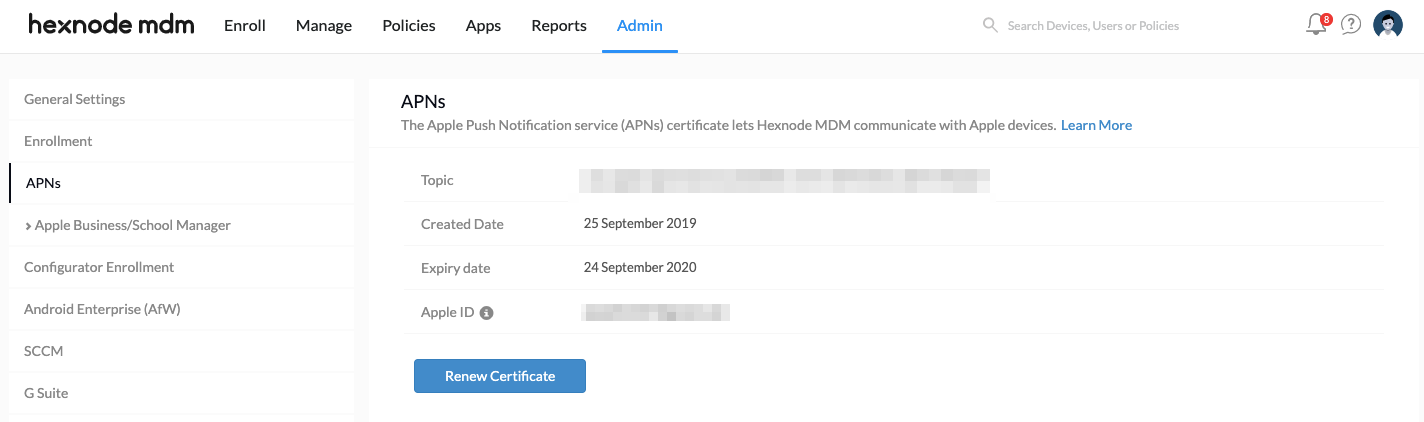
- Verification: Once uploaded, certificate details will be visible under Admin > APNs.
Lifecycle Management
Renewing the Certificate
- Validity: 1 year (365 days) from the date of creation.
- Process:
- Go to Admin > APNs.
- Click Renew Certificate.
- Follow the same three-step process used during initial configuration.
Removing the Certificate
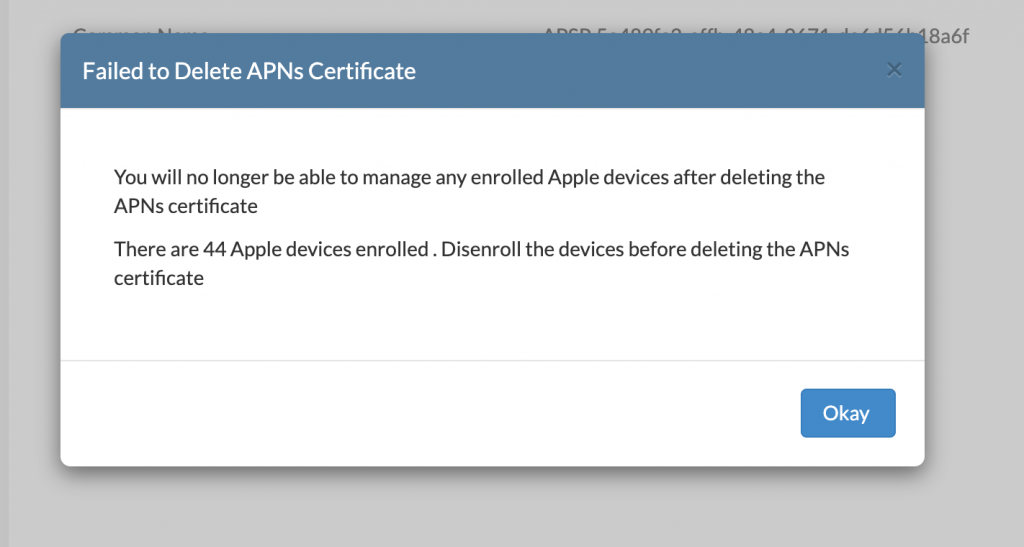
- Prerequisite: All Apple devices must be disenrolled before the certificate can be deleted.
- Procedure:
- Navigate to Admin > APNs.
- Click the link: “No longer managing Apple devices!” (located in the top right corner).
- If no devices are active, click Delete to confirm.
Frequently Asked Questions
What happens if I don't configure APNs certificate before enrollment?
If APNs certificate is not configured in the Admin tab, you will be prompted to complete the setup during device enrollment via the Enroll tab.
How often does the APNs certificate expire?
The APNs certificate is valid for exactly one year. You must renew it annually to maintain communication with your Apple fleet.
Can I delete the APNs certificate if I still have active iPads enrolled?
No. Hexnode prevents the removal of the APNs certificate if there are still Apple devices managed within the portal. You must disenroll them first.


