


Category filter
Script to Shut Down Windows devices
Shutting down a Windows device ensures energy efficiency, component longevity, and resolves persistent hardware issues. A shutdown guarantees a complete power cycle. The heat stress on internal components such as CPU, GPU, hard drives etc. due to long periods of idle or sleep mode is also minimized. Shutting down a device remotely can help administrators with troubleshooting and correcting boot-related conflicts as the device truly goes offline, before the next booting. Hexnode UEM allows admins to run custom scripts to shut down or schedule shutdown of Windows devices using Execute Custom Script action, remotely. In this article, both PowerShell and Batch scripts are provided to perform shutdown.
Batch scripts
-
Shutting down the device immediately
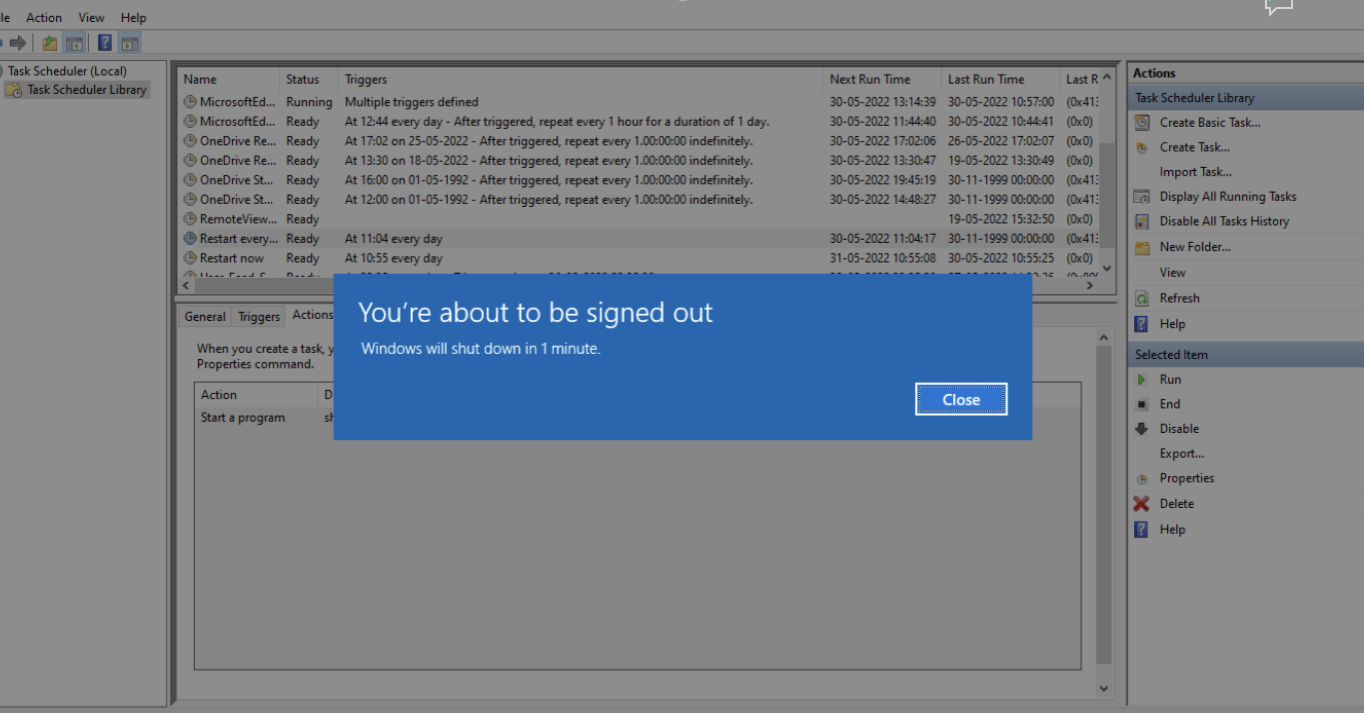
1shutdown.exe /s /t 00Once the command is executed, the device shuts down after displaying a warning message.
-
Scheduling the shutting down of the device
1shutdown.exe /s /t 15By customizing the parameter
/t, you can schedule shutdown to proceed after the specified number of seconds.Here, an example has been provided to shut down the device in 15 seconds.
Powershell script
|
1 |
Stop-Computer -ComputerName "computer_name" -force |
The Stop-Computer cmdlet is used to shutdown the device. Replace computer_name with the name or IP address of the device that needs to be shutdown.-force compels the device to shut down without prompting confirmation.


