Category filter
How to configure Hexnode app settings for Windows devices?
Hexnode App Settings is a centralized configuration suite in the Hexnode UEM console used to enforce application-level restrictions and manage behaviors for essential Hexnode apps on Windows devices.
The Strategic Value of Hexnode App Settings
Implementing app-level settings ensures that essential enterprise tools remain functional and tamper-proof. By centralizing these configurations, organizations can maintain consistent device compliance, streamline remote support workflows, and prevent unauthorized modifications to the local management environment.
Steps to Configure Hexnode App Settings
Follow these steps to create a policy that restricts application modifications on Windows endpoints:
- Log in to the Hexnode UEM portal.
- Navigate to the Policies tab and select New Policy.
- Choose Create a fully custom policy.
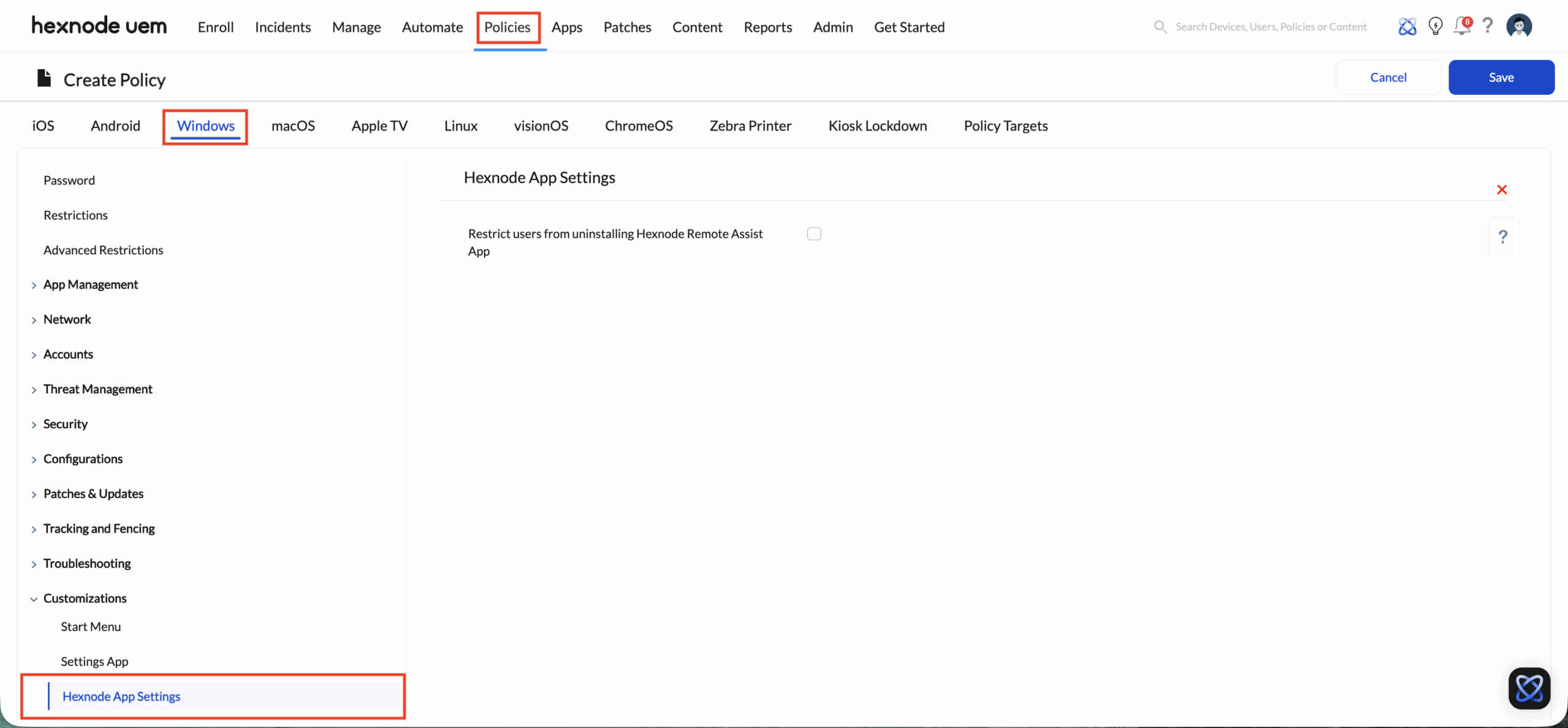
- Go to Windows > Customizations > Hexnode App Settings.
- Click Configure.
- You will find below the available options for customizing Hexnode apps.
| Option | Description |
|---|---|
| Restrict users from uninstalling Hexnode Remote Assist App | Prevents manual uninstallation of the Remote Assist App by the end-user on Windows devices. |
Associating the Policy with Target Entities
After configuring the settings, apply the policy to specific devices or users to enforce the restrictions.
For New (Unsaved) Policies:
- Navigate to the Policy Targets tab.
- Select the required Devices,Users, Device Groups, User Groups, or Domains.
- Click Save.
For Existing (Saved) Policies:
- Navigate to Policies > My Policies.
- Select the desired policy.
- Click Manage > Associate Targets.
- Select the target Devices, Users, Device Groups, User Groups, or Domains.
- Click Associate.
Safeguarding Hexnode Remote Assist from Removal
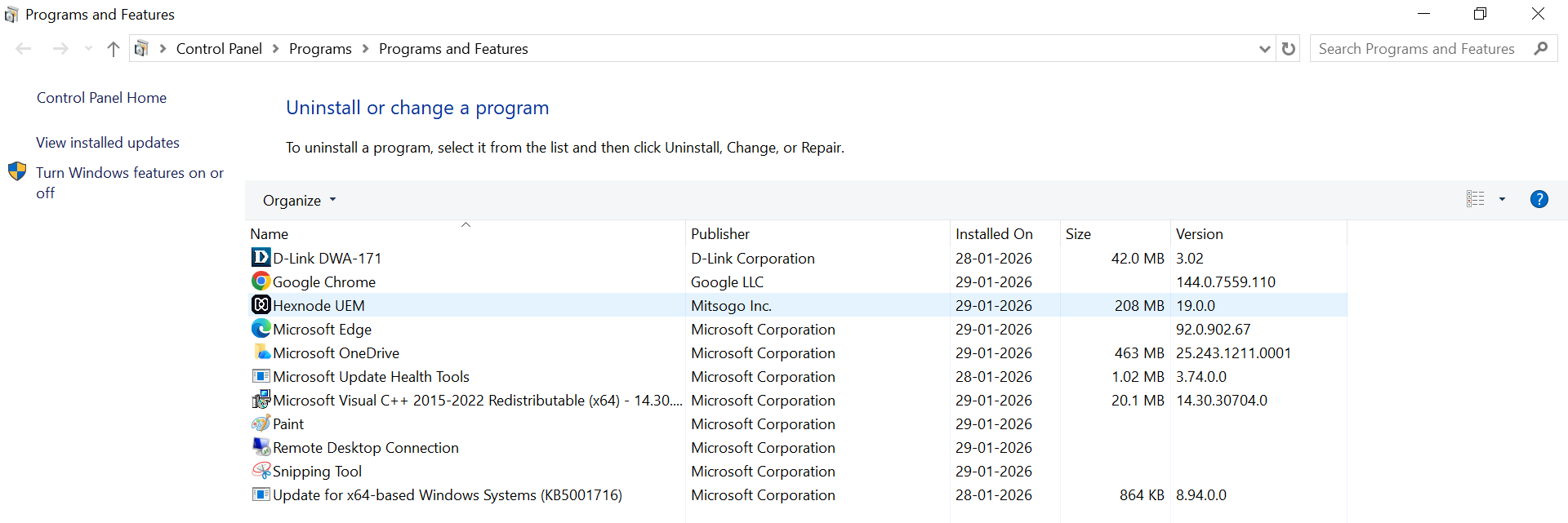
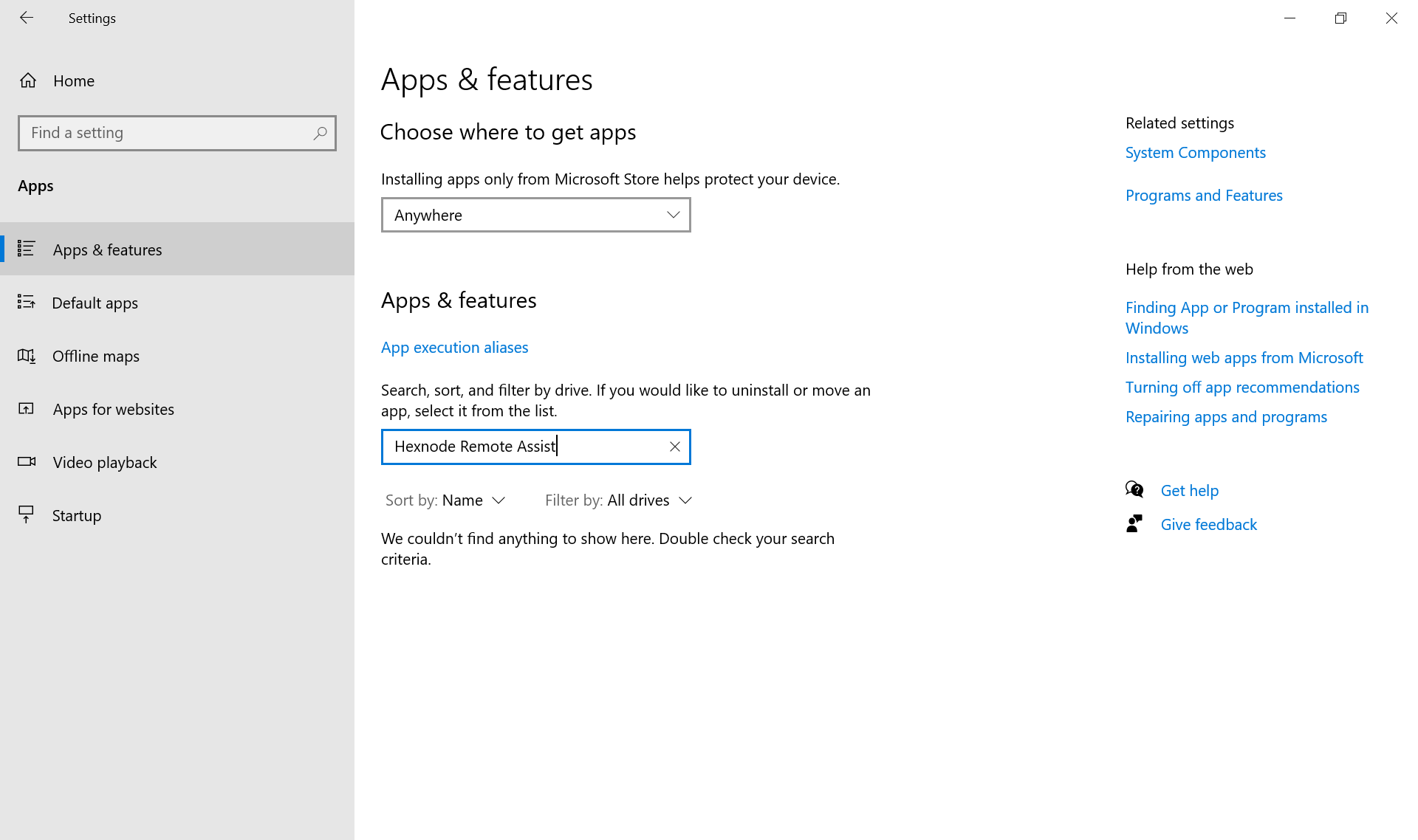
When the Restrict users from uninstalling Hexnode Remote Assist App option is enabled, the Remote Assist app cannot be removed directly from the device.
When this feature is enabled, the following restrictions apply:
- Admin restrictions: Attempts to uninstall the app are blocked for all users, including those with admin rights.
- Hidden from Device Settings: The app will also not be listed under Device Settings → Apps, preventing removal from there.
- File access limitations: The folder path C:\hexnode\hexnode remote view\current is inaccessible, preventing tampering with installation files.