



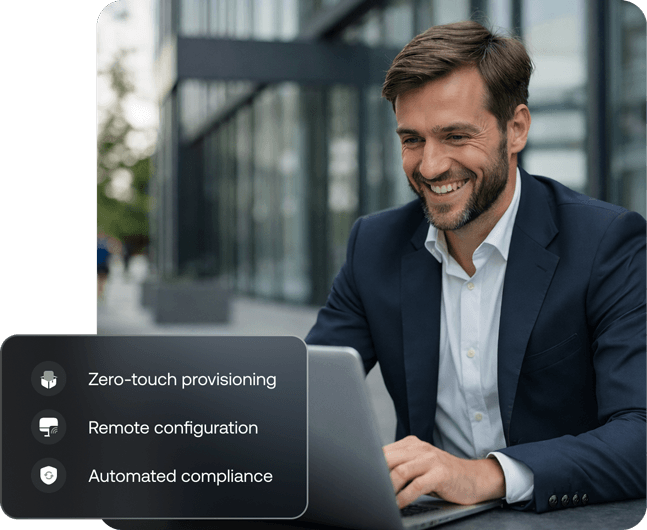






















See attacks sooner and start responding proactively
Always-on defense that protects your endpoint suite

Every Apple device. Every feature. One place.
Loved by all. Recognized by the best.
Enterprise grade Apple MDM that covers every device in your fleet.
Own every corner of your Apple ecosystem.
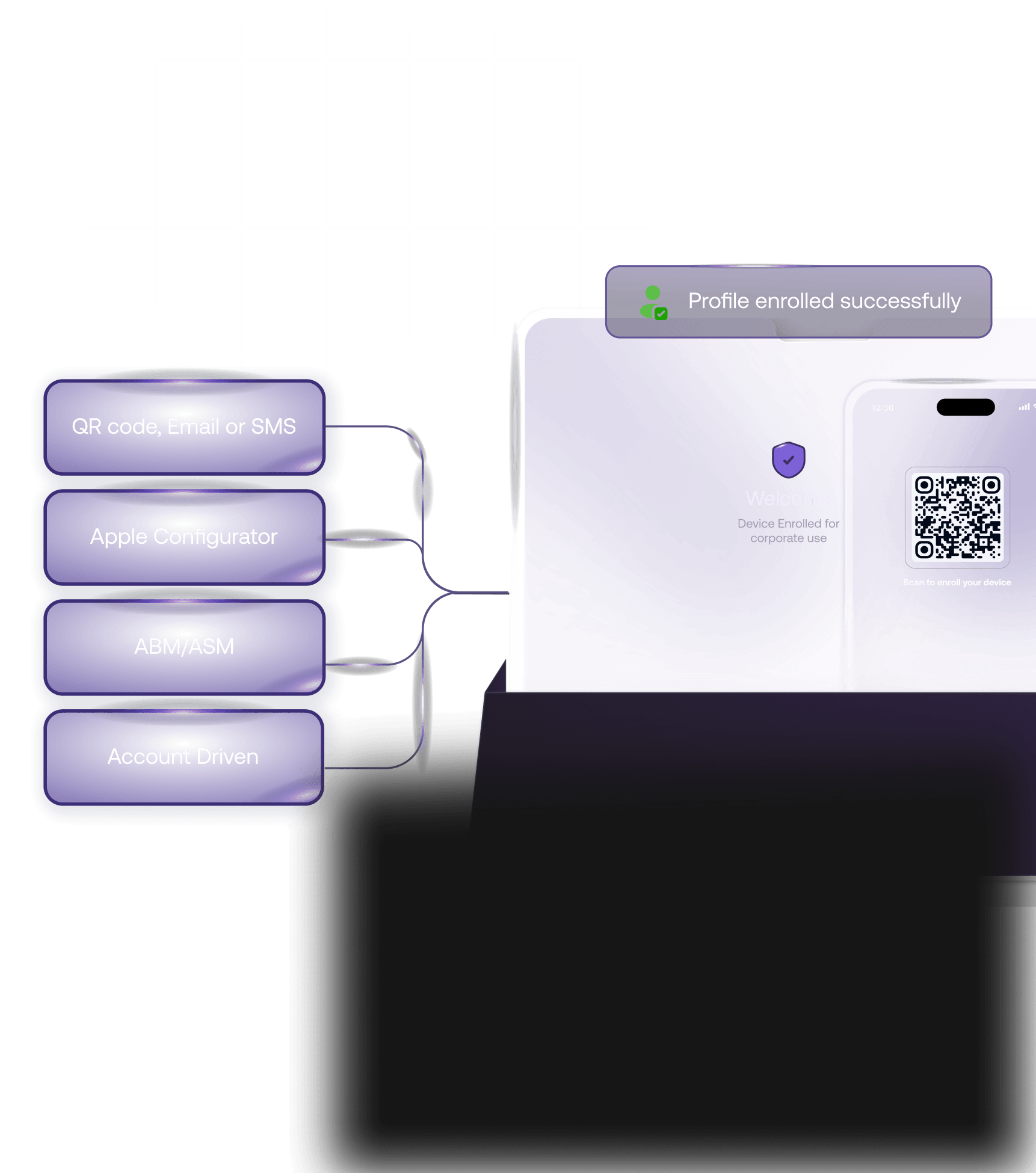
Multi-Method Enrollment & Simplified Migration
 Deploy iPhones, iPads, Macs and Apple TVs out of the box via Automated Device Enrollment (ADE) through Apple Business Manager, zero IT touch required per device
- Hexnode Gateway enables data-wipe-free migration from any existing MDM. No factory resets, no lost configurations, no user disruption
- Support for User Enrollment (BYOD), Device Enrollment and ADE, covering every Apple deployment scenario from day one
- Enforce supervised mode across the fleet for full management control
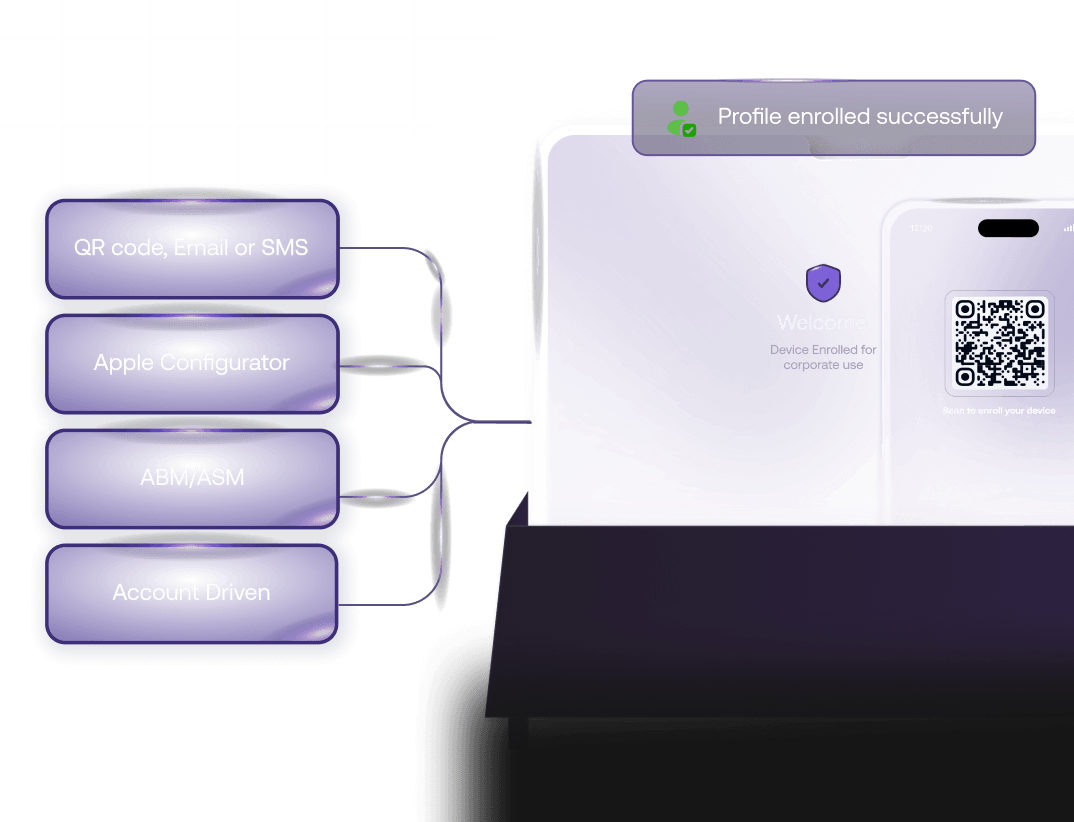
Multi-Method Enrollment & Simplified Migration
- Deploy iPhones, iPads, Macs and Apple TVs out of the box via Automated Device Enrollment (ADE) through Apple Business Manager, zero IT touch required per device
- Hexnode Gateway enables data-wipe-free migration from any existing MDM. No factory resets, no lost configurations, no user disruption
- Support for User Enrollment (BYOD), Device Enrollment and ADE, covering every Apple deployment scenario from day one
- Enforce supervised mode across the fleet for full management control
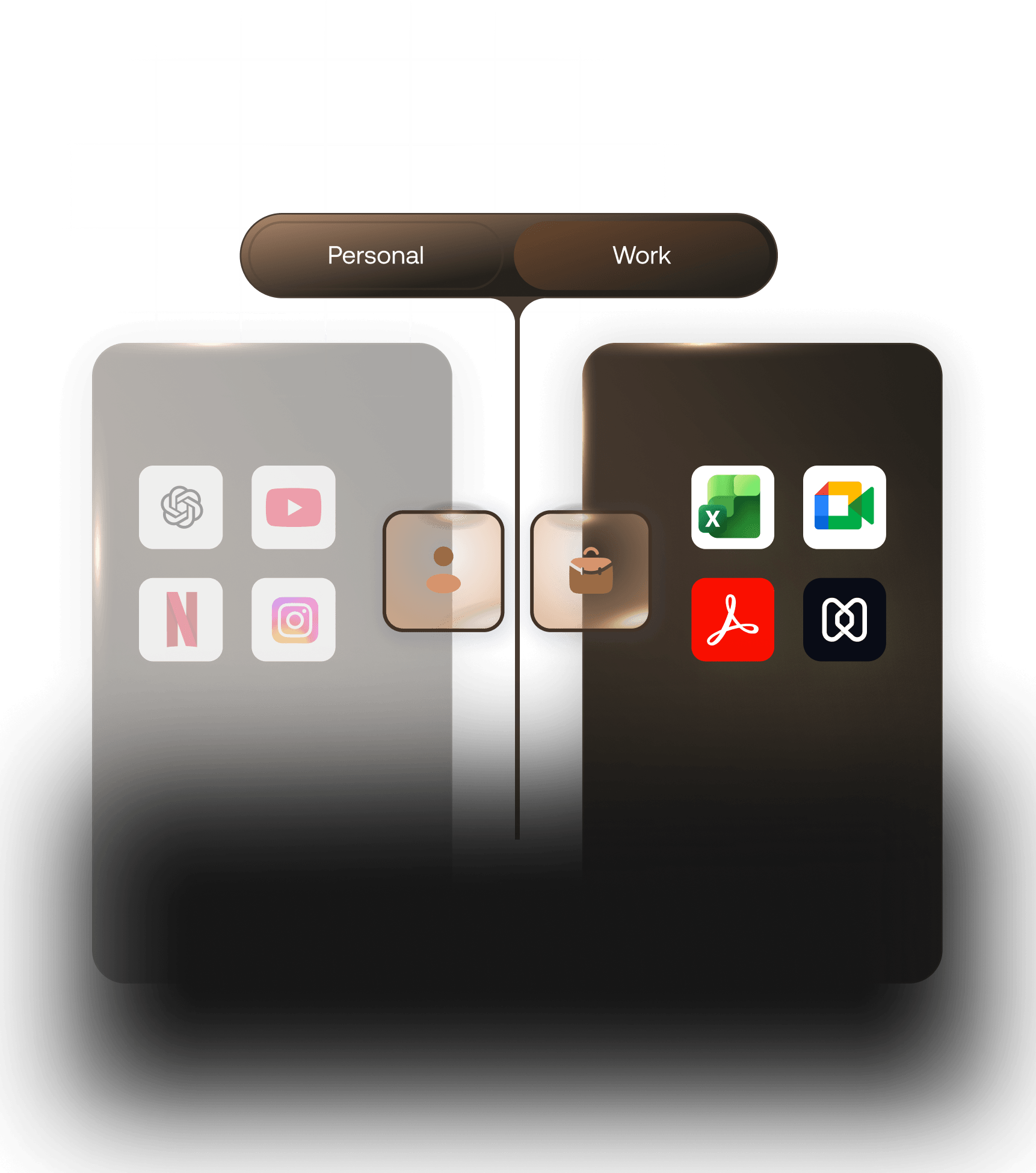
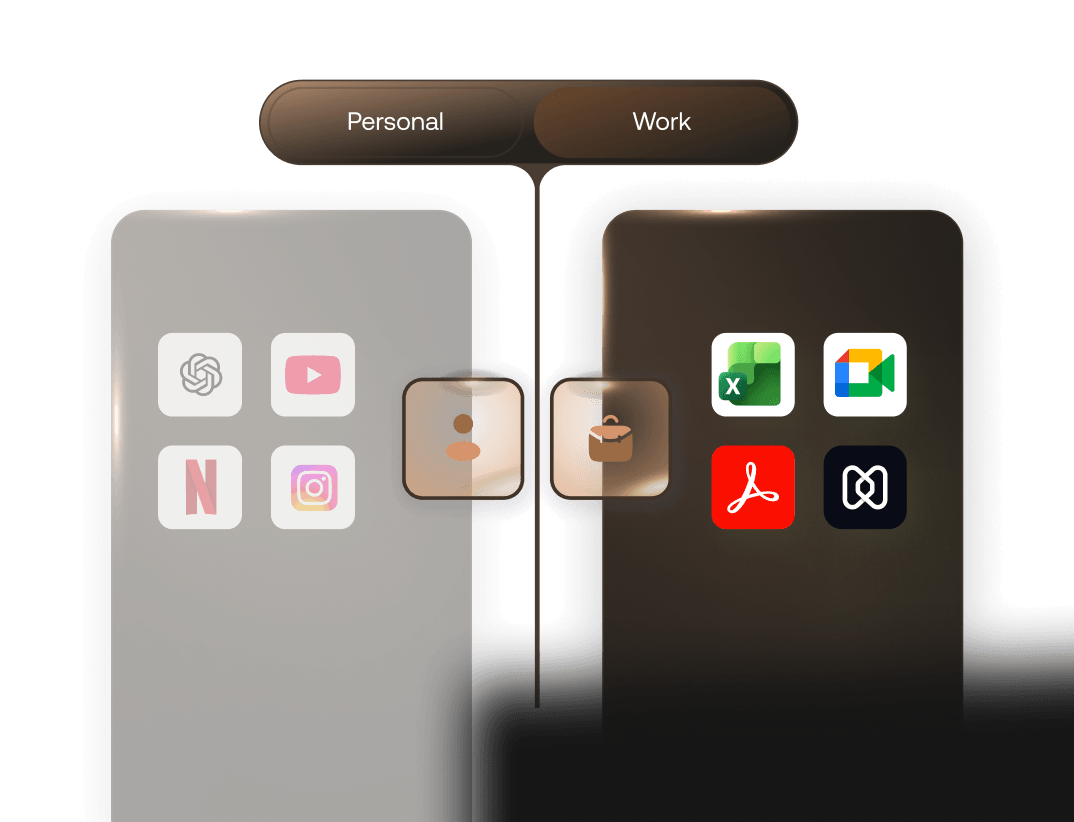
Corporate & BYOD Device Support
- Separate corporate and personal data on every employee-owned iPhone and iPad. IT manages the work container, personal content stays private
- Apply work profiles, enforce passcode policies and remotely wipe only corporate data on BYOD Apple devices
- Role-based enrollment ensures each device type gets the right policy set from day one
- Full MDM support for both supervised corporate devices and user-enrolled personal Apple devices
Native Remote Monitoring & Control
- Get a real-time view of every Mac, iPhone, iPad and Apple TV in your fleet. Device health, OS version, app status and compliance posture, all visible from a single dashboard without touching a single device
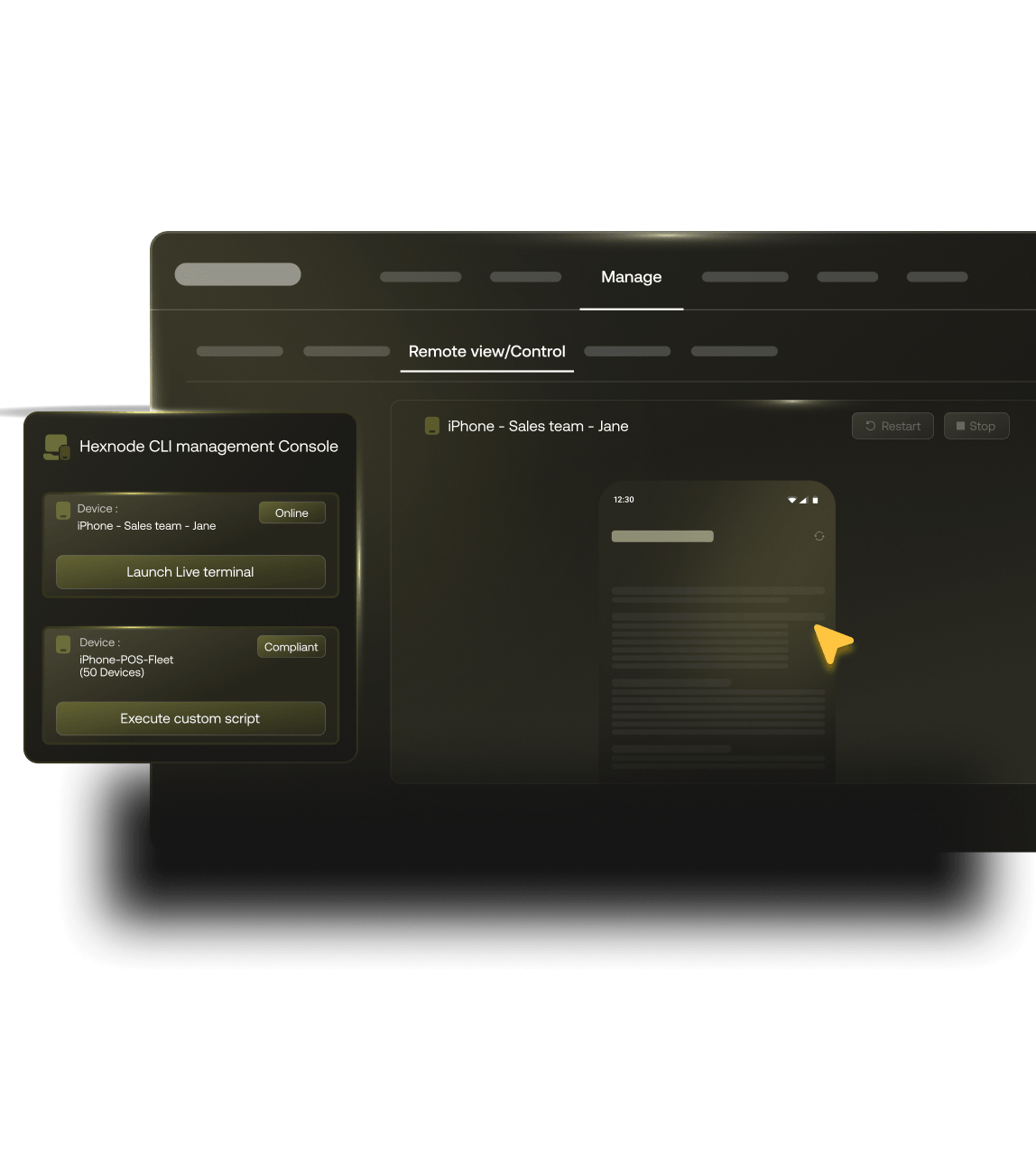
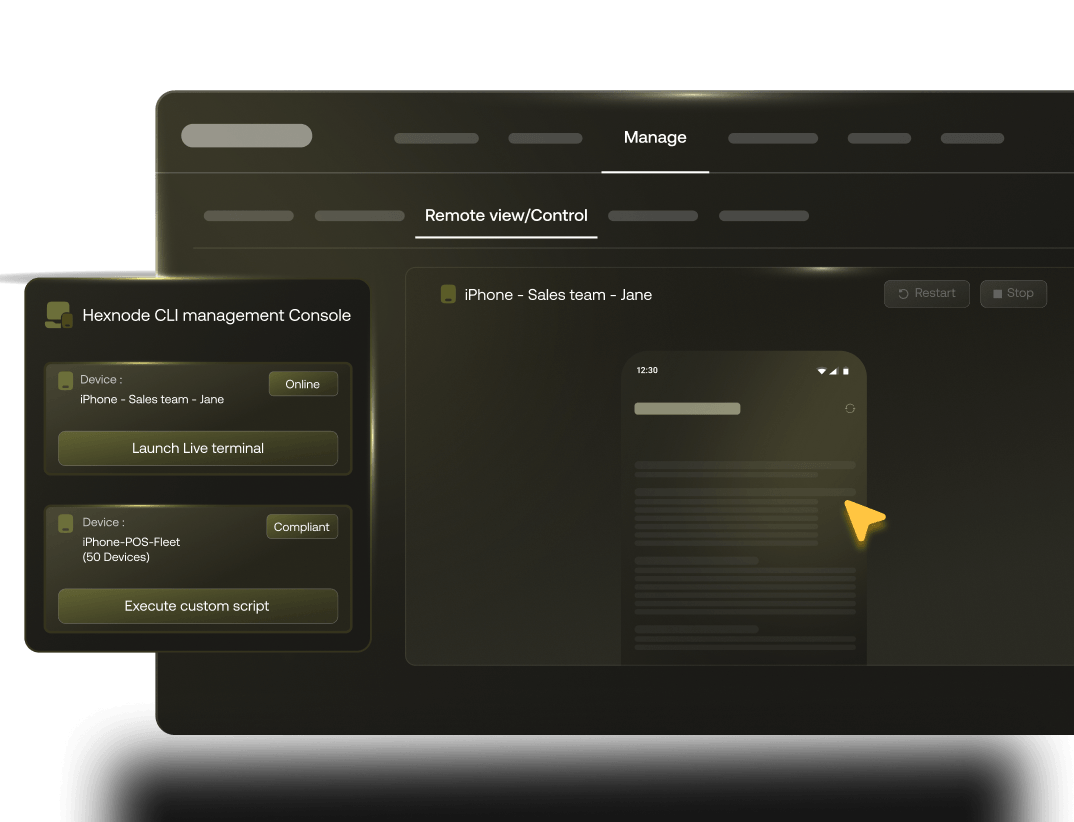
- Remotely view and control any managed Mac in your fleet. Troubleshoot issues, guide end-users and resolve problems without dispatching IT or waiting for the device to come to you
- Push remote lock, wipe or passcode reset to any iPhone, iPad or Mac instantly. Act on lost, stolen or non-compliant devices regardless of where they are
- Maintain a live, auto-updated device inventory across your entire Apple fleet. No manual audits, no spreadsheets, no guesswork
Automation & AI
- Schedule OS updates for off-hours, enforce minimum version requirements and defer major releases until your team is ready. Manage your patch cycle, on your terms
- Set the condition once. Hexnode triggers the policy action, compliance check or remediation workflow every time, without manual intervention
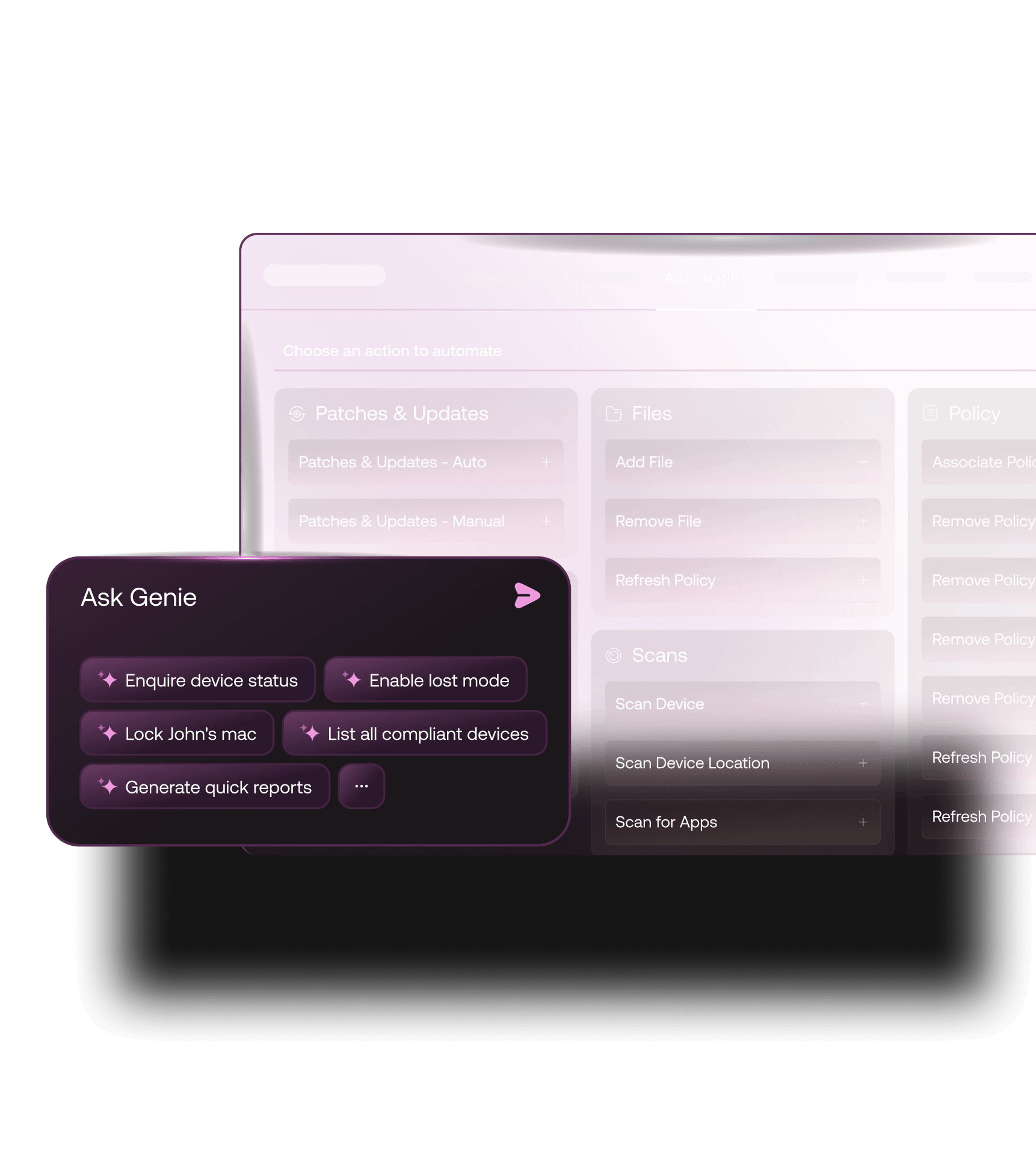
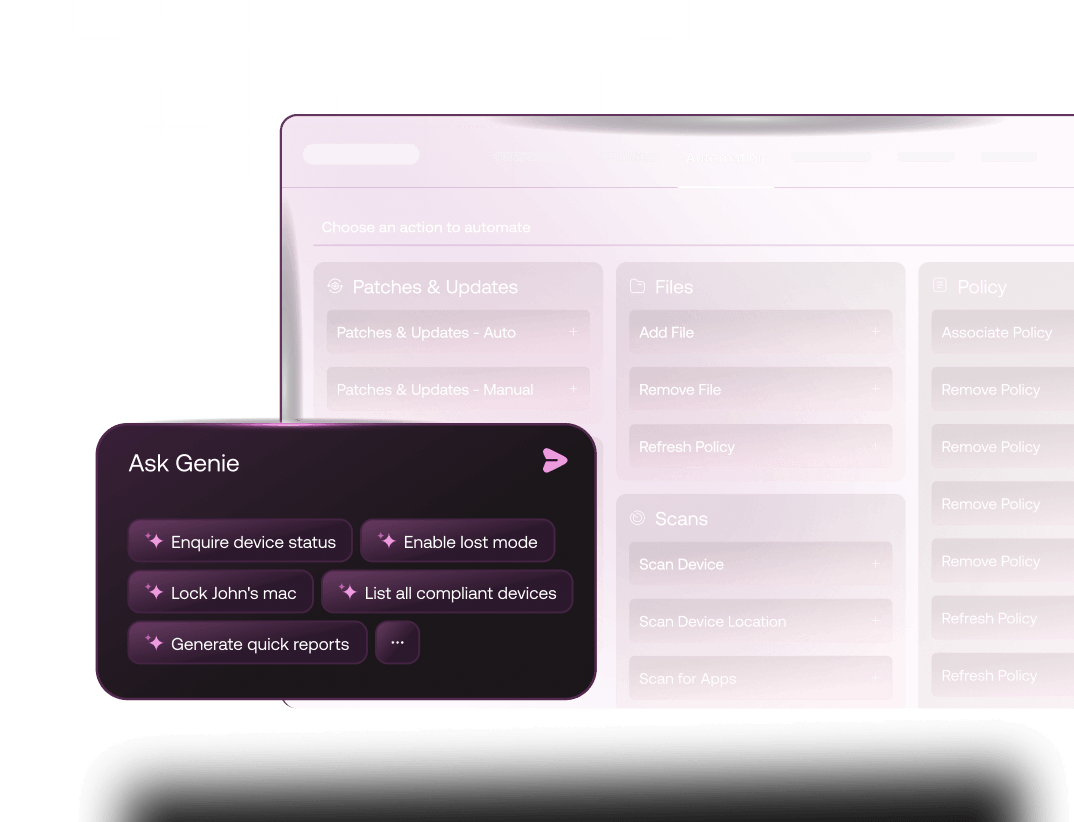
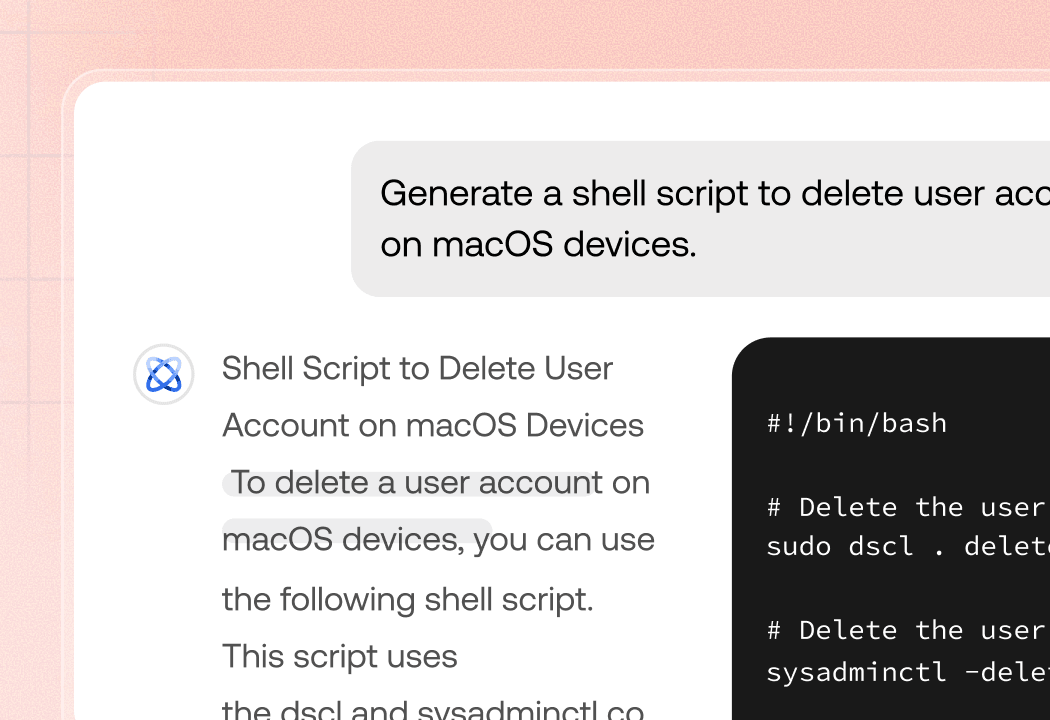
- Tell Hexnode Genie what you need in plain language; it writes the macOS or iOS script for you, no scripting expertise required
- The moment a new Apple device joins your fleet, your enrollment workflows, app deployments and policy rollouts can run automatically.
Kiosk Lockdown
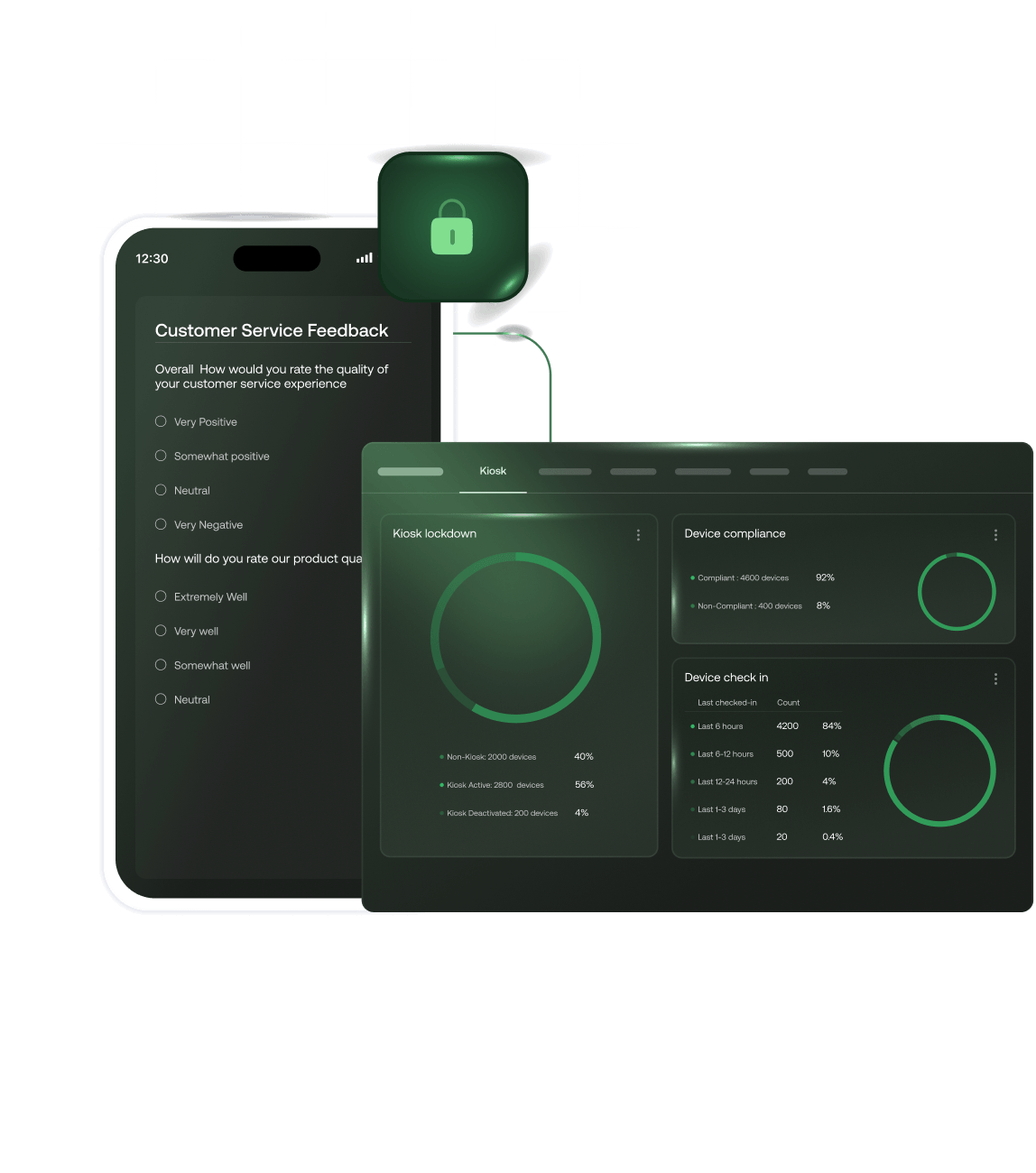
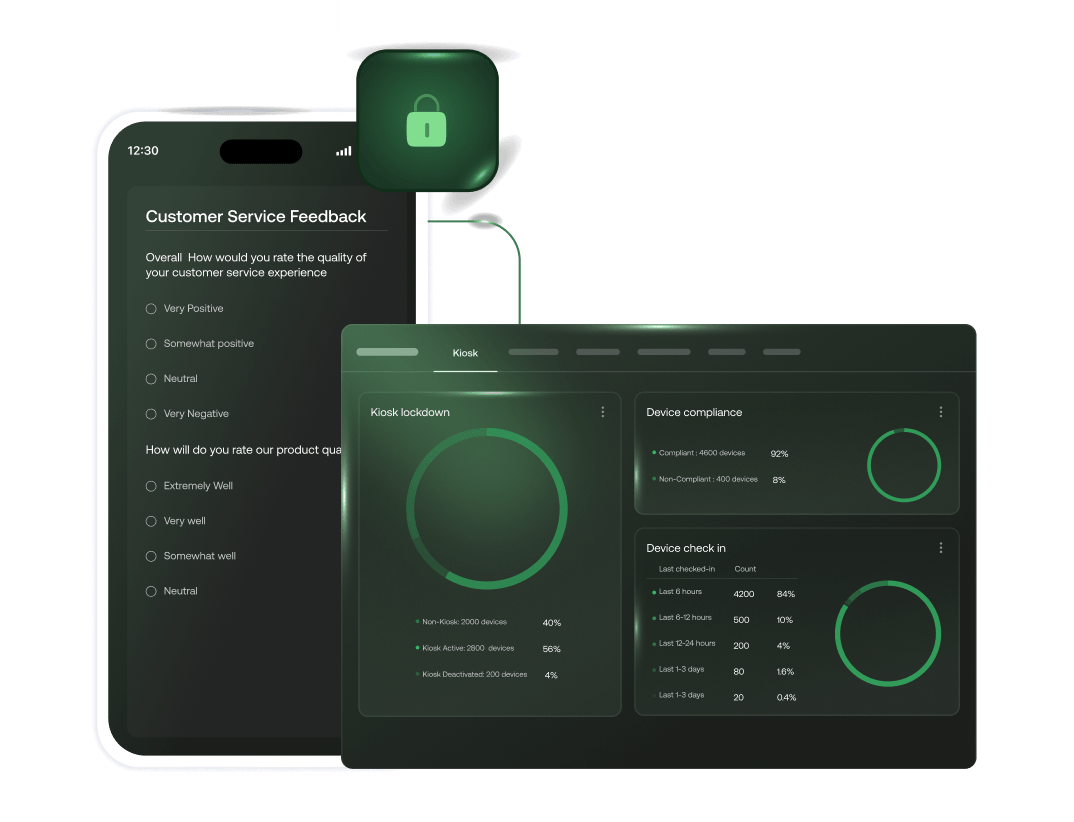
- Lock any iPhone, iPad or Apple TV into single-app or multi-app kiosk mode. Devices do exactly what IT configures, nothing more
- Configure guided access, restrict hardware buttons, control screen brightness and volume; all remotely
- Shared device mode enables secure profile switching between users on a single iPad, each user session is isolated, data is protected
- Digital signage deployment on Apple TVs managed directly from the Hexnode console
Security & Compliance Management
- Enforce encryption (FileVault on Mac, data protection on iOS/iPadOS) across every managed Apple device automatically
- Push security baselines, compliance profiles, and certificate deployments silently. No end-user action required
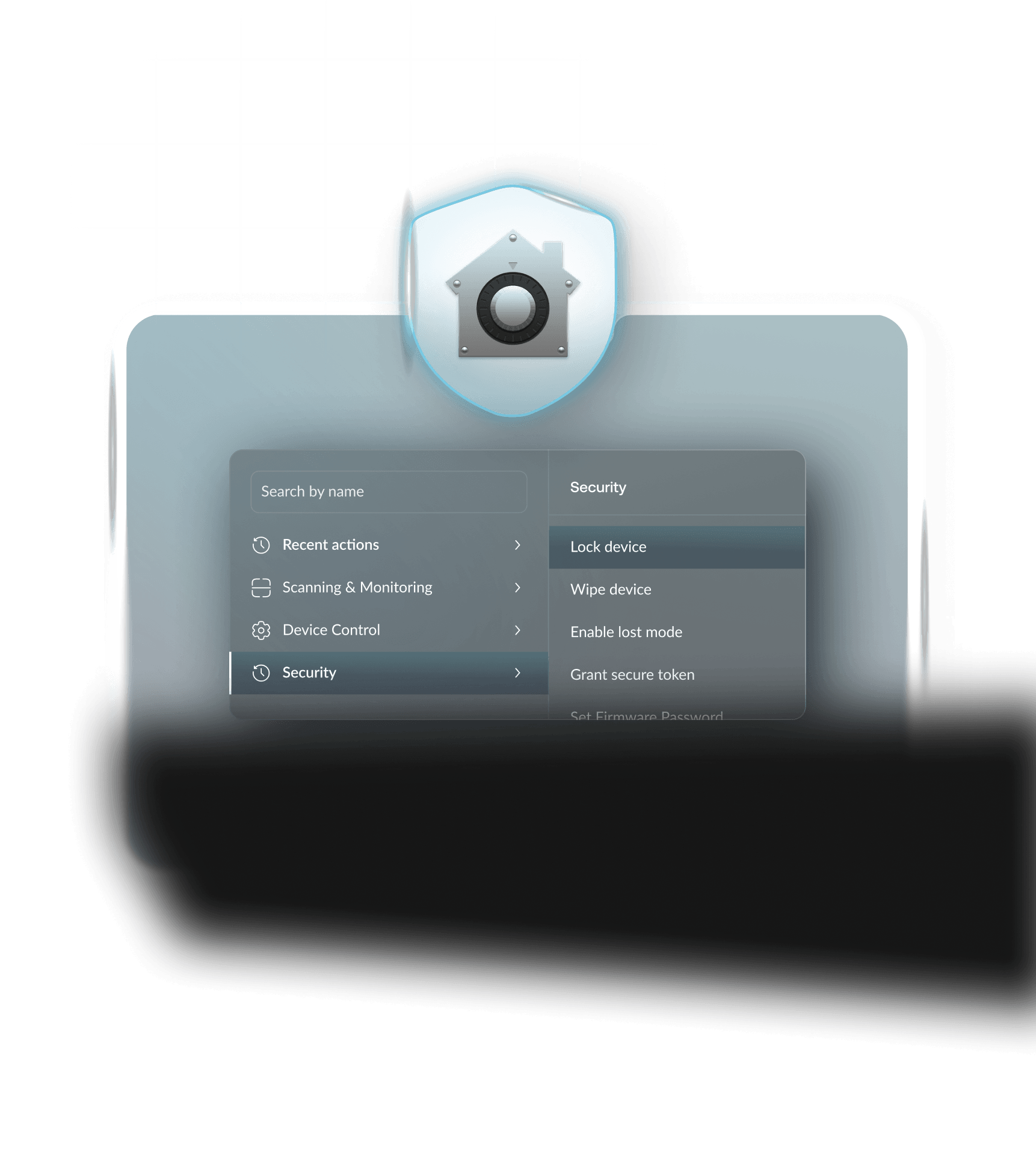
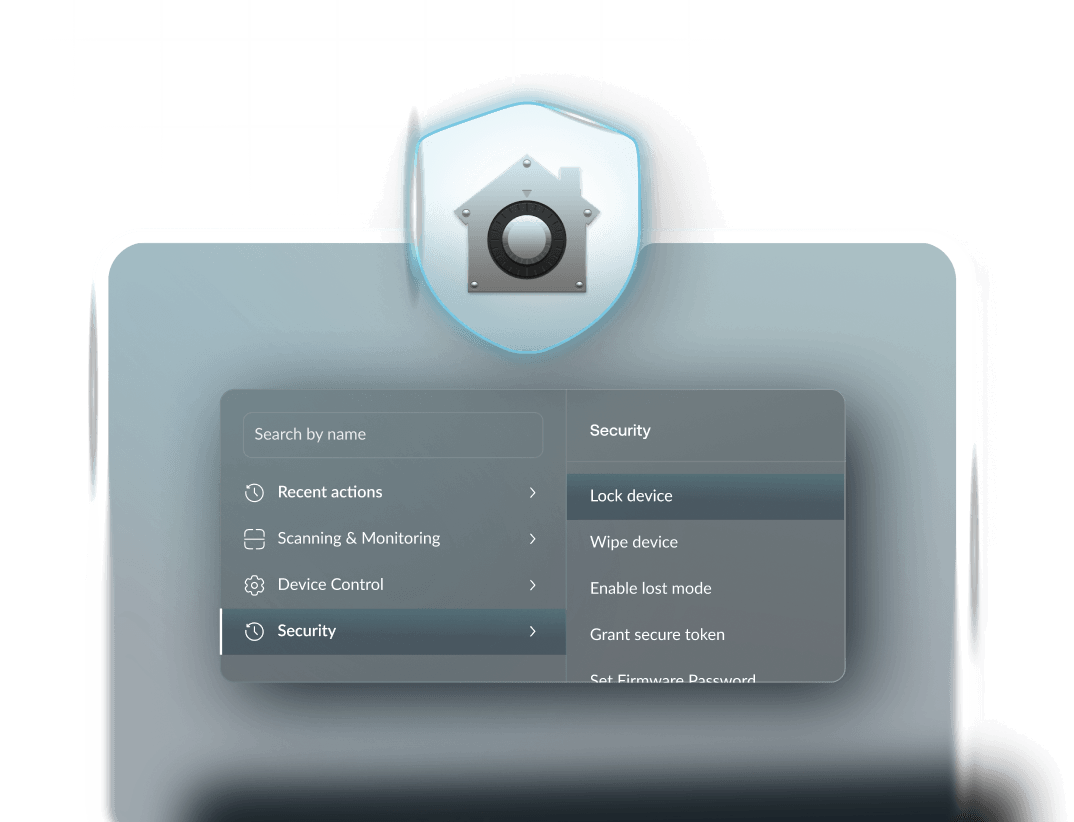
- Remote lock and wipe for lost or stolen Apple devices. Act within seconds regardless of device location
- Managed Device Attestation verifies the hardware and software integrity of every enrolled Apple device
Compliance & AD Integrations
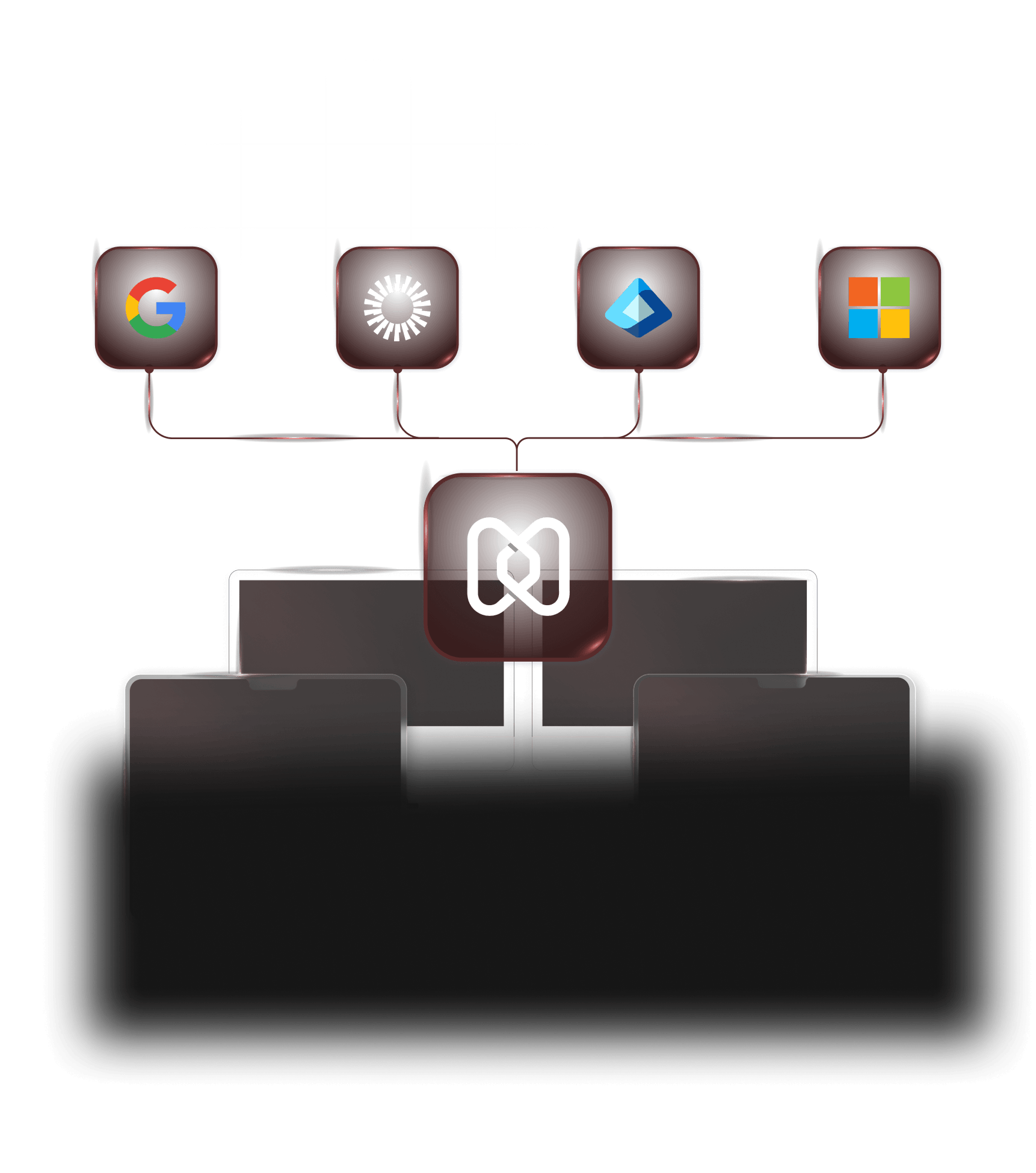
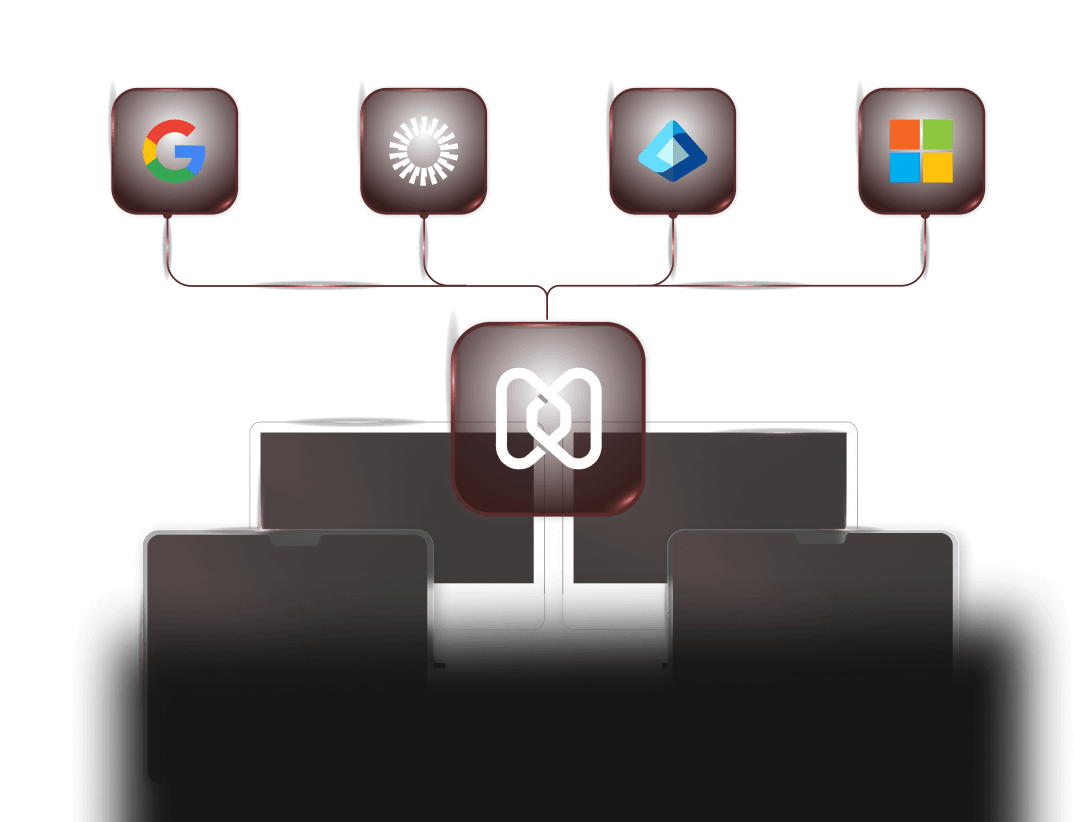
- Map users and groups from Microsoft Entra ID, Google Workspace or Okta directly to Hexnode. Device assignments, policy scoping and app distribution all follow the directory
- Generate compliance reports on demand: device enrollment status, OS versions, policy adherence and security posture across your entire Apple fleet
- Role-based access control (RBAC) ensures IT admins only see and act on the devices within their scope
- Automate compliance checks and remediation triggers, devices that fall out of policy are flagged and actioned without manual review
Apple DDM support
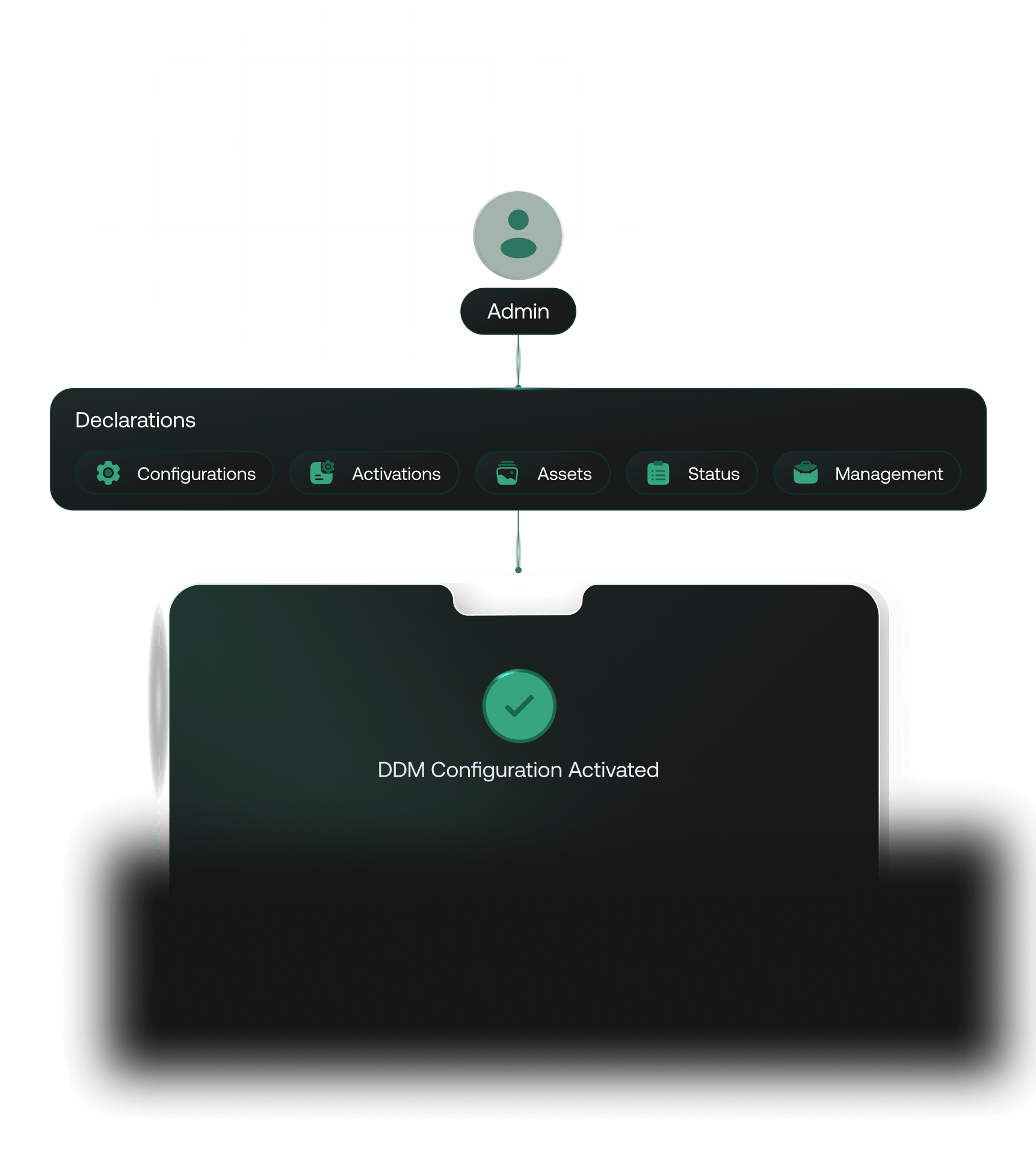
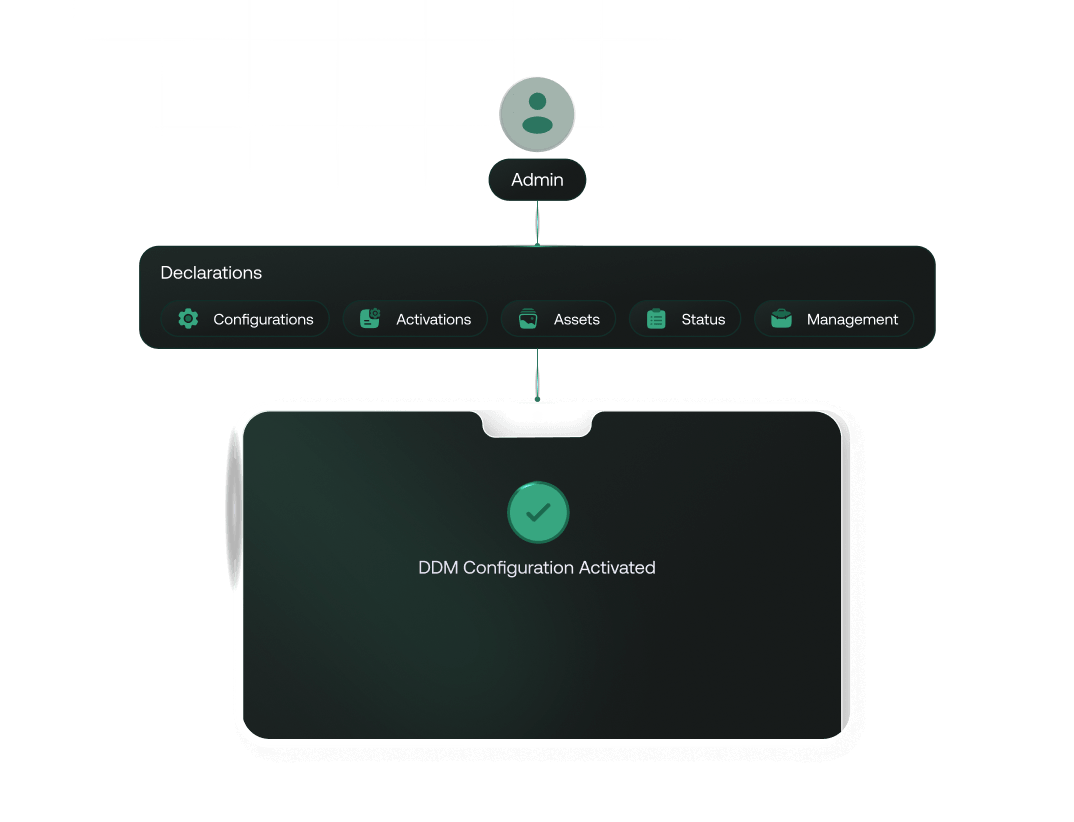
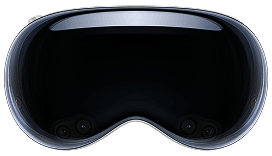
- Let your IT team set the desired state on every Hexnode-managed Mac, iPhone, iPad, Apple TV and Apple Vision Pro; the devices handle the rest on their own.
- No more back-and-forth between server and device. DDM keeps your fleet compliant without your team having to intervene every time something needs enforcing
- Devices that drift from their configured state correct themselves automatically. Your team catches the exception report, not the problem itself
- Know exactly where every device stands, at any point in time, without having to query each one individually
Add deeper protection & stronger access control with these add-ons

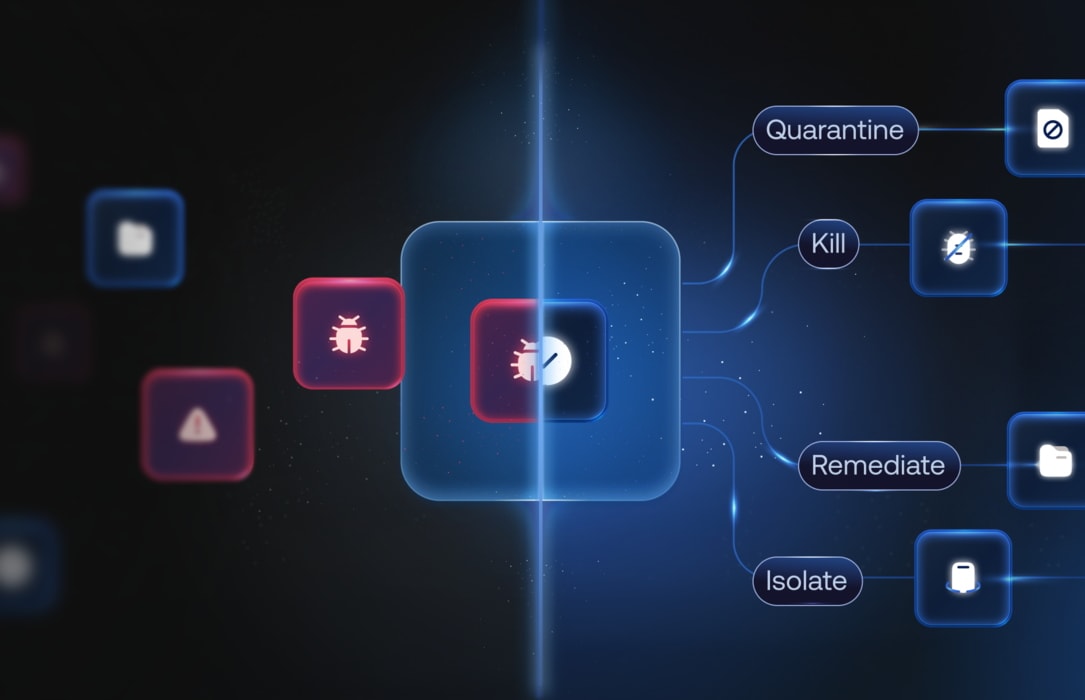
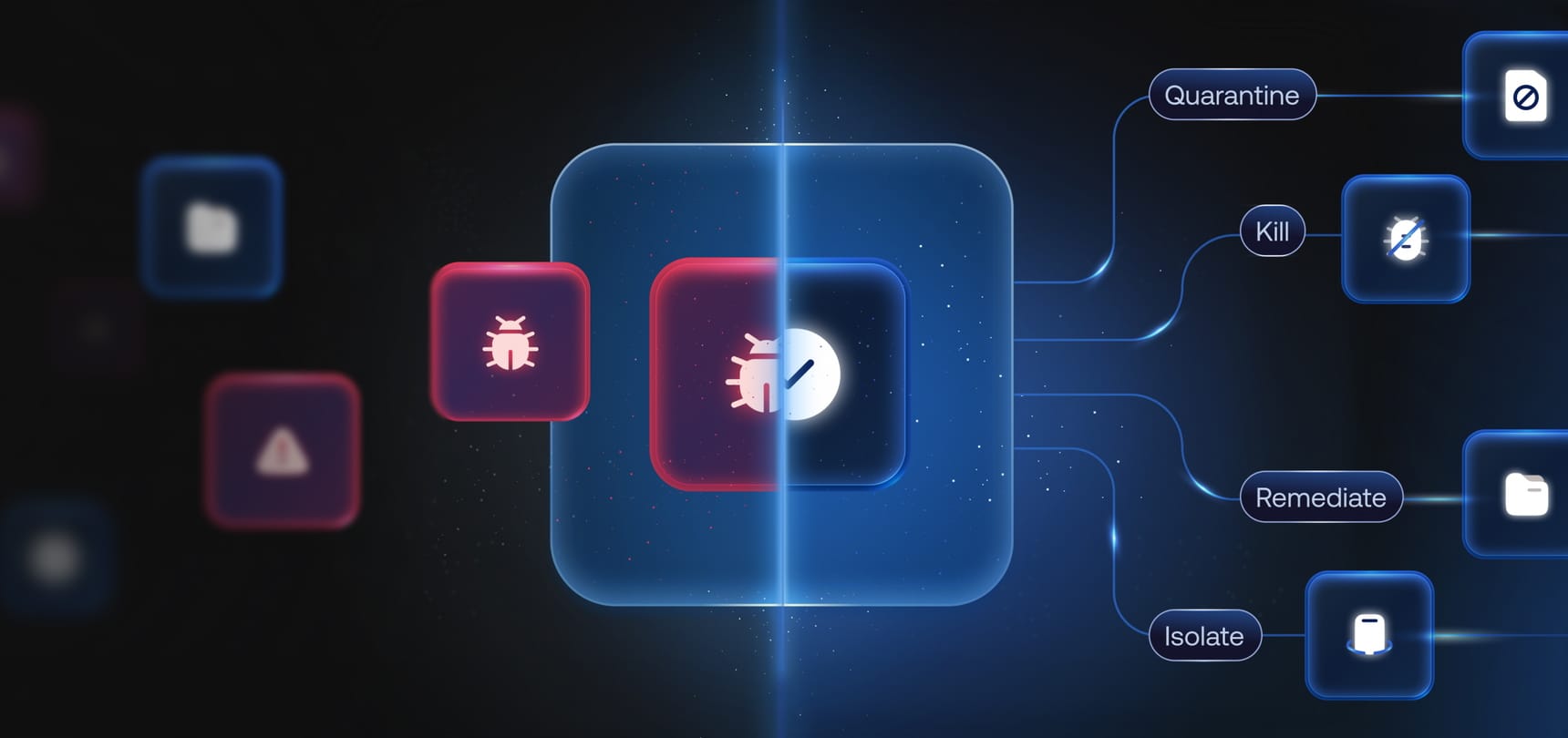
Endpoint security that goes beyond reacting

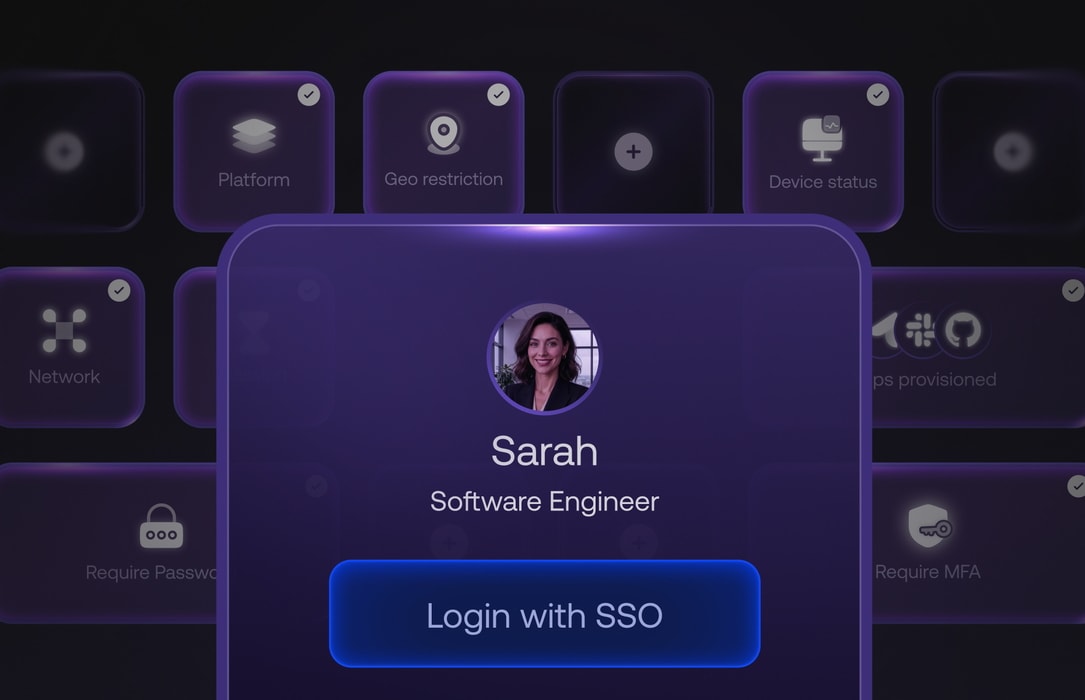
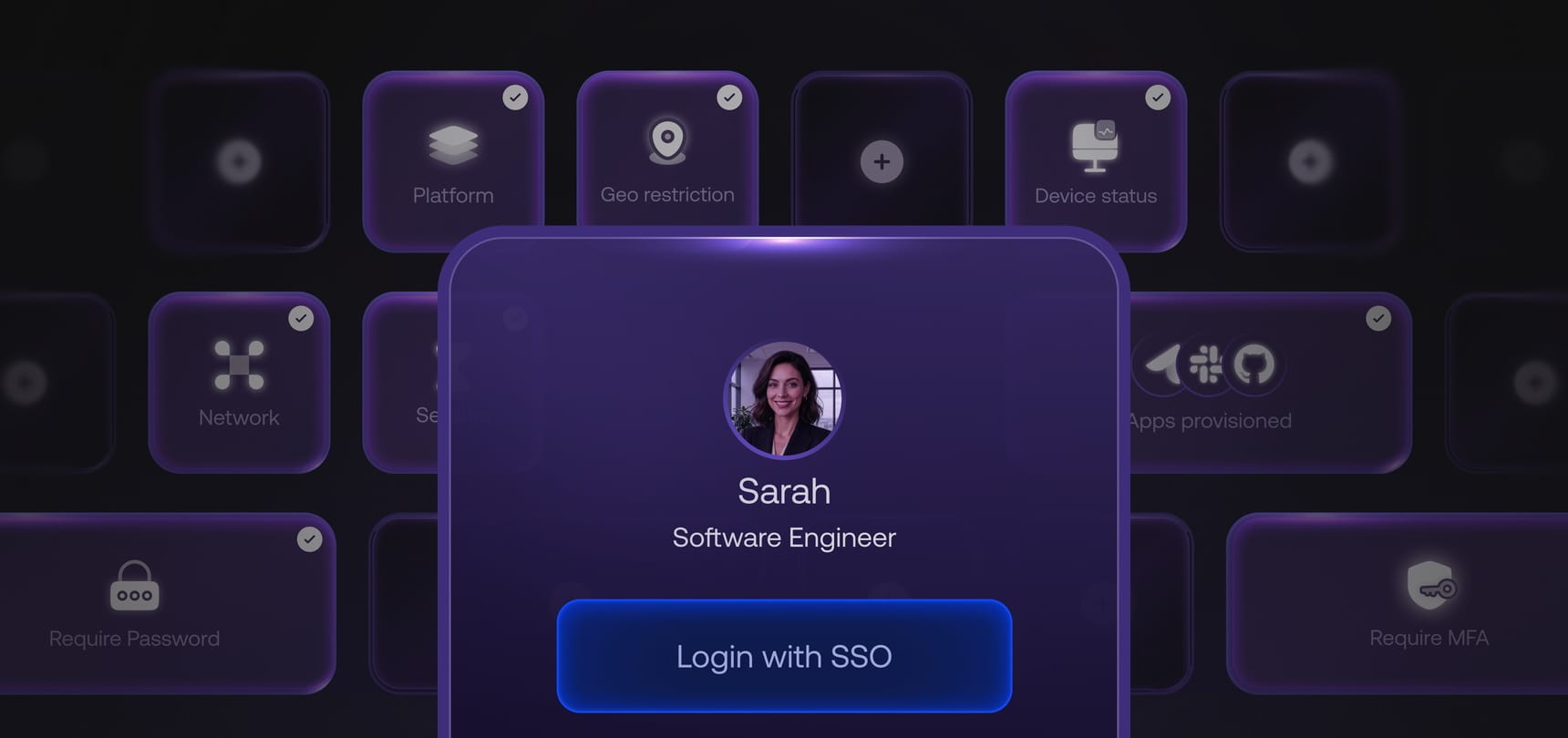
An integrated identity fabric for secure access control

Authenticate with both user identity and device posture
Restrict unauthorized access through conditional access


Same IT advantage across multiple platforms

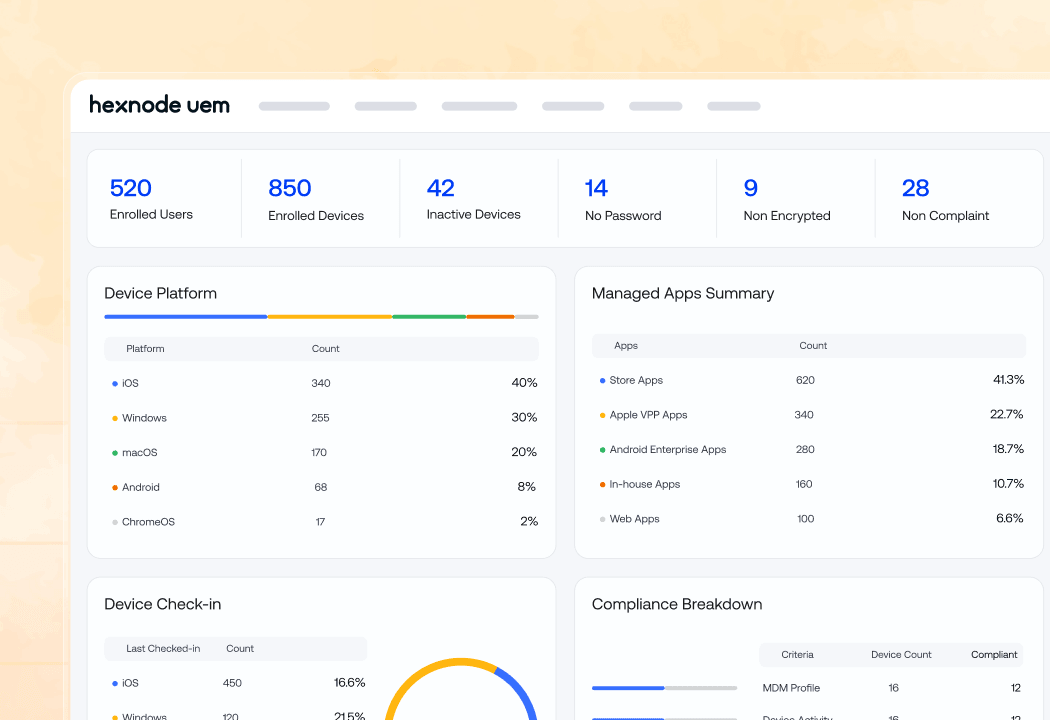
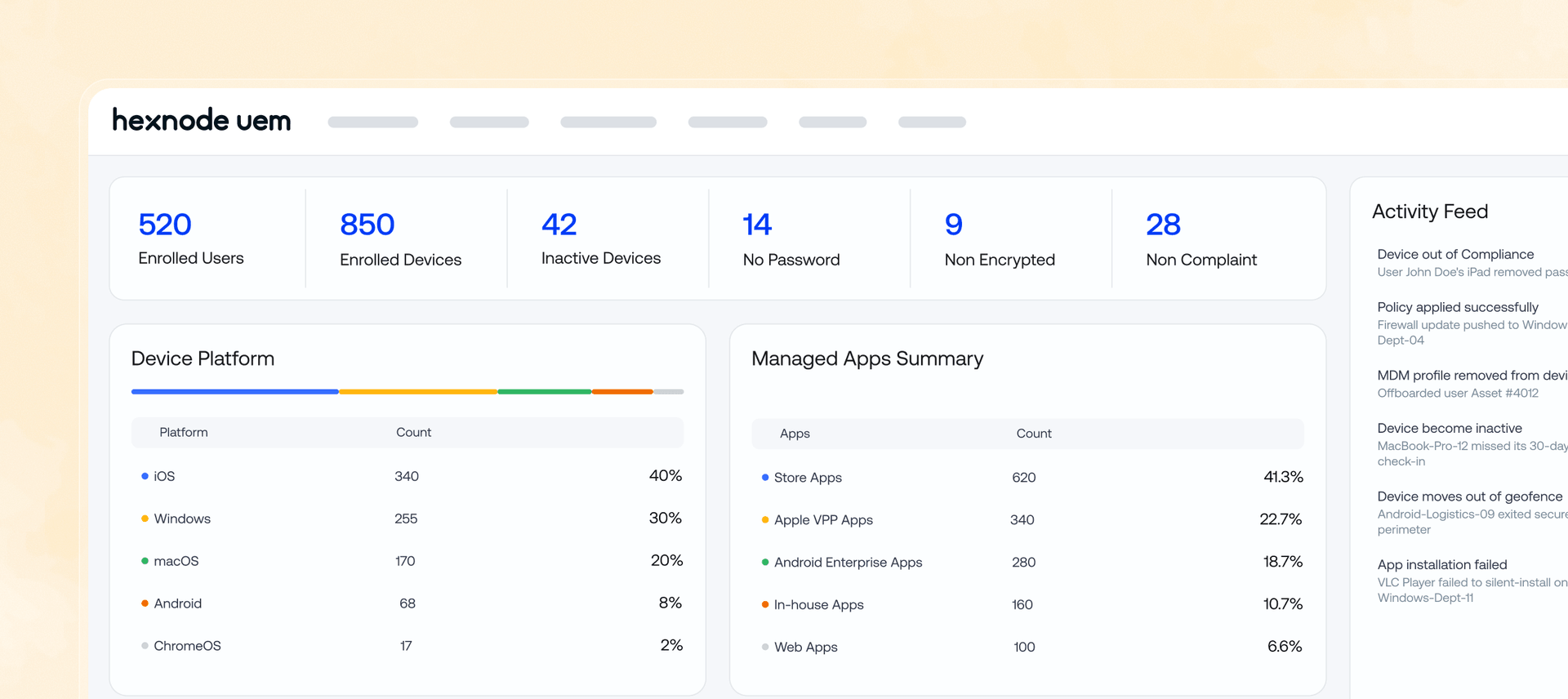
Smart Dashboard
Everything you need to see, in one place. Get a complete picture of your entire device fleet across every platform, without switching between consoles.
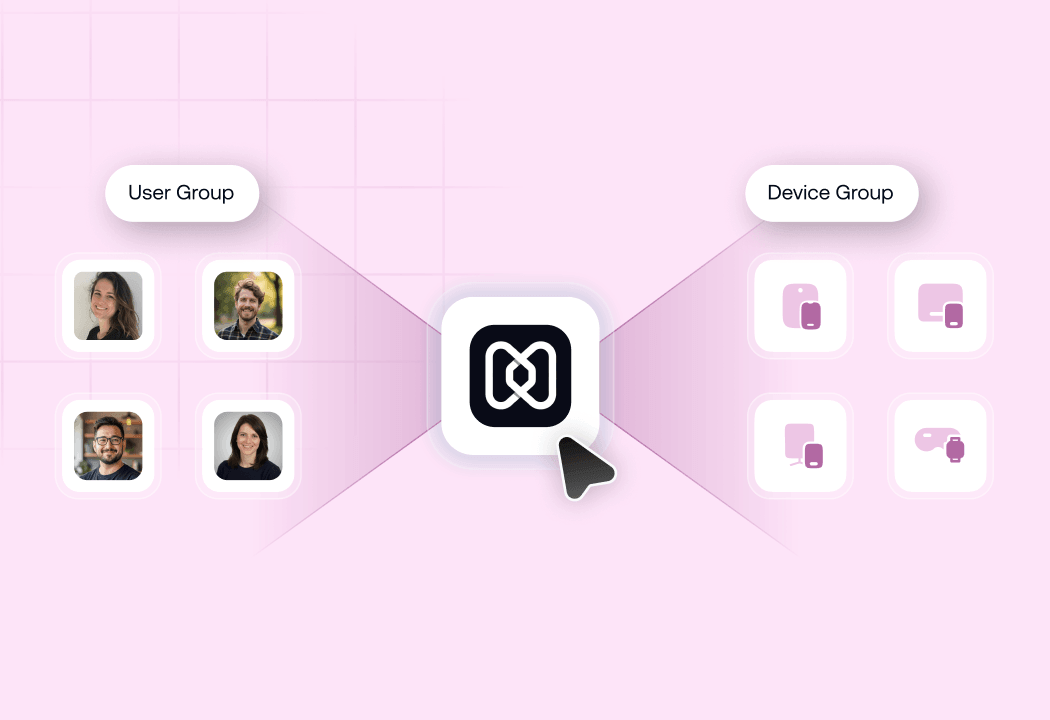
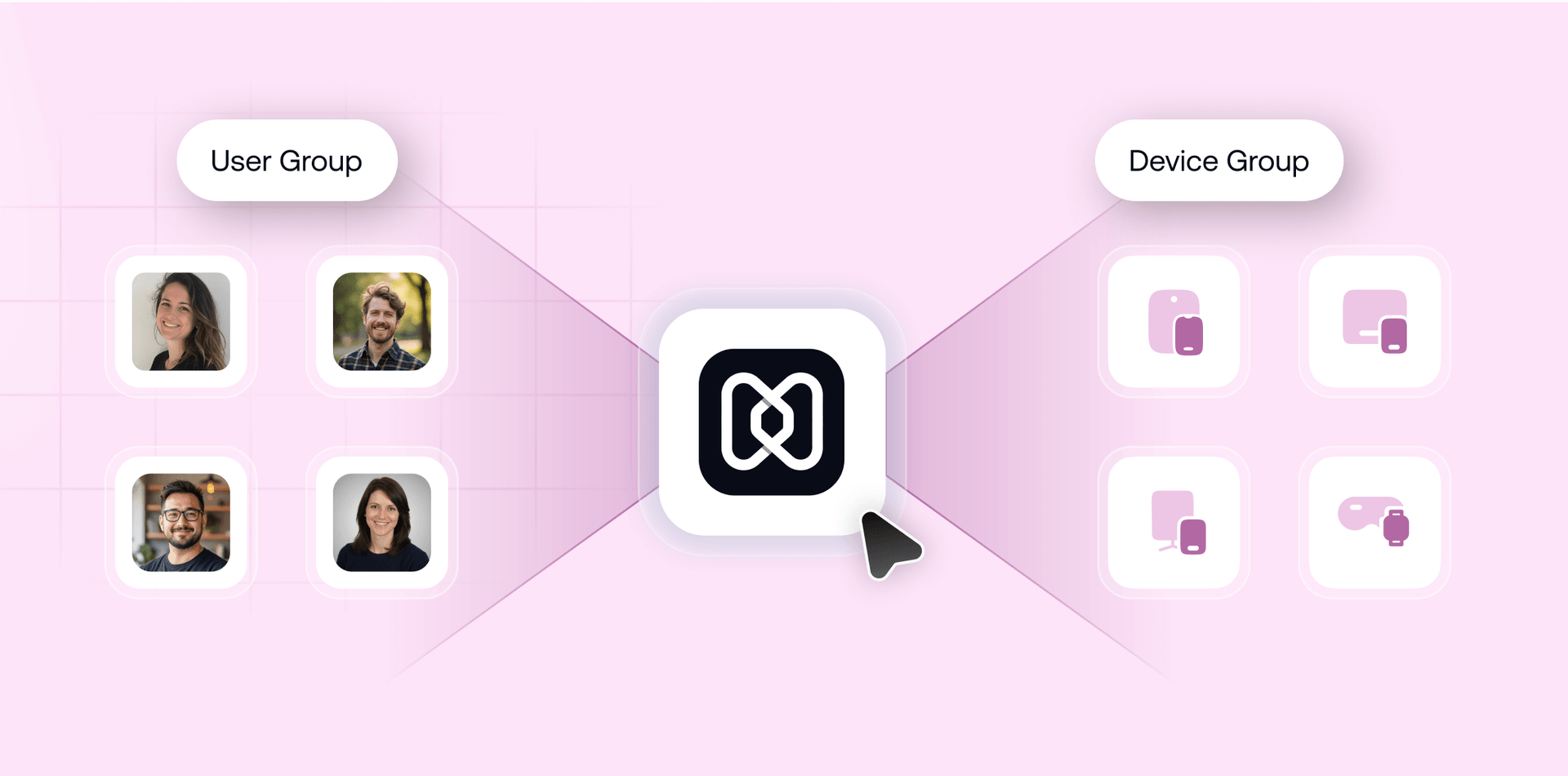
Device & User Grouping
Create groups by device type, OS version, department or location for consistent fleet organization
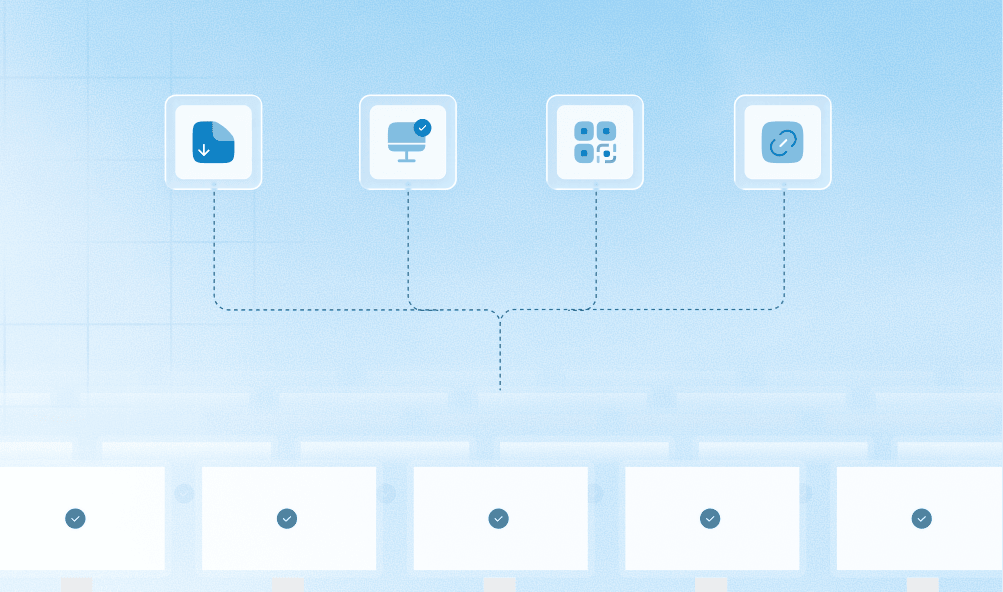
Bulk Policy Deployment
Push configurations, app deployments and compliance profiles across your entire fleet in one action
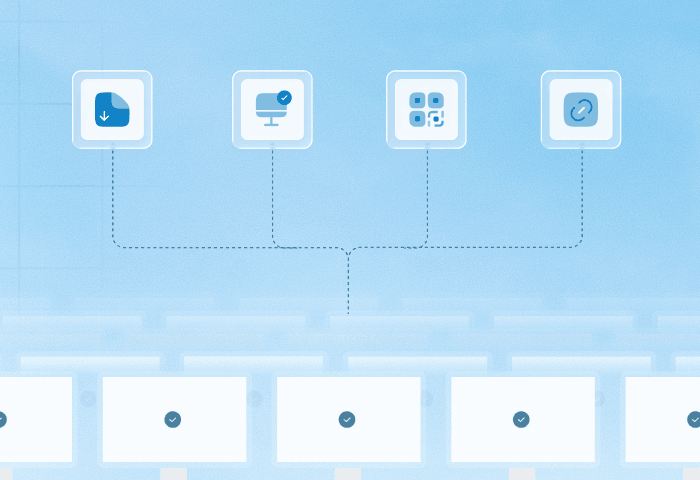
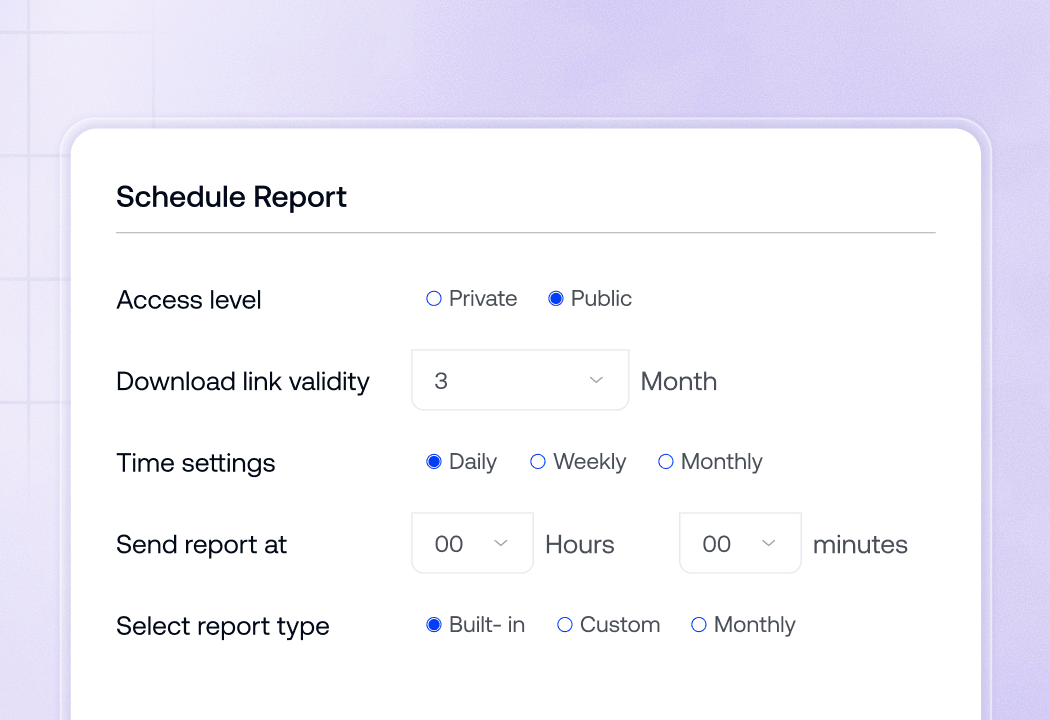
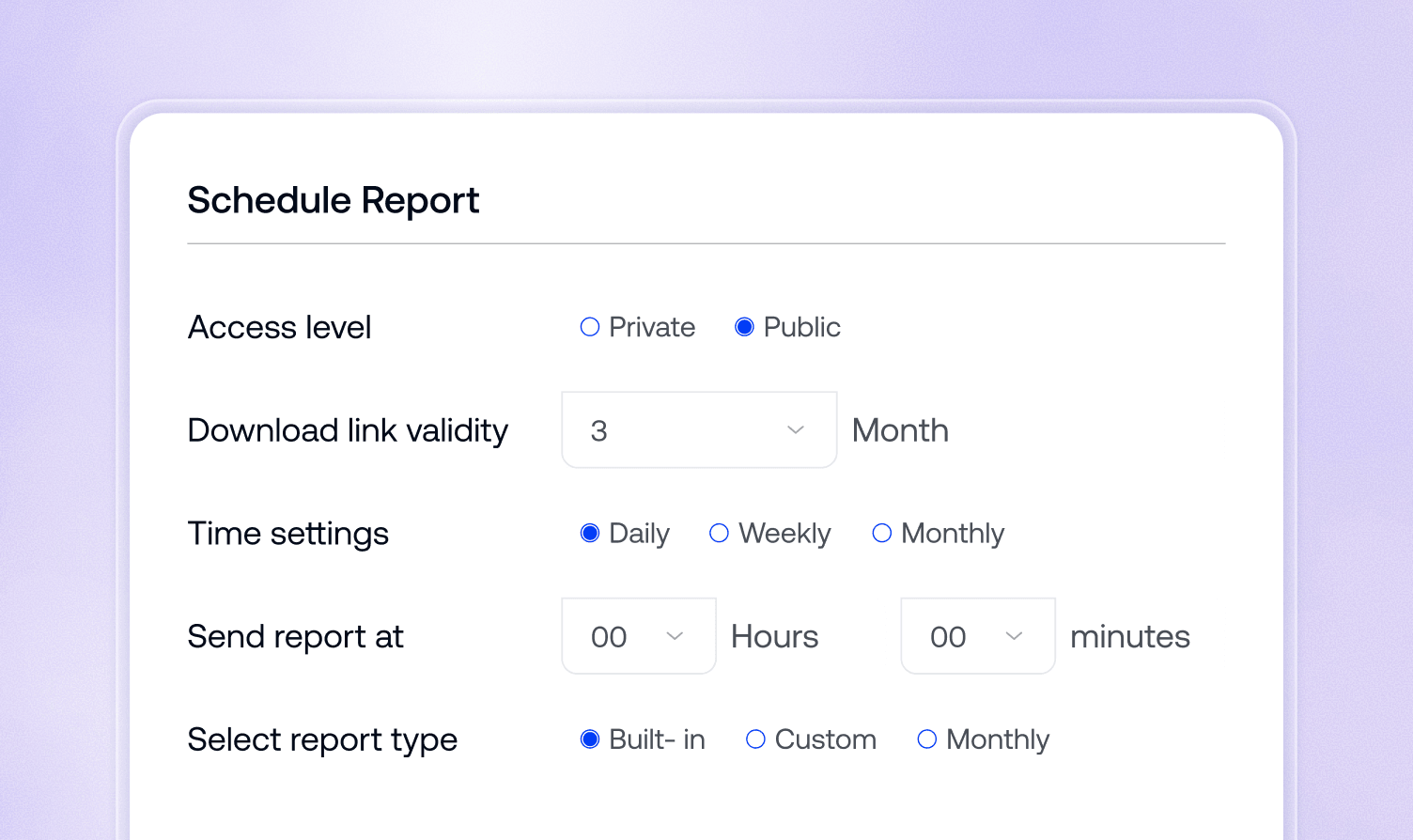
Simplified Reports
Stay informed without having to look. Get the compliance and inventory data you need, automatically delivered to your team at the frequency you set.
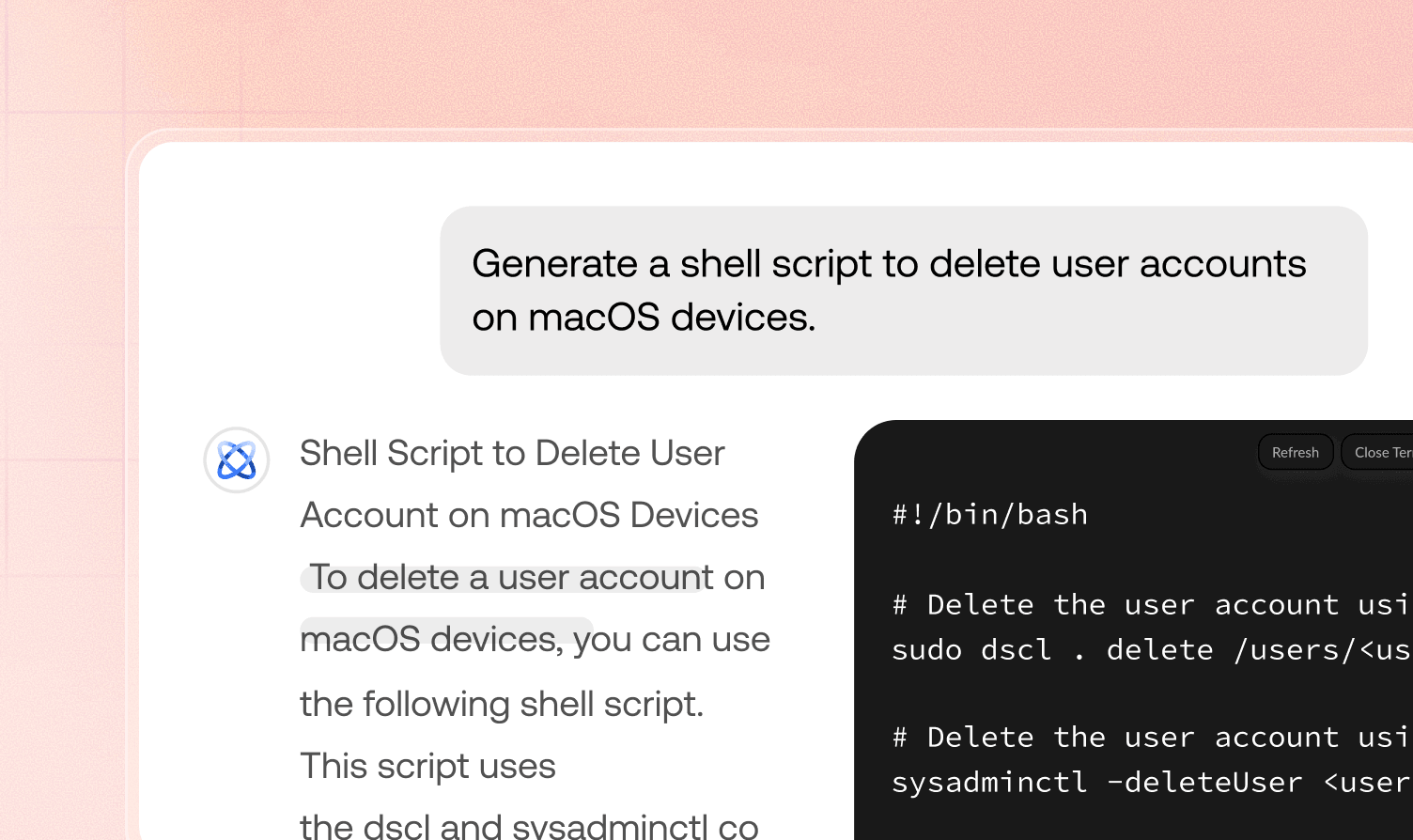
Hexnode Genie
Generate custom scripts for any configuration need via a simple prompt, and get step-by-step platform guidance exactly when you need it. View More
See why enterprises around the world chose Hexnode

"By using Hexnode, the productivity and time savings have been very big. The time spent actually deploying a device has gone down. It used to take us about 20 minutes now it just takes us about 10."
Technology Solution Specialist







... and then we found Hexnode and it checked all of the boxes
Information Technology Manager,


























The Apple MDM decision your fleet has been waiting for


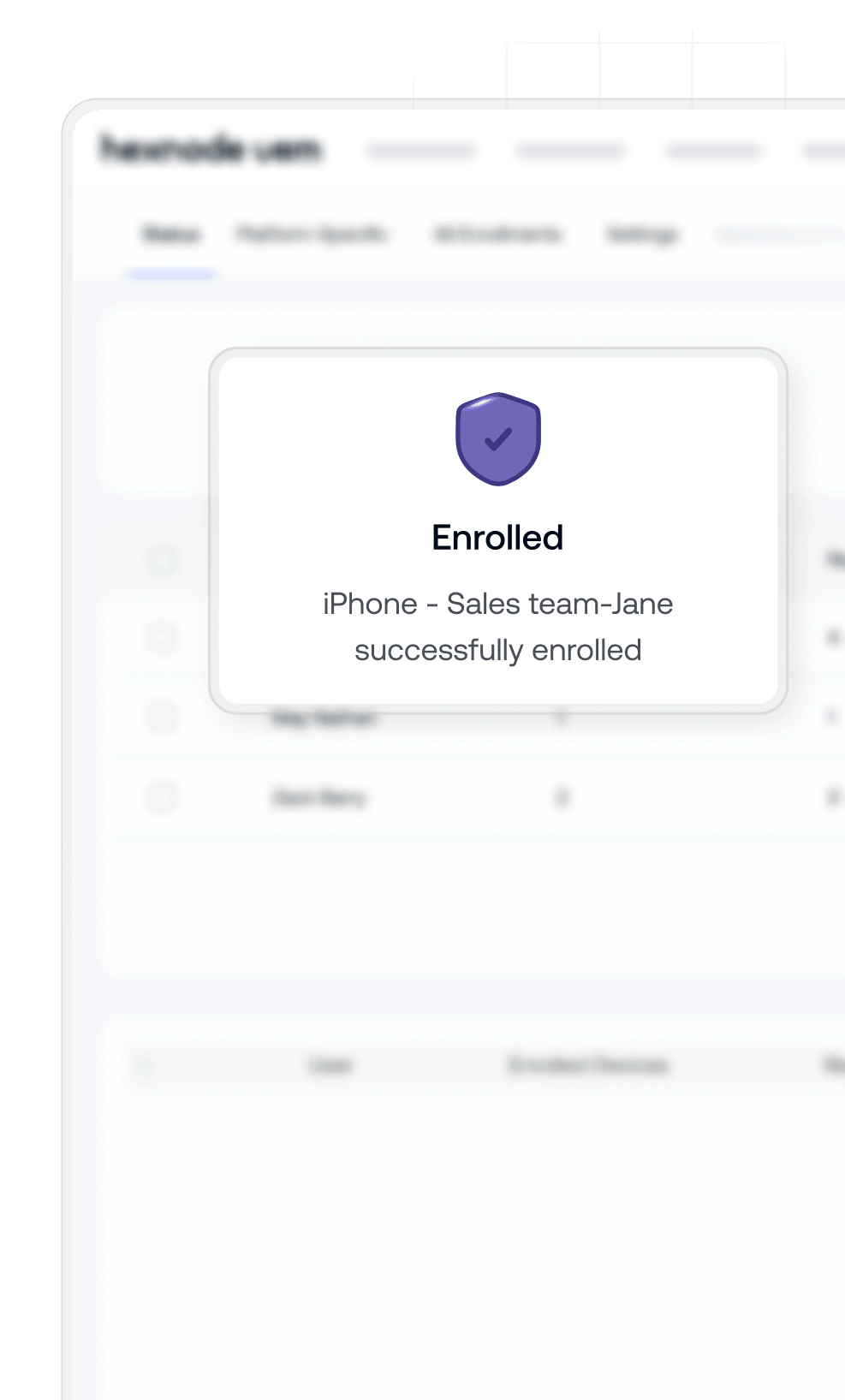
Get started with a trial.

Start managing your Apple fleet today
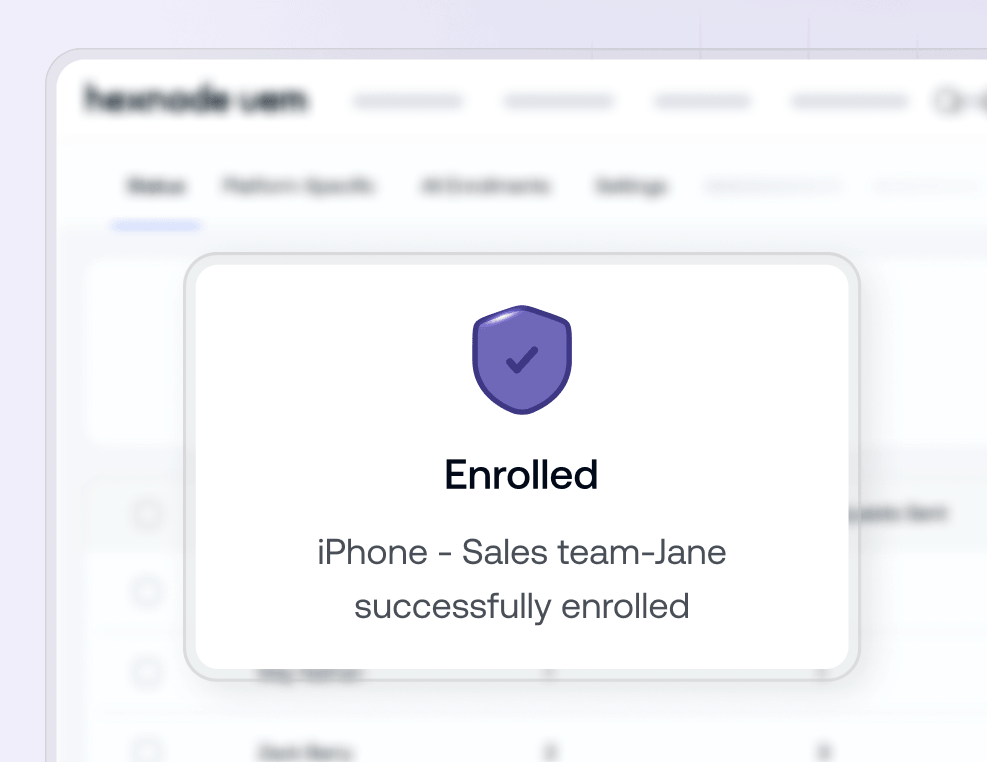
Deploy your first devices in minutes. Enjoy a simplified setup, intuitive dashboards, and step-by-step guidance.
No credit card
No locked tiers
24/7 support from day one



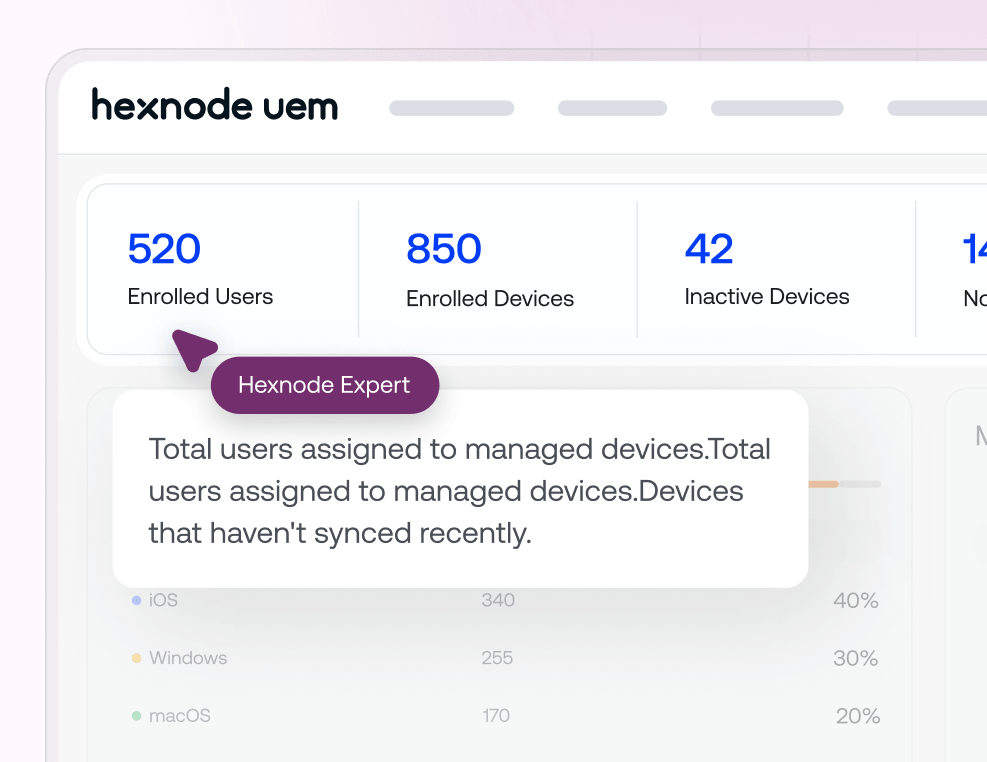
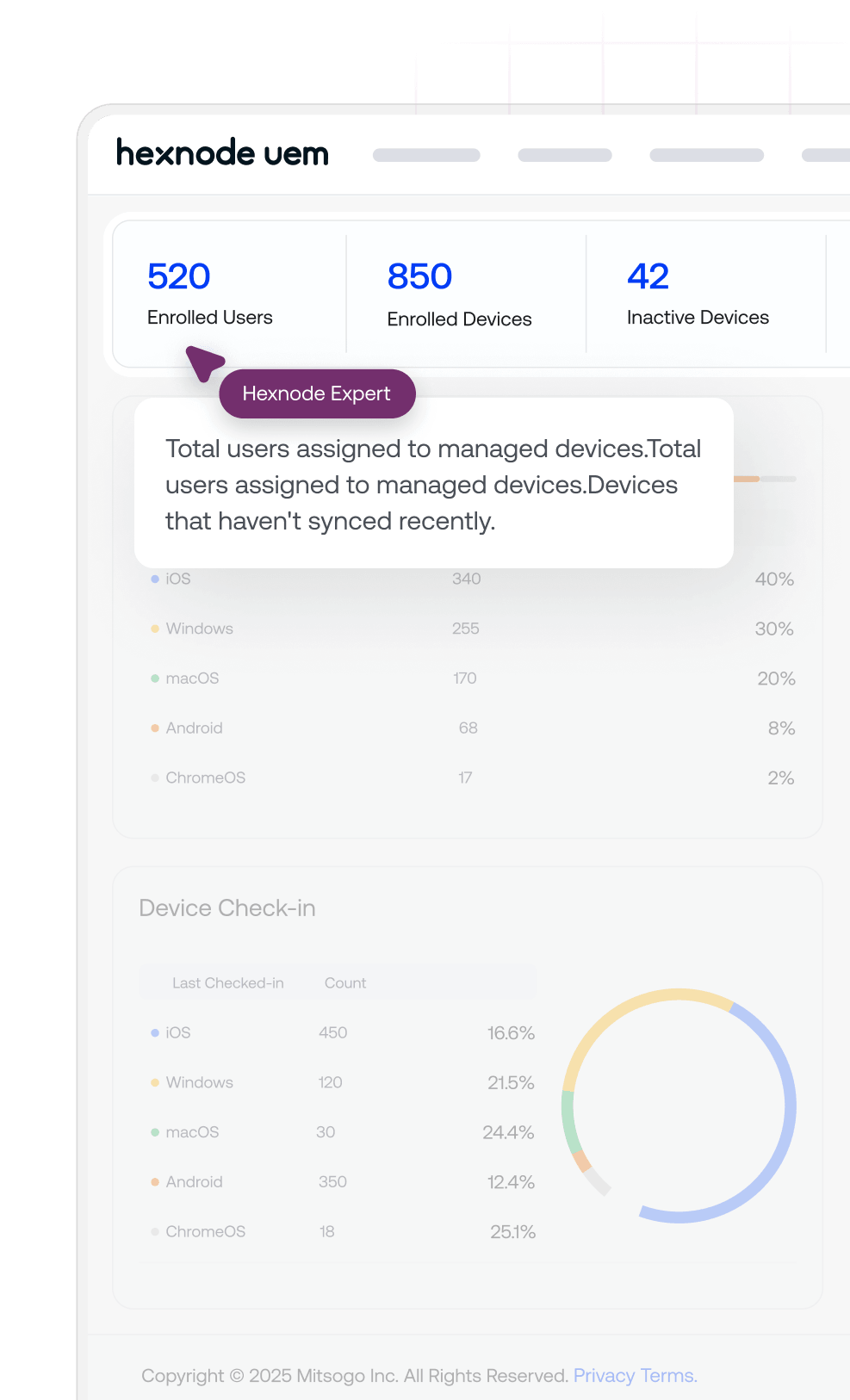
Deep dive into the product.

Experience an expert-led product walkthrough
See every feature, ask every question. Get a guided walkthrough of everything Hexnode can do for your Apple fleet
Dedicated solutions engineer
Full platform walkthrough included
No commitment required