Hi! Is there a way to get a list of all administrator accounts on my device? Any suggestions?

List admin accounts on Windows devicesSolved
Replies (2)
Marked SolutionPending Review
Participant
1 year ago
Feb 16, 2025
Marked SolutionPending Review
Hi @wilma!
You can retrieve the list of administrator accounts using a simple command. Run the following in the Windows Command Prompt:
List admin accounts method 1
|
1 |
net localgroup Administrators |
Alternatively, you can use PowerShell with the following command:
List admin accounts method 2
|
1 |
Get-LocalGroupMember Administrators |
Marked SolutionPending Review
Hexnode Expert
1 year ago
Feb 19, 2025
Marked SolutionPending Review
Hi @wilma,
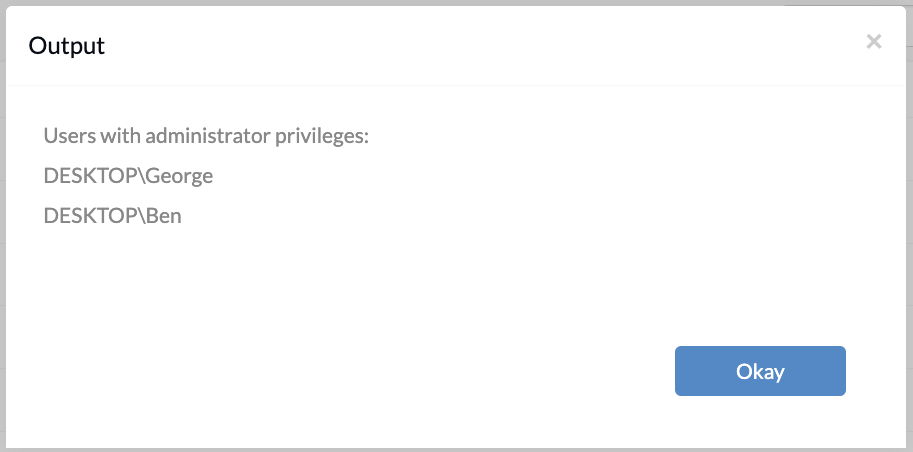
The commands suggested by @emersyn are spot on. I’d like to suggest another approach that might be helpful as well. You can use the following PowerShell script to get a detailed list of admin accounts on your Windows device:
List admin accounts method 3
|
1 2 3 4 5 6 7 |
# Get a list of local groups that have administrators $adminGroup = Get-LocalGroupMember -Group "Administrators" # Output the members of the administrators group Write-Host "Users with administrator privileges:" foreach ($user in $adminGroup) { Write-Host $user.Name } |
If your Windows device is enrolled in Hexnode UEM, you can use the Execute Custom Script remote action to retrieve the list of admin accounts. Otherwise, you can run the script using Windows Terminal.
Hope this helps! Let me know if you have any further questions.
Regards,
Ben Clarke
Hexnode UEM
Save