Allow non-admins to disable automatically joining a networkSolved

Participant
Discussion
10 months ago Mar 15, 2025

Hey,

Our organization manages macOS devices, and users often experience their devices automatically connecting to previously saved networks due to auto-join being enabled. However, when they attempt to disable auto-join, it requires admin privileges.

Is there a way to let non-admin users control this setting without IT intervention? Any insights would be appreciated!
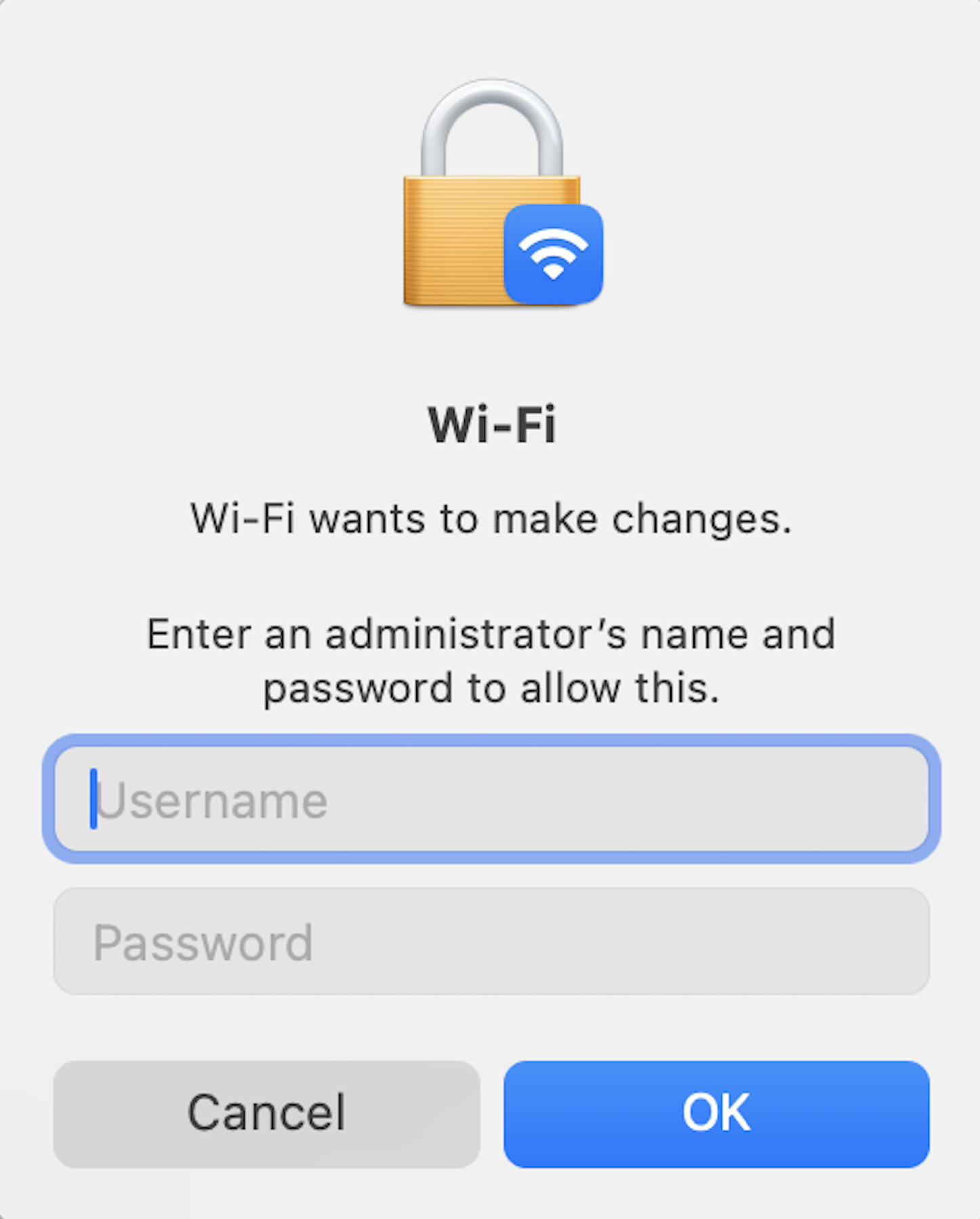
Notification for administrator credentials while changing Wi-Fi settings.

Replies (7)

Marked SolutionPending Review
Participant
10 months ago Mar 15, 2025
Marked SolutionPending Review

Have you checked Hexnode’s Wi-Fi settings? You can try unchecking the Auto-join option there. Here’s the link: Auto-join.

Marked SolutionPending Review
Participant
10 months ago Mar 15, 2025
Marked SolutionPending Review

I think that only applies to new networks deployed via Hexnode, not existing saved networks.

Marked SolutionPending Review
Participant
10 months ago Mar 16, 2025
Marked SolutionPending Review

Hey, try running these commands in Terminal, or push them via execute custom script in Hexnode:

Marked SolutionPending Review
Participant
10 months ago Mar 17, 2025
Marked SolutionPending Review

Thank you! That worked perfectly.

Marked SolutionPending Review
Participant
10 months ago Mar 18, 2025
Marked SolutionPending Review

Anything to prevent my Windows devices from automatically connecting to untrusted open Wi-Fi hotspots?

Marked SolutionPending Review
Participant
10 months ago Mar 18, 2025
Marked SolutionPending Review

Hey, we have implemented something similar. These are the restrictions that we disabled:

List of restrictions to be used for Windows.

The first restriction we disabled should cover your needs. I’d also recommend taking a look at the second one – it makes sure users only connect to Wi-Fi networks set up through MDM.

Marked SolutionPending Review
Participant
10 months ago Mar 19, 2025
Marked SolutionPending Review

That did the trick, thanks.

Save