What's new

Hello,
We are excited to share a new update that brings flexibility to your Android policy management!
When it comes to managing device restrictions, we know that administrative controls aren’t always black and white. Up until now, configuring USB Debugging under your Android Advanced Restrictions was a simple on/off checkbox. To give you much finer operational control—whether you’re securing corporate devices or supporting developer teams—we’ve upgraded this setting into a versatile dropdown!
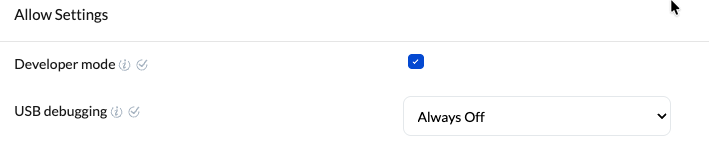
To explore this change, navigate to Policies > Android > Restrictions > Advanced > Allow settings and locate USB Debugging.
Instead of a simple checkbox, you now have three distinct choices to fit your specific security and workflow requirements:
- User can choose (Default): Keeps things flexible by allowing the end-user to toggle USB debugging on or off from the device settings as needed.
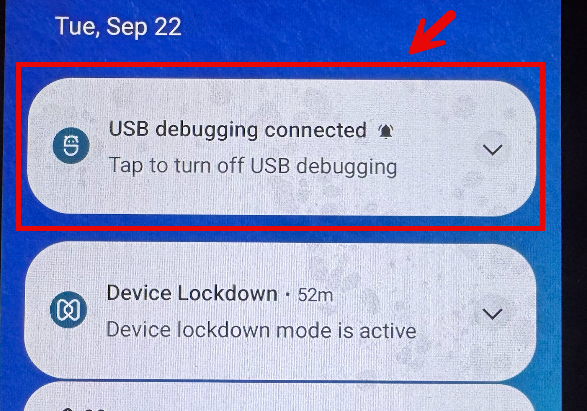
- Always ON: Keeps USB debugging continuously enabled—perfect for developer devices, specialized hardware, or dedicated testing environments.
- Always OFF: Enforces a strict security stance by locking down USB debugging completely, protecting your devices against unauthorized data transfers and connections.
Whether you need tight security lock-downs or open environments for development, this update ensures your USB debugging policies hit the exact sweet spot.
We can’t wait for you to try it out! Please do check it out and let us know your thoughts—share them right here in Hexnode Connect!
Best regards,
George,
Hexnode UEM
 455 Views