Retail Kiosk: The Complete Guide to UEM Security & Management
Unlock the power of self-service: Deploy, lock down, and manage secure retail kiosks effortlessly with Hexnode.

Get fresh insights, pro tips, and thought starters–only the best of posts for you.
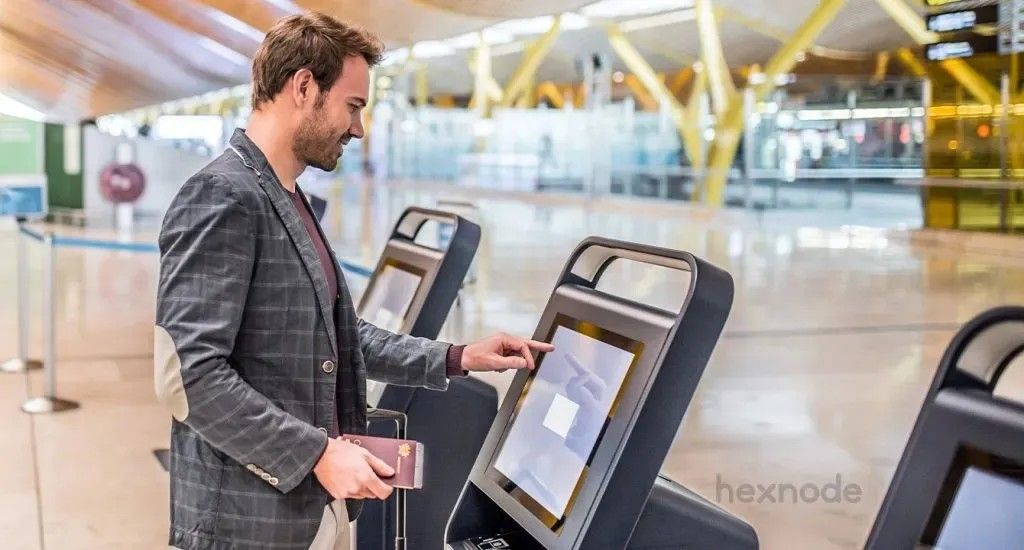
A self service kiosk is an interactive machine that allows users to complete tasks like ordering food, checking in, or paying bills on their own, without needing staff help.
Self-service technologies are permeating almost every industry. The concept began with vending machines in the 1800s and ATMs in the 1970s. Today, self-service devices are advanced touchscreens that blend digital convenience with physical service.
Currently, self service kiosks are an undeniable tool for securing a competitive edge. They have transitioned from simple information screens to complex self service machines capable of handling secure payments, identity verification, and inventory management.
Key Distinction: A Self-Service Kiosk refers to the physical machine itself. Kiosk Mode is the restrictive software configuration that secures it. By using a UEM like Hexnode to enforce Kiosk Mode, you lock the operating system to a specific function, transforming a multipurpose consumer device into a secure, dedicated terminal.
The Definitive Guide to Kiosk Management and Strategy (2025 Edition)
Self service kiosks use a touchscreen and business software to capture user input. This system processes secure transactions and triggers an action, such as printing a receipt or updating a database.
To understand the mechanics, we must look at the three core layers:
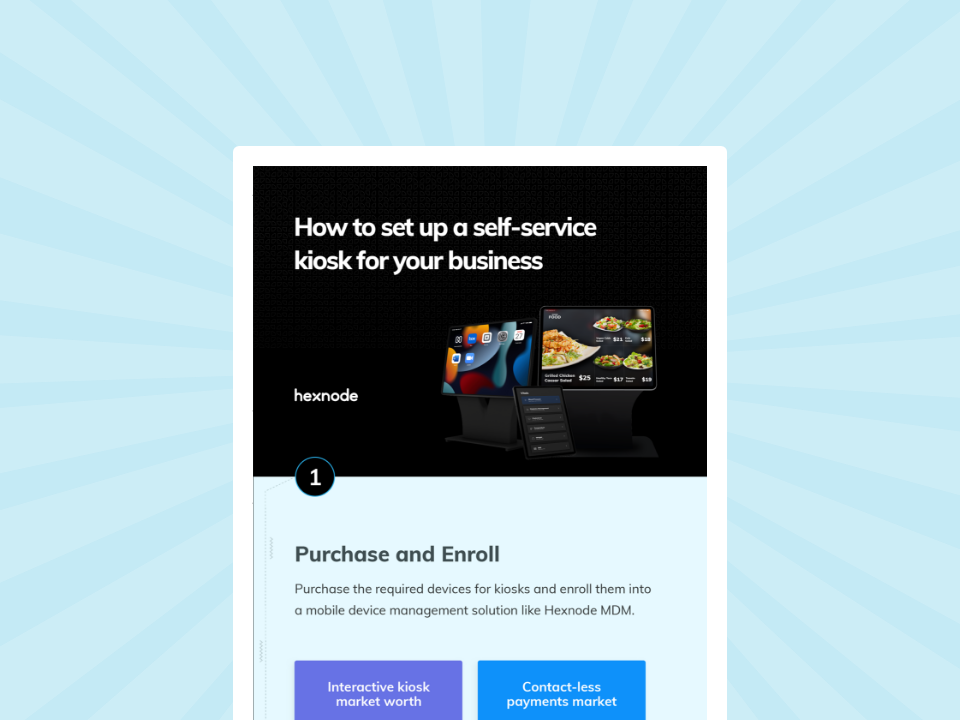
Download the infographic to learn the simple 4-step process for setting up secure, budget-friendly self-service kiosks.
Download InfographicWhether for registration, information, or payment transactions, customers now prefer the autonomy of self serving kiosks. Here is how different sectors utilize this technology.
Government self service kiosks make public services faster. They allow citizens to renew vehicle registrations, pay bills, and print documents instantly, without waiting in line.
Self service kiosks in hospitals speed up the check-in process. They let patients verify insurance, sign forms, and pay privately, which reduces staff workload.
Retail self service kiosks act as endless aisles. Customers can browse inventory not found in-store, check prices, and pay via integrated self-service POS systems.
Self service banking kiosks (often called Personal Teller Machines or PTMs) extend banking hours by allowing customers to perform complex transactions 24/7 without a live teller.
Universities and schools use self service kiosks to modernize campus life, reducing administrative overhead for registrars and increasing safety for students.
Corporate offices deploy self service kiosks to automate front-desk operations and manage secure access for employees and guests.
| Pros (The Hexnode Advantage) | Cons (And How to Fix Them) |
|---|---|
| Reduced Wait Times: Line-busting capabilities speed up customer flow. | Lack of Human Touch: Can frustrate elderly or non-tech-savvy users.
Fix: Keep one staff member floating nearby to assist. |
| Higher Accuracy: Eliminates errors in order taking (e.g., wrong coffee customization). | Technical Downtime: A broken kiosk kills revenue.
Fix: Use Hexnode’s Remote View to fix issues instantly without sending a technician. |
| 24/7 Availability: Machines don’t take breaks or call in sick. | Security Risks: Exposed ports can be tampered with.
Fix: Use Hexnode to disable USB ports and lock the OS completely. |
| Data Collection: Gathers precise data on customer preferences and peak times. | Hygiene Concerns: Touchscreens collect germs.
Fix: Deploy antimicrobial screens and install hand sanitizer stations. |
Setting up a self service kiosk requires a Unified Endpoint Management (UEM) solution. This software locks the device to a single app, blocking access to the operating system.
As industry experts, we know that hardware is only as good as the software managing it. Here is the actual workflow we use to deploy a self service kiosk using Hexnode:
We unbox the tablet (iOS or Android). Using Hexnode’s “Android Zero-Touch Enrollment” (or Apple Business Manager), the device automatically configures itself the moment it connects to Wi-Fi. No manual setup is required by IT staff.
In the Hexnode console, we navigate to Policies > Kiosk Lockdown.
Single App Mode: We select the specific POS or Check-in app. This forces the app to launch on startup and stay open.
Peripheral Settings: We disable the volume buttons and power button functionality so customers cannot accidentally turn the device off.
We push the policy over the air. Within seconds, the standard tablet transforms into a dedicated self service machine, ready for customer use.
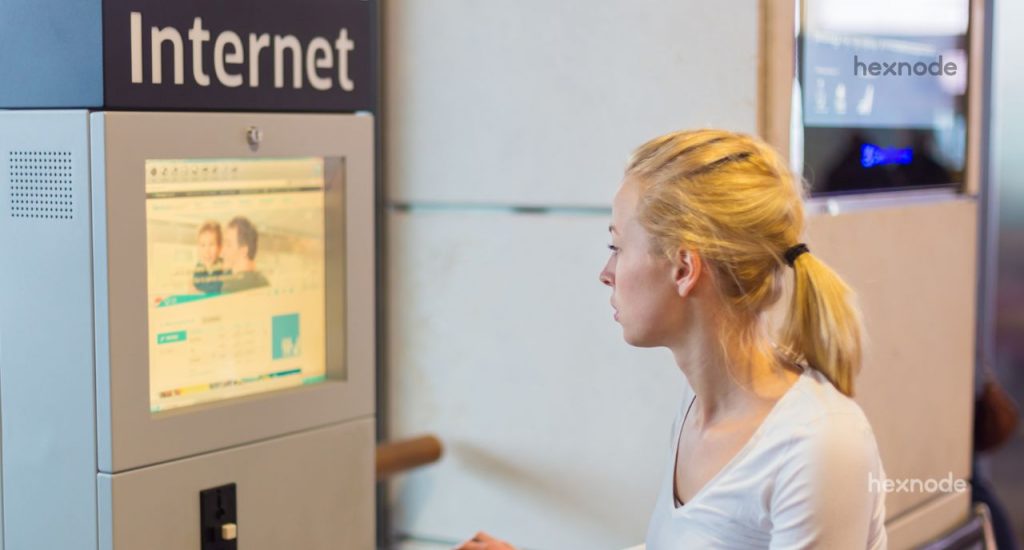
Pro Tip: For web-based kiosks, we use Hexnode’s Kiosk Browser. It restricts the user to a specific URL (whitelisted) and blocks the address bar, preventing them from surfing the web.
How to set up a self-service kiosk for your business using Hexnode MDM?
Management of a self service kiosk fleet involves continuous monitoring, silent software updates, and security compliance to ensure 24/7 uptime across multiple locations.
Deployment is only the first step. To ensure longevity and ROI, businesses must actively manage their fleet. Hexnode UEM connects IT admins to the remote self service kiosk. This gives you full control without needing a site visit.
Here are the three pillars of managing kiosks with Hexnode:
In fast-paced environments like retail or healthcare, software needs frequent updates. Hexnode allows IT admins to push app updates or change the digital signage content (like a new restaurant menu or holiday hours) silently in the background. The self service kiosk updates without interrupting the current user session or requiring a reboot.
You should not wait for a customer to report a broken machine. Hexnode’s dashboard provides a bird’s-eye view of every self service kiosk in your network. Admins can track key metrics. These include battery, storage, signal strength, and data usage. If a device goes offline, the system flags it immediately.
Operating systems (iOS, Android, Windows) frequently release security patches. Hexnode automates these OS updates, scheduling them during off-hours (e.g., 3:00 AM) to prevent downtime. This keeps every self service kiosk compliant. It protects business data and customer privacy.
Even the best hardware fails. Here is how Hexnode solves the most common self service kiosk headaches:
Solution: Instead of sending a technician to the site, an IT admin uses Hexnode’s Remote View & Control to see the screen in real-time. They can reboot the device or restart the specific app remotely to restore service instantly.
Solution: This happens when “Kiosk Mode” isn’t true system-level lockdown. Hexnode enforces deep system restrictions that mask the status bar and disable gesture navigation, making escape impossible.
Solution: If a portable self serving kiosk leaves the designated area, Hexnode’s Geofencing reacts instantly. It triggers an alarm, locks the device, and wipes sensitive data automatically.
Self service kiosks work by running a specialized application on a touch-enabled device that is “locked down” using management software (UEM). The software prevents users from accessing the device’s settings or other apps, while the hardware (screen, card reader, printer) facilitates the specific transaction or service.
A restaurant self service kiosk is often called a self ordering kiosk. It displays the menu visually, allowing customers to customize meals, order, and pay without speaking to a cashier. These orders are sent directly to the Kitchen Display System (KDS).
Yes, self service kiosks in hospitals are widely used for patient check-in, copayment collection, and wayfinding. They help reduce waiting room congestion and minimize face-to-face contact, which is vital for infection control.
The main disadvantages include confusing elderly patients and spreading germs on touchscreens. Also, sensitive medical check-ins lose the empathetic ‘human touch.
Yes, a post office self service kiosk lets customers weigh packages, buy stamps, and print labels. They are often located in the lobby to provide 24/7 access.
A self service POS system (Point of Sale) is the software engine behind the kiosk. It handles the catalog, pricing, inventory logic, and payment processing. The kiosk hardware is simply the vessel for this POS software.
The future of self-service kiosks lies in hyper-personalization and AI. We are moving toward “touchless” kiosks controlled by gestures or voice, and machines that use facial recognition to recall a user’s previous orders.
However, the intelligence of the kiosk will always depend on the management software behind it. Hexnode ensures that whether you deploy 10 kiosks or 10,000, they remain secure, updated, and operational.
From remote troubleshooting to silent updates, get full control over your self-service devices with Hexnode.
SIGN UP NOW