TL;DR:
Healthcare kiosks are the digital front door of modern clinics, but IT teams must keep every device secure and HIPAA-compliant across mixed operating systems.
- Hospitals now manage hundreds of check-in kiosks where manual, per-device configuration no longer works at scale.
- A UEM centralizes control—enforcing encryption, app lockdown, remote wipe, patch management, and audit logging from one console.
- Hexnode secures iOS, Android, Windows, macOS, tvOS, and Fire OS kiosks, protecting patient data while streamlining check-in and clinic workflow.
Modern healthcare depends on digital endpoints. Kiosk management in healthcare now bridges the gap between patients and providers. These devices automate patient check-in and clinical data entry. However, IT admins face a major challenge. They must configure and manage every patient check-in kiosk in a way that supports the organization’s HIPAA compliance requirements and protects electronic Protected Health Information (ePHI). Security must be ironclad across every device. This guide shows you how to master healthcare kiosks using Hexnode.
Today, hospitals manage hundreds of devices across multiple locations. Manual configuration is no longer a viable option for IT teams. You need a centralized system to push updates and monitor health. This blog explores the best practices for 2026 healthcare deployments and will cover security, compliance, and real-world troubleshooting steps.
What is healthcare kiosk management and why is it essential?
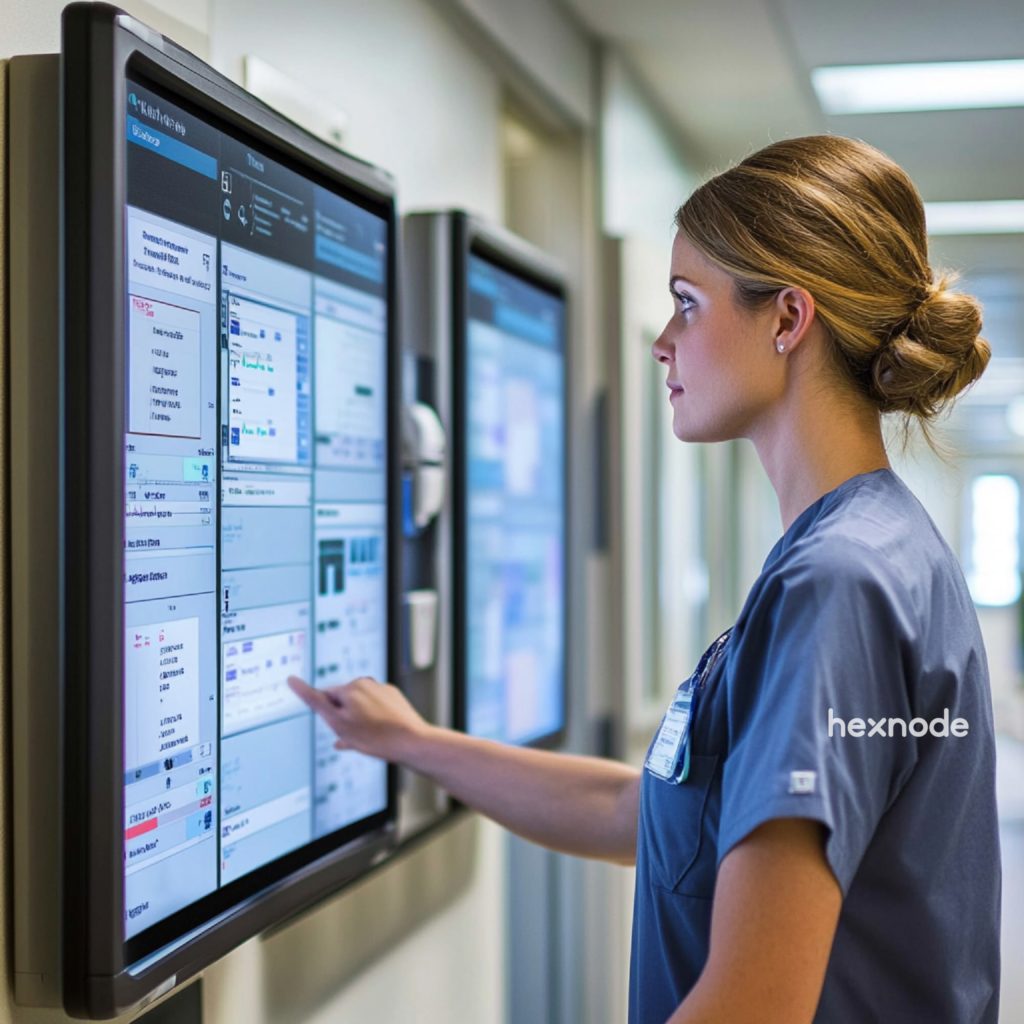
A kiosk in healthcare is a secure digital station locked to clinical apps. These devices automate patient check-in and insurance verification tasks. They serve as the digital front door for modern clinics.
In 2026, self service kiosks in healthcare are vital for several reasons:
- Staffing Efficiency: Automation lets nurses focus on clinical triage.
- Data Integrity: Direct patient input reduces manual data entry errors.
- Zero-Contact Hygiene: Modern hospital kiosks use antimicrobial screens for safety.
- Revenue Cycle Management: Kiosks collect co-pays during the patient check-in process.
- Patient Experience: Reduced wait times lead to higher satisfaction scores.
Key Features of an Effective Healthcare Kiosk Management Solution
Top-tier solutions offer robust lockdown, peripheral control, and remote monitoring. Security must prevent users from bypassing the medical application. A weak kiosk setup invites data breaches and hardware theft.
IT teams managing healthcare kiosks look for these features:
- App Lockdown: Restrict devices to one or two specific clinical portals.
- Peripheral Hardening: Disable USB ports, cameras, and physical home buttons.
- Network Security: Ensure the kiosk only talks to secure clinical APIs.
- Power Management: Schedule remote restarts where supported and monitor device battery percentage and status from the Hexnode console.
- Remote View: Remote View allows administrators to view supported devices, while the separate Remote Control capability enables interaction with supported Android, Windows, and macOS devices.
- Custom Branding: The interface should match the hospital’s visual identity.
Using high-quality kiosk software is the first step toward a secure facility. Hexnode stands out here by offering a single management console for mixed device fleets. It supports iOS, Android, Windows, tvOS, macOS and even Fire OS kiosk lockdown software.
Zero Trust Security Framework for Kiosks
The Role of UEM in Healthcare Compliance
Unified Endpoint Management (UEM) acts as the central brain for all kiosks. It ensures that every device adheres to strict organizational security policies. Without UEM, managing a mixed-OS fleet can become difficult and increase security risks. Hexnode provides features that help organizations align with HIPAA and GDPR security requirements.
How Hexnode Drives HIPAA Compliance
- Disk Encryption: Hexnode can enforce device encryption policies such as BitLocker for Windows and FileVault for macOS, along with platform-specific encryption on mobile devices. This helps protect stored electronic Protected Health Information (ePHI) from unauthorized access when combined with other required administrative, physical, and technical safeguards.
- Remote Wipe and Lock: If a device is stolen, admins can remotely erase it once the device receives the command. This prevents unauthorized access to sensitive patient data.
- Geofencing: Geofencing allows administrators to define location boundaries. If a device leaves the permitted area, it can be flagged as non-compliant or have different policies applied automatically.
- Audit Logs: Hexnode tracks every administrative change made to the fleet. These reports are vital during annual healthcare compliance audits.
- Patch Management: Delayed updates leave devices vulnerable to modern cyber threats. Hexnode provides OS update and patch management capabilities for supported platforms.
- Zero Trust Access: Integrate Hexnode with Microsoft Entra ID (formerly Azure AD) for identity-based administrator authentication and access management.
- Maintenance Windows: Patch deployments can be scheduled to minimize disruption during business hours, helping reduce downtime during maintenance.
How to Set Up a healthcare Kiosk with Hexnode UEM
Setting up a kiosk in healthcare involves enrollment, lockdown, and app deployment. Hexnode supports zero-touch enrollment and automated device provisioning, allowing large kiosk fleets to be configured remotely with minimal manual intervention.
Phase 1: Enrollment and Provisioning
Link your portal to Apple Business Manager (ABM). For Android fleets, use Android Zero touch enrollment for seamless setup. This allows devices to auto-configure immediately upon first power-on. No manual Wi-Fi setup is required from the end-user.
Phase 2: Configuring the Kiosk Policy
Go to Policies > Kiosk Lockdown in the Hexnode dashboard. Select your OS and choose the lockdown mode that fits your needs. For iPads, you may choose iOS Single app mode. For Windows tablets, select Windows Single app kiosk. Add your specific patient check-in kiosk application to the list.
Phase 3: Peripheral Lockdown
Configure available kiosk restrictions for your platform, such as disabling the status bar, notification shade, power menu, or hardware buttons where supported by the operating system.
Real-World Use Cases for Healthcare Kiosks
Beyond check-in, kiosks serve diverse roles in modern medical centers. They are used in emergency rooms, pharmacies, and long-term care facilities. Each use case requires a slightly different security profile in Hexnode.
- Pharmacy Pick-up: Kiosks verify identities before releasing sensitive medication details.
- Telehealth Stations: Tablets provide video links to off-site medical specialists.
- Wayfinding: Large-format kiosks help patients navigate large hospital campuses.
- Patient Education: Kiosks in waiting rooms provide interactive health tips.
- Patient Entertainment: In-patient rooms use tablets in multi app mode for web access.
Hexnode’s flexibility allows organizations to manage a wide range of healthcare kiosk deployments from a centralized UEM platform. It provides robust security while remaining easy for hospital staff to manage.
Troubleshooting Healthcare Kiosk Deployments
Managing a kiosk fleet requires solving technical glitches without physical access. Most issues involve application crashes, network drops, or users getting stuck in lockdowns. Hexnode provides remote management tools that help administrators troubleshoot supported devices from the management console.
| Common Trouble |
Hexnode Solution |
| Kiosk App Crashes |
Use Remote View to diagnose the app remotely. |
| User Stuck in Kiosk |
Set a Kiosk Exit Password or use the “Disable Kiosk” action. |
| Blocked Dependencies |
Add required system background processes to the Kiosk Allowlist. |
| Battery Overheating |
Monitor Battery Health telemetry and schedule remote device reboots. |
| Wi-Fi Connectivity Loss |
Push a persistent VPN profile or a Wi-Fi configuration policy. |
In many deployments, network interruptions are a common cause of kiosk connectivity issues. Hexnode allows administrators to deploy VPN profiles through the management portal. VPN profiles can secure connections when kiosks access hospital systems over external networks. If an application displays a “Blocked Package” error, the issue usually originates from the kiosk policy. Identify the dependent application or package and add it to the Background Apps section of the kiosk policy so it can run alongside the kiosk application.
Advanced Kiosk Customization with Hexnode
Hexnode allows you to customize the look of the kiosk interface. Depending on the operating system, administrators can customize supported kiosk elements such as wallpapers, logos, and app-icon layouts. This creates a professional environment for patients during the check-in process.
You can also set up multi-app kiosks for staff. This allows doctors to access both EHR and scheduling apps. Switching between apps is seamless but remains within a secure bubble. This flexibility is what makes Hexnode Kiosk Management a leader in the space.
Healthcare IT Management made Simple with Hexnode UEM
Protect patient data, streamline check-in, and manage healthcare kiosks securely with Hexnode UEM.
Best Practices for Healthcare IT Managers
Successful kiosk management requires proactive planning and regular security audits. Always test your kiosk policies on a pilot device first. This prevents service disruptions across your entire hospital network.
- Regular Audits: Review your device logs every month for anomalies.
- Staff Training: Ensure floor staff know how to report hardware issues.
- Content Updates: Keep your check-in software updated via Hexnode’s app management.
- Physical Security: Use high-quality tablet mounts to prevent physical theft.
FAQ
What is the difference between single-app and multi-app kiosk mode for medical devices?
Single-app mode locks a device to one application, which is ideal for patient-facing check-in stations that should never leave the clinical portal. Multi-app mode allows access to a controlled set of applications, such as EHR and scheduling tools for clinical staff. Both modes keep the device within a secure, restricted environment while matching the workflow needs of different users.
How long does it take to deploy a fleet of kiosks in healthcare with Hexnode?
Deployment time is significantly reduced through zero-touch enrollment, which lets devices auto-configure the moment they are powered on. Because policies and applications are pushed remotely from a central console, IT teams can provision large fleets without physically handling each device. This can eliminate manual Wi-Fi setup and lets thousands of kiosks be configured at once.
Can Hexnode manage kiosks across different operating systems from one console?
Yes, Hexnode manages mixed-OS fleets from a single management console. It supports kiosk lockdown for iOS, Android, Windows, macOS, tvOS, and Fire OS devices. This allows healthcare IT teams to enforce consistent security policies across varied hardware without switching between separate tools.
What happens to patient data on a kiosk if the device is lost or stolen?
Administrators can remotely lock or wipe a lost or stolen device to prevent unauthorized access to Protected Health Information. Enforced disk encryption keeps stored data unreadable even if the hardware is physically compromised. Geofencing can also flag or restrict a device automatically if it leaves its permitted location.
Does healthcare kiosks keep working during an internet outage?
Yes, a kiosk remains locked to its designated application even when it loses network connectivity. Users cannot exit the app or access the underlying operating system during an outage. The kiosk remains locked to its configured application during a network outage. Whether offline data synchronizes after connectivity returns depends on the kiosk application being used.
How does a UEM support HIPAA compliance efforts?
A UEM supports HIPAA audits by maintaining detailed logs of every administrative change made across the device fleet. It enforces required safeguards such as encryption, access controls, and timely patching to reduce compliance gaps. These centralized audit records give assessors clear documentation of enforced security policies.
Conclusion: Future-Proofing Healthcare
The move toward automated patient check-in is permanent. Managing a large fleet of healthcare kiosk deployments requires a powerful UEM. Hexnode UEM transforms standard tablets into secure clinical tools. It protects patient data while improving the flow of your clinic. Start securing your digital front door today with our enterprise solution.
Secure Healthcare Kiosks with Hexnode
Protect patient data, streamline check-in, and manage healthcare kiosks securely with Hexnode UEM.
Sign Up Now