TL;DR:
Digital signage software ranges from pure content-scheduling tools to full device-management platforms. The right pick depends on whether your screens need creative flexibility or endpoint-level security.
- Public-facing displays benefit from UEM-style controls – kiosk lockdown, remote troubleshooting, offline playback caching—not just content scheduling.
- The guide compares 10 digital signage vendors, from dedicated CMS tools to UEM platforms.
- Hexnode stands out for unifying digital-signage and kiosk management within one UEM console, covering device enrollment, policies, and remote actions.
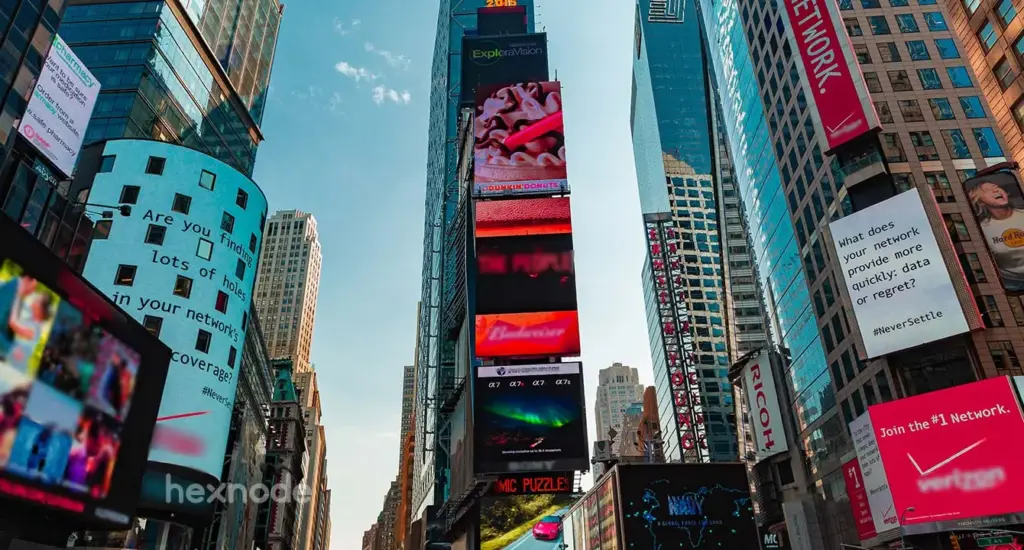
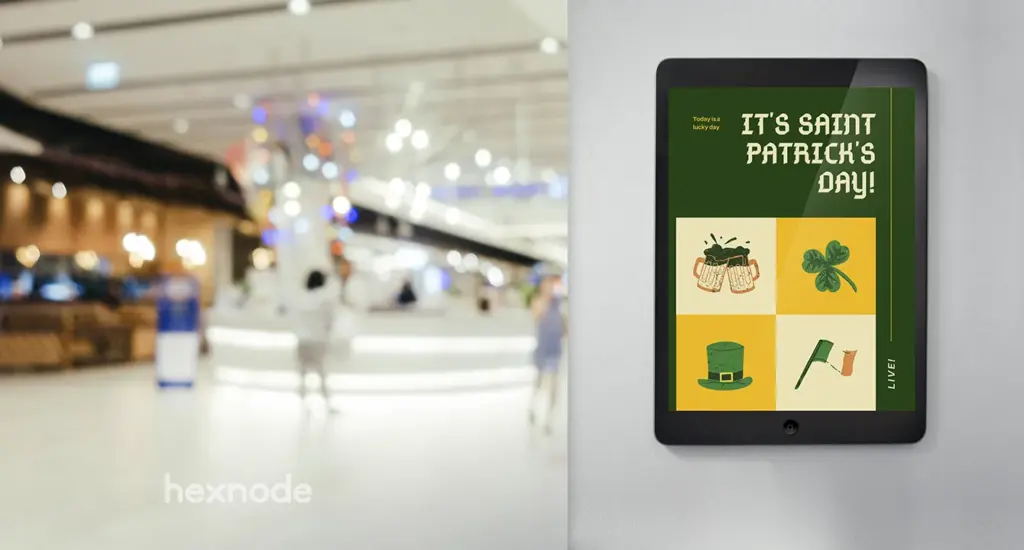
Digital signage software is a remote platform for deploying, scheduling, and managing multimedia across a network of screens. When evaluating the top digital signage software, businesses look for platforms that broadcast everything from 4K video to live data feeds from a centralized cloud dashboard, while keeping each screen secure and consistent.
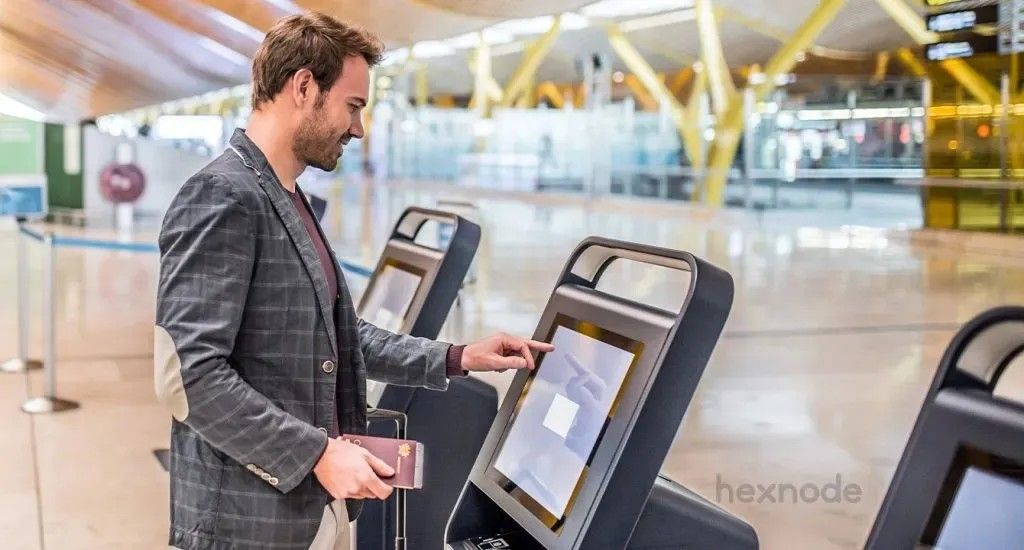
Digital signage can overlap with Unified Endpoint Management when display devices are enrolled and managed as endpoints alongside their content, with controls such as kiosk policies and remote management. For public-facing displays, device-level controls such as kiosk lockdown, network configuration, and remote troubleshooting can complement content scheduling. This guide explains what to look for, then compares ten leading solutions so you can shortlist the right fit.
Why choosing the right digital signage software matters
A centrally managed signage platform can let teams update distributed screens and perform supported management and troubleshooting tasks remotely.
Capabilities such as remote publishing, scheduling, screen monitoring, and locally cached playback can reduce on-site content changes and help keep downloaded content playing during temporary connectivity loss.
Three benefits drive adoption:
- Scalability: update one screen or thousands at once from any location.
- Engagement: motion and dynamic content draw attention that static print cannot.
- Operational efficiency: automated scheduling plays the right content at the right time without manual intervention.
How to evaluate a digital signage platform
Before comparing vendors, decide which capabilities your deployment actually requires. The “best” tool depends on whether you prioritize creative design, content integrations, or endpoint security and lockdown.
- Deployment model: cloud CMS, on-premises, or a UEM that manages the full device lifecycle.
- Hardware flexibility: whether the platform is hardware-agnostic or tied to specific players.
- Security and lockdown: kiosk mode, tamper resistance, patch management, and peripheral control for public-facing screens.
- Content management: scheduling, playlists, multi-zone layouts, and how easily non-designers can build content.
- Offline playback: local caching so a network drop does not blank the screen.
- Integrations: live data, dashboards, and third-party apps.
- Scale and monitoring: central grouping, remote troubleshooting, and fleet health visibility.
Top 10 digital signage software vendors compared
The vendors below are grouped by their primary product focus so you can compare them by use case rather than as a single ranking. Shortlist two or three platforms against the criteria above and pilot them where a trial or evaluation option is available before committing.
1. Hexnode UEM: Secure signage inside a UEM
Hexnode combines kiosk lockdown and content delivery within UEM. Digital signage is supported on Android 5.0+, Android TV OS 5.0+, and AOSP-based Android TVs running Android 5.0+. On Windows, Hexnode supports image, video, and web-URL signage on Windows 10 Pro, Enterprise, and Education version 1803+, as well as Windows 11 Pro, Enterprise, and Education, with Kiosk Browser installed for the kiosk account. Supervised Apple TVs running tvOS 10.2+ support single-app kiosk, while Fire OS digital signage supports image files only.
- Zero-Touch deployment: Hexnode supports Android Zero-touch Enrollment and Samsung Knox Mobile Enrollment for automated bulk enrollment, while self-enrollment is also available for Android devices using supported authentication workflows.
- Digital Signage Display: on Android and Android TV OS, Hexnode supports JPG and PNG images, MP4 and MKV video, and MP3 and Ogg audio, while Windows signage supports JPEG and PNG images, MP4 and MOV video, and web URLs.
- Media controls: on Android 5.0+ and Android TV OS 5.0+ digital signage, Hexnode supports muting videos, adding custom background music, setting portrait or landscape orientation, adjusting brightness, and putting the device to sleep after a specified time or number of loops.
- Content playback: on Android 5.0+ and Android TV OS 5.0+, folder media can be ordered by name or type or arranged randomly, media files can be shuffled, and individually added images and videos can be assigned loop counts.
- Kiosk lockdown: restrict devices to a single app, multiple apps, or a signage loop to keep displays tamper-resistant.
- Kiosk configuration options: on Android, Hexnode supports single-app, multi-app, website-kiosk, and digital-signage configurations through kiosk policies that administrators can associate with enrolled devices.
- Branding: Android kiosk deployments can use managed wallpapers and customize supported launcher elements such as the title-bar logo, title, app-icon size, font settings, and peripheral-settings icon.
- Peripheral control: configure Wi-Fi, Bluetooth, display, and kiosk-exit settings on supported Android TV OS devices.
- Remote management: Android TV OS and AOSP-based TV deployments support remote file management, Wi-Fi configuration, remote actions, and monitoring through dashboard and reporting tools.
- Automations: Hexnode can schedule supported management actions, including Android device restarts, through automation workflows.
How to setup a digital signage using Hexnode UEM?
Step-by-step guide to deploying digital signage on Android, Windows, and Apple devices using Hexnode UEM.
2. ScreenCloud: Apps, integrations, and dashboards
ScreenCloud turns screens into live dashboards and internal-comms displays, connecting content from tools teams already use.
- App platform: ScreenCloud provides more than 80 apps and integrations for sources such as Slack, Microsoft Excel, and Google Workspace services, along with news, weather, and financial feeds. Its GraphQL API supports custom integrations and workflows.
- Content suite: Channels let you schedule content by day or time, split screens into zone layouts, and apply custom branding and themes.
- Dashboards: connect data sources such as Power BI, Google Sheets, and project boards to show live KPIs on screen.
- Management and security: ScreenCloud encrypts data in transit and at rest, keeps account activity logs, enforces role-based permissions, and supports remote device management — status monitoring, restart/reboot, screenshots, and cache clearing — on Android, Fire OS, Windows, macOS, BrightSign, webOS, Tizen, and ScreenCloud OS.
3. Miradore: Device-management-led kiosk lockdown
Miradore focuses on locking down and managing signage hardware through configuration profiles.
- Kiosk mode: Miradore supports single-app and multi-app kiosk configurations on fully managed Android 9+ devices with Premium or Premium+, while its iOS kiosk profile supports single-app mode on supervised iOS and iPadOS devices with Premium.
- Policy-based management: configuration profiles automate device settings and enforce restrictions across the fleet.
- Home screen and kiosk profile: a combined profile for improved stability and simplified kiosk management, including a custom Android launcher.
- Lockdown behavior: with Miradore’s Android Kiosk mode or Kiosk mode (Knox) profile, power-off requests are blocked while kiosk mode is active, and an extended power-button press restarts the device instead of shutting it down.
4. Yodeck: Raspberry Pi-based and multi-platform signage
Yodeck provides a Raspberry Pi-based signage player alongside a free plan for a single screen.
- Free single-screen plan: one screen is available at no cost with basic features and apps, while new accounts receive 30 days of full-feature access for up to five screens.
- Player options: Yodeck supports its preconfigured Raspberry Pi-based player as well as Android, Windows, ChromeOS, Samsung Tizen, LG webOS, Amazon signage players, BrightSign, and web-player deployments.
- Multi-zone layouts: a drag-and-drop editor to show video, news, and weather on one screen, with 800+ templates.
- Offline playback: downloaded images and videos continue playing when connectivity drops, while web pages and live video streams require an internet connection. Yodeck players can continue offline playback for at least 30 days before playback eventually stops.
- Integrations: widgets and third-party sources such as Power BI, Canva, and Google Slides for real-time information.
How to choose a UEM solution that fits all your digital signage needs?
5. Esper: Android DevOps for device fleets
Esper uses desired-state Blueprints, staged application deployment, and remote device-management tools for dedicated-device fleets.
- Android device management: Esper manages GMS and non-GMS/AOSP Android devices. Supported GMS devices can use provisioning methods including six-tap QR-code provisioning and Android Zero-touch Enrollment.
- Blueprints: define a device’s desired state and apply supported application, Wi-Fi, file, security, display, and hardware configurations through Blueprint convergence.
- Pipelines: Esper stages Android application installations or removals across selected devices and groups. Blueprints separately manage desired-state settings such as apps, Wi-Fi, files, volume, brightness, security, and hardware settings.
- Granular grouping: organize devices using groups and tags, and filter the device directory by criteria such as OS, device properties, status, Blueprint, group, and last-seen information.
- Remote control and diagnostics: Esper supports remote viewing and screenshots on eligible Android devices, while remote control requires supported devices and configuration. Bug-report requests generally require approval on the device, although eligible devices can be assisted through a remote-control session.
- Hardware and firmware controls: Android Blueprints can control settings such as external-device access, USB connectivity, file transfer, camera, and location. Esper Airwave separately provides staged Android firmware rollouts with targeting, observability, and automated rollback.
6. NoviSign: Interactive content
NoviSign centers on a widget-rich design studio for interactive displays.
- Interactive studio: drag-and-drop widgets and touch-enabled experiences for polls, and wayfinding.
- Touch widget: on Android and Windows players, NoviSign’s Touch Widget lets admins define multiple clickable areas that trigger different creatives and can operate without a constant internet connection.
- Offline playback: content caches locally, so playback continues uninterrupted if the connection drops and syncs new content when it returns.
- Platform support: NoviSign provides player options for Android, Windows, Chrome OS, LG webOS, Samsung Tizen, BrightSign, and Linux, and Amazon Signage Stick, along with an HTML web player.
- Collaboration: NoviSign’s Premium plan provides SSO/SAML and advanced administration for managing users and permissions; the NoviSign platform is delivered as cloud-based software.
- Synchronized units: sync separate displays to form a video wall or coordinated content.
7. OptiSigns: Templates and integrated content tools
OptiSigns combines a browser-based signage platform with a built-in Designer and more than 1,000 customizable templates.
- App integrations: OptiSigns connects signage content to services such as Power BI, YouTube, Google Slides, weather feeds, and social-media sources.
- Templates and designer: 1000+ free templates with a built-in Designer app for custom layouts.
- Scheduling and playlists: combine images, video, and apps into rotating playlists, scheduled by time of day, week, or event, in landscape or portrait.
- Optional audience intelligence: supported camera setups can estimate audience attributes such as presence and gender, with analysis processed locally on the player device.
- Security and compliance: OptiSigns encrypts customer data at rest and in transit, offers SAML single sign-on with Pro Plus and higher plans, documents its GDPR posture through its DPA and transfer mechanisms, and maintains a SOC 2 Type 2 attestation.
8. TelemetryTV: IPTV and developer tooling
TelemetryTV targets large networks and teams that want programmatic control.
- IPTV streaming: on eligible higher-tier plans, TelemetryTV can combine IPTV or live broadcast content with branded signage, applications, and advertising content.
- Developer tooling: a documented API and SDK, with native Git integration for web apps.
- App library: 70+ apps for building content quickly.
- Interactive experiences: turn touch displays into interactive kiosks.
- Governance and monitoring: TelemetryTV supports group-based permissions, system logging and reporting, screen overrides, analytics, and device-health information; however, changes made to Overrides are not recorded in the log.
- Emergency alerts: override content to push urgent messages network-wide.
9. ManageEngine Mobile Device Manager Plus: Cross-platform device management
ManageEngine provides enterprise device management with kiosk capabilities for securing signage.
- Device lockdown: ManageEngine provides kiosk profiles for Android, iOS and iPadOS, Windows, ChromeOS, and Apple TV. Supported supervised iOS and iPadOS devices can use Autonomous Single App Mode with applications that implement it.
- Deployment choice: ManageEngine Mobile Device Manager Plus is available in both cloud and on-premises editions.
- Preconfigured settings: on supported Android kiosk configurations, ManageEngine can configure media-volume levels and restrict volume-button access, while access to brightness controls can be governed through kiosk and Custom Settings options.
- Health monitoring: track battery level and charging status with alerts when a device falls below a threshold.
- Remote recovery: on Android kiosk devices, administrators can pause and resume kiosk using security or chat commands. Remote troubleshooting supports remote viewing on Android and iOS, while remote control is limited to fully managed Android devices and supported configurations.
- Web kiosk: lock devices to a web app for displays such as schedules and maps without exposing a full browser.
ManageEngine Alternative: Why Hexnode is a Better Choice
10. Scalefusion: Visual fleet management
Scalefusion turns diverse hardware into signage kiosks while tracking device health.
- Kiosk launcher: locks Android, iOS, and Windows devices to single or multiple apps for branded signage.
- Presentation content: with an active Scalefusion Content Management subscription, administrators can use JPG, JPEG, PNG, GIF, and MP4 files to build digital-signage presentations for managed Android, Windows, and iOS devices.
- Presentation mode: build a looping presentation and adjust the interval between videos and images, published from the dashboard.
- Screensaver mode: supported Presentation Mode deployments on Android can play a presentation as a screensaver after inactivity; this option is not available on iOS or Windows devices.
- Display control: enforce landscape orientation for a consistent viewing experience.
- Content hosting: upload media to the dashboard or host it on Google Drive and push it to devices.
- Remote troubleshooting: Scalefusion’s Enterprise-plan Remote Cast supports screenshots and session recordings on eligible Android, iOS, macOS, and Windows devices. Remote control is limited to select supported Android devices and may require device-side configuration.
Frequently asked questions
What is the best kiosk software for businesses?
Hexnode combines kiosk and signage management within UEM, Yodeck centers on digital-signage content and player management, and Miradore provides managed-device kiosk configurations for Android and supervised iOS and iPadOS devices. For organizations prioritizing endpoint control alongside signage, Hexnode combines digital-signage and kiosk workflows in one console. It covers device enrollment, network policies, app management, remote actions, and cross-platform kiosk management.
Can I use a smart TV for digital signage?
Yes. Smart-TV signage depends on the TV or attached player platform. Hexnode supports digital signage on Android TV OS 5.0+ and AOSP-based Android TVs running Android 5.0+. It also supports image, video, and web-URL signage on Windows 10 Pro, Enterprise, and Education version 1803+, as well as Windows 11 Pro, Enterprise, and Education. Supervised Apple TVs running tvOS 10.2+ can be configured in single-app kiosk mode.
Do I need an internet connection for digital signage?
An internet connection is needed for remote content updates. Platforms such as Yodeck, however, can continue playing downloaded images and videos locally during temporary connectivity loss. With Yodeck, locally downloaded content continues playing during an outage, although web pages and live streams remain dependent on connectivity.
How do I choose between a CMS and a UEM for signage?
A signage CMS focuses on content creation, scheduling, and playback, with some platforms also offering device monitoring and remote management. A UEM such as Hexnode goes further, managing enrolled endpoints through device policies, kiosk controls, app management, and remote actions. For organizations that want signage and endpoint administration in the same console, Hexnode is a strong fit. It combines digital-signage and kiosk configurations with enrollment, Wi-Fi management, app management, remote device actions, and broader endpoint policies.
Conclusion
A successful signage strategy balances creative flexibility with technical reliability. NoviSign and OptiSigns provide built-in content-design tools, while TelemetryTV provides API, webhook, and Git-based tooling for custom signage workflows. Esper takes a different approach, combining desired-state Blueprints with staged application deployment. For organizations that want to manage signage within a UEM, Hexnode combines digital-signage and kiosk workflows in one console. It covers device enrollment, network configuration, app management, remote actions, and cross-platform endpoint controls.
Manage every screen with Hexnode
Deploy, schedule, and secure digital signage across Android, Windows, and Apple devices from one cloud console.
Sign Up Now