Hotel kiosk management requires consistent device controls, reliable guest-session handling, and repeatable support across properties.
Inconsistent configurations can interrupt transactions, increase staff workload, and expose guest information.
Standardize settings, test complete workflows and recovery, and combine browser cleanup with application-side session termination.
Hexnode UEM supports application lockdown, browser controls, and remote troubleshooting, with capabilities depending on device, platform, and enrollment requirements.
Why do hotel kiosks become difficult to manage across properties?
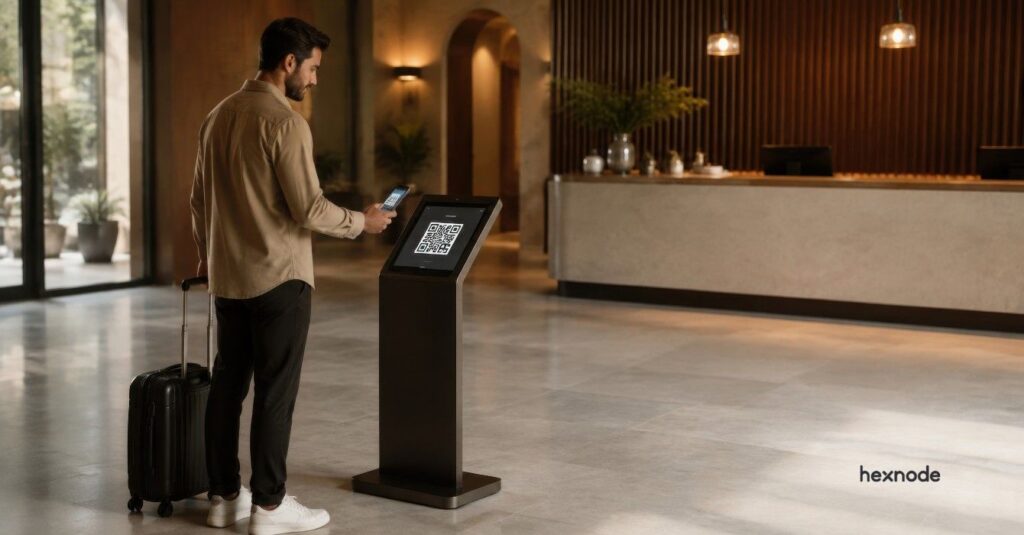
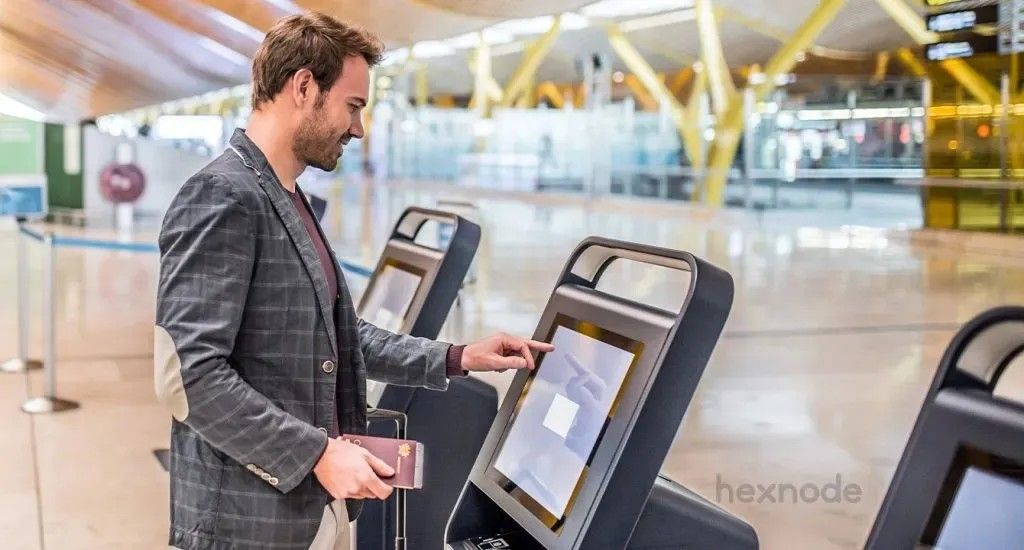
Hotel kiosk management becomes difficult when properties configure and maintain devices differently. Check-in terminals, concierge tablets, and information kiosks need consistent controls, even when each location has different service requirements.
Guests may leave sessions open or access unrelated apps. Inconsistent software versions complicate troubleshooting, while front-desk employees handle technical issues alongside guest requests. Without clear support responsibilities, staff may struggle to identify who should resolve a device or application problem.
Managing these environments requires centralized device management, defined responsibilities, and repeatable procedures for configuration, updates, and recovery to keep guest services reliable across properties.
What happens when hotel kiosks fail during guest service?
Kiosk disasters can interrupt guest transactions, increase front-desk workload, and leave information from previous sessions visible. The consequences extend beyond the affected device:
Interrupted check-ins: Guests must restart incomplete transactions or seek help from reception, adding to staff workload.
Repeated troubleshooting: Inconsistent configurations across properties force IT teams to investigate similar symptoms under different conditions.
Inconsistent guest experiences: Guests encounter different functionality or recurring errors depending on which property or device they use.
Guest-data exposure: Failed session resets can leave reservation details or contact information accessible to the next guest.
Remote Kiosk Management: Ensure 24/7 Uptime with Hexnode Tools
Explore remote kiosk management, monitoring, and troubleshooting with Hexnode UEM.
What does hotel kiosk management include?
Hotel kiosk management covers configuring, restricting, monitoring, updating, and supporting devices dedicated to guest-facing hospitality services.
Kiosk mode restricts how guests use a device, such as limiting access to one application or several approved apps. Ongoing management covers the device’s lifecycle, from deployment and daily operation to maintenance and retirement.
Administrators need to address five requirements:
Approved applications: Provide the apps each guest workflow requires.
Controlled browsing: Limit navigation to necessary websites and services.
Guest-session handling: Define logout, timeout, and local-data cleanup behavior.
Device visibility: Track connectivity, software versions, and configuration status.
Recovery procedures: Establish how IT and on-site staff restore interrupted services.
Which kiosk configuration fits each hospitality workflow?
Choose the configuration according to whether guests need one application, several approved services, a website, or information-only content.
Hospitality workflow
Suitable kiosk configuration
Dependencies to validate
Check-in/check-out terminals
Single-app kiosk for a dedicated application, or website kiosk for a browser-based workflow
Reservation-system connectivity; payment terminals, identity scanners, and key encoders where required
Concierge or service-request tablets
Multi-app kiosk for separate approved apps, or website kiosk for a unified service portal
Application compatibility, authentication, request routing, and session handling
Interactive wayfinding
Single-app or website kiosk for maps and directories
Touchscreen support, map content, browser compatibility, and connectivity requirements
Lobby information displays
Digital signage configuration for announcements, event schedules, or promotional content
Media compatibility, display orientation, content delivery, and playback behavior
These configurations can overlap. A website can run inside a single-app kiosk experience, with the browser acting as the designated application. Available controls depend on the operating system and management implementation.
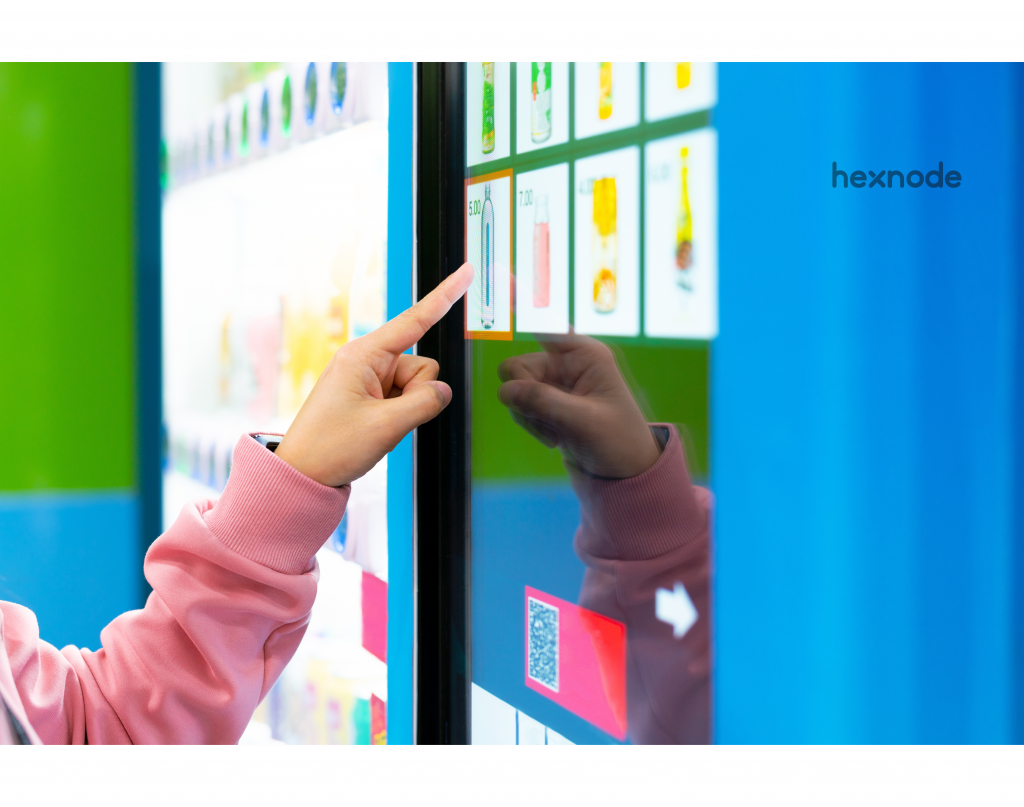
Interactive kiosks accept guest input to complete tasks or retrieve information. Information-only signage displays content without requiring guest interaction. Validate application, OS, and peripheral compatibility for the intended use.
Where does device management fit within the hotel technology stack?
Device management controls supported endpoint settings and application access. Hospitality applications and connected services handle the guest workflows:
Reservations and services: Hospitality applications manage these workflows through integrations with systems such as the property management system (PMS).
Payments, identity checks, and room keys: Each workflow requires compatible software, services, and hardware. Installing a kiosk application alone does not establish these connections.
Local browser cleanup: Browser controls remove selected information, such as cookies, cached content, and web storage, between guest sessions.
Server-side session handling: The application must invalidate sessions when guests log out, or sessions expire. Clearing browser data or returning to the welcome screen does not establish that the server has ended the session.
How do you implement hotel kiosk management across properties?
Implement hotel kiosk management by defining requirements, configuring controls, testing a pilot, and using a repeatable process to expand across properties.
Step 1: Define the guest workflow and qualify the devices
Identify what guests need to do and what each device needs to support.
Confirm the deployment requirements
Workflow: List required apps, websites, service hours, and peripherals such as printers, scanners, payment terminals, or key encoders.
Compatibility: Choose hardware, supported OS versions, and enrollment methods that provide the required kiosk controls.
Usability: Check touchscreen operation, accessibility, language support, and physical placement.
Ownership: Assign owners for devices, applications, networking, and on-site support. Record each device’s property, location, purpose, and support contact.
Step 2: Configure lockdown, connectivity, and guest-session controls
Limit guests to the intended service while keeping a controlled recovery method for administrators.
Set access and session controls
Device access: Allow necessary apps and websites. Restrict system settings and protect kiosk exit with administrator controls.
Connectivity: Configure network access and appropriate separation from other hotel systems.
Browser access: Test required login redirects and external service domains before finalizing website allowlists.
Guest sessions: Configure logout, inactivity timeouts, local-data cleanup, and return-to-start behavior. Ensure the application also ends server-side sessions, then test that the next guest cannot access previous guest information.
Step 3: Pilot complete transactions and failure recovery
Test representative devices and peripherals against clear acceptance criteria before expanding deployment.
Check normal use and recovery
Guest workflows: Test successful transactions, cancellations, abandoned sessions, language changes, and assistance requests.
Failures: Simulate network loss, app crashes, restarts, and peripheral disconnections. Check transaction state, session cleanup, and service recovery.
Access boundaries: Confirm that guests can reach only approved apps and websites, with no previous guest information accessible.
Support readiness: Test remote support after reboot and verify required permissions. Document recovery steps, front-desk escalation, and an alternative service path when kiosks remain unavailable.
Step 4: Standardize rollout, maintenance, and service monitoring
Expand in stages after the pilot passes, using consistent settings and documented property-specific exceptions.
Keep daily operations consistent
Deployment: Group devices by property and purpose, apply reusable configurations, and record local exceptions.
Maintenance: Test app and OS updates on representative devices. Schedule changes around service demand and maintain recovery or replacement procedures.
Monitoring: Track device availability, configuration status, transaction success, support incidents, and restoration time. A connected kiosk does not prove that guest transactions work.
Retirement: Use supported data-removal procedures before reassignment or disposal, and update inventory records.
Featured resource
The Ultimate Guide to Kiosk Management
Explore kiosk management strategies, overcome device challenges, and understand implementation steps and future kiosk trends.
How does Hexnode UEM support hotel kiosk management?
Hexnode UEM helps IT teams configure guest-facing applications, control browsing, manage lobby displays, and troubleshoot supported devices across hotel properties.
Match application access to the guest workflow
Use Single App kiosk mode for dedicated check-in terminals or Multi App kiosk mode for concierge services on supported Android, ChromeOS, and Linux devices. Supervised iPadOS devices support Single App Mode for an installed hospitality application.
Apply the relevant platform requirements:
Android: Devices enrolled through Android Enterprise require Device Owner enrollment.
iPadOS: Supervise the device and install the application before applying Single App Mode.
ChromeOS: Apply kiosk policies through organizational units and confirm the required Google kiosk licensing.
Linux: Create a local kiosk account and install the graphical applications first. Test notification behavior because some alerts can expose restricted functions.
For guest-facing Mac applications, Autonomous Single App Mode locks the Mac to a specified app when that app launches. It requires macOS 10.13.4 or later and a preinstalled application that explicitly supports this mode.
Control website access and guest-session cleanup
Limit browsing to the websites each hotel service requires. Website Kiosk supports URL allowlisting on compatible Windows devices, while Web App Kiosk with Hexnode Browser Lite provides approved website access on supervised iPads.
Session controls vary by browser:
Android: Advanced Website Kiosk Settings provides inactivity reload and cookie, cache, and web-storage cleanup options for Hexnode Browser Lite and Hexnode Kiosk Browser.
Windows: With Kiosk Browser installed for the kiosk account, Show Reset Button clears browsing data and returns to the homepage after confirmation. Browser Timeout resets the browser after inactivity unless the guest resumes.
Coordinate these browser controls with application-side logout and session expiration.
Keep lobby displays dedicated to hotel information
Use Apple TV kiosk to keep a supervised Apple TV running an installed display application for announcements or event information. This requires tvOS 10.2 or later, with the application installed before applying the policy.
Troubleshoot guest devices remotely
Unattended Remote Access Management enables remote viewing and control on eligible Android devices after setup. Supported configurations include Android Enterprise Device Owner devices running Android 9+, with the latest Hexnode Assist app and Accessibility permission enabled. This feature excludes Android TVs.
FAQs
Can hotels use the same kiosk configuration across multiple properties?
Hotels can reuse a common configuration where devices share compatible applications and management requirements. Document exceptions for property-specific services, peripherals, and network settings, and test them before deployment.
Why does a hotel kiosk appear online when guests cannot complete check-in?
An online status reflects the management system’s latest connectivity information, which may lag the device’s actual state. It does not confirm that the application, connected services, or peripherals work correctly. Check the complete transaction, including reservation-system access and any required payment or key-encoding functions, to identify where it fails.
Does clearing a hotel kiosk’s browser data log the guest out?
Clearing browser data does not guarantee that the application has ended the guest’s server-side session. The application must also invalidate the session through logout or expiration. Test both controls together to confirm that the next guest cannot access the previous guest’s information.
Prepare your hotel’s devices for kiosk deployment
Confirm that your devices, applications, and peripherals support the intended guest workflow, from the welcome screen to logout. Configure kiosk restrictions to allow required services while limiting access to unrelated apps and settings.
Before expanding across properties, verify guest-session cleanup, remote support readiness, and recovery procedures on representative devices. Request a Hexnode demo to see how you can configure and manage your hotel’s kiosk devices.
Simplify hotel kiosk management with Hexnode.
Start your free trial and manage devices across properties.
A storyteller for practical people. Breaks down complicated topics into steps, trade-offs, and clear next actions—without the buzzword fog. Known to replace fluff with facts, sharpen the message, and keep things readable—politely.