



Loved by all. Recognized by the best.



Troubleshoot your devices from anywhere




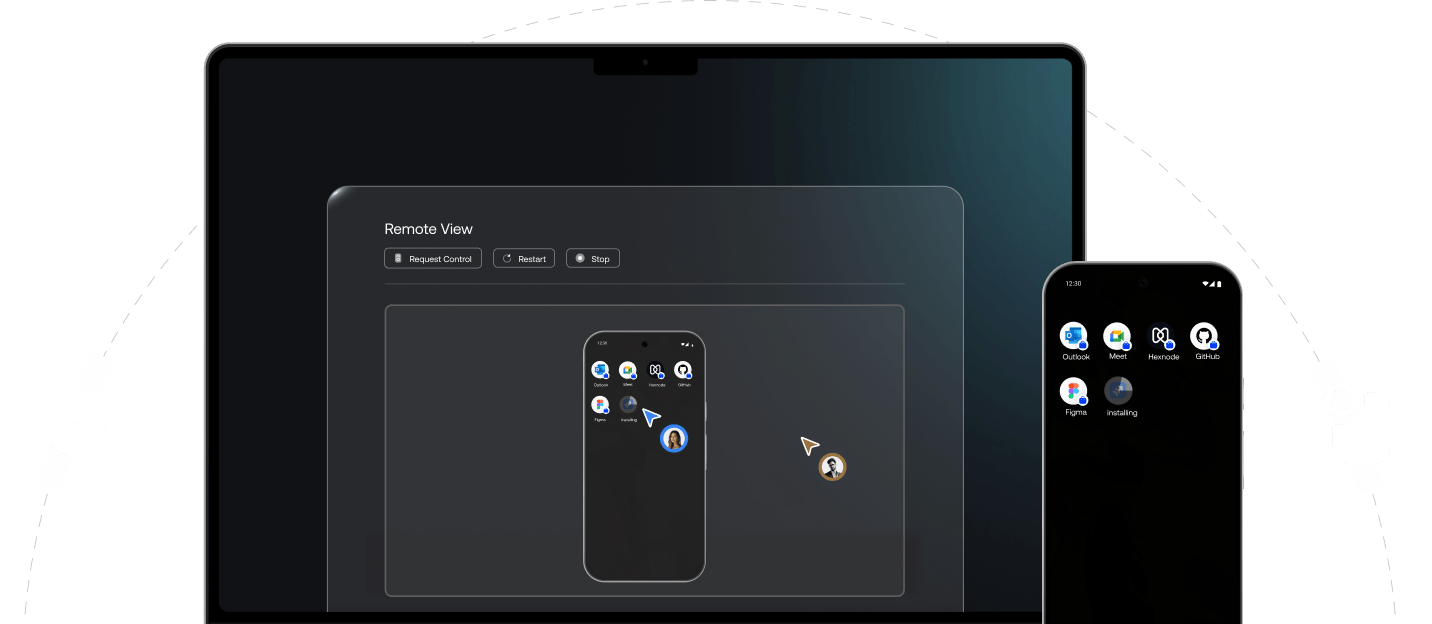
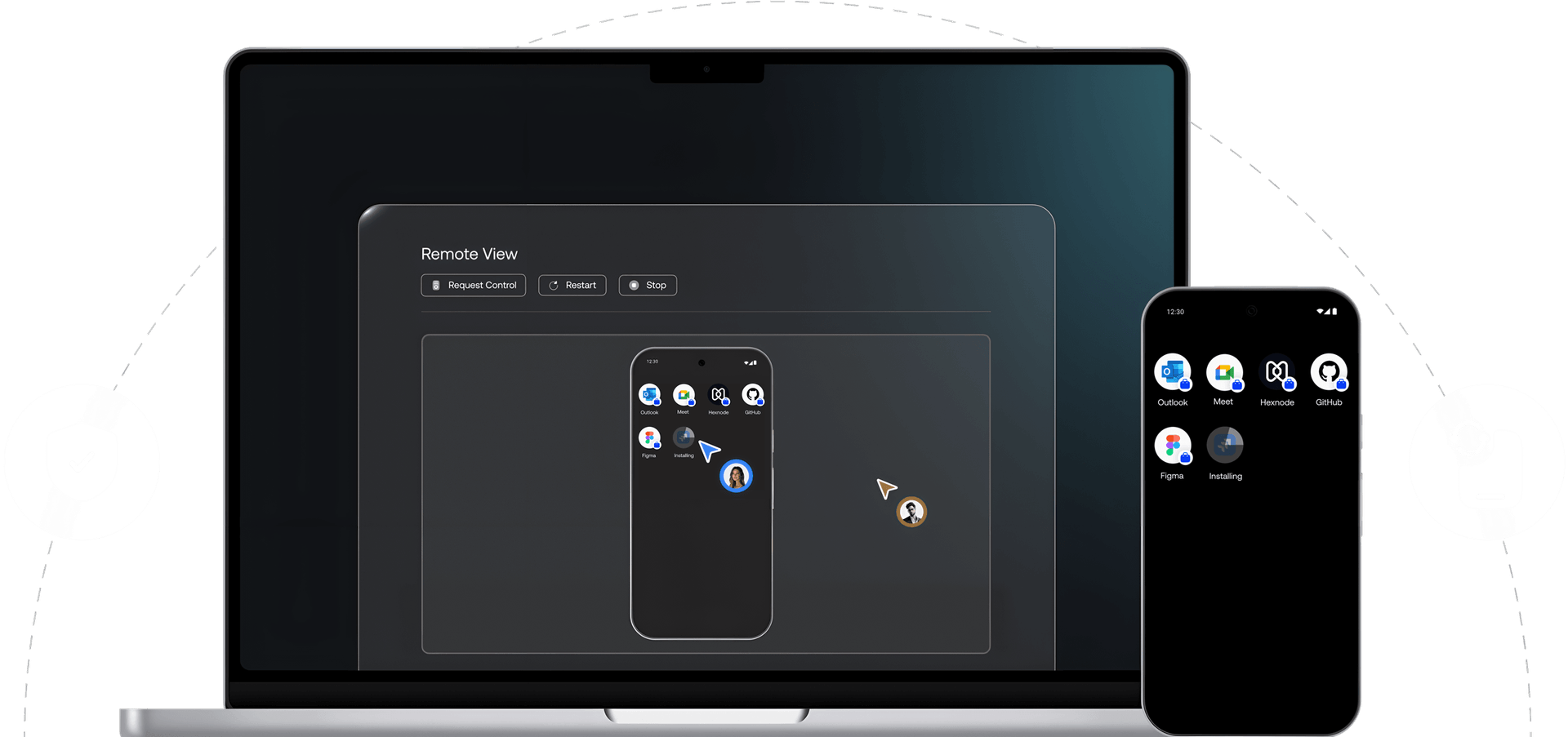
Remote View
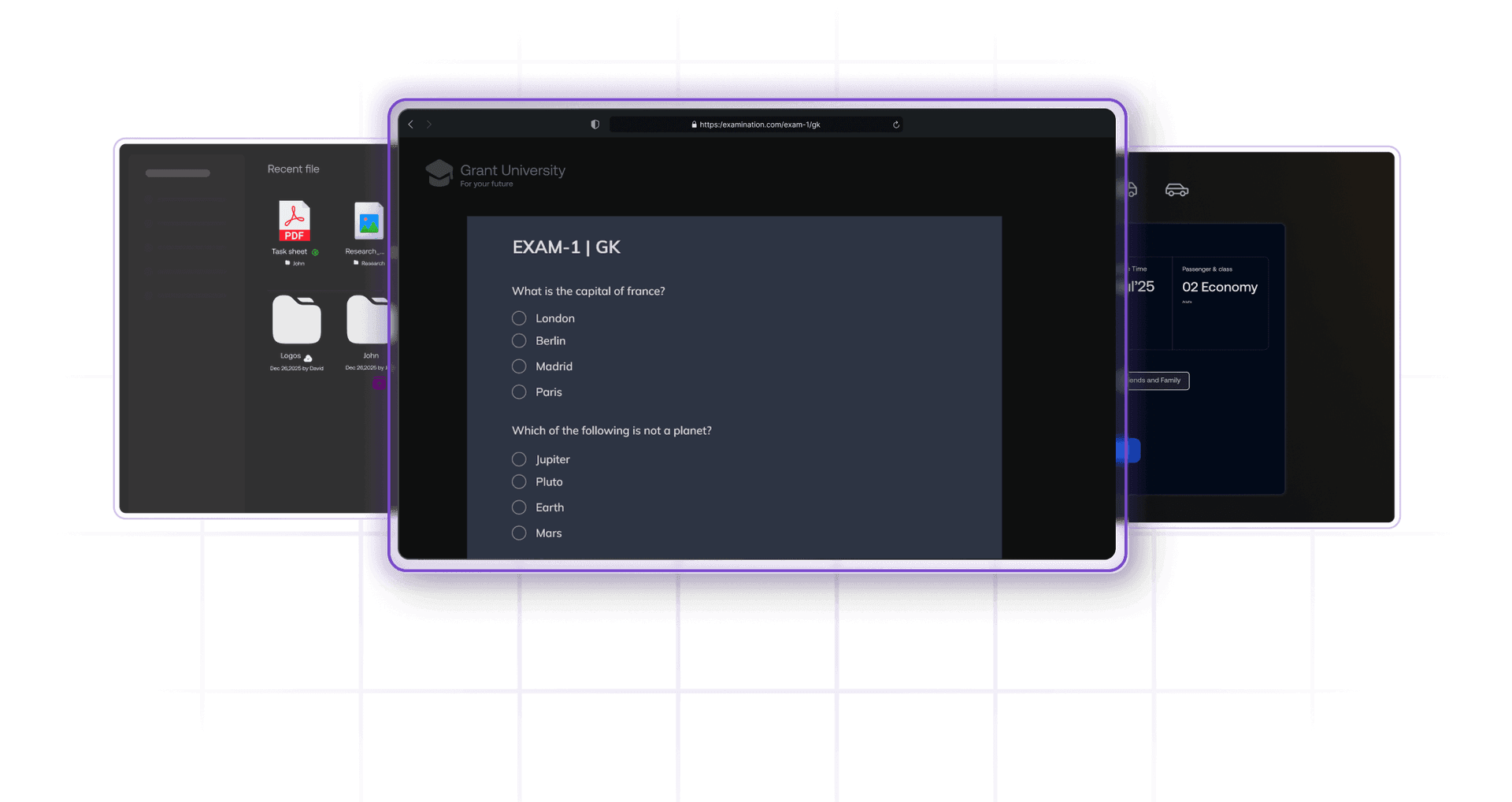
Monitor single or multiple device screens side-by-side in real time. Diagnose issues, verify device status, and guide users concurrently without disrupting workflows.

Remote Control
Fix errors, push software updates, or assist users directly without physical access to the device. Take control of devices in real-time.

Remote Actions
Execute commands instantly on any device directly from the Hexnode console. Let IT lock, wipe, locate, or update devices in seconds.
Control starts with clarity
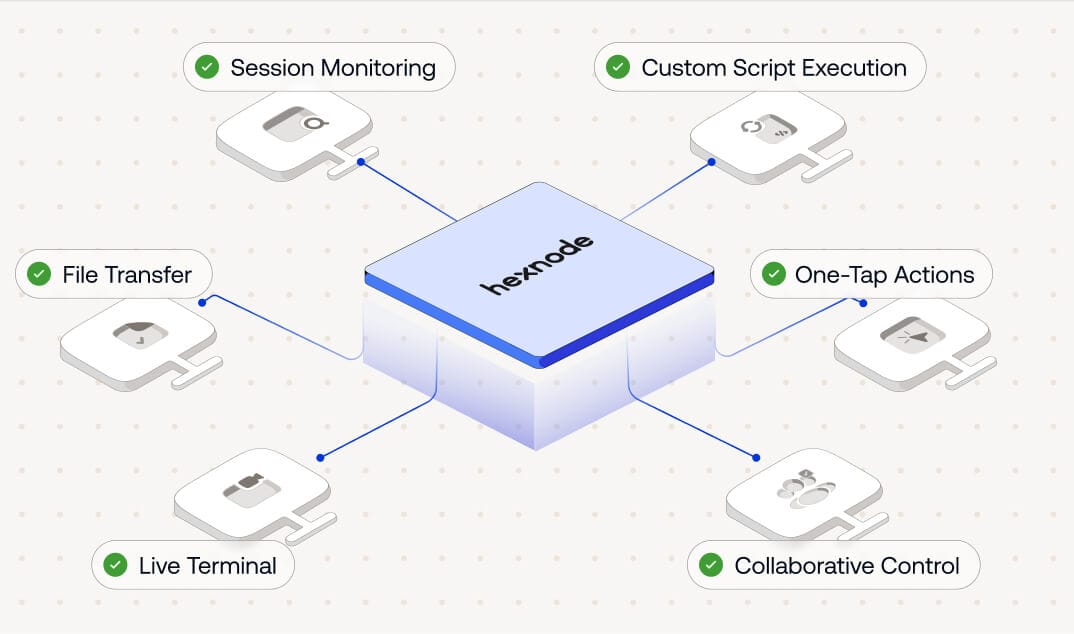
Session Recording
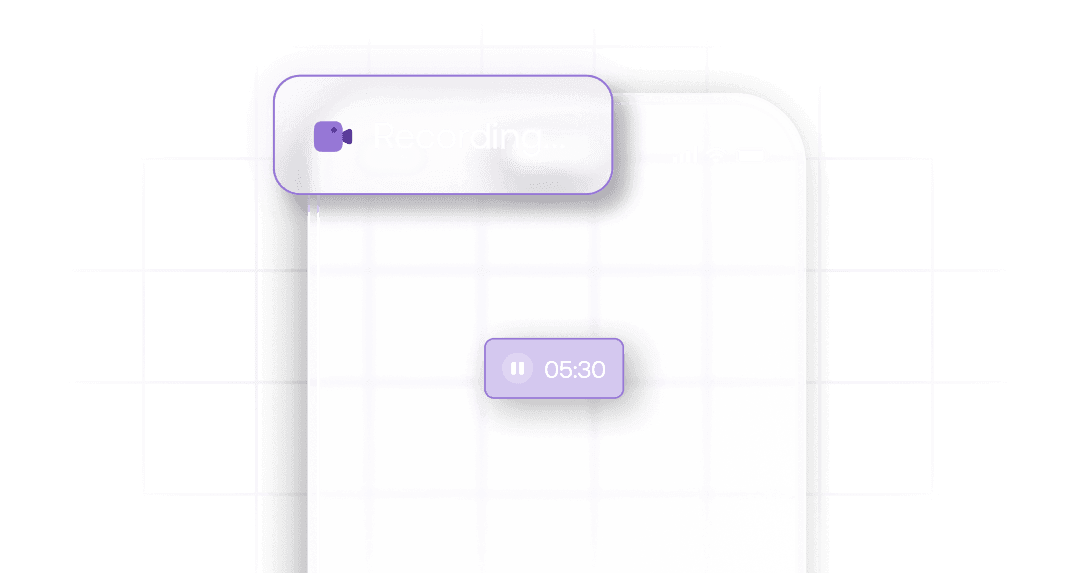
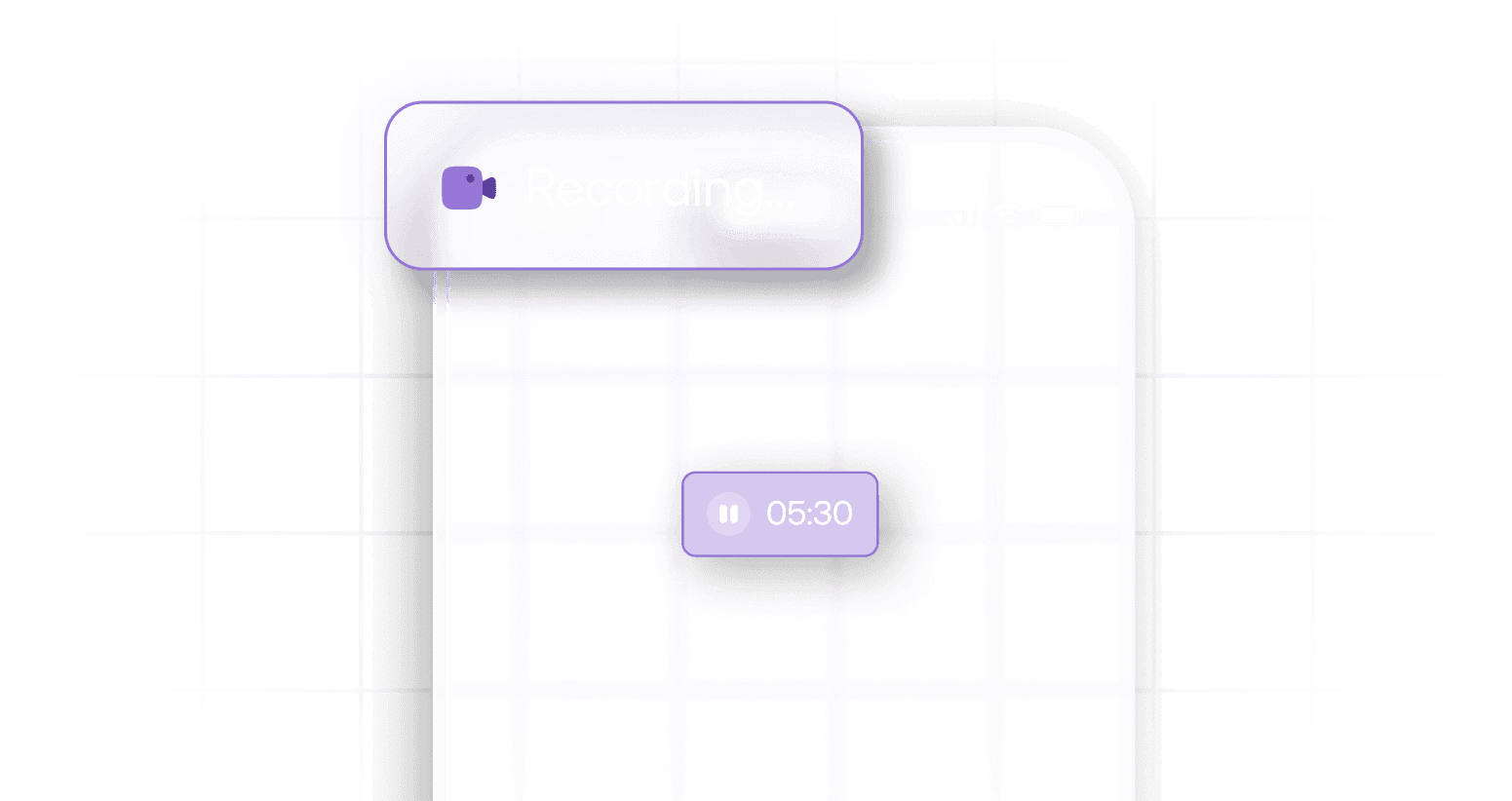
Document workflows, train new team members, and maintain a reliable audit trail of all your remote sessions with ease. Hexnode lets you securely record and store remote troubleshooting sessions directly within the console for later review or training purposes.
Remote File Transfer
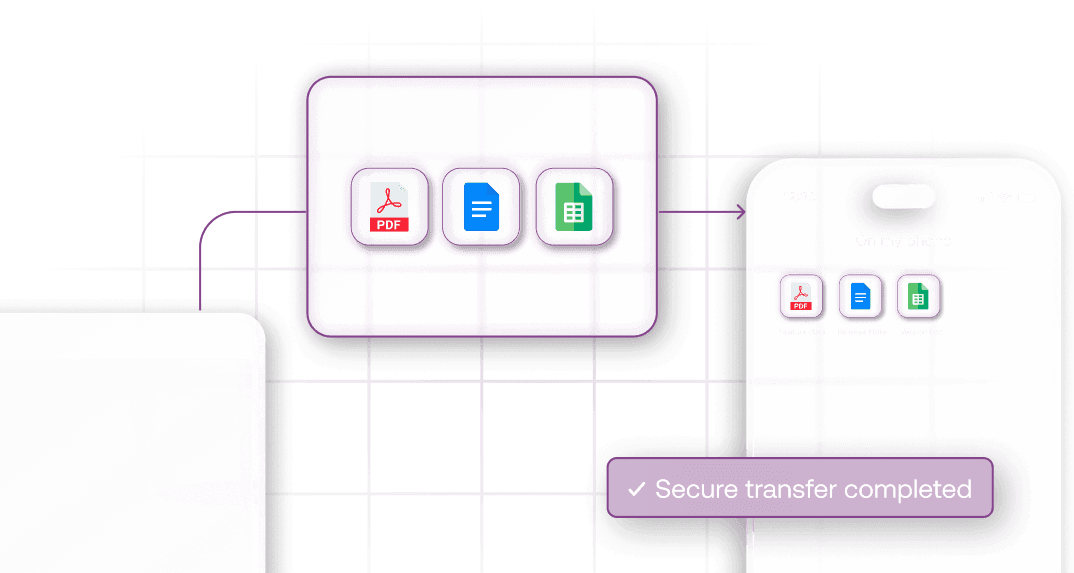
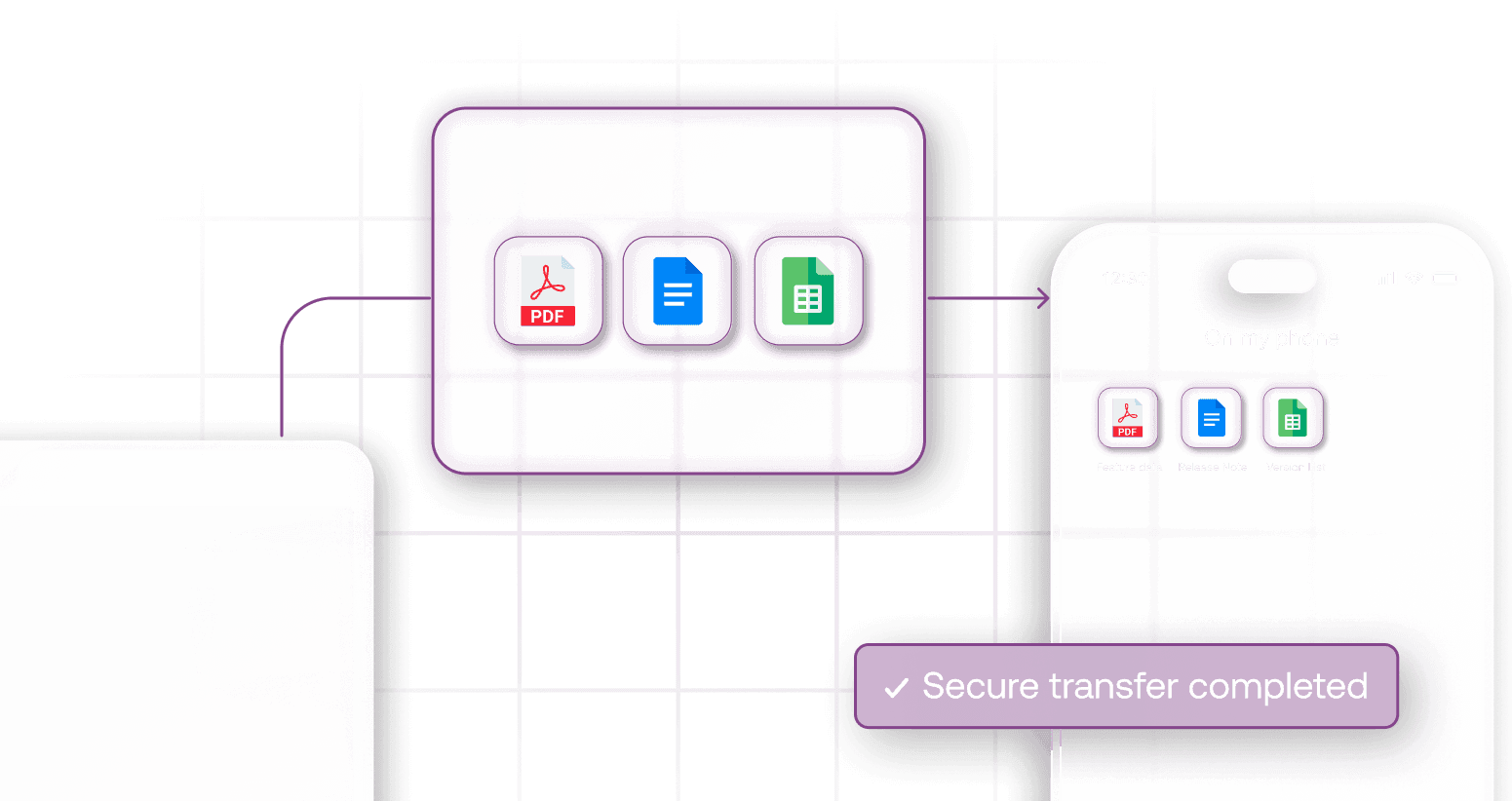
Share documents, deploy resources, or collect logs from devices during a remote session, all without compromising security. With Hexnode, files are securely sent and received in real time, ensuring every exchange remains protected and fully under your control.
Unattended Remote Access
Troubleshoot, maintain, or update devices anytime, even when no one’s around. Hexnode’s Unattended Remote Access allows admins to securely initiateremote sessions without any user intervention, enabling silent and seamless device management.
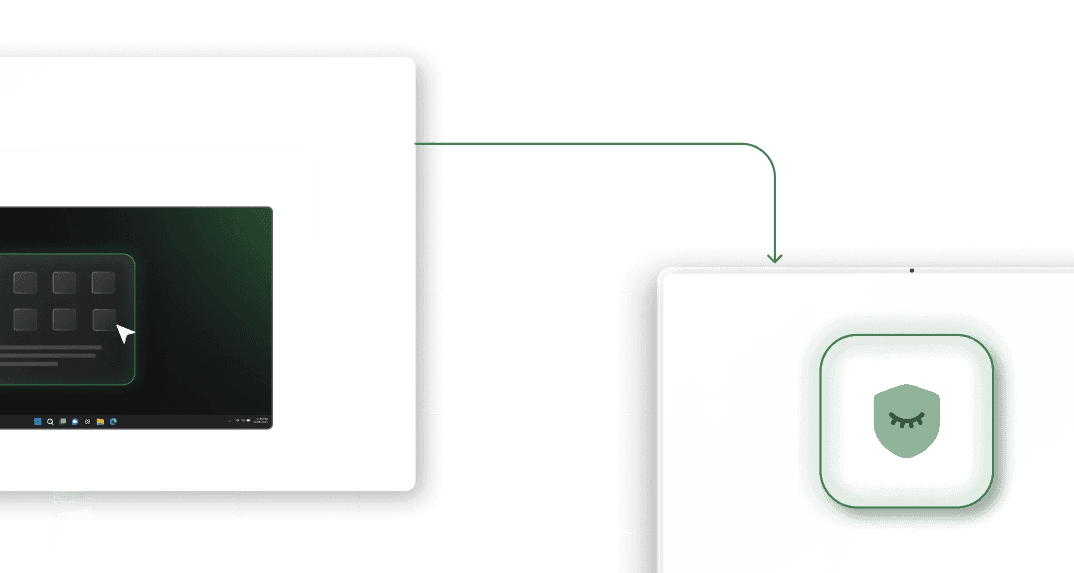
Session Transfer
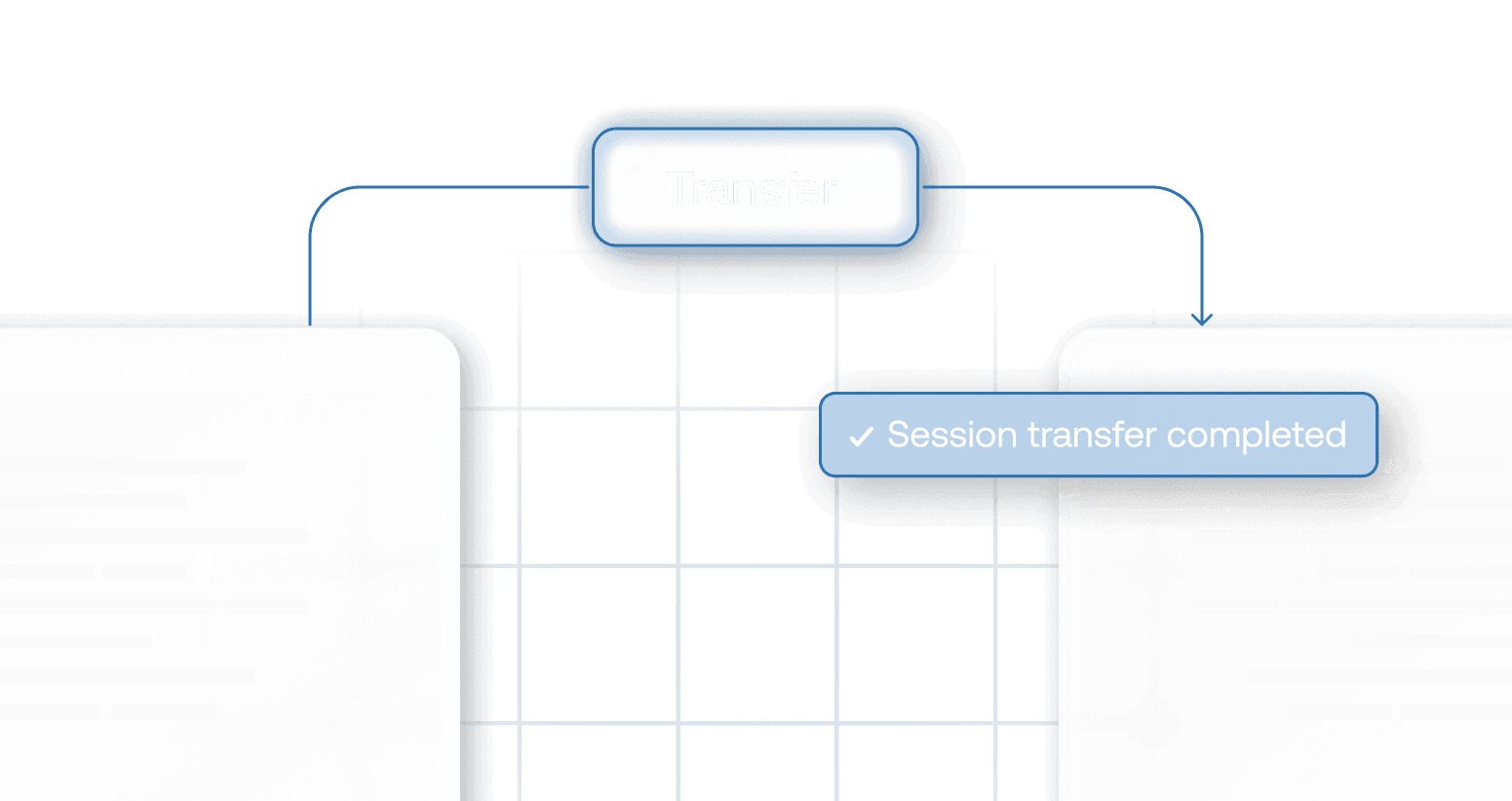
Hand off live remote sessions to other technicians for faster issue resolution. Session Transfer ensures that the right expert for the problem at hand can step in at any time during the session with no disconnects, delays, or lost context.
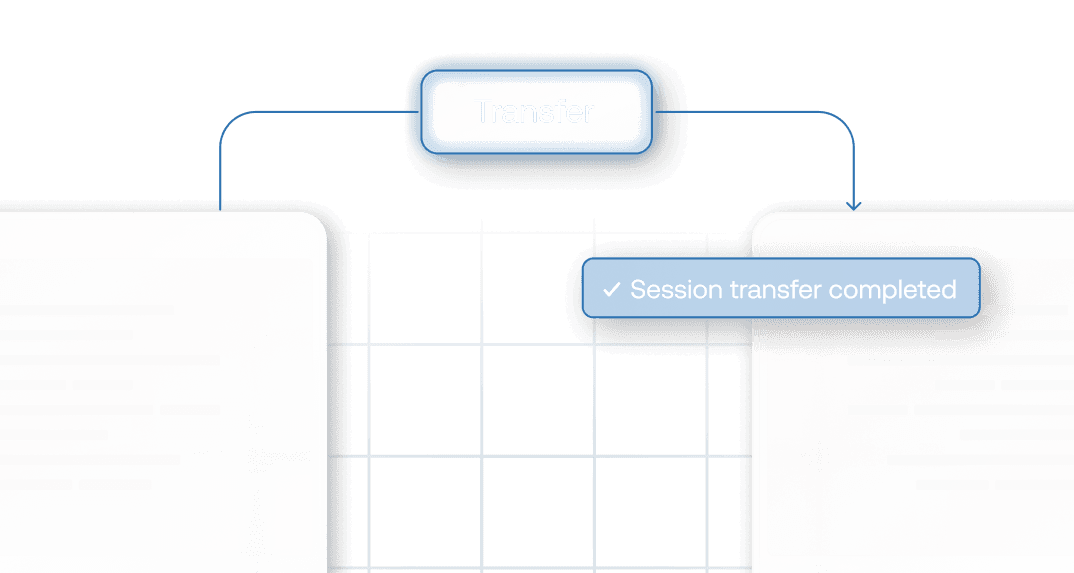
Collaborative Remote Control
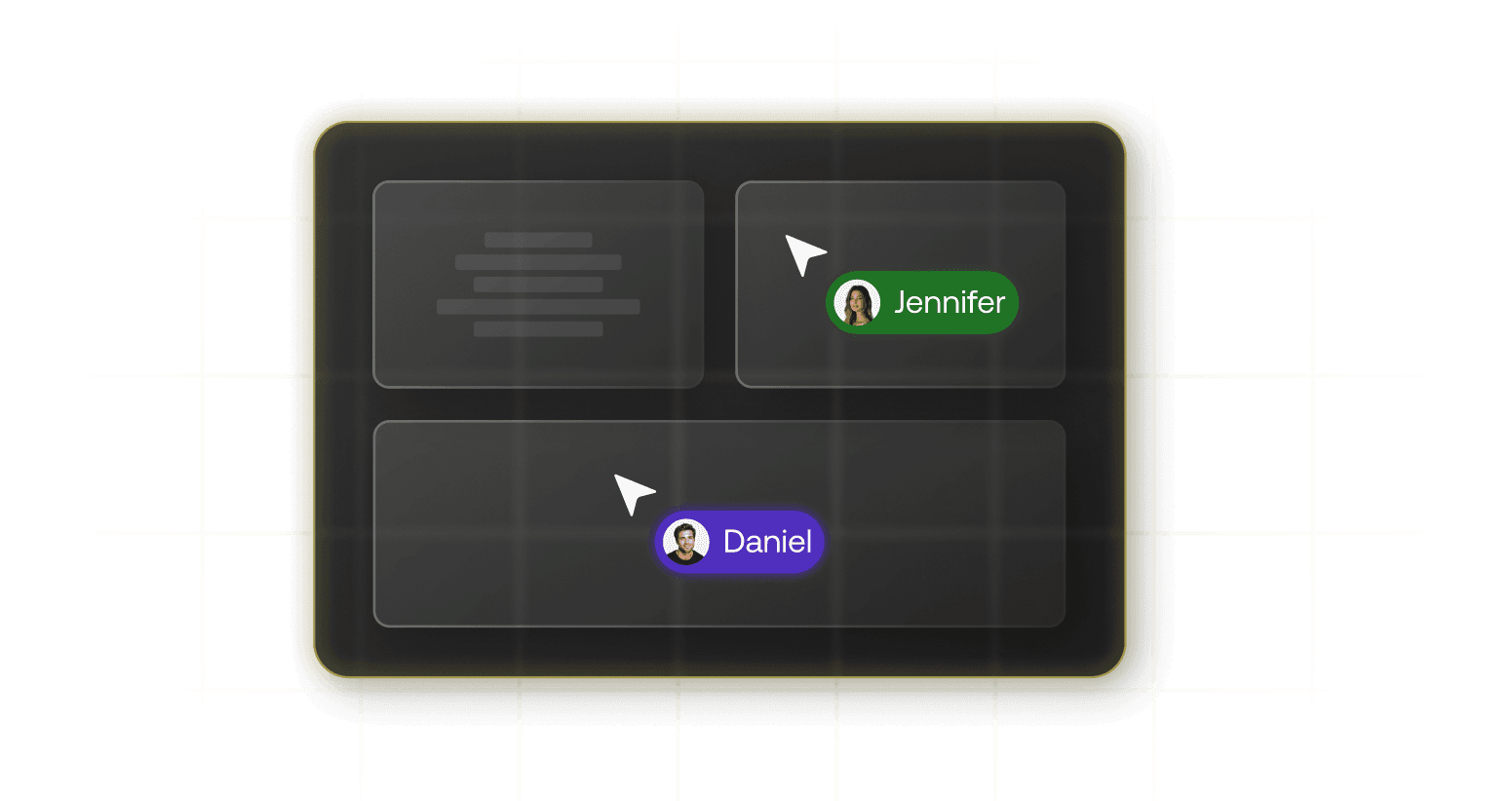
Work together on live sessions with multiple technicians controlling the device simultaneously. Hexnode enables real-time teamwork for quicker diagnostics, better collaboration, and faster issue resolution.
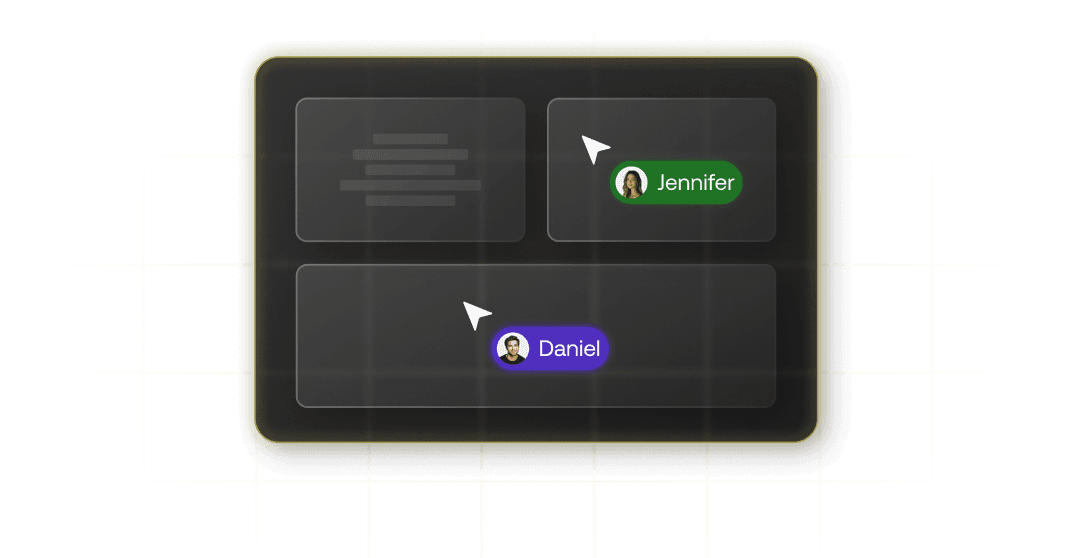
Multi-Monitor Support
View and manage all active screens of a device in the same remote session seamlessly. Hexnode ensures admins can seamlessly switch between displays for complete visibility of the device and precise troubleshooting.
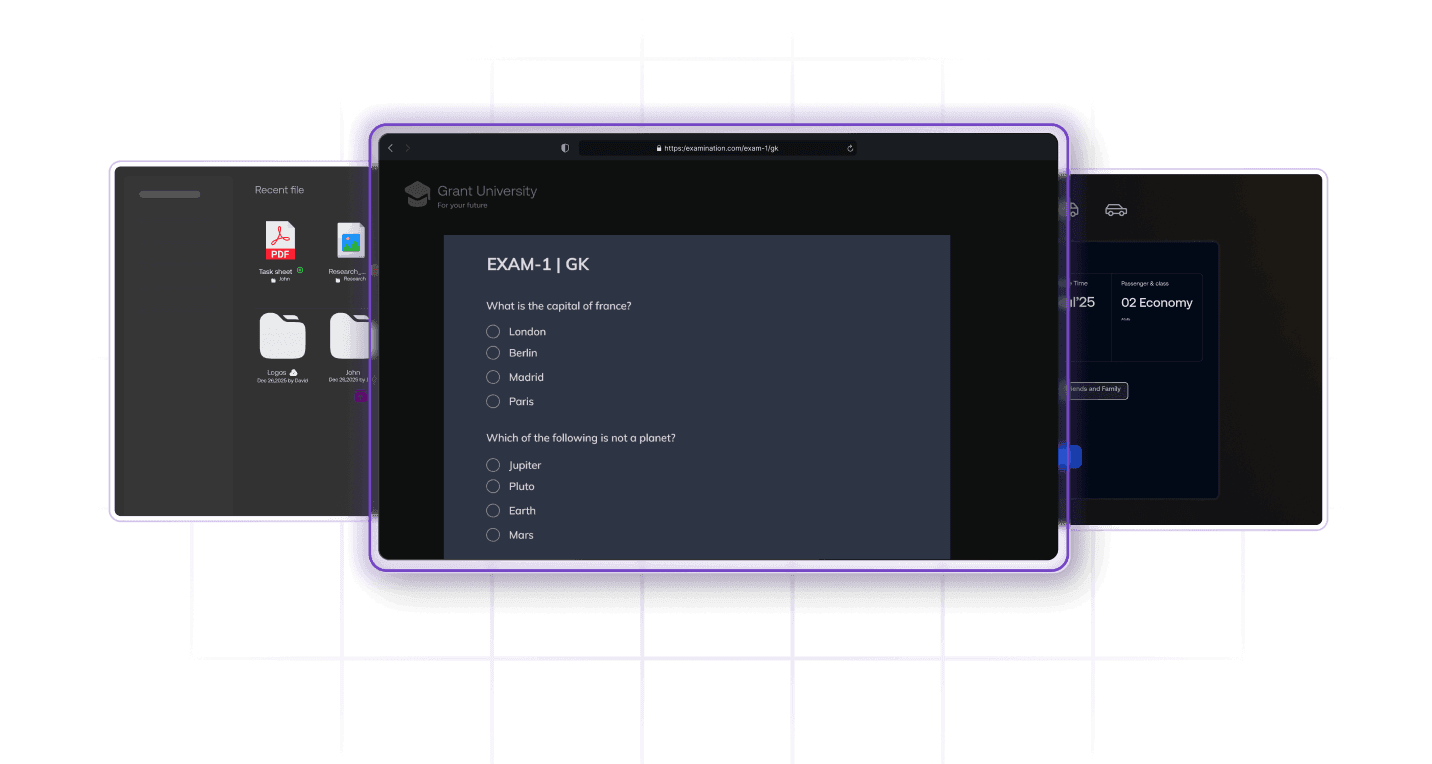
Remote Script Execution
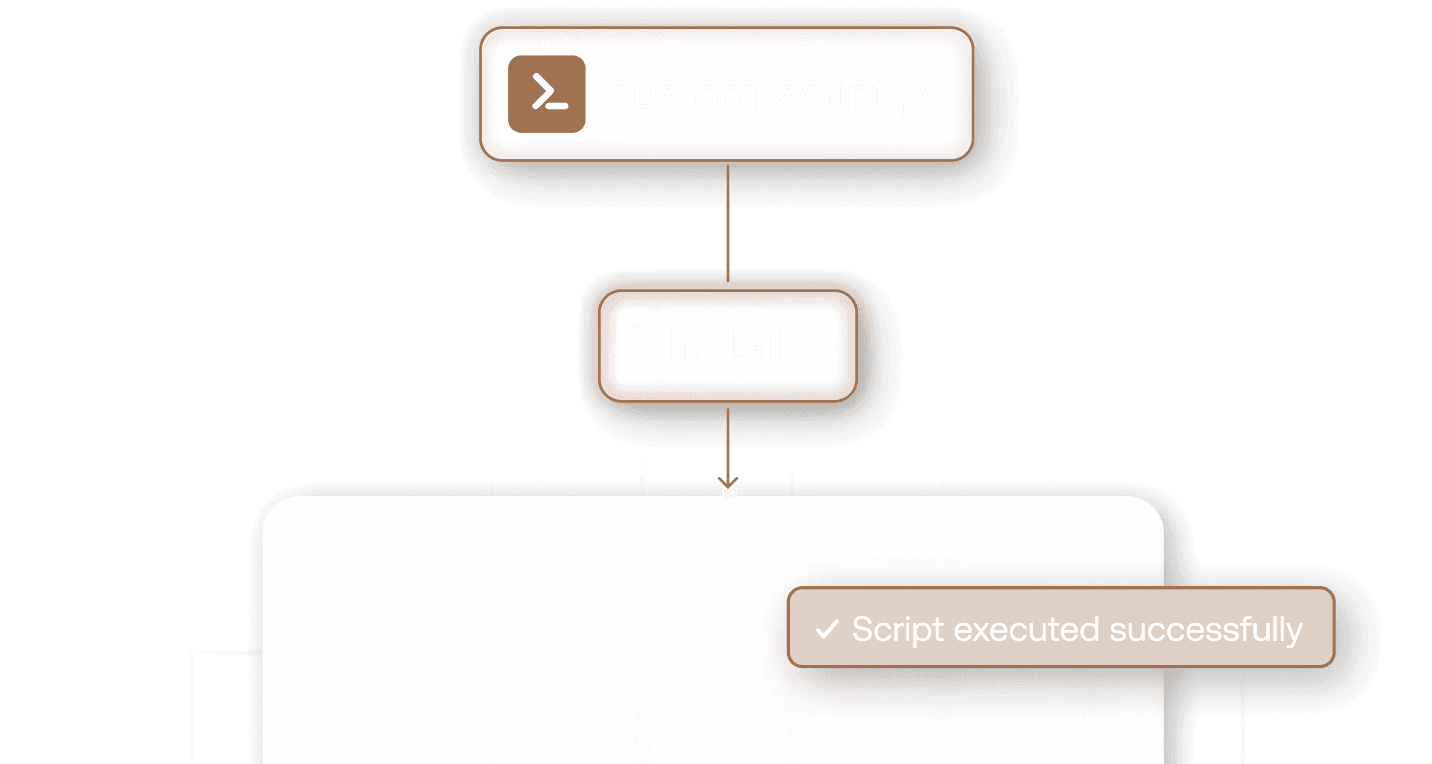
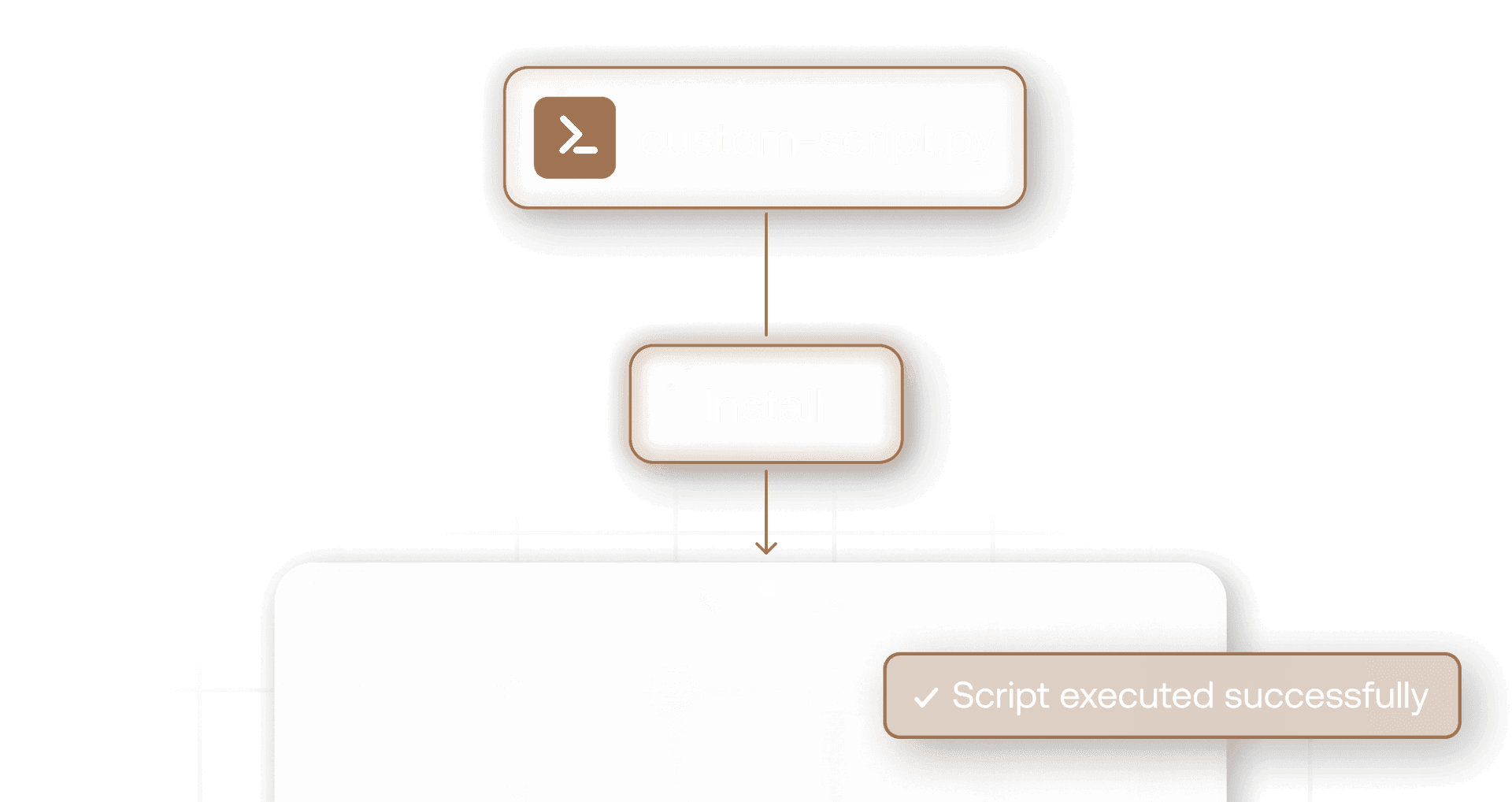
Quickly deploy advanced fixes or automate complex troubleshooting tasks during remote sessions. WithHexnode, admins can run custom scripts on Windows and macOS devices through the live terminal, enabling faster, more efficient issue resolution.
Remote Access on Login Screen
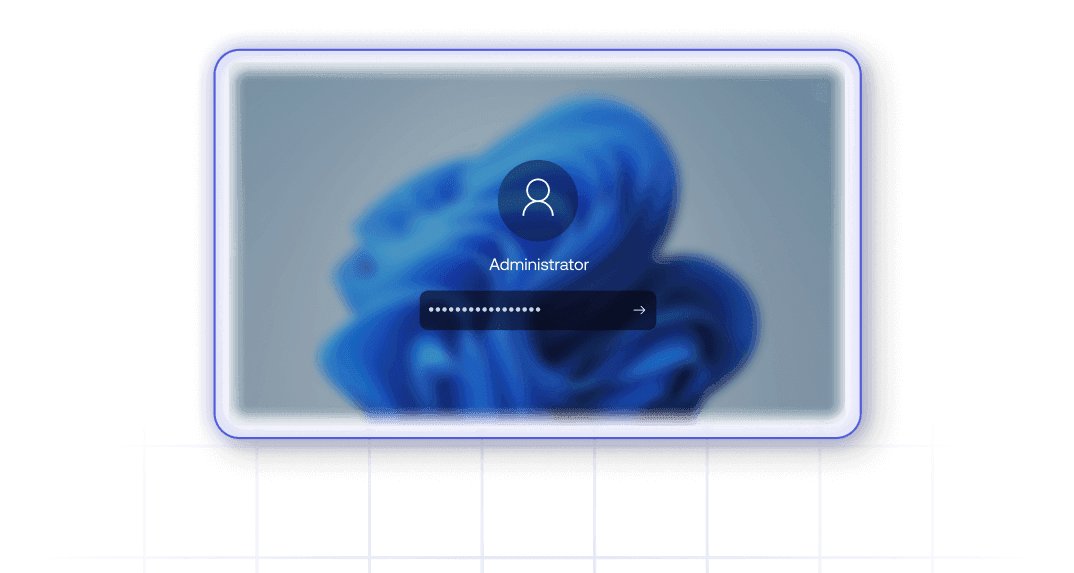
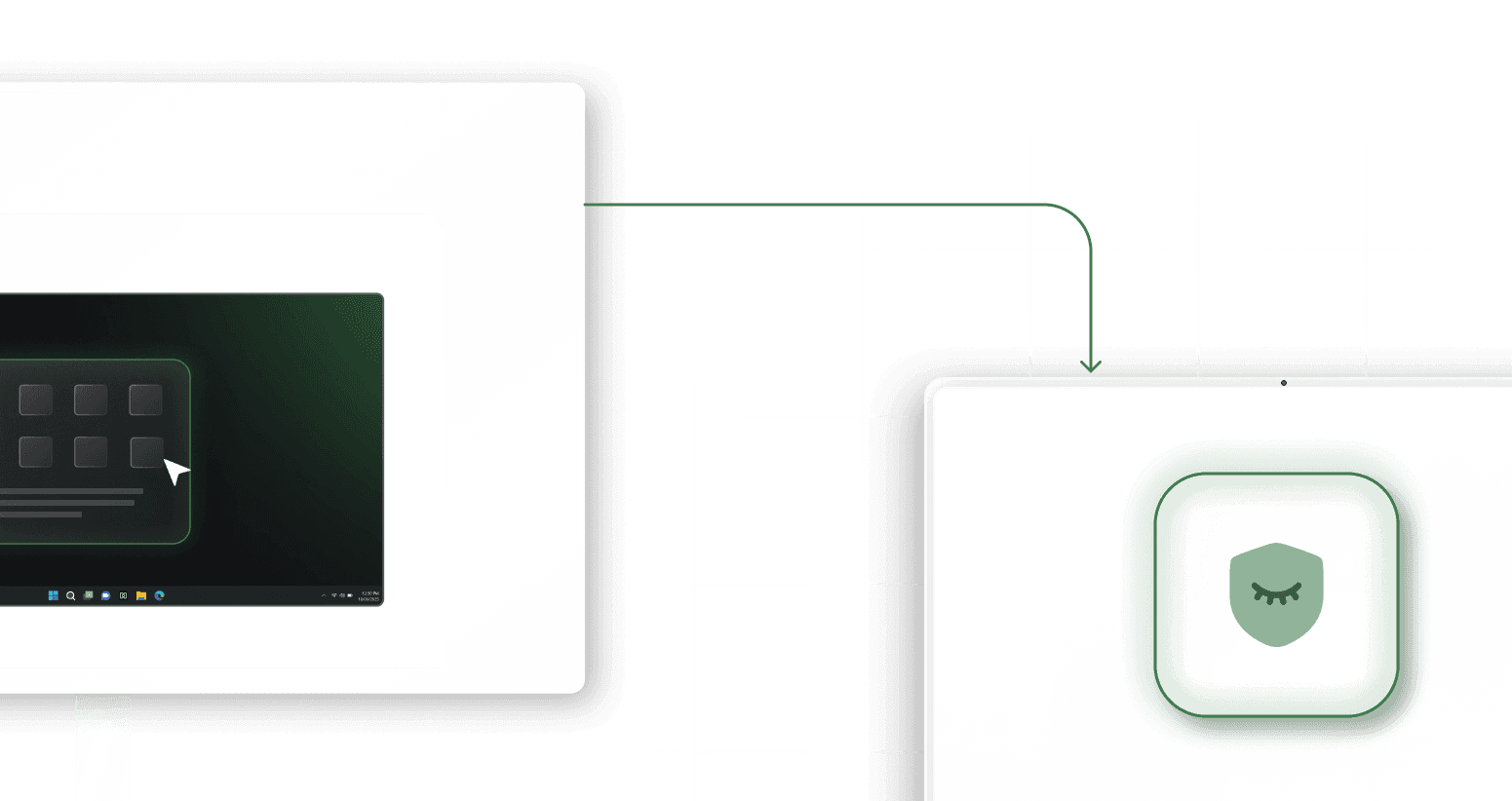
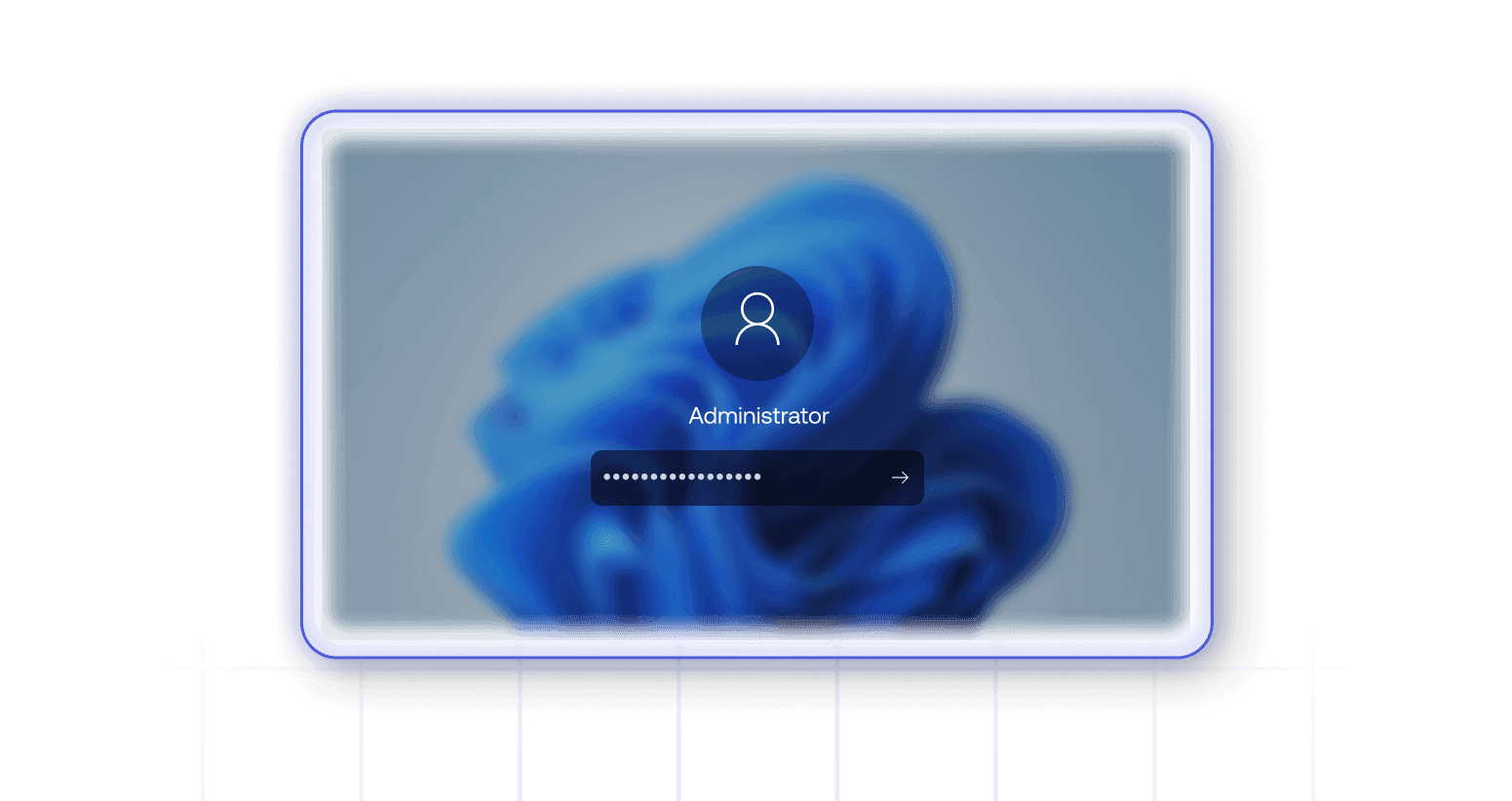
Start remote sessions right from the device’s login screen. Hexnode lets admins access locked or inactive devices, log in as local administrators, and troubleshoot issues without waiting for user intervention.
Live Terminal
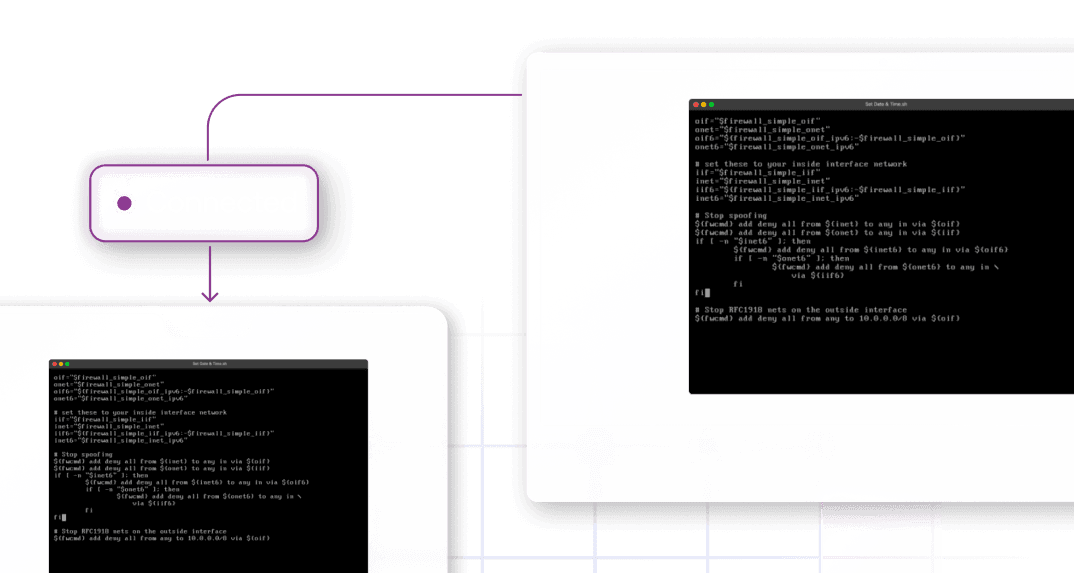
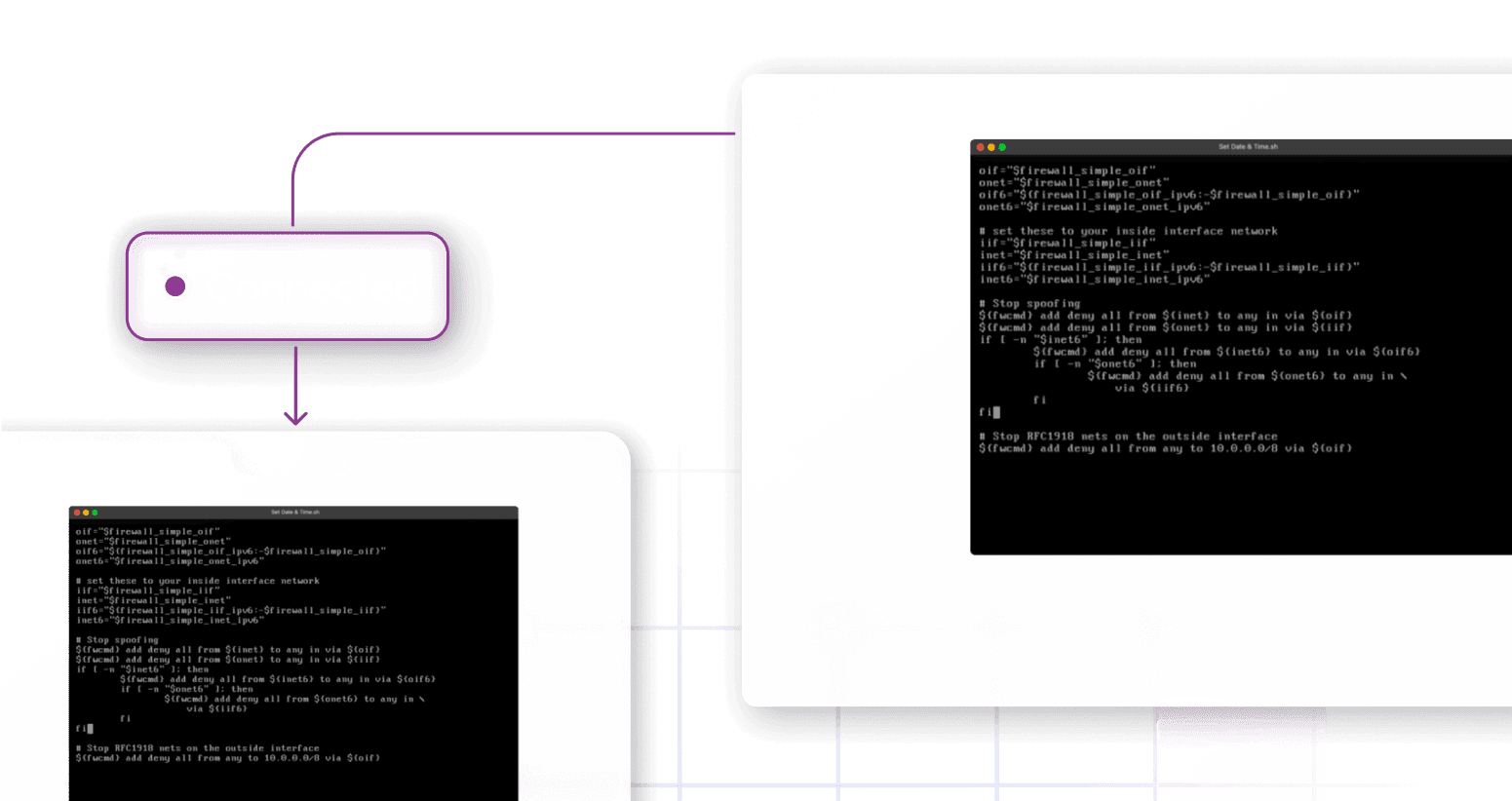
Access device terminals remotely and execute commands in real time. Hexnode offers a familiar command-line interface with live responses, continuous command support, and native text editor access for efficient troubleshooting.
See why enterprises around the world chose Hexnode

"By using Hexnode, the productivity and time savings have been very big. The time spent actually deploying a device has gone down. It used to take us about 20 minutes now it just takes us about 10."
Technology Solution Specialist








... and then we found Hexnode and it checked all of the boxes
Information Technology Manager,























14 day free trial
No credit card