TL;DR:
Retail and hospitality kiosks boost revenue and guest satisfaction, but they require strong endpoint management to stay secure and reliable.
- Without Unified Endpoint Management, public-facing kiosks face security risks, downtime, and tampering that undermine customer trust and ROI.
- Hexnode UEM provides kiosk lockdown, app whitelisting, Remote View, Remote Control (on supported platforms), remote actions, and zero-touch deployment across mixed device fleets.
- The result is high uptime, protected data, and centralized control that lets global IT teams manage every kiosk from a single console.
Digital transformation is a requirement for both storefronts and hotels. For IT teams, a retail or hospitality kiosk must be secure. It must also provide high uptime. This enhances the customer experience while lowering operational costs.
In 2026, the hospitality kiosk and interactive retail kiosks meet consumer demand for speed. However, hardware needs strong management. Without Unified Endpoint Management, devices face security risks or downtime. This guide explores retail kiosk solutions and service hubs. We will use Hexnode for the best results.
What is a Hospitality Kiosk?
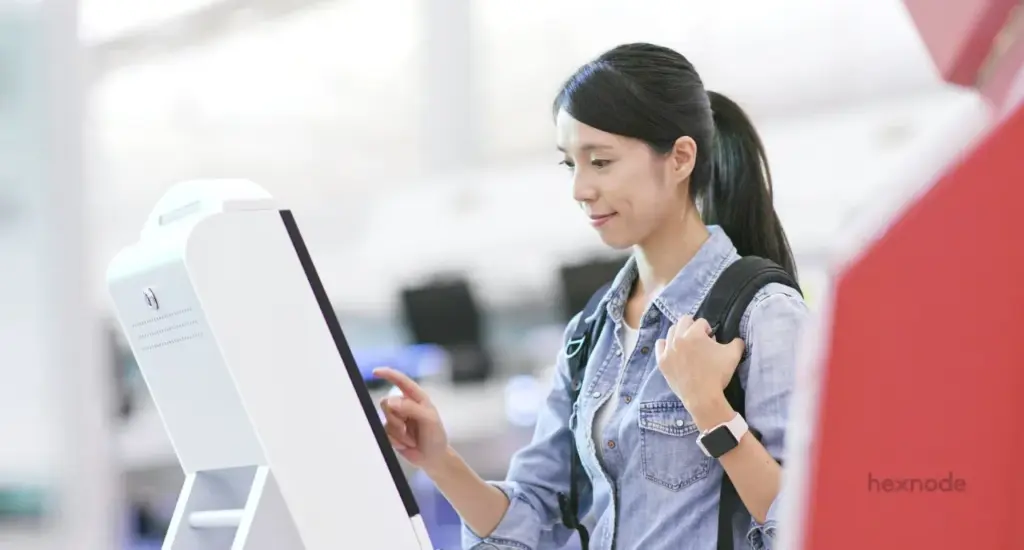
A hospitality kiosk is a self-service terminal. It automates guest check-ins and digital ordering. By using UEM software, these kiosks stay secure. Users can only access approved apps. This ensures data privacy and operational focus.
The modern hospitality kiosk has evolved quickly. Today, they serve many roles in Restaurants:
- Digital Ordering Kiosks: These reduce wait times in quick-service restaurants.
- Self-Service Check-in Hubs: They streamline arrivals at hotels and resorts.
- Wayfinding Terminals: They help guests navigate large hospitality complexes.
Common Types of Hospitality Kiosks
Modern hospitality kiosks vary based on specific service goals. They range from simple information points to complex payment hubs. Identifying the right type ensures hardware meets guest needs. Most businesses use a mix of these tools.
- Digital Ordering Kiosks: Found in restaurants for fast, accurate food orders.
- Check-in Kiosks: Used in hotels to assign rooms and keys.
- Concierge Kiosks: Provide local information and booking services for guests.
- Point-of-Sale (POS) Kiosks: Allow customers to pay for services independently.
- Internet Kiosks: Provide temporary, secure web access in lobbies.
What is a Retail Kiosk?
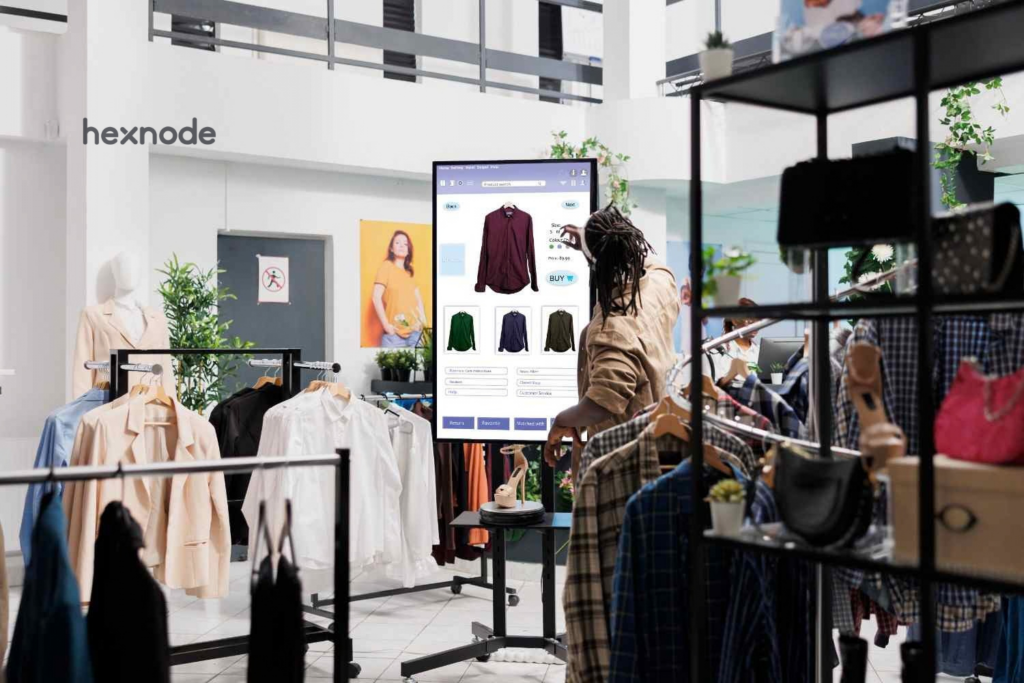
A retail kiosk is a specialized digital terminal. It provides customers with a self-service shopping experience. Retailers use these to bridge the gap between physical and digital stores. They allow brands to provide information without extra staff.
Retailers rely on retail kiosk solutions to capture lost sales. They provide a consistent brand voice at every touchpoint. In 2026, they are vital for high-traffic environments. They turn small spaces into full digital storefronts.
Common Types of Retail Kiosks
Retail kiosks are categorized by their function and placement. Each type addresses a specific customer pain point. Choosing the right hardware is only the first step. You must also secure them with professional management.
- Interactive Retail Kiosks: Allow customers to browse out-of-stock digital catalogs.
- Automated Vending Kiosks: Securely dispense high-value items like electronics.
- Loyalty Kiosks: Let guests sign up for rewards or registries.
- Smart Fitting Rooms: Allow customers to request different sizes instantly.
- Self-Checkout Kiosks: Speed up the final stage of the shopping journey.
Retail Kiosk: The Complete Guide to UEM Security & Management
Learn how Hexnode secures retail kiosks, kiosk lockdown, remote management and centralized device control.
Best Practices for Hospitality and Retail Kiosks
Success depends on strategic placement, hardware durability, and proactive software management. Following these industry standards in 2026 ensures your kiosks are used frequently. It also ensures they remain safe from tampering.
1. Strategic Placement and Visibility
Place kiosks in high-traffic areas where they are immediately visible. Grouping 3–6 kiosks together creates a dedicated “service zone.” Keep them away from front counters to avoid physical bottlenecks. This is critical because a hidden kiosk is a wasted investment. Proper placement ensures that guests use the technology rather than standing in a long line, which directly boosts your ROI.
2. Prioritize Accessibility and UX
Design interfaces with large touch targets and follow applicable accessibility standards, including WCAG for web-based interfaces and relevant hardware accessibility requirements, to make kiosks usable by a wide range of users.
Simple navigation reduces user frustration and increases the self-service kiosk benefits. Focusing on UX is vital because it builds trust in your digital services. If a customer struggles with a confusing interface, they may abandon the transaction and form a negative view of your brand.
3. Implement a Defence-in-Depth Security Model
Treat every kiosk as a public-facing endpoint at risk. Restrict applications, disable unnecessary interfaces, enforce least privilege, and apply layered security controls to reduce the attack surface.
Use Hexnode to enforce kiosk mode and strict app whitelisting. Where supported, restrict external storage and other unnecessary peripheral access, such as USB drives and SD cards, to reduce unauthorized use. Security is paramount because these devices often handle sensitive payment or personal data. A breach can lead to massive legal liabilities and the total loss of customer confidence.
4. Proactive Remote Maintenance
Schedule operating system and application updates during maintenance windows where supported by the device platform and Hexnode’s update management capabilities. Use Hexnode’s Remote management, Remote Control (where supported), remote actions, and device monitoring capabilities to diagnose and manage devices remotely. This allows IT teams to fix issues before customers notice. Proactive care is essential to prevent “Out of Order” signs, which frustrate guests. High uptime ensures that your automated systems are always ready to serve, even during peak rushes.
Why Hexnode is the Leader for Hospitality and Retail Kiosks
Hexnode provides granular kiosk lockdown controls and cross-platform kiosk management capabilities. While other tools offer basic management, Hexnode provides kiosk management capabilities that support retail, hospitality, education, healthcare, and other dedicated-device deployments. It bridges the gap between complex IT security and simple guest usability.
Hexnode helps organizations deploy, manage, secure, and retire kiosk devices through centralized endpoint management. Its ability to manage digital ordering kiosks and interactive retail kiosks under one roof makes it the go-to choice for global enterprises.
Key Hexnode Features and Their Benefits:
| Feature |
How It Helps Your Business |
| Advanced Kiosk Lockdown |
Benefit: Locks devices to a single app mode or website. This prevents guests from surfing the web or changing system settings. |
| Remote View and Control |
Benefit: Administrators can remotely view kiosk screens on supported platforms, while remote control is available on supported Android devices, helping IT troubleshoot issues without onsite visits. |
| Peripheral Lockdown |
Benefit: Depending on the platform, Hexnode can restrict hardware buttons and selected system settings to help keep devices in their intended kiosk configuration. |
| Hexnode Kiosk Browser |
Benefit: Provides a managed browsing experience with website allowlisting, helping restrict users to administrator-approved websites and web apps. |
| Zero-Touch Deployment |
Benefit: Use Android Zero touch enrollment to ship devices directly to the hotel or shop. Once powered on, they automatically download policies and apps. |
| Geofencing & Theft Protection |
Benefit: Hexnode supports geofencing and location-based policy enforcement to help organizations monitor and manage devices based on their location. |
| Dynamic Branding |
Benefit: Configure supported branding options, such as wallpapers, browser appearance, and interface customizations, depending on the device platform. |
How to set up a self-service kiosk for your business using Hexnode UEM?
Real-World Enterprise Use Cases: Customer Stories
Hexnode helps global brands scale their kiosk fleets while maintaining high security and uptime. These real-world stories demonstrate how the platform solves complex logistical and security challenges in the field.
1. Millennium Hotels and Resorts
Millennium Hotels needed a way to manage devices across 13 US locations. They required a solution to lock phones and tablets into work-only modes for staff. Hexnode helped enforce kiosk lockdown and provided location tracking capabilities to simplify management of deployed devices.
- Outcome: Improved employee productivity and secured guest data across the chain.
Read the Full Case Study
2. bathstore (UK Retailer)
bathstore transformed its marketing by deploying Augmented Reality (AR) apps on tablets in 170 stores. They used Hexnode to lock these tablets into kiosk mode, ensuring customers only used the AR and support apps.
- Outcome: Created an immersive shopping experience while simplifying centralized kiosk management.
Read the Full Case Study
3. NRMA Parks and Resorts
NRMA used iPads for guest check-ins and digital agreement signing. They faced issues with staff and guests changing device settings or using iPads for personal use. Hexnode locked these devices to a single web page, preventing any unauthorized alterations.
- Outcome: Secured the registration process and saved significant IT support time.
Read the Full Case Study
Challenges and Troubleshooting
Common challenges include connectivity issues, application failures, and unauthorized exit attempts. Hexnode provides Remote View, Remote Control (where supported), remote actions, and centralized monitoring to help administrators diagnose and resolve kiosk issues.
First-Hand Troubleshooting Experience:
| Issue |
Hexnode Solution |
Practical Step |
| No Internet |
Lockdown the Wi-Fi selection. |
Deploy the approved Wi-Fi configuration and restrict kiosk users from viewing, adding, deleting, or switching Wi-Fi networks where supported. |
| Frozen Screen |
Use Remote View to diagnose the issue and initiate the appropriate remote management action if supported. |
Fix the device from your office desk. |
| Button Tampering |
Disable supported hardware buttons through kiosk policy to reduce unauthorized interaction with the device. |
Supported hardware buttons and device controls can be restricted based on the operating system and hardware capabilities. |
FAQ
What operating systems does Hexnode support for kiosk deployments?
Hexnode offers cross-platform kiosk management across multiple operating systems, including Android, iOS, and other dedicated-device platforms. Specific lockdown features vary by platform, so capabilities like remote control or peripheral restriction depend on the OS in use. This allows IT teams to standardize policies while accommodating mixed hardware fleets.
How is kiosk mode different from a standard MDM enrollment?
Kiosk mode restricts a device to a single app or a limited set of approved applications, whereas standard MDM enrollment manages a device that retains broader functionality. Kiosk mode is designed for dedicated, public-facing devices where user interaction must be tightly controlled. This reduces the attack surface and prevents users from accessing settings, web browsers, or unauthorized apps.
What happens to a kiosk if it loses internet connectivity?
A kiosk may become unusable for online transactions if it loses connectivity, but administrators can mitigate this by locking Wi-Fi settings to prevent the device from switching to unauthorized networks. Hexnode’s console can help administrators monitor the last reported device state, while Remote View can be used for further troubleshooting after the kiosk regains network connectivity. Proactive network policy enforcement helps maintain uptime and prevents guests from tampering with connection settings.
Can Hexnode help meet PCI DSS compliance for payment kiosks?
Hexnode supports compliance efforts through app allowlisting, kiosk restrictions, and supported hardware and peripheral controls, depending on the device platform. While the platform provides security controls that align with data protection requirements, full PCI DSS compliance depends on the complete payment environment and processes. Organizations should combine device management with certified payment systems and regular audits.
How does Hexnode reduce the need for on-site IT support at remote locations?
Hexnode enables remote troubleshooting through tools like Remote View, allowing administrators to diagnose issues without visiting the physical location. Zero-touch deployment lets devices be shipped directly to a site and configured automatically on first boot. These capabilities help IT teams manage geographically dispersed fleets from a central console, cutting travel time and support costs.
What is the difference between single app mode and multi-app kiosk mode?
Single app mode locks a device to exactly one application, ideal for check-in terminals or dedicated ordering screens. Multi-app kiosk mode allows access to a curated set of approved applications while still blocking system settings and unauthorized apps. The choice depends on whether the kiosk serves one specific function or requires guests to switch between several controlled tasks.
Conclusion
The hospitality kiosk and retail terminal are essential for 2026. Invest in security and brand control. Hexnode UEM makes managing your fleet simple. It ensures every digital ordering kiosk works perfectly.
A well-managed kiosk fleet is a competitive edge. It meets guest expectations for modern service. It also gives your IT team peace of mind. With Hexnode, you are always in control.
Secure Every Retail and Hospitality Kiosk with Hexnode
Deploy, lock down and manage customer-facing kiosks from one console with Hexnode UEM.
Sign Up Now