TL;DR:
Interactive kiosk software transforms standard devices into secure, purpose-built self-service tools by restricting users to approved apps, websites, or workflows. Beyond basic screen locking, modern kiosk solutions provide centralized management, remote troubleshooting, scalable deployment, and multi-platform support across Android, iOS, iPadOS, Windows, and tvOS. As self-service adoption continues to grow, kiosk software has become an important tool for improving operational efficiency, customer experiences, and device management at scale.
Interactive kiosk software is a specialized tool often managed through Unified Endpoint Management (UEM). It restricts a digital device into a controlled “kiosk mode,” limiting access to approved apps, websites, or functions. Businesses use kiosk software to transform tablets, PCs, and displays into purpose-built self-service systems.
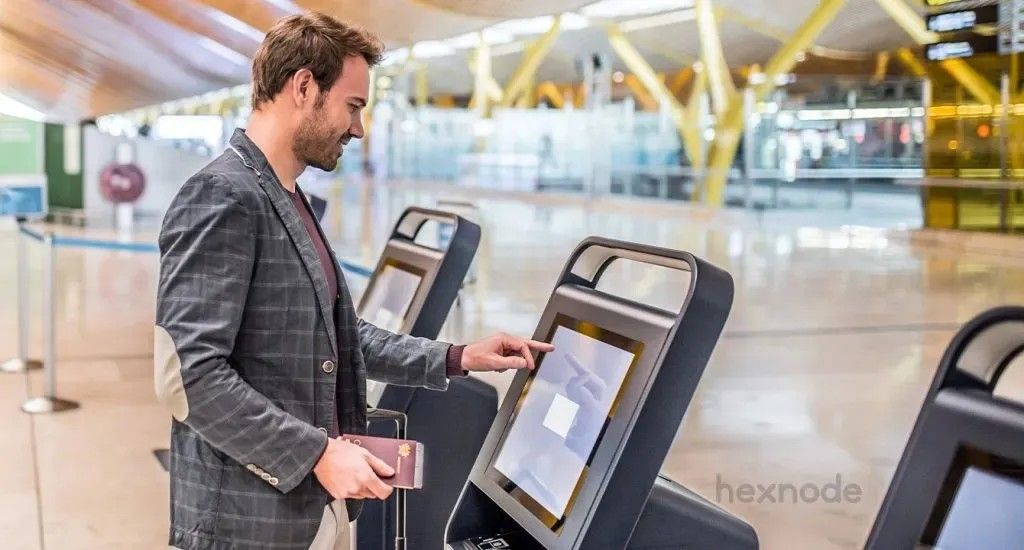
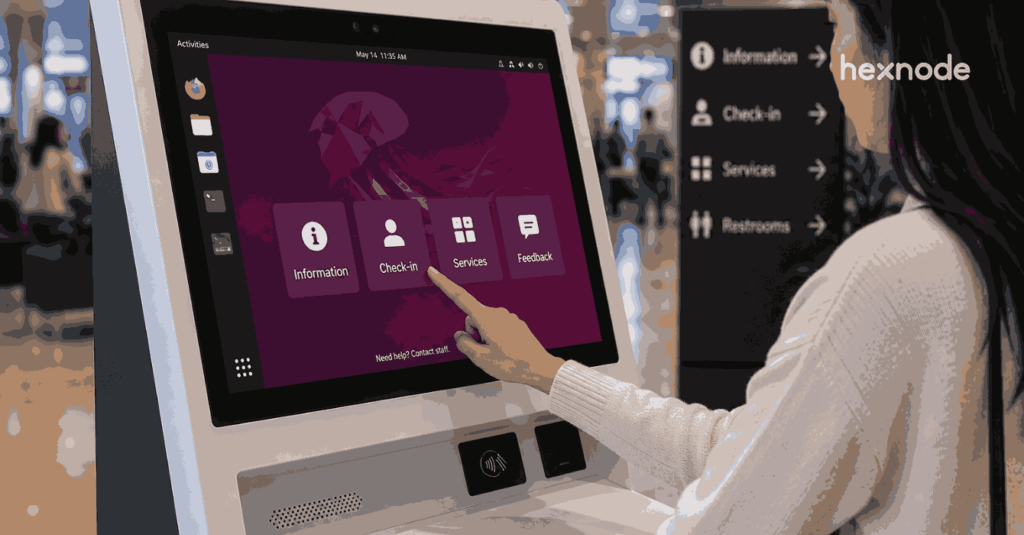
From restaurant self-ordering systems to airport check-in stations, kiosks are now a common part of modern customer experiences. Behind these systems is kiosk software that helps maintain operational control, consistency, and access restrictions.
The Definitive Guide to Kiosk Management and Strategy (2026 Edition)
What is Interactive Kiosk Software?
Interactive kiosk software acts as a control layer over a device’s operating system. It helps restrict users from accessing unauthorized apps, system settings, or sensitive data.
Traditional kiosks often relied on specialized hardware and dedicated systems. Modern kiosk software allows organizations to convert standard iPads, Android tablets, Windows devices, and Apple TVs into managed kiosk systems.
How Kiosk Software Works
Kiosk software replaces or restricts the default device interface to create a controlled environment.
Depending on the configuration, administrators can:
- Restrict devices to approved apps or websites
- Hide or disable system settings
- Restrict notifications and device functionality
- Control hardware key access
- Prevent standard users from exiting kiosk mode
This helps limit users to the intended business application or workflow.
Did You Know?
According to a consumer survey, 66% of U.S. consumers prefer self-service kiosks over staffed checkouts, citing benefits such as faster transactions and a more convenient experience. As self-service preferences continue to grow, businesses increasingly rely on interactive kiosk software to deliver consistent, secure, and efficient customer interactions.
Why Businesses Use Hexnode for Kiosk Management
Hexnode provides a unified platform for managing kiosk devices across Android, iOS, iPadOS, Windows, and tvOS from a centralized console.
Organizations can configure different kiosk experiences depending on their needs, including:
- Single-app kiosk mode
- Multi-app kiosk mode
- Web kiosk mode
- Digital signage deployments
Hexnode also supports centralized policy management, remote monitoring, and automated enrollment methods for large-scale deployments.
| Feature |
Basic Kiosk Solutions |
Hexnode UEM |
| Platform Support |
Often limited |
Android, iOS, iPadOS, Windows, tvOS |
| Device Management |
Limited |
Centralized management |
| Browser Controls |
Basic restrictions |
Configurable kiosk browser settings |
| Deployment |
Manual setup |
Over-the-air enrollment options |
| Digital Signage |
Varies by solution |
Supported through kiosk policies |
Key Benefits of Kiosk Software for Business
Implementing kiosk software transforms how you manage devices. It offers security, efficiency, and control.
Enhanced Productivity:
Employees and customers interact only with approved applications and workflows, reducing distractions and device misuse.
Remote Device Management:
IT administrators can remotely monitor devices, apply policies, troubleshoot issues, and deploy updates from a centralized console.
Improved Security:
Kiosk software helps reduce unauthorized access to device settings, apps, and corporate data through access restrictions and policy controls.
Brand Customization:
Organizations can configure wallpapers, layouts, and app visibility to create a branded kiosk experience.
Simplified Scalability:
Hexnode supports automated enrollment methods such as:
- Android Zero-touch Enrollment
- Samsung Knox Mobile Enrollment
- Apple Automated Device Enrollment through Apple Business Manager
These tools simplify large-scale kiosk rollouts.
Location-Based Device Management:
Hexnode supports geofencing policies that can trigger alerts or actions when devices move outside designated locations.
10 essential tips for successful kiosk management
Key Types of Kiosk Modes
Kiosk modes determine how a user interacts with the device. This ranges from locking it to a single app to allowing controlled browsing.
1. Single App Kiosk Mode
Single App Kiosk Mode restricts the device to one primary application and prevents standard users from exiting it.
Common Use Cases
- Museum information terminals
- Self-check-in stations
- Point-of-sale systems
Supported Platforms
Hexnode supports single-app kiosk configurations on:
- Android
- iOS/iPadOS
- Windows
- tvOS
Hexnode also supports configuring approved applications within Android kiosk deployments.
2. Multi-App Kiosk Mode
Multi-App Kiosk Mode restricts devices to a defined set of approved applications; on Android, kiosk-locked apps can appear on a kiosk home screen, while iOS multi-app kiosk is supported only on supervised iOS 9.3 and above.
Common Use Cases
- Logistics and delivery workflows
- Field workforce management
- Retail associate devices
Administrators can customize app visibility, layouts, wallpapers, and user access settings. Hexnode supports multi-app kiosk deployments across Android, iOS/iPadOS, and Windows devices.
3. Web App Kiosk Mode (Fully Kiosk Browser)
Web kiosk mode restricts devices to approved websites and controlled browser sessions.
Common Use Cases
- Customer portals
- Visitor check-ins
- Public browsing terminals
- Single-tab and multi-tab browsing configurations
- Configurable address bar restrictions
- Website whitelisting policies
- Controlled browsing experiences
Website whitelisting helps restrict users to approved destinations.
4. Digital Signage Kiosk Mode
Digital signage mode turns devices into display systems for videos, images, dashboards, or announcements.
Common Use Cases
- Retail promotional displays
- Lobby announcement screens
- Internal communications dashboards
Hexnode supports remotely configuring and updating digital signage content on managed devices.
First-Hand Setup Experience: Deploying a Kiosk with Hexnode
Setting up kiosk devices with Hexnode typically involves four primary steps:
1. Enroll the Device
Organizations can enroll devices using:
2. Create a Policy
Administrators create a kiosk policy within the Hexnode portal.
3. Configure Kiosk Settings
Within the kiosk policy, admins can:
- Configure single-app or multi-app mode
- Add approved applications
- Configure browser restrictions
- Apply kiosk restrictions and branding
4. Associate the Policy
Once assigned, the device enters the configured kiosk mode.
Top 10 kiosk management software
A practical comparison of the best kiosk management software for securing and managing dedicated devices.
Where Interactive Kiosk Software Is Used
Interactive kiosk software is used across industries to deliver focused, self-service experiences on shared devices. In retail, businesses use kiosks for self-checkout, product catalogs, and promotional displays. Healthcare organizations deploy kiosks for patient check-ins and visitor management, while logistics teams use kiosk-enabled devices for delivery tracking and workforce operations.
Educational institutions, hospitality providers, transportation hubs, and corporate offices also use kiosk systems to simplify user interactions and reduce dependence on manual processes. Because kiosk software can run on standard tablets, PCs, and displays, organizations can deploy dedicated self-service systems without investing in highly specialized hardware.
Benefits of Using UEM as Kiosk Software
Using a Unified Endpoint Management (UEM) platform provides broader control than standalone kiosk applications.
Cost Efficiency
Organizations can repurpose standard tablets and PCs instead of purchasing specialized hardware.
Remote Wipe
Hexnode supports remotely wiping managed devices to help protect corporate data.
Geofencing Support
Administrators can configure geofencing policies for location-aware device management.
Remote App Updates
Hexnode supports remotely deploying application updates to managed devices. Supervised iOS/iPadOS devices provide additional administrative control over update management.
FAQ
Do I need specialized kiosk hardware to deploy kiosk software?
Not necessarily. Modern kiosk software can turn standard tablets, PCs, and displays into dedicated kiosk devices. This allows organizations to create self-service experiences without investing in purpose-built hardware.
How do I choose between single-app and multi-app kiosk mode?
The choice depends on the user workflow. Single-app mode works best when users only need access to one task or application, while multi-app mode is better for workflows that require access to several approved apps within a controlled environment.
Can kiosk devices be managed remotely after deployment?
Yes. Kiosk management platforms can help administrators monitor devices, apply policies, deploy updates, and troubleshoot issues remotely. This is especially useful when devices are distributed across multiple locations.
What happens if a kiosk device is moved outside its intended location?
Some kiosk management solutions support geofencing policies that can detect when a device leaves a designated area. Administrators can then configure alerts or automated actions based on those location changes.
Is web kiosk mode suitable for public-facing devices?
Yes. Web kiosk mode can restrict users to approved websites and controlled browsing sessions. Features such as website whitelisting and browser restrictions help maintain a focused and secure browsing experience.
Can organizations use the same kiosk management platform across different operating systems?
Many modern solutions support multiple platforms, allowing organizations to manage Android, iOS, iPadOS, Windows, and other devices from a centralized console. This simplifies administration when deployments include a mix of device types.
Conclusion: The Strategic Value of Robust Kiosk Software
Kiosk software helps organizations deploy and manage self-service systems at scale while improving control over device access and usage.
As businesses increasingly adopt self-service technologies, kiosk management has become about more than locking a screen. Organizations need centralized policy management, remote troubleshooting, app deployment, and scalable device administration.
Hexnode UEM provides centralized kiosk and device management capabilities across Android, iOS, iPadOS, Windows, and tvOS. Whether deploying digital signage, single-app kiosks, or complex multi-app workflows, organizations can manage devices from a unified platform while maintaining operational control and device management consistency.
Transform Any Device into a Kiosk with Hexnode
From digital signage to self-service terminals, manage every kiosk device remotely with Hexnode UEM.
Sign Up Now