Kiosk management is about securing, monitoring, and maintaining purpose-built devices at scale without sacrificing user experience. The key to success lies in choosing flexible multi-OS hardware, automating enrollment and remote maintenance, enforcing strict security and update controls, and using real-time monitoring to prevent downtime or breaches. A scalable kiosk management system like Hexnode helps IT teams centrally manage everything from app lockdowns and geofencing to compliance, troubleshooting, and future growth across thousands of devices.
Kiosk management is the process of securing and monitoring purpose-built devices using Unified Endpoint Management (UEM). These include tablets, smartphones, and displays. The goal is to ensure they perform specific functions without unauthorized access.
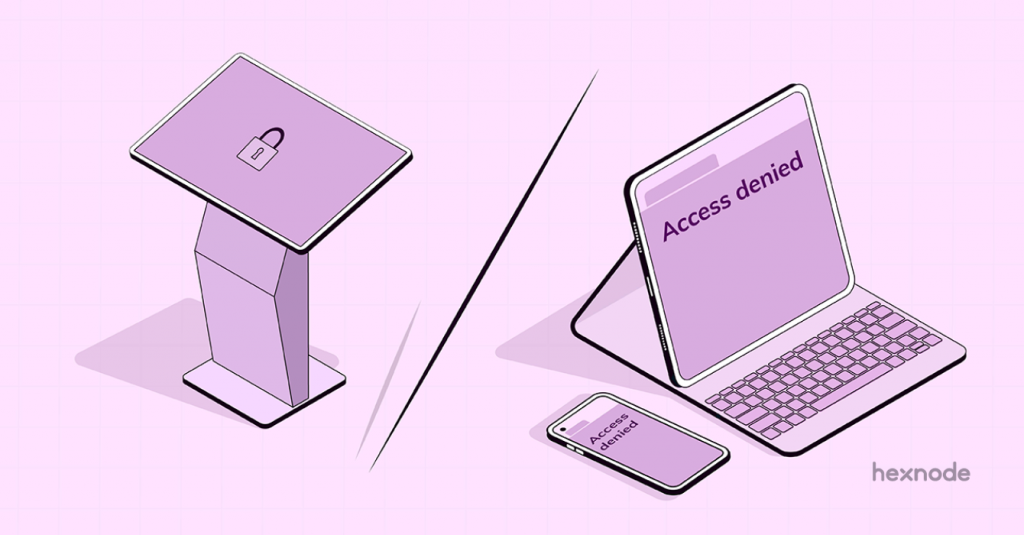
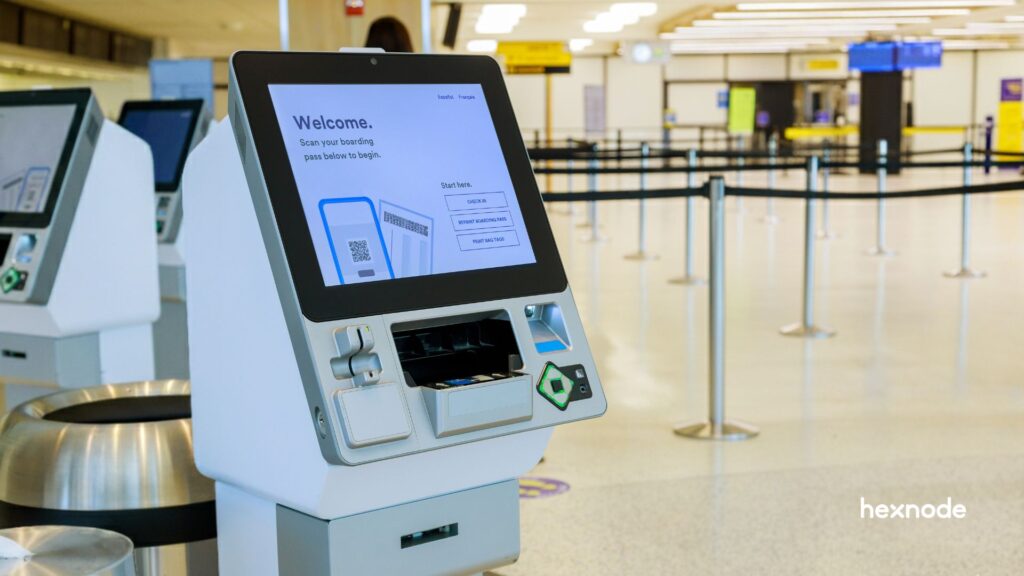
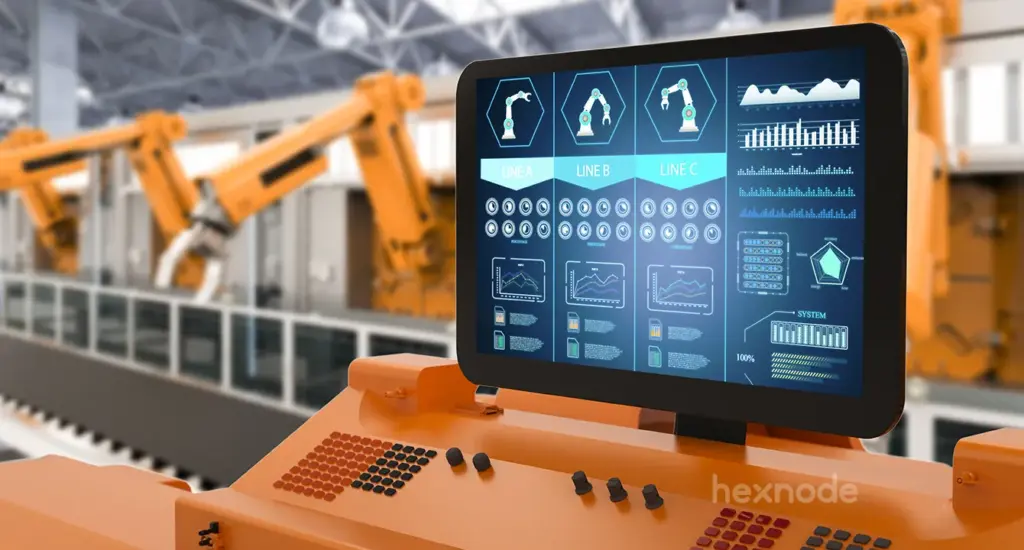
Kiosks are no longer just large screens in malls. Today, the definition includes tablets (iPad, Android) and rugged handhelds. Laptops can even act as single-purpose interfaces. Businesses use these as Point of Sale (POS) terminals or self-check-in stations. These devices need a robust kiosk management system. This ensures security and consistent uptime.
Without a central strategy, you risk security breaches. You also face device downtime and a poor user experience. Below, we break down the 10 essential tips to master this process.
Effective kiosk management requires a combination of the right hardware, secure software, and proactive maintenance. The following best practices can help organizations build a reliable and scalable kiosk deployment strategy.
1. Select Hardware That Matches Your Use Case
Successful deployment starts with the right hardware. Choose a device form factor that fits your specific business environment physically and technically.
Not all screens are equal. A consumer tablet might work for a receptionist. However, a warehouse floor needs a rugged device.
Android: Often chosen for cost-effective hardware options and deployment flexibility.
iOS (iPad): Often chosen for polished user experience and consistent device behavior.
Windows: Often suitable for kiosk deployments that require desktop applications, legacy software, or higher processing capacity.
Expert Note: Device needs change. A smartphone strategy today might become a tablet strategy tomorrow. Ensure your kiosk management software supports all platforms. This prevents vendor lock-in.
2. Automate Enrollment for “Out-of-the-Box” Readiness
Automated enrollment saves time. IT teams can ship devices directly to the site, where they configure themselves automatically upon powering on.
Manual setup kills scalability. Hexnode automates enrollment by integrating with Over-the-Air (OTA) programs:
With these tools, devices can be automatically enrolled and configured for kiosk deployment, reducing manual setup and limiting user interaction with the unmanaged OS.
3. Prioritize Remote Maintenance and Management
Remote management is vital. IT admins can remotely fix glitches, push updates, and restart devices from a single console.
Sending a technician to a site can be expensive, especially across distributed kiosk fleets. A robust kiosk management system must offer:
Remote Control for real-time fixes.
OTA content updates.
Scheduled reboots to keep the system fresh.
4. Implement a Strict OS Update Schedule
Regular OS updates are critical for security. However, uncontrolled updates can break kiosk apps. You must control when and how they happen.
Never leave OS updates to the end-user. Use your management console to:
Delay updates until compatibility testing is complete to ensure the new OS version works properly with your kiosk applications.
Schedule updates: Push updates only at night. This prevents downtime during business hours.
5. Establish Real-Time Monitoring and Compliance Rules
Continuous monitoring is key. It ensures you know if a device drops offline, leaves a set area, or violates policies.
Control procedures on a kiosk machine rely on visibility. You should set automated alerts and compliance workflows to monitor device health and security posture.
Hexnode can detect compromised devices such as jailbroken or rooted devices and help administrators enforce compliance policies.
Research shows that self-service kiosks can increase average order values by 15–30% through automated upselling and digital merchandising. However, security remains critical. In 2017, malware infected approximately 1,900 Avanti Markets kiosks, exposing customer data and highlighting the importance of robust kiosk security and centralized device management.
6. Choose Between Website and App-Based Kiosk Modes
Kiosk mode usually works in two ways. You can lock the device to a single app (App-based). Or, you can lock it to a secure browser (Website-based).
Understanding the difference is vital for kiosk best practices:
Feature
Single App Kiosk Mode
Website Kiosk Mode
Primary Function
Locks device to one native app.
Locks device to a browser.
Use Case
POS systems, Check-in apps.
Digital catalogs, Surveys.
Customization
Limited to the app’s design.
High customization (toolbars, buttons).
Security
Restricts Home screen access.
Restricts web navigation.
7. Harden Core Device Settings and Peripherals
Locking the screen is not enough. You must also disable hardware keys and notifications to prevent physical tampering.
Hackers often try to exit kiosk mode. They use hardware buttons or keyboard shortcuts.
Peripheral Lockdown: Disable hardware buttons and restrict device functionality to prevent users from exiting kiosk mode.
Suppress Notifications: Stop pop-ups from third-party apps. Keep the screen clear.
8. Enable Lost Mode and Geofencing
Lost Mode helps secure missing devices by locking them with a custom message and enabling location tracking.
Physical theft is a major risk for mobile kiosks. Your strategy must include:
Geofencing:Geofencing can be used to monitor device movement and trigger alerts when devices leave designated geographic areas.
Remote Wipe: Delete corporate data instantly if recovery fails.
9. Enforce Data Security on Public-Facing Devices
Public kiosks require a “Zero Trust” approach. You must protect sensitive information and enforce secure access policies.
Public kiosks handle sensitive data.
Session Management: Hexnode kiosk browser settings can help administrators restrict browsing activity and manage website access in kiosk environments.
Network Security: Use VPNs even on public Wi-Fi. Use firewalls to block bad traffic.
Encryption: Mandate BitLocker (Windows) or FileVault (macOS).
Remote Kiosk Management: Ensure 24/7 Uptime with Hexnode Tools
Remote kiosk management helps IT teams monitor, secure, and maintain kiosk uptime with centralized control and automation.
10. Future-Proof with Scalable Architecture
Scalability is crucial. Your solution must handle growth. It should work for 10 devices or 10,000 without infrastructure changes.
Look for “set it and forget it” features. Dynamic grouping is one example. If you add a device to a group, it should inherit all settings instantly.
Kiosk Deployment Checklist: Before You Go Live
A successful kiosk deployment requires more than simply locking down a device. Before launching your kiosk fleet, verify that the following essentials are in place:
Device Configuration
Enroll devices into your UEM platform before deployment.
Configure the appropriate kiosk mode (single-app, multi-app, or browser-based).
Disable unnecessary hardware buttons, system settings, and user access points.
Network Readiness
Test connectivity across all deployment locations.
Configure VPN access where required.
Ensure offline functionality for critical applications whenever possible.
Security Controls
Enable device encryption and secure authentication methods.
Restrict access to approved applications and websites.
Configure compliance policies to detect rooted, jailbroken, or otherwise compromised devices.
Remote Management
Verify remote control capabilities for troubleshooting.
Configure automated OS and application update schedules.
Set up monitoring alerts for device health, connectivity, and policy violations.
Business Continuity
Create a recovery plan for device failures.
Enable Lost Mode and location tracking for mobile kiosks.
Establish backup procedures for critical kiosk data and configurations.
By completing this checklist before rollout, organizations can reduce deployment issues, improve security, and ensure a consistent user experience across their kiosk fleet.
Kiosk Troubleshooting Guide: Common Errors & Fixes
Technical issues happen even with good planning. Here are solutions to the most frequent kiosk failures IT teams encounter.
Issue 1: The “White Screen” of Death (Web Kiosks)
Cause: The device loses Wi-Fi connectivity, preventing the browser from loading the target URL.
Issue 2: App Crashing and Exiting Kiosk Mode
Cause: Poorly coded apps or memory leaks cause the app to close unexpectedly.
Solution:Hexnode kiosk policies help keep devices locked to approved applications and restrict user access outside the kiosk environment.
Featured Resource
The Ultimate Guide to Kiosk Management: Everything your business needs to know
Discover kiosk management best practices, deployment strategies, security controls, and future trends in kiosk technology.
Why Hexnode is the Leader in Kiosk Management Solutions
Hexnode stands out as an industry leader, offering one platform to manage devices across major operating systems.
Many competitors focus only on mobile. Hexnode provides more:
True Multi-Platform Support: Manage Android, iOS, Windows, macOS, and other supported platforms from a centralized console.
Granular Control: Configure kiosk restrictions, manage approved apps, and control supported device settings and hardware functions.
Kiosk Browser: Hexnode Kiosk Browser enables secure browsing with URL allowlisting and customizable website kiosk settings.
FAQ
What is a kiosk manager?
A kiosk manager is a tool or person that secures kiosk devices. In software terms, it is a central console. Admins use it to define policies. They push these policies to devices remotely. This ensures the device only runs approved apps.
How to manage a kiosk in a business?
You need reliable hardware and remote management software. Real-time analytics are also key. Use software to fix issues remotely. This reduces costs. Analyze data from the kiosks to understand user behavior. This helps improve the customer experience.
How does a kiosk management software work?
The software installs a profile or agent on the device. This agent overrides the standard OS. It connects to a cloud server to receive rules. These rules restrict the device to specific apps. The software reports device health back to a dashboard.
What are the security risks of kiosk mode?
Risks include physical tampering and network attacks. Hackers may also try to “jailbreak” the device. You can stop this by securing ports. Use encrypted networks like VPNs. Use software that alerts IT if a device is compromised.
Can I turn a Windows PC into a Kiosk?
Yes, Windows PCs can become kiosks. You can use Assigned Access features or MDM software. Windows PCs are often used for digital signage and other fixed-purpose display deployments. Hexnode lets you run a single app in a locked environment. You can use modern apps or classic Win32 programs.
Conclusion: Mastering Your Kiosk Strategy
Great kiosk management is more than just locking a screen. It is about balancing strict security with a seamless user experience.
By following these 10 tips, you ensure your devices remain safe, compliant, and operational. Do not leave your deployment to chance. Hardware fails and software glitches happen. You need a plan to handle them instantly.
Equip your IT team with the right tools. You need visibility, remote control, and automation. Hexnode provides the flexibility to manage any device, anywhere. Whether you have five kiosks or five thousand, the right strategy makes all the difference.
Scale Kiosk Operations with Hexnode
From enrollment and lockdown to remote troubleshooting, manage your entire kiosk fleet with Hexnode's unified platform.
Content Writer at Hexnode, a curious mind with a knack for words, I dive into ideas worth unpacking and craft narratives worth sharing. I enjoy turning complex concepts into clear, engaging stories that connect with people and spark thought. From tech trends to everyday insights, I’m driven by curiosity, clarity, and creativity, always learning, always refining, and always looking for the next story that deserves to be told well.