When built-in Windows policies cannot expose a supported setting, OMA-URI custom policies close the gap, but require exact validation and controlled deployment.
Unmanaged settings can create configuration drift, weaken enforcement, trigger audit findings, and increase manual remediation; unverified payloads can fail silently or behave inconsistently.
Use a custom policy only for a documented CSP node, verifying its case-sensitive path, scope, operations, data type, value, and Windows version and edition support.
Hexnode can deploy supported custom configurations; assign ownership, document rollback, pilot on representative devices, verify endpoint results, expand in stages, and revalidate after platform or documentation changes.
When built-in Windows policies do not cover the setting you need
Windows administrators can encounter a clear policy gap: a required setting exists in a Windows Configuration Service Provider (CSP), but their UEM platform does not expose it through a built-in policy interface. The operating system supports the control, yet the administrator has no native field for configuring it.
This gap often appears when Microsoft introduces new Windows controls, security teams require more granular enforcement, or an organization relies on an uncommon enterprise configuration that standard policy templates do not address.
In these cases, Windows OMA-URI custom policies provide an advanced route to the specific supported setting. They should fill verified gaps, not replace built-in policies that already meet the requirement.
What are the risks of leaving policy gaps unresolved?
Leaving a policy gap unresolved allows endpoints to drift from the intended baseline. Unmanaged settings can produce inconsistent configurations, weaken security-policy enforcement, trigger audit findings, and force administrators into repetitive manual remediation.
Yet closing the gap with an unverified custom payload introduces its own risk. An incorrect OMA-URI, data type, value, or scope may fail without an obvious user-facing symptom, target the wrong context, or behave differently across Windows versions and editions.
Each custom configuration therefore needs a named owner, documented purpose and rollback path, controlled pilot testing, and ongoing lifecycle maintenance. Teams should revalidate it when OS support or CSP documentation changes.
What is a Windows OMA-URI custom policy?
An OMA-URI is a case-sensitive path that identifies a Windows setting exposed through a Configuration Service Provider (CSP). A compatible mobile device management service can deliver that path and its required value to an enrolled endpoint.
Three components work together:
The CSP is the Windows configuration interface that exposes manageable settings and processes supported operations.
The OMA-URI identifies the exact node within that CSP, including its device or user scope.
The management policy packages the URI, data type, requested value, and assignment for delivery through the MDM service.
A custom OMA-URI policy is appropriate when Windows supports the required CSP node but the management platform does not provide a corresponding built-in control. It is not a mechanism for making undocumented or unsupported settings manageable.
Before creating a payload, administrators should consult the Microsoft CSP reference for the node’s exact path, permitted scope, data format, supported operations, applicable Windows versions, and edition requirements.
How do device and user scopes affect an OMA-URI?
./Device applies a supported setting at the endpoint level, while ./User targets the managed user context. The selected scope determines where Windows processes the configuration and who or what the resulting state affects.
Scope must align with both the CSP documentation and the operational requirement. For example, a hardware restriction intended to remain active regardless of who signs in generally belongs at device scope. A preference that should follow a particular managed user may require user scope, provided the node supports it.
Changing the prefix does not automatically convert a device-scoped node into a user-scoped node, or vice versa. Administrators must verify the permitted scope for the exact CSP node before deployment; an unsupported prefix can cause the payload to fail or produce unintended behavior.
Feature Resource
Windows Platform Capability Statement
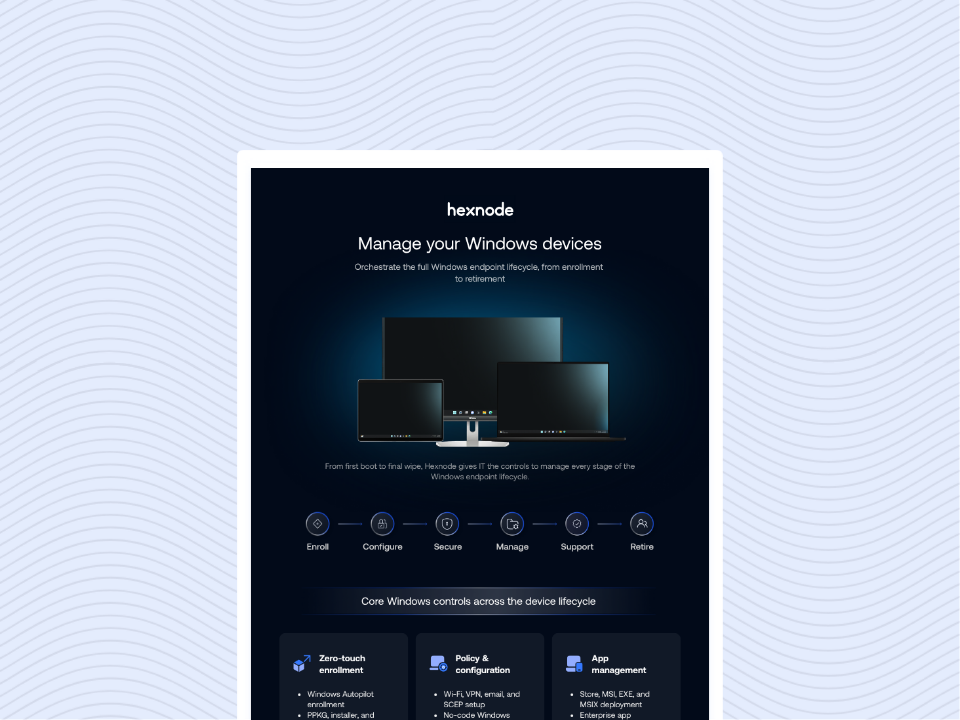
Download the infographic to explore how Hexnode simplifies Windows device management across every stage of the endpoint lifecycle.
How should administrators validate data types and values?
Administrators must match the data type and submitted value to the CSP specification exactly. Windows processes an integer, Boolean, string, and XML-based value differently, even when their visible content appears to express the same state.
For example, the integer 1, Boolean true, literal string "true", and an XML element containing an enabled state are not interchangeable. Selecting the wrong representation can cause rejection, misinterpretation, or inconsistent application.
Validate each payload through separate checks:
Casing: Preserve capitalization throughout the CSP path and value where required.
URI syntax: Reproduce the complete node path, separators, and scope exactly.
Supported operations: Confirm that the node accepts the operation used to configure or remove it.
Allowed values: Check valid ranges, enumerations, and required formatting.
XML structure: Validate element names, nesting, encoding, namespaces, and escaping requirements.
Do not infer the correct format from a similar CSP node. Use the specification for the exact setting and targeted Windows release.
When should IT choose a custom policy over a built-in setting?
IT should use a built-in control whenever it exists and fully satisfies the requirement. A custom configuration is justified only when a documented, supported CSP node closes a genuine gap in the platform’s built-in policy surface.
Suitable use cases include:
A newly documented Windows setting that the UEM interface does not yet expose.
A specialized security control required by the organization’s endpoint baseline.
A supported configuration that requires greater granularity than the available built-in options provide.
A custom policy is a poor choice when it relies on an undocumented registry workaround or targets a CSP node that the device’s Windows version or edition does not support. Administrators should also avoid recreating a setting already managed through a built-in policy, as duplicate controls can generate conflicts and complicate troubleshooting.
Do not deploy a custom configuration when responsibility for maintaining it is undefined or when its removal and rollback behavior have not been established and tested.
How do you plan and deploy a Windows custom policy safely?
Plan and deploy a Windows custom policy through a documented, staged process that validates the setting before it reaches production endpoints.
Define the desired state. Describe the required endpoint behavior, affected users or devices, and measurable success criteria.
Locate the CSP node. Search the Microsoft CSP reference and retain the authoritative page for the exact setting.
Validate applicability. Confirm the permitted device or user scope, supported operations, and applicable Windows versions, builds, and editions.
Prepare the payload. Select the documented data type, record the expected value, and reproduce the case-sensitive OMA-URI exactly. Assign a unique, descriptive payload name that identifies its purpose.
Establish rollback. Determine how to remove, replace, or restore the setting before deployment. Confirm that the documented operation supports the planned rollback.
Run a representative pilot. Target a controlled group covering relevant hardware, Windows builds, editions, and user contexts. Confirm the device-side result rather than relying solely on successful policy delivery.
Expand in stages. Increase assignment only after the pilot meets its success criteria.
Maintain a change record containing the business purpose, CSP source, tested OS builds, expected outcome, rollback method, policy owner, and review date. This record supports troubleshooting and later revalidation when Windows or the CSP documentation changes.
Automating Windows Device Management with Hexnode
Automate Windows provisioning, apps and patching with Hexnode to reduce manual work and improve visibility.
What should IT validate before broad deployment?
Before broad deployment, IT should complete a preflight review of the target population, payload, and existing policy state. Verify that:
Devices are actively enrolled and synchronizing with the management service.
The CSP node is available for the targeted Windows edition and build.
The OMA-URI uses the permitted device or user scope.
The selected data type and value format match the node specification.
The payload has a unique, descriptive name.
No duplicate configuration or conflicting built-in, custom, or legacy policy targets the same setting.
Compare the intended state with device-reported results, management-console status, and relevant Windows MDM diagnostic reports or event logs. Successful delivery alone does not prove that Windows applied the expected configuration.
Use staged deployment rings with explicit success criteria. Test rollback before expansion, and revalidate the payload after Windows feature updates or changes to the CSP documentation.
How Hexnode deploys Windows OMA-URI custom configurations
Hexnode provides Windows > Configurations > Deploy Custom Configuration for delivering supported CSP settings that are unavailable through built-in policies. Within a Hexnode policy, administrators can add a unique payload name, reproduce the case-sensitive OMA-URI, select the supported data type, and enter the value required by the CSP node.
According to Hexnode’s custom configuration documentation, the feature applies to Windows 10 and Windows 11 Pro, Enterprise, and Education devices. Administrators must still verify each node in Microsoft’s CSP documentation because its supported scope, operations, Windows builds, and editions may be narrower. Hexnode feature compatibility also does not replace Microsoft lifecycle and servicing requirements for the target OS.
For configurations containing multiple payloads, Enable atomic execution treats the payloads as one atomic block. If any payload fails, the block fails and applied changes are rolled back. Enable this behavior when payloads depend on one another and partial application would create an invalid state. For independent settings, consider whether separate execution would simplify failure isolation and troubleshooting.
FAQs
How can IT detect conflicts between custom OMA-URI policies and existing Windows policies?
Check whether any built-in, custom, or legacy policy already manages the same setting before deployment. Compare the intended configuration with device-reported results, Windows MDM diagnostic reports, event logs, and the management console because successful delivery does not confirm that Windows applied the expected state.
Should related OMA-URI payloads use Hexnode’s atomic execution option?
Atomic execution is appropriate when multiple payloads depend on one another and partial application would leave the device in an invalid state. Hexnode treats these payloads as one block, so a failure causes the block to fail and applied changes to roll back; independent settings may be easier to troubleshoot when executed separately.
How can administrators confirm that a custom OMA-URI policy was applied successfully?
Verify the resulting configuration directly on representative endpoints rather than relying only on the policy delivery status. Correlate the device state with the management console and relevant Windows MDM diagnostic reports or event logs.
What should a rollback plan for a Windows OMA-URI policy include?
The plan should specify how the setting will be removed, replaced, or restored if deployment produces an unwanted result. Administrators should confirm that the CSP node supports the required rollback operation and test the process during the pilot phase.
When should an existing OMA-URI custom policy be reviewed again?
Revalidate the policy after Windows feature updates, changes to Microsoft’s CSP documentation, or shifts in the targeted builds and editions. The review should confirm continued support for the URI, scope, operation, data type, value, expected outcome, and rollback method.
Extend Windows policy coverage with a controlled custom configuration
Select one documented Windows policy gap and evaluate Hexnode’s Deploy Custom Configuration feature through a controlled pilot. Use representative devices, define the expected state, verify the result on each endpoint, and test rollback before extending the assignment.
I’m a technical content writer at Hexnode who loves simplifying tech. I break down complex ideas, remove the fluff, and help readers clearly understand our product for what it actually is: simple, reliable, and built to solve real problems.