Why Printers, Scanners and IoT Devices Fall Outside Endpoint Management
To manage IoT peripherals with UEM, IT teams must first understand why these devices often sit outside traditional endpoint workflows.
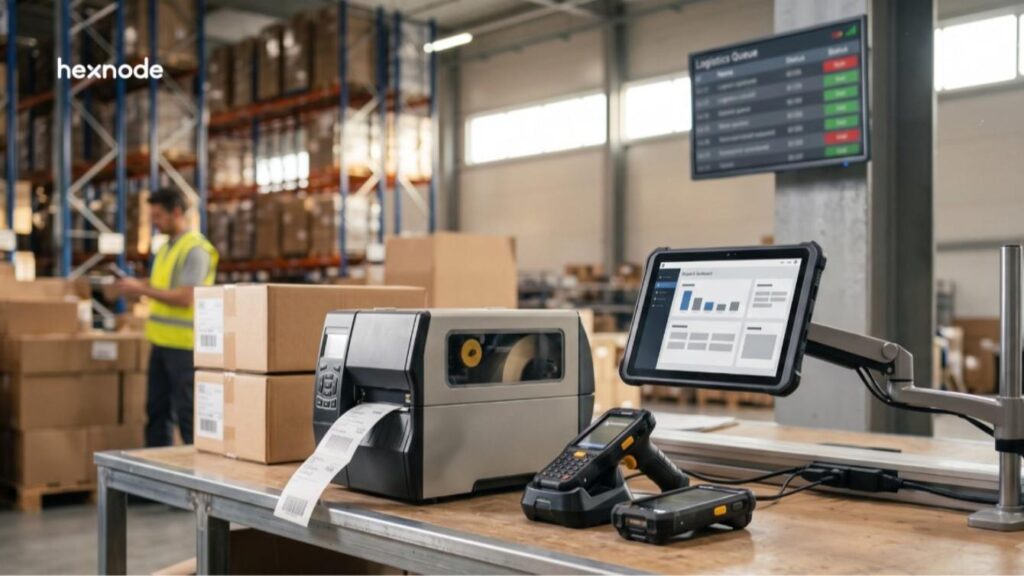
Printers and other purpose-built devices may run embedded firmware, while rugged scanners and smart displays can run platforms such as Android or Fire OS.
In this article, an IoT peripheral means a network-connected, purpose-built device used for functions such as printing, scanning, or displaying information.
As a result, IT teams often inherit separate management tools for each device class. Printers may rely on web portals, while scanners use vendor configuration apps. Meanwhile, smart displays may require device-level admin menus.
This fragmentation creates several operational gaps:
IT lacks a shared inventory across device categories.
Teams apply different configuration and policy frameworks.
Administrators lack a centralized view of firmware and device health.
Each vendor introduces a separate administrative workflow.
For example, a retail chain may deploy handheld scanners, label printers, and signage displays in every store. Local staff may configure each device on-site using different tools and settings.
The Cost of Leaving Peripherals Unmanaged
Unmanaged printers and IoT devices create security exposure, operational downtime, and compliance gaps across distributed environments.
Security: Default credentials, exposed services, and stale firmware can increase IoT security risk. NIST SP 800-213 provides federal guidance for defining IoT device cybersecurity requirements within organizational and system risk management.
Operations: Printer or scanner failures can interrupt workflows and force technicians to troubleshoot devices on-site. As a result, distributed sites face longer recovery times when local staff cannot resolve configuration or firmware issues remotely.
Compliance:PCI DSS Requirement 12.5.1 requires organizations to maintain a current inventory of in-scope system components and document their function. Networked peripherals can fall within scope when they are in or connected to the CDE, or when they could impact its security.
Because of this, peripheral visibility should form part of asset-management and compliance processes when those devices fall within the applicable standard’s scope.
If an in-scope printer, scanner, or display is missing from asset records, IT loses visibility into ownership, configuration, and compliance status.
Can a UEM Manage Printers, Scanners and IoT Devices?
Yes. A UEM can manage supported printers, rugged scanners, smart displays, and other purpose-built endpoints when their platforms expose compatible management interfaces.
To manage IoT peripherals with UEM, IT brings supported purpose-built devices into the same administrative control plane as traditional endpoints. A UEM centralizes device enrollment, configuration, security, monitoring, and remote management across multiple operating systems and device classes.
For supported peripherals, common UEM functions include:
Enrollment and inventory: Register devices and maintain a centralized asset record.
Network configuration: Push Wi-Fi, Ethernet, or related connectivity settings.
Policy-based settings: Standardize approved configurations across device groups.
Security controls: Apply restrictions and deploy certificates where the platform supports them.
Firmware or OS updates: Distribute compatible updates without visiting every device.
Remote actions: Restart, reset, or recover supported endpoints remotely.
Diagnostics and action history: Review device status and administrative action results.
However, the controls available to IT depend on the device platform and the management interfaces it exposes.
Device class
How a UEM typically manages it
Network label and receipt printers
Through the printer OS or management interface, such as Zebra Link-OS.
Rugged barcode scanners and handhelds
As Android endpoints, often with OEM-specific configuration controls.
Smart TVs and signage
Through supported platforms such as Android TV, tvOS, or Fire OS.
Office multifunction printers
Commonly through print servers or vendor-specific management platforms.
Some UEM platforms support direct enrollment of specific purpose-built printers alongside mobile and desktop endpoints. Hexnode, for example, supports dedicated enrollment for compatible Zebra Link-OS printers.
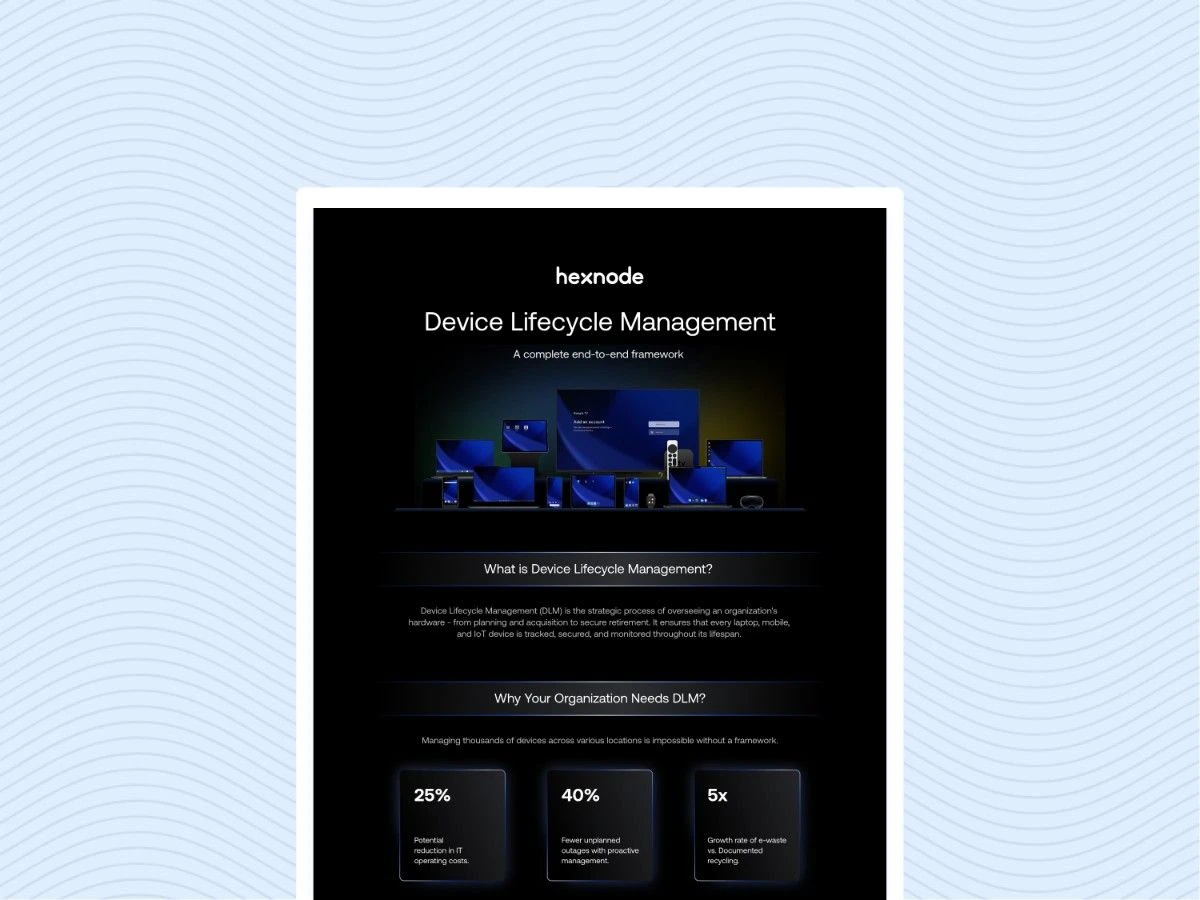
See how Hexnode approaches device lifecycle management from enrollment and configuration through ongoing maintenance, security, and end-of-life operations.
How to Bring Printers, Scanners and IoT Under One Console
To manage IoT peripherals with UEM at scale, IT should follow a structured enrollment, policy, update, and recovery workflow for each supported device class.
Inventory devices by class and platform. Record the device type, model, operating system, firmware version, network method, and business location.
Map each device class to a supported enrollment path. Confirm that the UEM supports the device platform before planning migration or policy deployment.
Prepare network connectivity before enrollment. Configure Wi-Fi or Ethernet access, required certificates, DNS settings, and firewall rules first.
Enroll each device and verify visibility. After enrollment, confirm that the console reports the correct model, platform, ownership, and connectivity status.
Group devices by site, business unit, or function. For example, separate warehouse printers from retail scanners or customer-facing signage.
Apply configuration, restriction, and certificate policies. Standardize approved settings across each group while accounting for platform-specific capabilities.
Establish firmware-update and remote-recovery procedures. Define update windows, restart workflows, recovery actions, and post-action validation checks.
Handle Firmware Updates Carefully at Scale
Firmware updates require device-specific validation, including checking firmware compatibility and confirming the device returns online with the expected version. First, match each firmware package to the exact device model and supported version path.
During firmware updates, follow the vendor’s power and connectivity requirements. Afterward, confirm that each device returns online and reports the expected firmware version.
Treat Barcode Scanners According to Their Platform
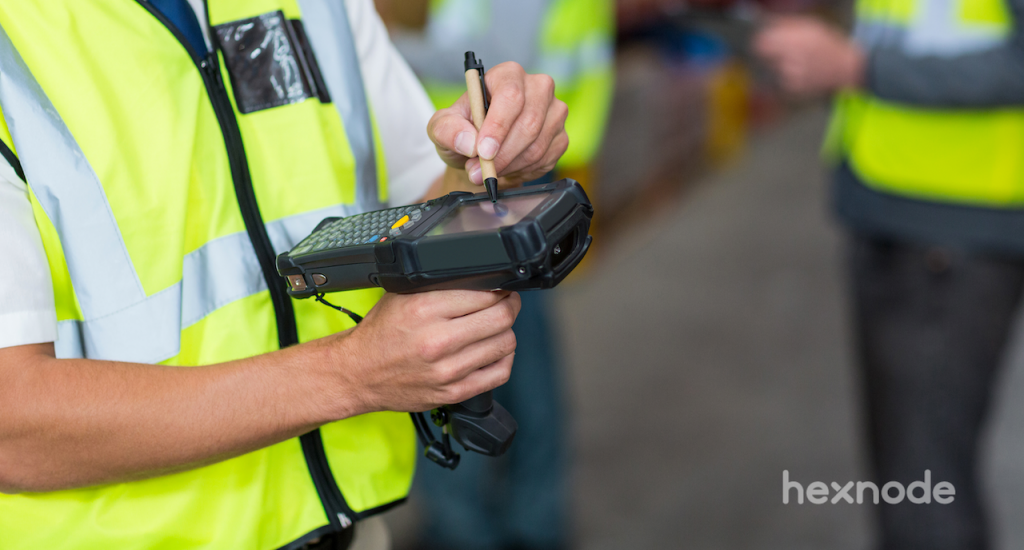
Supported Android-based handheld scanners can enroll as Android endpoints when the device and management platform support the required enterprise enrollment method. Therefore, IT teams can manage them through the Android management path supported by their UEM.
Standalone document scanners may use vendor-specific centralized management tools rather than standard UEM enrollment. IT teams should verify UEM compatibility for each scanner model before choosing a management workflow.
The Complete Guide to Zebra Link OS Device Management
Explore how IT teams can manage Zebra Link-OS printer fleets through enrollment, configuration, and centralized administration.
How Hexnode UEM Manages Printers, Rugged Scanners and IoT Devices
Hexnode UEM manages supported Zebra Link-OS printers as dedicated endpoints alongside its broader device fleet. Printers appear under Manage > Devices after enrollment, which gives administrators a centralized management workflow.
For Zebra printers running Link-OS 5.0 or later, Hexnode supports these documented workflows:
Zebra Printer Management: Enroll printers through Open Enrollment or Authenticated Enrollment at Enroll > Platform-Specific > Zebra Printer. Admins can then configure Wi-Fi, Ethernet, Weblink, base print, label, and real-time clock settings. Mirror Printer Configuration copies a validated configuration across similar printers. Hexnode also supports Zebra Printer restrictions, certificate deployment, and custom script execution.
Template and firmware deployment: The Deploy Templates remote action supports .zpl, .nrd, .txt, .lbl, and .zbi files. Administrators can upload files directly or select them from the Hexnode repository. Hexnode also provides an Update firmware action for supported printer firmware workflows.
Remote recovery and validation: Available actions include Reset device, Reset network settings, Restart Network Interface, and Print configuration label. Administrators can validate results through Action History and confirm firmware through Device Summary > OS Version.
Hexnode manages supported rugged barcode scanners as Android endpoints. Compatible Zebra and Honeywell devices enrolled in Android Enterprise can use their respective documented OEMConfig integrations. Hexnode also supports kiosk controls for managed Android endpoints.
For IoT and signage deployments, Hexnode supports Android TV, Apple TV, and Fire OS. Its broader IoT management approach also includes digital signage use cases across supported platforms.
The practical difference is administrative consolidation. Teams can configure printers, deploy templates, update firmware, and perform recovery actions from Hexnode UEM instead of visiting each printer’s local utility.
FAQs
Can every printer or scanner be enrolled directly in a UEM?
No. UEM support depends on the device operating system and available management interfaces. Rugged Android scanners can enroll as Android endpoints when their hardware and management platform support enterprise enrollment. Standalone document scanners may instead use vendor-specific centralized management tools, so IT should verify each model’s management options.
What should IT teams check before adding IoT peripherals to a UEM?
Confirm the device class, model, operating system, firmware version, and supported enrollment method first. IT should also prepare network connectivity, certificates, DNS, and required firewall rules before enrollment.
How should IT teams manage firmware updates across printer fleets?
Match each firmware package to the exact device model and supported upgrade path. Follow the vendor’s power and connectivity requirements during the update, then verify that the device returns online with the expected firmware version.
Can Hexnode UEM manage Zebra printers as dedicated endpoints?
Yes. Hexnode UEM supports Zebra Link-OS printers as dedicated endpoints and provides enrollment, configuration, template deployment, firmware updates, and remote actions. Supported Zebra printer management requires Link-OS 5.0 or later.
See Printers and IoT Devices Managed Next to Your Fleet
The next step is to confirm how your organization can manage IoT peripherals with UEM across its printer, rugged, and connected-device workflows. A product evaluation should test enrollment, configuration, firmware management, and recovery across the device classes you actually operate.
Hexnode UEM brings Zebra Printer enrollment, template deployment, firmware updates, and remote management alongside Android and desktop device management.
Bring More Endpoints Under One Console
Evaluate Hexnode UEM across supported mobile, desktop, rugged, IoT, and printer management workflows.
I write at the intersection of technology, process, and people, focusing on explaining complex products with clarity. I break down tools, systems, and workflows without any noise, jargon, or the hype.