Traditional RMM tools fail at mobile and rugged handheld device management because they are designed for static environments and lack support for mobile frameworks and OEM controls. This creates gaps in visibility, control, and security. UEM platforms like Hexnode address these issues with centralized management, enabling scalable deployment, real-time control, and consistent compliance across distributed endpoints.
Mobile and rugged handheld device management has become a critical challenge for modern IT teams as organizations increasingly rely on frontline-driven operations. From warehouse barcode scanners and retail POS systems to field service handhelds, these devices are essential but managing them with traditional RMM tools is often ineffective.
Built for desktops and servers, RMM solutions lack the flexibility, control, and mobile-native capabilities required for today’s dynamic environments.
As a result, IT teams face limited visibility, operational inefficiencies, and growing security risks. This is where Unified Endpoint Management (UEM) solutions like Hexnode come in. Designed specifically for mobile and rugged handheld devices, Hexnode enables seamless control, security, and scalability. In this article, we’ll explore why RMM tools fall short and how Hexnode redefines device management for modern enterprises.
The Growing Need for Mobile and Rugged Handheld Device Management
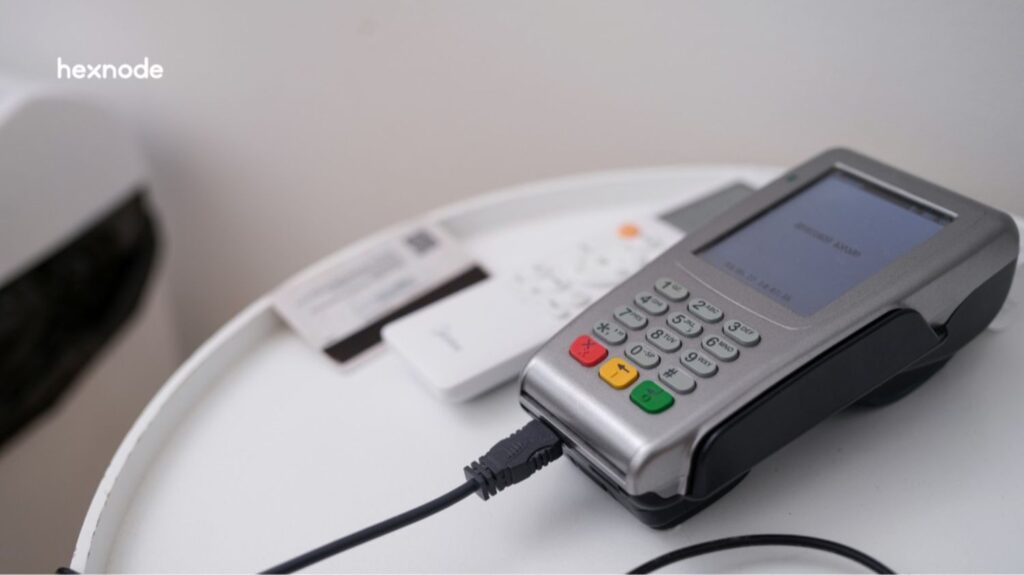
Mobile and rugged handheld device management involve centrally provisioning, securing, monitoring, and managing the lifecycle of purpose-built endpoints such as barcode scanners, POS systems, and field service devices. These devices operate outside traditional office environments and directly support operational workflows at a scale.
Today, industries like logistics, retail, healthcare, and field services depend on these endpoints for critical operations. Therefore, use cases such as inventory tracking, mobile diagnostics, and last-mile delivery are business-critical, not optional.
As organizations shift to mobile-first environments, IT teams must manage devices where uptime and usability directly affect revenue. However, this introduces distinct challenges:
Intermittent connectivity across remote locations
Limited interaction from non-IT users
Dependence on single-purpose applications
OEM-specific configurations and hardware controls
Consequently, legacy RMM tools fall short. They lack the architecture required to manage dynamic mobile endpoints, which leads to visibility gaps, inconsistent policy enforcement, and increased operational risk.
What Makes Mobile and Rugged Handheld Device Management So Complex?
Mobile and rugged handheld device management are inherently complex because of how these devices are built and used. Unlike general-purpose endpoints, rugged devices are tightly integrated with specific operational workflows.
Rugged handheld devices support functions such as barcode scanning, POS transactions, and field diagnostics. Therefore, they create strong dependencies between the device, application, and workflow, leaving minimal tolerance for misconfiguration.
Usage patterns add another layer of complexity. These devices often operate in kiosk mode or task-specific modes, and they are typically handled by non-IT users. As a result, IT teams must enforce strict controls while minimizing user interaction.
Moreover, organizations deploy these devices at scale across distributed environments. This makes it difficult to maintain consistent configurations, policies, and visibility.
Provisioning: Rapid deployment with minimal manual setup
App updates: Controlled rollout of line-of-business applications
Troubleshooting: Remote issue resolution without disruption
Device replacement: Seamless swaps without workflow impact
Consequently, any disruption affects uptime, productivity, and revenue, making management a critical operational priority.
Why Traditional RMM Tools Fail for Mobile and Rugged Handheld Device Management
Traditional RMM tools were designed for desktops, servers, and controlled networks. However, this architecture does not translate to mobile-first, distributed environments.
At the platform level, RMM lacks alignment with Android Enterprise and iOS frameworks. As a result, IT teams cannot enforce policies or manage applications with the required level of control.
The limitations become more evident with rugged devices. These endpoints depend on OEM-specific extensions for critical functions. Therefore, without OEM integration, RMM tools cannot deliver granular control.
Key Limitations of RMM
Limited or inconsistent support for kiosk mode or device lockdown
Increased risk of data exposure and unauthorized access
Consequently, RMM tools fail to meet the demands of mobile and rugged handheld device management.
UEM vs RMM: A Better Approach to Mobile and Rugged Handheld Device Management
What is UEM (Unified Endpoint Management)?
Unified Endpoint Management provides a centralized framework to manage mobile, desktop, and rugged devices from a single control plane. Unlike RMM, which is optimized for traditional IT infrastructure, UEM is designed for distributed, mobile-first environments where endpoints operate across networks, geographies, and usage contexts.
Most UEM platforms integrate with modern device management frameworks such as Android Enterprise and iOS MDM protocols, though the depth of integration can vary by vendor. This allows IT teams to enforce policies, deploy applications, and maintain visibility across endpoints that are not always connected or user driven.
Key Differences Between RMM and UEM
Feature
RMM
UEM
Device support
Desktops and servers, limited mobile support
Mobile, rugged, and modern endpoints
Deployment
Primarily agent-based
Zero-touch, OTA, and other methods
Use case
Traditional IT infrastructure
Frontline and enterprise mobility
Control
Strong for traditional endpoints, limited for mobile
Granular, policy-driven control
The distinction is not incremental. It reflects a shift in how endpoints are provisioned, controlled, and secured in real-world environments.
Why UEM is Essential for Rugged Environments
Rugged device deployments demand scalability, flexibility, and continuous control. UEM platforms are built to handle:
Large-scale deployments across distributed locations without manual intervention
Dynamic policy enforcement based on device state, usage, or compliance posture
Real-time management capabilities, including remote actions and monitoring
For organizations managing mobile and rugged devices at scale, UEM is generally better suited than RMM to maintain operational continuity and security.
Featured resource
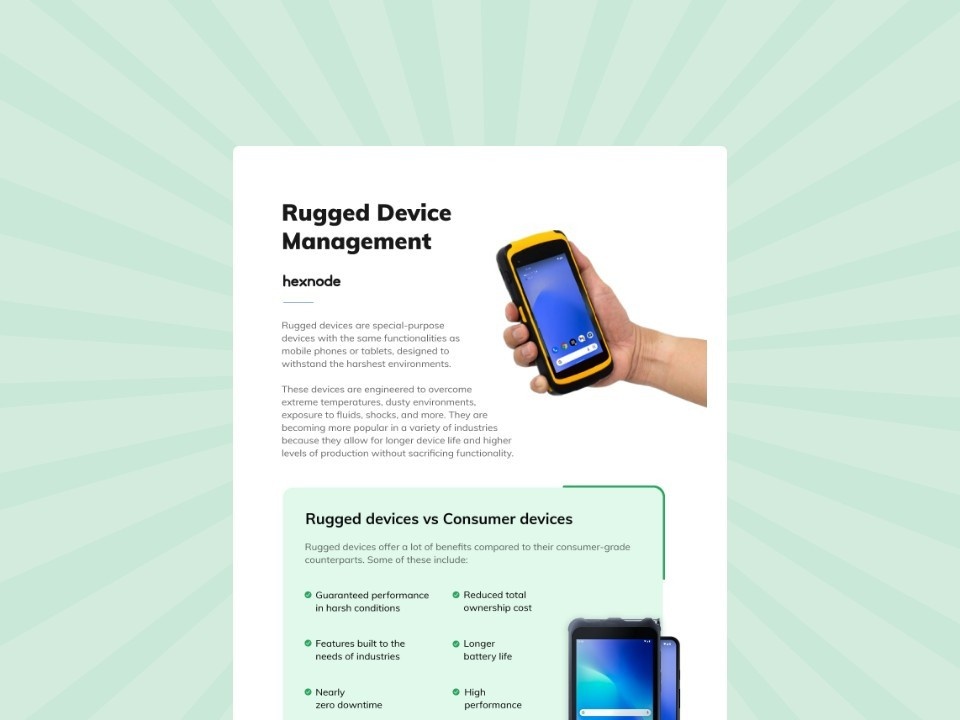
Managing your rugged fleet of devices with UEM
Learn how to automate security, deployment, and lifecycle management for your enterprise-rugged device fleet.
How Hexnode Simplifies Mobile and Rugged Handheld Device Management
Hexnode is purpose-built for mobile and rugged handheld device management, helping IT teams address gaps left by traditional tools. It provides a unified control layer aligned with mobile OS frameworks, OEM capabilities, and frontline usage patterns to manage distributed endpoints efficiently.
Advanced Kiosk Management for Rugged Devices
For organizations managing rugged handheld devices, controlling device usage is critical. Hexnode enables:
Remote actions such as file deployment/removal, bug report requests, and app log retrieval
Access to device details, activity feeds, compliance data, reports, and alert profiles
This improves visibility and reduces downtime.
Security and Compliance for Mobile Environments
Hexnode enforces security through:
Granular policy controls for passwords, restrictions, and configurations
Device-level restrictions to prevent unauthorized access or data leakage
Integrations with services such as Okta and Microsoft Entra ID.
This helps maintain a consistent security posture across mobile and rugged endpoints.
Real-World Use Cases of Mobile and Rugged Handheld Device Management
Effective mobile and rugged handheld device management directly support operational continuity in environments where devices are tightly integrated with workflows.
Logistics and Warehousing
Problem: Devices operate across large facilities with inconsistent connectivity and manual setup.
Impact: Centralized management enables pre-configured deployments and real-time monitoring, improving inventory accuracy, and reducing downtime.
Retail
Problem: POS systems and kiosks face misuse and inconsistent configurations across locations.
Impact: Kiosk enforcement and app control maintain standardized operations and ensure consistent customer experience.
Healthcare
Problem: Devices handle sensitive data and require strict access control.
Impact: Policy enforcement secures data while maintaining device availability for clinical workflows.
Manufacturing
Problem: Shop-floor devices operate in harsh conditions and depend on continuous application access.
Impact: Device lockdown and remote support reduce disruptions and improve production efficiency.
Field Services
Problem: Devices operate remotely with limited IT support.
Impact: Remote troubleshooting and policy enforcement to enable faster issue resolution and improve service efficiency.
Choosing the Right Solution for Mobile and Rugged Handheld Device Management
Selecting the right platform starts with a clear assessment of your endpoint landscape. IT teams must evaluate device types, operating systems, deployment scale, and usage patterns. This, in turn, exposes gaps in legacy tools, especially where RMM lacks visibility and control.
When evaluating solutions, focus on capabilities that align with operational needs:
OEM support: Integration with frameworks like Zebra or Honeywell for device-level control
Kiosk management: Enforce single- or multi-app usage and restrict access
Remote troubleshooting: Enable real-time visibility and remote control
Scalability: Support bulk provisioning and zero-touch deployment
Moreover, future proofing is critical. As mobile-first operations expand, the platform must adapt to new devices, OS updates, and evolving security requirements without rework.
Consequently, effective management reduces downtime, minimizes manual effort, and lowers security risk across distributed environments.
Conclusion: Rethinking Mobile and Rugged Handheld Device Management
The idea that frontline devices are “unmanageable” stems from using the wrong management model. With the right approach, mobile and rugged handheld device management become structured, scalable, and predictable.
The gap between RMM and UEM is not incremental. RMM tools were designed for static IT environments, while UEM platforms are built for mobile-first, distributed operations. This distinction directly impacts visibility, control, and security across critical endpoints.
For organizations relying on rugged and mobile devices at scale, purpose-built solutions are often necessary to maintain control, consistency, and operational continuity.
Hexnode fits into this model as a strategic enabler, providing the control plane needed to manage modern endpoints without adding operational complexity.
Take Control of Mobile and Rugged Devices
Move beyond legacy tools. Manage mobile and rugged endpoints with greater control and consistency.
What is mobile and rugged handheld device management in simple terms?
It is the process of centrally managing, securing, and maintaining mobile and rugged devices such as barcode scanners, POS systems, and field handhelds. This includes provisioning, app control, policy enforcement, and troubleshooting. The goal is to keep devices operational and aligned with business workflows.
Why can’t traditional RMM tools manage rugged handheld devices effectively?
RMM tools are designed for desktops and servers, not mobile-first environments. They often lack deep support for OEM-specific controls, mobile frameworks, and field operations. This leads to limited visibility and weaker control in distributed environments.
How is UEM different from RMM in managing mobile devices?
UEM focuses on mobile and modern endpoints, while RMM targets traditional IT systems. UEM platforms typically support zero-touch deployment, mobile OS integration, and granular policy control, though capabilities vary by vendor.
What makes rugged handheld devices harder to manage than regular endpoints?
These devices are built for specific tasks and depend on OEM configurations and business-critical apps. They often operate remotely with limited IT access. Managing them often requires specialized control and support for intermittent connectivity.
What features should I look for in a rugged device management solution?
Look for OEM support, kiosk enforcement, remote troubleshooting, and scalable deployment. These features help improve performance consistency and security across devices.
How does better device management improve business operations?
Effective management helps reduce downtime, limit misuse, and maintain consistent device configurations. It also improves visibility and speeds up issue resolution in frontline environments.
I write at the intersection of technology, process, and people, focusing on explaining complex products with clarity. I break down tools, systems, and workflows without any noise, jargon, or the hype.