iOS kiosk mode security – everything you need to know
A comprehensive guide to iOS kiosk mode security essentials.

Get fresh insights, pro tips, and thought starters–only the best of posts for you.

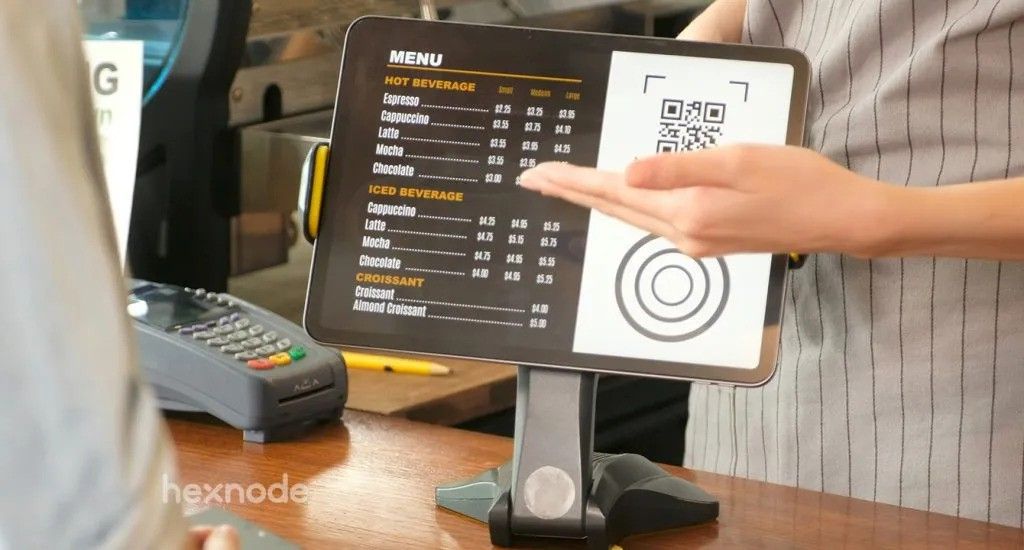
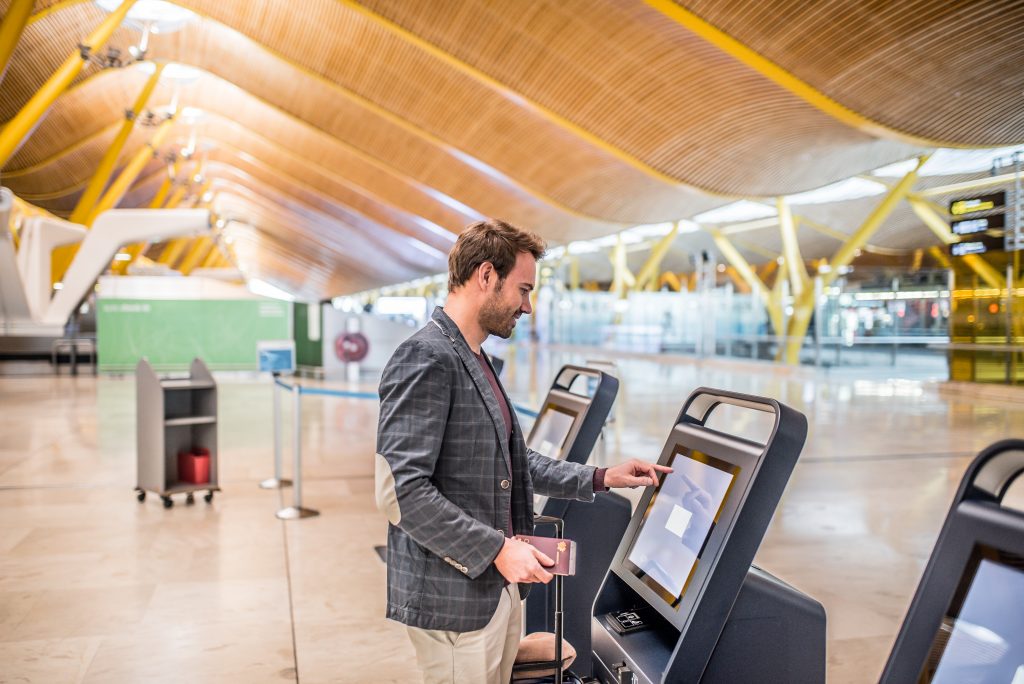
For years, self-service strategies revolved around heavy, wall-mounted tablets. But in 2026, agility has become a competitive advantage. Organizations are increasingly replacing static enclosures with more flexible kiosk deployments such as iPhones, iPads, and Android devices. These devices enable mobility, faster customer interactions, and real-time operational workflows.
Among these options, the iPhone for kiosk deployments has emerged as a leading choice. As of 2026, over 18% of the world’s population uses an iPhone, representing approximately 1.4 billion active devices globally. Beyond familiarity, Apple’s tightly integrated ecosystem, marked by consistent hardware performance, long-term iOS support, and a robust security architecture, makes the iPhone a dependable iOS kiosk device for enterprise-scale rollouts.
As handheld deployments expand, the question is no longer whether to adopt mobile kiosks, but how to do it right.
In this blog, we examine the suitable iPhone for kiosk, specifically for handheld applications, and how to deploy and manage them securely at scale.
To choose the right iPhone for kiosk deployment, you need to evaluate key hardware and software traits that matter in enterprise environments, especially if you’re planning to roll out devices at scale and manage them over time.
As a result, iPhone for kiosk is rapidly expanding beyond traditional touchscreens toward versatile mobile deployments that handle ordering, check-in, scanning, payments, and identity interactions.
| Use Case Category | Handheld iPhone Kiosk Application | Why It Matters |
|---|---|---|
| Retail & POS | Mobile check-out, inventory scanning | Reduces queue times and increases throughput. Complements fixed POS laneways. |
| Healthcare | Patient self check-in, ID capture | Speeds registration flow and reduces staff burden in busy clinics. |
| Hospitality | Guest check-in/check-out, ordering | Enhances guest experience with personalization and reduced wait times. |
| Events & Ticketing | Ticket scanning, badge verification | Improves speed and security at high-traffic venues. |
| Transport | Ticket validation, boarding pass scanning | Accelerates passenger flow in transit hubs and reduces staffing needs. |
| Field Operations | Barcode scanning, proof-of-delivery | Enables real-time tracking and documentation in logistics. |
| Customer Info | Product lookup, wayfinding | Provides self-guided navigation in malls and airports. |
Each of these applications requires a carefully selected iPhone for kiosk deployment that matches performance, battery endurance, and camera capability to the task.
Across industries, interactive systems powered by these handheld devices deliver benefits such as:
Once you identify which workflows stand to benefit most from handheld kiosks, whether retail POS, healthcare check-ins, or field data capture, you can begin to map those use cases to specific iPhone capabilities (battery, display, camera, etc.).
Apple’s current iPhone lineup spans from affordable mainstream devices to high-performance flagships, giving enterprises a range of options to match diverse kiosk requirements, from cost-effective deployments to camera-centric and performance-intensive workflows. The following models are relevant for enterprise iPhone for kiosk deployments in 2026:
If your kiosk deployment focuses on simple workflows such as visitor check-in, feedback collection, appointment registration, or basic internal tools, the iPhone 17e is often the most practical choice. It combines reliable performance with Apple’s A19 chip, a 6.1-inch Super Retina XDR display, and modern connectivity features designed for everyday workloads. The device is positioned as the most affordable model in the iPhone 17 lineup, making it suitable for large fleet deployments where cost efficiency matters.
Why it works:
Where it may fall short:
For organizations prioritizing scale and budget efficiency over imaging performance, this is the most strategic entry point.
If your kiosk deployment spans retail POS, inventory scanning, mobile checkout, or customer engagement workflows, the iPhone 17 (or even, iPhone 16) offers the most balanced option.
Powered by the A19 chip, it provides stronger performance, better battery efficiency, and improved camera capability, making it ideal for business-critical environments.
Why it works:
Where it may fall short:
For most enterprise handheld kiosk deployments, this is the safest default recommendation.
If your use case involves ID verification, document capture, healthcare intake, compliance documentation, or proof-of-delivery workflows, imaging performance becomes non-negotiable.
In these environments, the iPhone 17 Pro or Pro Max is the right decision. The A19 Pro chip and advanced multi-lens camera system provide superior low-light performance, depth sensing, and image precision.
Why it works:
Where it may fall short:
If your deployment is customer-facing in premium retail, hospitality, concierge services, or brand-driven environments, design and ergonomics matter as much as performance.
The iPhone Air combines the A19 Pro chip with a thinner, lighter form factor.
Why it works:
Where it may fall short:
This is ideal for environments where presentation and mobility influence customer experience.
| Model | Chip | Best For | Pros | Cons |
|---|---|---|---|---|
| iPhone 17e | A19 | Basic kiosks | Budget, solid battery | Limited imaging |
| iPhone 17 | A19 | Balanced business | Strong performance | Mid-tier camera |
| iPhone 17 Pro | A19 Pro | Imaging workflows | Advanced cameras | Higher cost |
| iPhone 17 Pro Max | A19 Pro | Battery-heavy use | Premium battery | Premium cost |
| iPhone Air | A19 Pro | Concierge kiosks | Slim, premium feel | Less versatile camera |
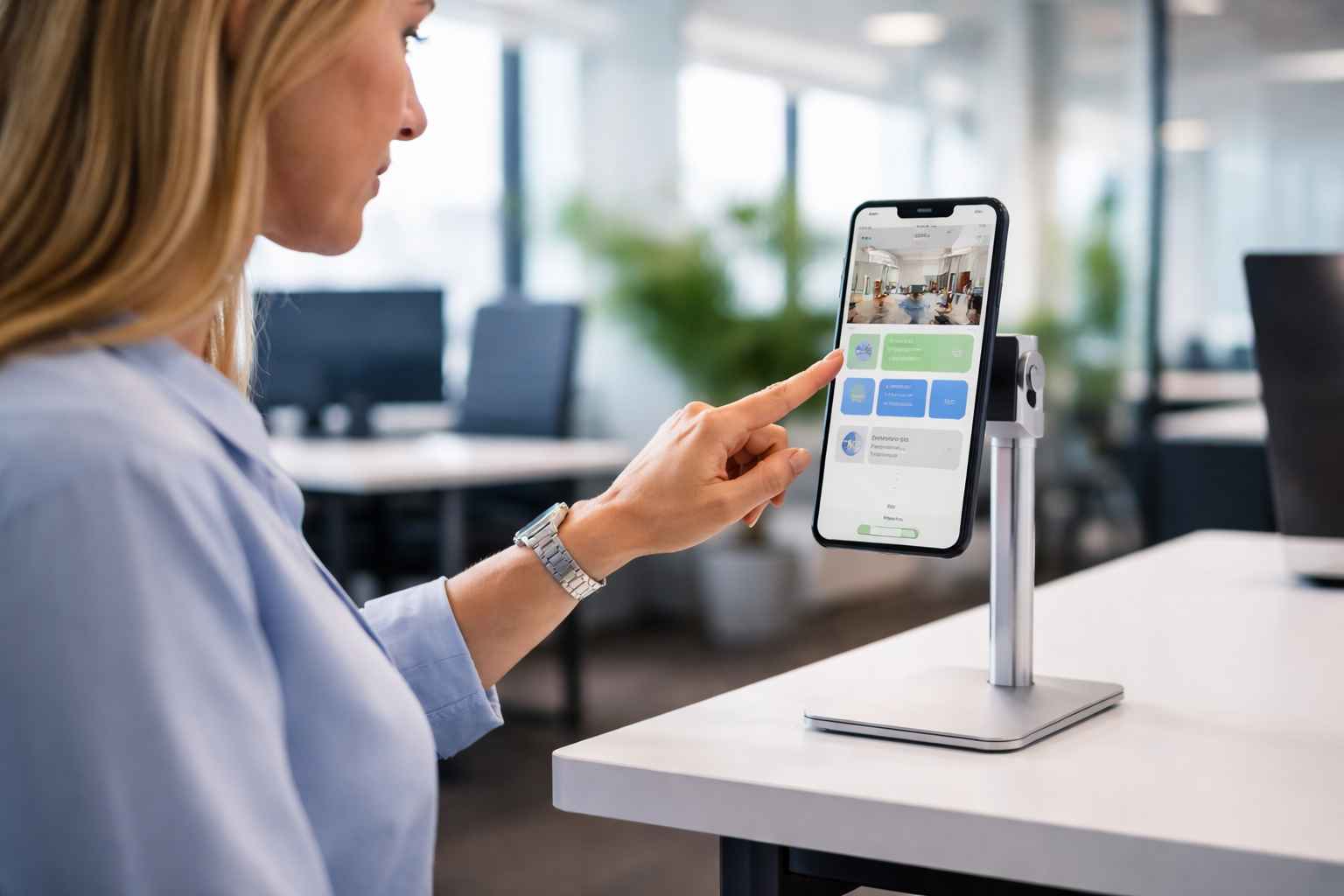
An iPhone, straight out of the box, is not a kiosk. It is a consumer device designed for flexibility, with access to settings, notifications, app installation, and system controls. In a controlled business environment, that flexibility becomes a liability.
If unmanaged, a kiosk device can:
When deploying an iPhone for handheld kiosk use, secure lockdown and centralized oversight are not optional; they are foundational.
Even with Apple’s Guided Access, real deployments fail for practical reasons: inconsistent setup and configuration drift over time.
This is where “kiosk mode” stops being a device setting and becomes an operating model:
Apple positions enterprise deployment around Apple Business Manager/School Manager paired with “your chosen device management service” to get control and flexibility at scale.
Hexnode UEM sits above Apple’s management primitives as the central orchestration layer. It handles provisioning, policy enforcement, monitoring, and lifecycle operations from a single console across platforms. For iPhone kiosk deployments specifically, Hexnode operationalizes Apple’s supervised kiosk capabilities into repeatable controls: configure kiosk modes, apply restrictions, enforce apps, manage connectivity, and maintain compliance, without requiring hands-on work per device.
Hexnode enhances iOS security by combining Apple’s Supervision framework with a set of remote management features. This synergy ensures that kiosks remain secure, compliant, and functional without requiring physical intervention.
Hexnode supports multiple iOS kiosk approaches: Single App, Multi‑App, and Autonomous Single App Mode, plus Web‑app kiosk patterns for controlled browsing/URL access. This lets you match the kiosk model to the workflow (one task, several tasks, app‑triggered lock/unlock, or web-first kiosks).
Kiosk success often depends on suppressing non‑task features. Hexnode policies can control items like hardware buttons and kiosk behavior, aligning with Apple’s managed App Lock options (e.g., disabling Sleep/Wake, Volume Buttons, Touch, rotation/motion). This prevents user exits and reduces tampering.
Hexnode’s Business Container adds control over how corporate data moves between apps, supporting stricter separation in mixed-use scenarios. Apple’s own restriction model distinguishes managed vs unmanaged document flows; Hexnode builds administration around these controls to reduce data leakage risk.
Hexnode can enforce mandatory application presence (including kiosk apps) and supports silent app installation in iOS kiosk contexts where Apple allows it, thereby reducing reliance on user Apple IDs and lowering rollout friction. This is key when the kiosk must be functional immediately after enrollment.
Hexnode provides policy-driven allowlisting and blocklisting of iOS apps: lock devices to only what the kiosk workflow needs, hide everything else, and reduce the chance of drift into consumer apps. This functions as a practical control to keep the kiosk dedicated‑purpose.
Hexnode can push iOS network configurations over the air such as Wi‑Fi profiles for secure auto‑join, VPN for encrypted transport, and Per‑App VPN to ensure only designated kiosk apps route traffic through corporate tunnels. This is critical for kiosks operating outside controlled LANs.
Hexnode supports Remote View for iOS, enabling admins to view device screens in real time to diagnose user issues, plus remote actions like device restart to recover stuck kiosk states.
Hexnode offers compliance posture and reporting mechanisms (including security/compliance report sets and device inventory views) that help prove kiosk state during audits and ongoing monitoring. This is especially relevant for regulated environments where kiosk configuration and app state must be demonstrable.

Download the whitepaper to learn how you can adopt the right kiosk management strategy for your business.
Get the White paperDeploying handheld iPhone kiosks at scale requires a systematic decision path to manage risk and ensure a successful outcome.
Whether your use case involves retail POS, healthcare check-ins, field service scanning, or concierge engagement, the right model depends on workload, environment, and scale. But hardware alone is never the full strategy. Secure supervision, centralized control, and structured implementation determine whether a kiosk fleet performs reliably or becomes operational overhead.
When deploying iPhone for kiosk mode at scale, success lies in combining the right device with disciplined execution and enterprise-grade management.
1. Is Guided Access enough for business kiosk deployments?
Guided Access is suitable for small-scale or temporary setups. However, it lacks centralized management, remote monitoring, and bulk configuration capabilities. For enterprise iPhone kiosk deployments, Supervised Mode combined with an iPhone MDM solution is recommended.
2. What is the best iPhone for kiosk use?
The best iPhone for kiosk depends on your use case. Budget deployments may suit entry-level models, while imaging-heavy workflows benefit from Pro devices. Retail POS and general business kiosks often perform best with balanced mid-tier models offering strong battery and camera performance.
3. Can iPhones be used as handheld POS devices?
Yes. Many businesses use iPhones as handheld POS (Point of Sale) devices, enabling mobile checkout, queue busting, and real-time inventory scanning when configured in kiosk mode.
Configure kiosk mode, enforce policies, push apps, and monitor compliance across your entire fleet, all from a single console.
SIGNUP NOW