Device management API: An overview
Learn more about APIs for remote control, security enforcement, and automated enterprise scaling.

Get fresh insights, pro tips, and thought starters–only the best of posts for you.

In modern enterprise security, when an employee leaves, relying on a fragmented IT offboarding checklist which is driven by a chain of emails between HR and IT is no longer just inefficient. It’s a high-stakes liability.
This guide details how to leverage Hexnode’s REST APIs to architect a direct communication link between your HR management system (HRMS) and your device fleet. By integrating these systems, you create a digital kill switch. The moment HR marks an employee “Terminated,” the system executes a wipe command on the physical device. This instantly closes the window for potential data misuse.
The most dangerous timeframe in security isn’t a holiday; it is the Offboarding Window. This is the lag between HR termination and IT revoking access. While the corporate average for this delay is 24 to 72 hours, research shows that 45% of ex-employees retain data access long after leaving. A number that skyrockets in high-turnover sectors like logistics and retail.
For a corporate employee, revoking an official account or their corporate device is a standard item on an IT offboarding checklist. But for frontline environments, like large factories or global logistics hubs, this manual approach collapses. In these settings, hundreds of contractual employees move through the influx and efflux of seasonal shifts. Because of this, the traditional chain of command, moving from a floor manager to IT and finally to HR, is a logistical nightmare. This constant churn creates a dangerous security gap where devices remain live long after a contract ends.

While this might work for a corporate office, this model collapses when applied to frontline and shift workers for two critical reasons:
In sectors like logistics or retail, many workers, such as drivers or floor staff, lack individual corporate identities in Azure AD or Okta. Instead, they often use shared device accounts or simple PIN-based logins. The vulnerability remains because the security focus is on the user, but the access is on the device.
In the real world, terminations are rarely scheduled for the convenience of IT. If an employee’s offboarding procedures get over at 4:00 PM on a Friday after the IT team has signed off for the weekend, that device remains active, logged in, and accessible for the next 50+ hours. This scenario turns a standard HR action into a weekend-long security breach.
To solve this, the device management trigger should sit with the HR department. The moment a contract ends, the HR administrator can initiate a wipe. This transforms the offboarding process from a slow-moving administrative task into an instantaneous security enforcement, ensuring that shared rugged handhelds are sanitized and ready for the next worker immediately.
In this new architecture, the HRMS needs to serve as the central control center, communicating directly with your device fleet via APIs.
An API (Application Programming Interface) is essentially a set of rules that allows your HRMS to talk to the device without human intervention. Think of it as a secure, high-speed courier that carries the “Wipe” command from the HR office directly to the specific employee’s device. By eliminating the manual middleman, you reduce the delay between an HR termination and a device wipe from days to seconds.
At Hexnode, we have engineered a robust API ecosystem designed to handle much more than just offboarding. While this guide focuses on the “Kill Switch” for security, our APIs enable automation for a vast array of management actions, from clearing passwords to installing applications and enabling kiosks.
To see this capability in action, we will look at one of the most critical security needs: The Automated Device Wipe. Let’s break down the technical architecture required to turn an HR status change into a real-world security enforcement.
To move beyond an item in the manual IT offboarding checklist, we require a system where the HRMS communicates directly through Hexnode APIs. Primarily, this requires the HRMS to have the provision for API integrations.
Before an offboarding event can be automated, the system must establish a link between the employee’s HR profile and their digital footprint in Hexnode. This is achieved through identity mapping.
Establishing the User: For any action to occur, the user must already exist within the Hexnode portal. If they do not, the Create User API can be used to provision them automatically.
The Data Call: The system initiates a GET request to the List All Users API endpoint:
https://{portalname}.hexnodemdm.com/api/v1/users/
The Handshake: This call is authenticated via a unique API Key (Token). Only authorized systems with this token can access the data.
The Result: Hexnode returns a list containing names, email IDs, and the User ID. At this stage, your integration script matches the HRMS Email ID with the corresponding Hexnode Mail Field to link the two identities. Without this mapping, the HR system cannot know which device belongs to which User ID when a termination occurs.
Once the identity is mapped, the system is ready to execute a wipe. When a termination event is recorded in the HRMS, the wiping process is triggered via the Wipe Device API.
The integration sends a POST request containing specific parameters/ arguments:
For high-turnover industries, wiping devices one by one might not be enough. When a seasonal project ends and an entire shift of 50 workers departs, you can leverage User Groups or Device Groups via the API to trigger a bulk wipe.
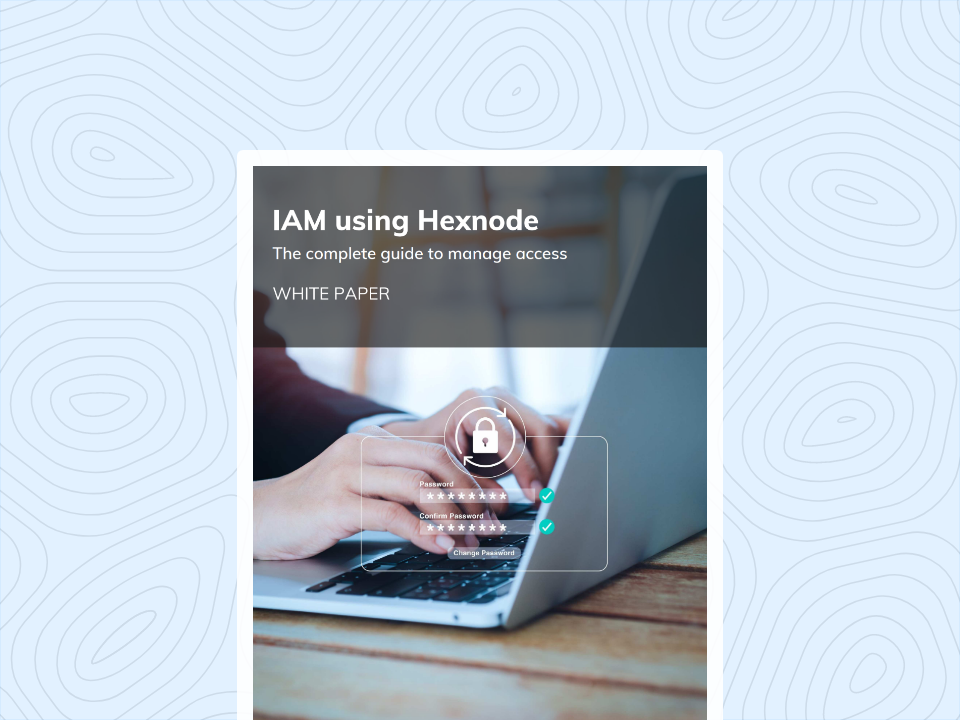
Enhance your organization's access management methods and ensure device and data security.
Get the White paperThere are three primary ways to implement this API-driven offboarding, depending on your organization’s technical maturity:
If your HRMS supports custom API hooks, you can integrate Hexnode’s endpoints directly into their interface. In many cases, you can collaborate with your HRMS provider’s development team to build a custom UI fueled by Hexnode APIs. It allows them to trigger a “Corporate Wipe” or “Factory Reset” through a button directly on the employee’s profile. This integration eliminates the need for HR to leave their primary platform, ensuring the system executes every security task accurately and instantaneously.
You can build a small, dedicated web application for HR. This tool acts as a bridge, pulling data from the HRMS and offering a “One-Click Offboard” button that communicates with Hexnode. This gives you maximum control over the parameters and logging.
If you lack a custom UI, a scheduled script can bridge the gap by automating the entire lifecycle. It automates the process from fetching terminated users from the HRMS to executing the final wipe through Hexnode Wipe API.
Here is a sample script in Python to help expedite the process:
|
1 2 3 4 5 6 7 8 9 10 11 12 13 14 15 16 17 18 19 20 21 22 23 24 25 26 27 28 29 30 31 32 33 34 35 36 37 38 39 40 41 42 43 44 45 46 47 48 49 50 |
import requests # --- Configuration --- HEXNODE_API_KEY = "your_api_key_here" HEXNODE_PORTAL = "your_portal_subdomain" BASE_URL = f"https://{HEXNODE_PORTAL}.hexnodemdm.com/api/v1" headers = { "Authorization": HEXNODE_API_KEY, "Content-Type": "application/json" } def get_user_id_by_email(email): """Searches for a user by email and returns their Hexnode ID.""" url = f"{BASE_URL}/users/" response = requests.get(url, headers=headers) wipe_device = None if response.status_code == 200: users = response.json().get('results', []) for user in users: if user.get('email', '').lower() == email.lower(): wipe_device = wipe_user_devices(user.get('id')) if wipe_device: print(f"Device wiped") return True else: print(f"no user mapped or wipe failed") return False def wipe_user_devices(user_id): """Triggers a wipe for all devices associated with a specific User ID.""" url = f"{BASE_URL}/actions/wipe_device/" # Payload accepts an array of User IDs payload = { "users": [user_id] } response = requests.post(url, headers=headers, json=payload) if response.status_code in [200, 202]: print(f"Successfully initiated wipe command for User ID: {user_id}") return True else: print(f"Failed to trigger wipe: {response.status_code} - {response.text}") return False # --- Execution --- if __name__ == '__main__': get_user_id_by_email('pass mail') |
Why use a script? It allows for automated actions. Instead of giving commands one by one, a single script execution can sanitize an entire fleet of devices simultaneously from listing the users to mapping the users to wiping the device.
While we have focused on the wipe action, these APIs are highly versatile. This same API-driven logic does more than just wipe devices; it empowers you to lock hardware, clear passcodes, or deploy global configuration changes across your entire fleet in seconds.
Relying on a manual IT offboarding checklist is a gamble that modern enterprises can no longer afford to take. As we’ve explored, the offboarding window creates a critical vulnerability, especially in high-turnover sectors where traditional communication chains collapse. By leveraging Hexnode’s API architecture, you transform your HRMS into a real-time security enforcer, closing the gap between administrative termination and digital deactivation. Whether through native integrations or automated scripts, moving to an API-driven strategy ensures that your corporate data remains secure. This makes your processes stay scalable, and your “Kill Switch” is always ready.
1. What is Zero-Touch Offboarding?
Zero-Touch Offboarding is an automated security process where an employee’s departure (triggered in an HR system) automatically executes device security actions (like Remote Wipe or Lock) in the MDM system, without requiring manual intervention from IT.
2. Can HRMS trigger a device wipe in Hexnode?
A: Yes. By using Webhooks or middleware, the HRMS can send a signal to the Hexnode API upon an employee’s termination. This signal can trigger specific actions, such as locking the device, revoking corporate apps, or performing a full corporate wipe.
3. Why are Identity Providers not enough for offboarding?
A: Identity Providers secure the User Account, not the Device. For frontline workers using shared devices or simple PINs, disabling an AD account does not remove the data stored locally on the device. Only an MDM integration ensures that the system actually sanitizes the physical hardware.