Manual, fragmented Windows Server management creates security, compliance, and operational risk that only grows as server fleets scale.
Unpatched vulnerabilities, undocumented changes, and access sprawl lead to ransomware exposure, failed audits, and costly downtime.
Six pillars, patching, identity governance, configuration baselines, monitoring, security hardening, and backup/DR, paired with a five-step implementation plan, close these gaps through automation and centralized visibility.
Hexnode UEM now manages Windows Server directly, extending enrollment, remote actions, encryption governance, and account management to the server layer.
Windows Server management is essential for keeping enterprise infrastructure secure, reliable, and compliant as server environments grow in size and complexity. This Windows Server Management Guide explains the core best practices for patching, identity governance, monitoring, security hardening, backup, and automation, along with practical steps to build a scalable server management strategy.
What Is Windows Server Management?
Windows Server management is the process of configuring, securing, monitoring, patching, and maintaining Windows Server systems that run critical business services. It includes managing Active Directory, file servers, applications, databases, user access, security policies, and system updates to keep servers secure, compliant, and reliable.
As organizations grow, managing Windows Server environments manually becomes increasingly difficult. Many IT teams rely on separate tools for patch management, monitoring, access control, and configuration, creating operational silos and inconsistent oversight.
This fragmented approach leads to three common challenges. First, patch levels drift across servers, leaving systems exposed to known vulnerabilities. Second, undocumented configuration changes create configuration drift, making troubleshooting and compliance more difficult. Third, excessive or outdated permissions reduce visibility into who can access critical resources, increasing security risk.
While manual administration may be sufficient for a small number of servers, it does not scale efficiently across large, distributed environments. As server fleets expand, organizations need standardized processes, centralized visibility, and automation to maintain consistent security, operational efficiency, and compliance.
The Stakes: What Poor Windows Server Management Actually Costs
Poor Windows Server management increases the risk of security incidents, compliance gaps, operational inefficiencies, and costly downtime. As server environments grow, inconsistent patching, weak access controls, and manual administration can quickly turn routine management issues into business-critical risks.
From a security perspective, unpatched vulnerabilities remain a common avenue for ransomware attacks, particularly on internet-facing servers or systems integrated with Active Directory. Because Active Directory manages authentication across the environment, compromising a critical server can increase the risk of broader domain compromise.
Compliance is also affected. Frameworks such as HIPAA, SOC 2, and ISO/IEC 27001 require organizations to implement and maintain effective controls for vulnerability management, access governance, change management, and audit logging.
Missing patch records or undocumented configuration changes can lead to audit findings when organizations cannot demonstrate that these controls are operating effectively.
Operationally, manual server administration consumes valuable IT resources and increases the likelihood of configuration errors and service disruptions. Standardized processes and automation help reduce downtime, improve consistency, and allow IT teams to focus on higher-value initiatives instead of repetitive maintenance.
Featured resource
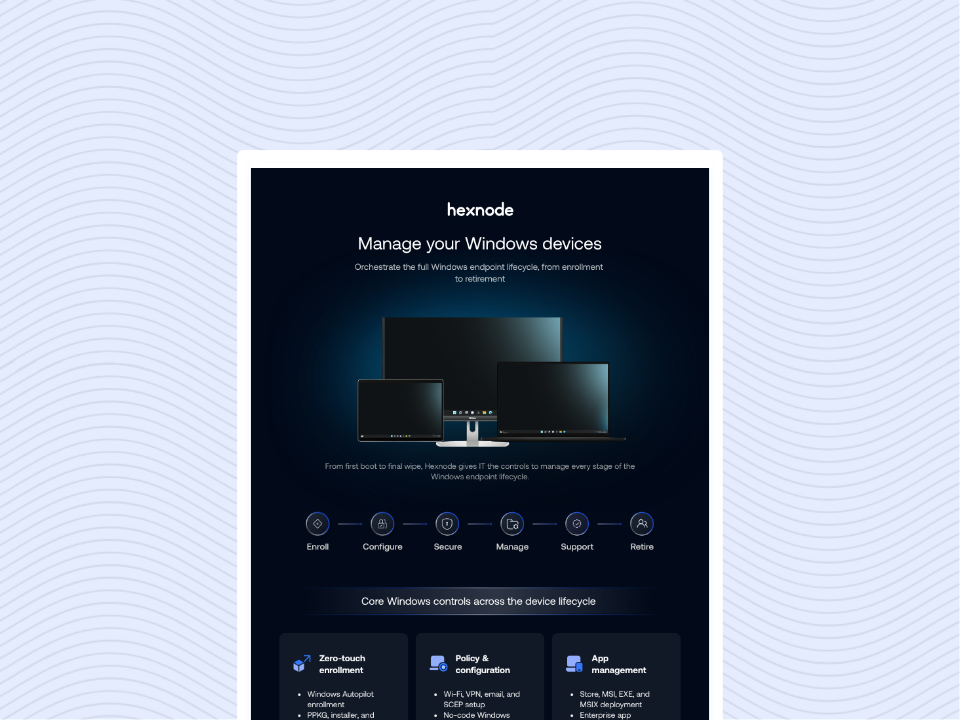
Windows Platform Capability Statement
Explore the Windows device management lifecycle and learn how centralized management, security, compliance, and automation simplify enterprise IT operations.
The Core Pillars of a Windows Server Management Guide
An effective Windows Server management guide is built on six core pillars: patch management, identity governance, configuration baselines, monitoring, security hardening, and backup and disaster recovery. Together, these practices improve security, operational resilience, and compliance across Windows Server environments.
Windows Server Patch & Update Management
Patch management ensures security updates are deployed in a structured, prioritized manner to reduce exposure to known vulnerabilities. Organizations should test updates in a staging environment before production deployment and prioritize critical or actively exploited vulnerabilities, following guidance such as CISA’s Known Exploited Vulnerabilities (KEV) Catalog.
Windows Server Identity & Access Governance
Identity governance controls access to server resources using Active Directory for on-premises environments and Microsoft Entra ID for hybrid identity management. Applying least-privilege access and role-based permissions helps reduce the impact of compromised accounts and limits unauthorized access.
Configuration Baselines
Configuration baselines define the approved settings for each server role, such as DNS, DHCP, IIS, or File Server. Maintaining documented baselines helps prevent configuration drift, making environments more secure, predictable, and easier to audit.
Monitoring & Performance
Continuous monitoring of CPU, memory, disk usage, services, and event logs enables IT teams to detect performance issues and potential failures before they affect business operations. Centralized monitoring also simplifies troubleshooting and capacity planning.
Security Hardening & Compliance
Security hardening reduces the attack surface through Group Policy, firewall policies, secure configuration baselines, and encryption technologies such as BitLocker where appropriate. Audit logs provide evidence that security controls are functioning, supporting compliance with frameworks such as HIPAA, SOC 2, and ISO/IEC 27001.
Backup & Disaster Recovery
Backup and disaster recovery ensure business continuity by defining Recovery Point Objectives (RPO) and Recovery Time Objectives (RTO). Regularly testing backups and restore procedures is essential to verify that systems can be recovered when needed.
How to Build a Windows Server Management Strategy
A successful Windows Server management strategy follows five core steps: inventory servers, establish a patching process, enforce access controls, centralize monitoring, and validate backup and disaster recovery plans.
Together, these steps help improve security, operational consistency, and compliance regardless of the management platform you use.
Step 1: Inventory and Classify Servers
Create a complete inventory of all on-premises, virtual, and cloud-hosted Windows Server instances. Record each server’s role, business criticality, and dependencies so high-priority systems, such as domain controllers, receive stricter monitoring and faster patching.
Step 2: Establish Patch Management and Change Control
Implement a risk-based patching schedule that prioritizes critical and actively exploited vulnerabilities. Pair patching with a documented change management process to ensure production changes are reviewed, tracked, and implemented consistently.
Step 3: Enforce Identity and Access Controls
Manage permissions through Active Directory or Microsoft Entra ID groups instead of individual accounts. Applying least-privilege access and regularly reviewing privileged accounts helps reduce unnecessary access and security risks.
Step 4: Centralize Monitoring
Continuously monitor server health, resource utilization, services, and event logs from a centralized console. Proactive alerting enables IT teams to detect issues early and respond before they affect users or critical workloads.
Step 5: Validate Backup and Disaster Recovery
Define Recovery Point Objectives (RPO) and Recovery Time Objectives (RTO) for critical workloads, then regularly test backup restoration procedures to ensure recovery plans work when needed.
Why Automation Matters
Automation helps organizations consistently apply patches, enforce policies, monitor server health, and reduce manual administrative effort. Combined with centralized visibility, it enables IT teams to manage growing Windows Server environments more efficiently while minimizing operational risk.
Hexnode UEM Adds Support for Windows Server
Learn how Hexnode extends unified endpoint management with native Windows Server support and centralized administration.
How Hexnode Strengthens Windows Server Management
Hexnode UEM extends unified endpoint management to Windows Server, helping IT teams centrally manage physical, virtual, and cloud-hosted servers from a single console. By combining server enrollment, remote management, security controls, and automation, Hexnode reduces manual administration while improving operational consistency across Windows Server environments.
Hexnode supports Windows Server 2019, 2022, and 2025 with multiple enrollment options, including a web-based installer for GUI deployments, an MSI package for unattended deployments, and silent PowerShell enrollment for Server Core installations.
Once enrolled, administrators can perform supported remote management actions directly from the Hexnode console, reducing the need for routine Remote Desktop Protocol (RDP) sessions.
Hexnode also strengthens server security with BitLocker Encryption Governance, enabling administrators to remotely manage BitLocker encryption, unlock drives, and rotate or retrieve recovery keys.
Over-the-Air Local Account Governance simplifies local account administration, while Headless Server Core Automation allows administrators to execute PowerShell and Batch scripts remotely to automate routine management tasks.
Together, these capabilities help organizations implement Windows Server management best practices through centralized visibility, automation, and consistent policy enforcement.
FAQs
How often should you patch Windows Server?
Critical security updates should be deployed as quickly as possible, especially for actively exploited vulnerabilities. Routine updates typically follow Microsoft’s monthly Patch Tuesday schedule, although organizations should adjust their patch cadence based on risk, business requirements, and compliance obligations.
What are the risks of using RDP for routine server administration?
Internet-exposed or poorly secured RDP services are common targets for brute-force and credential-based attacks. Reducing routine reliance on RDP through centralized management, automation, MFA, network segmentation, and secure remote administration helps minimize this risk.
What tools are commonly used for Windows Server management?
Windows Server environments are commonly managed using Microsoft tools such as Windows Admin Center, Active Directory, Group Policy, PowerShell, and Windows Server Update Services (WSUS). Many organizations also use unified endpoint management platforms such as Hexnode UEM to centralize supported Windows Server management, security, and automation tasks.
Can Windows Server be managed remotely?
Yes. Windows Server supports remote management through PowerShell, Windows Admin Center, Remote Server Administration Tools (RSAT), and centralized management platforms. Remote administration reduces the need for direct server access while improving operational efficiency.
What is the biggest challenge in Windows Server management?
The biggest challenge is maintaining consistent security and configuration across growing server environments. As organizations add more servers, manual patching, access management, monitoring, and configuration become increasingly difficult without centralized visibility and automation.
Bringing It All Together: A Windows Server Management Guide That Scales
An effective Windows Server management strategy combines consistent patching, identity governance, monitoring, security hardening, backup, and automation to keep server environments secure, reliable, and compliant. As organizations scale, centralized visibility and standardized processes become essential for reducing operational risk and administrative complexity.
Hexnode UEM helps organizations put these best practices into action by extending centralized management to Windows Server environments. With streamlined enrollment, remote management, security controls, and automation, IT teams can manage Windows Server infrastructure more efficiently while maintaining consistency across their server fleet.
Simplify Windows Server Management with Hexnode UEM
Centralize Windows Server management with secure enrollment, remote administration, BitLocker encryption, local account management, and automation.
I write at the intersection of technology, process, and people, focusing on explaining complex products with clarity. I break down tools, systems, and workflows without any noise, jargon, or the hype.