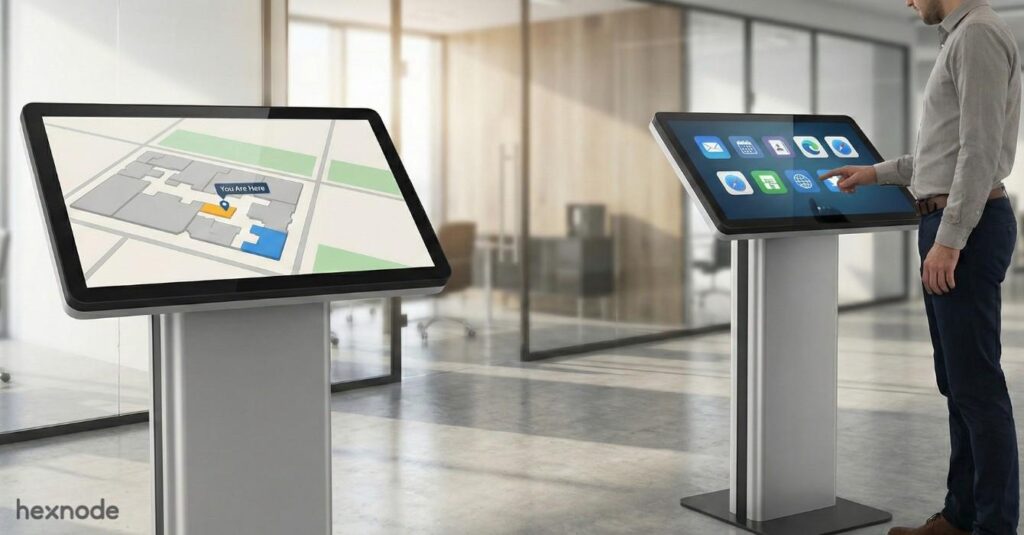
What is Linux kiosk mode & how to set it up?
Secure Linux kiosk setup, management, hardening, and enterprise control.

Get fresh insights, pro tips, and thought starters–only the best of posts for you.
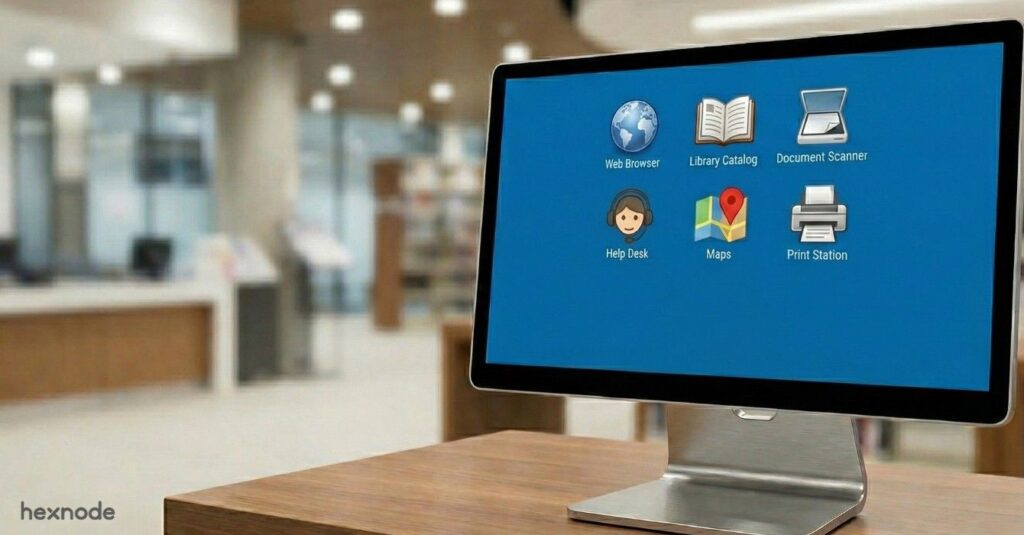
Linux multi-app kiosk mode is designed for enterprises that require secure, structured device environments without sacrificing operational flexibility. Rather than locking a system to a single application, it allows controlled access to a predefined set of approved apps while restricting everything else. This approach ensures devices remain purpose-built, policy-driven, and resistant to misuse.
As Linux devices become more common across retail terminals, healthcare workstations, logistics hubs, manufacturing floors, and educational labs, maintaining control over endpoint activity is critical. Unrestricted systems expand the attack surface, introduce compliance risks, and increase administrative overhead. Enterprises need predictable environments that enforce governance while supporting real-world workflows.
Multi-app kiosk mode addresses this need by enabling secure application access, minimizing exposure, and simplifying device management at scale.
This article explores what Linux multi-app kiosk mode is, how it works, where it fits within enterprise infrastructure, how it differs from single-app deployments, and how organizations can implement it securely at scale.
Linux multi-app kiosk mode is a secure configuration that restricts a Linux device to a predefined set of approved applications. Rather than functioning as a general-purpose workstation, the device operates within tightly controlled boundaries. Users can access multiple authorized apps, but everything outside that scope remains blocked.
Unlike single-app kiosk deployments that lock a system to one interface, this approach supports broader workflows without compromising governance. As an advanced implementation of Linux kiosk mode, it enables enterprises to balance usability with strict administrative control. It is particularly valuable in environments where employees require access to multiple operational tools, such as a browser, internal dashboard, or communication platform, without gaining access to system settings or installation privileges.
By enforcing strict boundaries around application usage and system interaction, multi-app kiosk mode transforms Linux endpoints into purpose-built business systems. It reduces misuse, strengthens administrative oversight, and ensures devices remain aligned with organizational security policies while maintaining operational efficiency.
Linux multi-app kiosk mode operates through layered administrative controls that govern application access, user permissions, system behavior, and network policies. As an advanced implementation of Linux kiosk mode, it enables organizations to restrict devices to a predefined set of approved applications while preventing access to the broader operating system.
At the core of multi-app kiosk mode is strict application control with application whitelisting. Administrators define a list of approved applications, and only those apps are visible and executable on the device. This ensures users can access essential business tools without installing or launching unauthorized software.
Devices run under restricted, non-privileged user accounts. This prevents administrative changes, configuration tampering, and privilege escalation, key protections in enterprise Linux environments.
Critical system components such as terminal interfaces, file managers, system settings, and configuration panels are disabled. By limiting navigation beyond approved apps, Linux kiosk mode significantly reduces the risk of misuse or accidental system disruption.
The desktop environment is streamlined to remove unnecessary menus, shortcuts, and task-switching features. This creates a focused, purpose-driven interface aligned with specific operational workflows.
Network policy controls allow administrators to restrict internet access to specific domains, internal applications, or enterprise-approved services. Through centralized enforcement, multi-app kiosk mode ensures that Linux devices align with broader cybersecurity frameworks and compliance requirements while preventing unauthorized network activity.
Automatic logouts, inactivity resets, and scheduled reboots help maintain a predictable device state, preventing residual data exposure and maintaining consistency across deployments.
Enterprise administrators can remotely view, manage, and troubleshoot Linux devices without physical access. This capability strengthens oversight and ensures faster response times across distributed environments.
By combining application control, device lockdown, and centralized governance, Linux multi-app kiosk mode delivers structured flexibility. It extends the foundation of Linux kiosk mode beyond single-application deployments, enabling secure, role-based access to multiple business-critical tools while maintaining enterprise-grade security and scalability.
Modern enterprises require endpoints that balance flexibility with strict control. Linux multi-app kiosk mode delivers structured access while maintaining the security, efficiency, and governance standards organizations demand.
It reduces the attack surface by restricting devices to approved applications only. This prevents unauthorized changes, limits ransomware exposure, and strengthens overall endpoint security across enterprise environments.
It creates streamlined, role-based environments where users access only essential tools. Standardized configurations reduce errors, simplify IT management, accelerate troubleshooting, and ensure consistent workflows across high-demand operations.
Policy-driven controls and predefined permissions strengthen Identity and Access Management (IAM). Centralized oversight keeps devices within compliance boundaries, improving audit readiness while maintaining controlled application flexibility.
Multi-app kiosk mode for Linux is widely adopted in industries that rely on shared, task-specific devices. Below are practical, industry-relevant implementations.
Retail environments require secure, purpose-built systems that support frontline operations without exposing backend infrastructure.
Healthcare organizations prioritize data protection, reliability, and compliance with strict regulatory standards.
Logistics operations depend on fast, reliable, and secure devices across warehouses, distribution centers, and fleet environments where operational accuracy and controlled access are critical.
Educational institutions manage shared systems used by students and faculty across classrooms, labs, and testing centers.
Even controlled environments require careful planning. Without structured governance, kiosk deployments can introduce avoidable risks. Here are some of the key security considerations.
Improper policy settings can unintentionally expose system controls or enable restricted shortcuts. Small gaps in configuration may allow users to bypass intended restrictions, expanding the device’s attack surface and weakening overall endpoint security posture.
Allowing too many approved applications dilutes the purpose of a kiosk environment. Each additional app increases potential vulnerabilities, dependency conflicts, and monitoring complexity, contributing to broader enterprise cybersecurity risks.
Kiosk systems are often designed for stability, but delayed updates can leave known vulnerabilities unaddressed. Unpatched applications or outdated Linux distributions increase exposure to exploits and ransomware attacks.
Unrestricted USB ports or external devices can introduce malware or enable data exfiltration. Peripheral controls are essential to maintain consistent endpoint security in shared device environments.
If user permissions are improperly configured, attackers may exploit vulnerabilities to gain elevated access. Strong identity and access management policies help prevent unauthorized privilege escalation within kiosk deployments.
Choosing between single-app and multi-app configurations depends on workflow complexity and risk tolerance. Both models restrict device usage, but their flexibility and operational scope differ.
| Feature | Single-app | Multi-app |
|---|---|---|
| Flexibility | Very limited functionality. One workflow only. | Moderate operational flexibility. Multiple approved apps. |
| Security Control | Maximum restriction enforced. Minimal exposure risk. | Strong controls enforced. Slightly broader exposure. |
| Use Case | Dedicated task devices. Single-purpose environments. | Role-based task grouping. Multi-function workflows. |
| User Freedom | No app switching allowed. Fully locked interface. | Limited app switching. Controlled navigation allowed. |
Single-app mode is best suited for highly specialized devices, such as ticketing kiosks or digital displays, where only one application is required. It offers the smallest possible operational footprint and maximum restriction.
Multi-app mode, however, supports role-based control that requires access to several approved tools. While slightly more flexible, it still maintains strict controls, limiting navigation and preventing access to unauthorized system components.
While structured environments improve control, implementing them at scale requires careful planning and governance.
Defining granular restrictions across applications, system settings, and network access can become complicated. Overly rigid policies may disrupt workflows, while loose controls can weaken endpoint security and expand the attack surface.
Not all Linux applications function smoothly in restricted environments. Dependencies, background services, or system-level permissions may conflict with kiosk policies, requiring testing and careful validation before deployment.
Kiosk devices still require updates, security patches, and configuration reviews. Without disciplined maintenance processes, outdated software can introduce vulnerabilities and increase enterprise cybersecurity risks.
Different teams may require different application sets. Poorly defined roles can lead to permission overlaps, excessive access, or inconsistent device behavior across departments.
Managing controlled Linux environments at scale requires centralized visibility, secure configuration, and continuous governance. Hexnode UEM provides enterprise-grade Linux management capabilities that simplify deployment, enforce structured controls, and maintain consistent security standards across distributed endpoints. consistent security standards across distributed endpoints.
Hexnode offers unified visibility into Linux devices across the organization. IT teams can monitor device health, configuration status, and compliance posture from a centralized dashboard. Real-time status tracking enables faster identification of misconfigurations or policy deviations, strengthening overall endpoint security.
Administrators can configure multi-app whitelisting policies to define exactly which applications are accessible on each device. UI restrictions limit navigation paths, disable unauthorized system access, and ensure users operate strictly within approved workflows.
Hexnode enforces policy-based controls that keep devices aligned with organizational standards. Continuous compliance monitoring detects deviations and helps IT teams respond quickly, reducing exposure to evolving enterprise cybersecurity risks.
Remote access capabilities allow IT administrators to diagnose and resolve issues without physical intervention. Device-level fixes, configuration adjustments, and policy updates can be deployed centrally, minimizing downtime and operational disruption.
Hexnode Genie supports intelligent policy recommendations and automation-driven workflows. Smart automation reduces manual administrative effort, improves configuration consistency, and helps maintain secure Linux environments at scale.
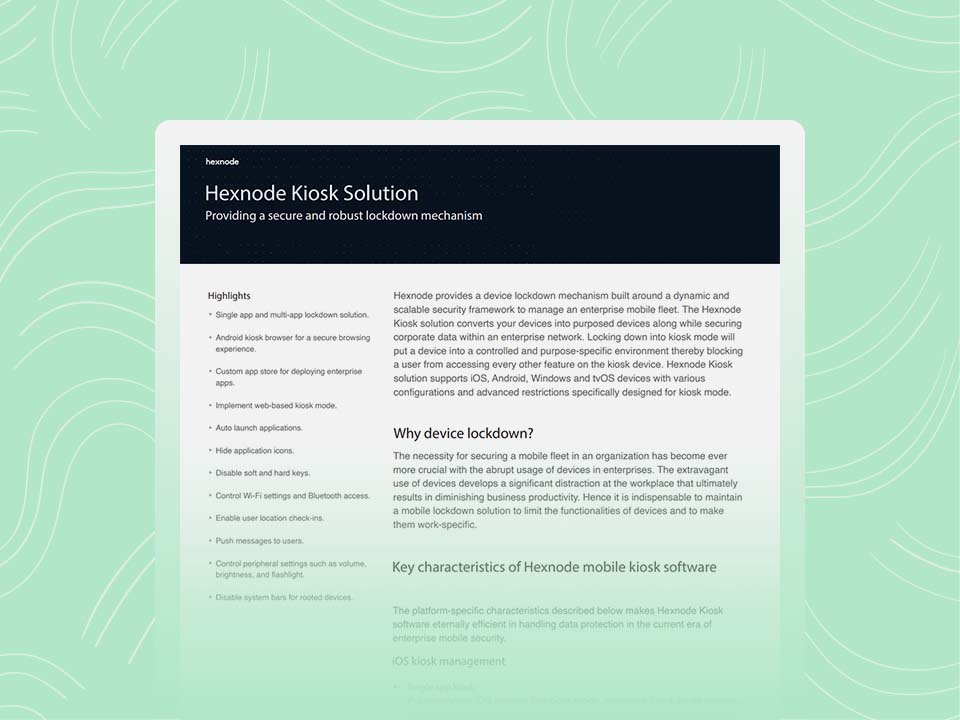
Hexnode’s kiosk solution secures devices with scalable, purpose-specific enterprise endpoint lockdown.
Download the datasheetConfiguring multi-app kiosk mode on Linux with Hexnode UEM involves creating a dedicated policy, defining approved applications, applying additional restrictions, and deploying the configuration to managed devices. The process is centralized through the Hexnode console, allowing administrators to enforce consistent controls across distributed Linux endpoints.
Follow the steps below to configure and deploy multi-app kiosk mode effectively
Begin by signing in to your Hexnode UEM portal with administrative credentials.
Creating a dedicated policy ensures that kiosk configurations remain organized and can be easily modified or reused across deployments.
Inside the policy editor:
Selecting multi-app kiosk mode allows multiple approved desktop applications to run while restricting access to the rest of the operating system. Unlike single-app deployments, this configuration supports broader operational workflows without granting unrestricted system access.
Once multi-app kiosk mode is enabled, the next step is defining the list of applications users are allowed to access.
These applications form the approved or “whitelisted” set. When the policy is applied, only these applications will be visible and executable on the Linux device. All other installed applications remain inaccessible to the end user.
For stronger governance, limit the list to business-critical tools only. Avoid adding utilities or applications that could introduce unnecessary system access.
Hexnode provides additional settings that reinforce the Linux kiosk mode environment. Within the same policy, administrators can configure controls such as:
These options help ensure that users remain within the defined application boundaries and cannot alter the intended device experience.
After completing all configurations:
Publishing activates the policy and prepares it for assignment to Linux devices.
To enforce multi-app kiosk mode:
Once assigned, Hexnode pushes the configuration to the selected devices. The kiosk restrictions are enforced remotely without requiring manual configuration on each endpoint.
After the policy is applied, verify that the device behaves as expected:
Successful validation confirms that the Linux device is operating under controlled multi-app kiosk mode with centralized enforcement.
As Linux adoption grows across enterprise environments, structured device control becomes critical. Linux multi-app kiosk mode allows organizations to combine operational flexibility with strong governance. By limiting access to approved applications and enforcing policy-driven restrictions, enterprises can reduce their attack surface and strengthen overall endpoint security.
With proper role configuration, regular updates, and continuous monitoring, multi-app kiosk deployments transform standard Linux systems into secure, task-focused endpoints, delivering scalable control without sacrificing productivity or compliance.
Start your 14-day free trial and simplify Linux kiosk management at scale.
SIGN UP NOWIt is a controlled configuration that restricts Linux devices to multiple approved applications while blocking system settings, unauthorized software installations, and unrestricted user access.
Single-app mode locks devices to one application only, while multi-app mode allows access to several approved tools within a controlled, restricted environment.
Yes, when properly configured. It reduces the attack surface, limits unauthorized access, and strengthens overall endpoint security through application whitelisting and policy enforcement.
Retail, healthcare, logistics, manufacturing, education, and finance benefit from secure, task-based environments where shared devices require controlled application access.
Common risks include misconfigured policies, application compatibility issues, delayed patching, and poorly defined user roles that can weaken overall security controls.