For lean IT teams, patching often starts with good intentions and ends in compromise.
The goal is always to stay current, close security gaps quickly, and keep endpoints healthy. But when the same small team is also handling tickets, device onboarding, troubleshooting, policy changes, and day-to-day user support, patching can easily get pushed down the priority list.
That is why patch management needs to be more than a checklist item. For lean IT teams, it has to become a controlled, repeatable workflow that strengthens security without demanding constant manual effort.
What makes patching difficult for lean IT teams?
For lean IT teams, patching is rarely the only priority on the table. With limited time and resources, even routine updates can become harder to review, schedule, and follow through consistently.
- Too many endpoints to monitor consistently
- Too little time to review and deploy every update manually
- Limited bandwidth to test, track, and verify rollout status
- A higher chance of patching becoming reactive instead of scheduled
- More time spent on recovery when patching falls behind
Manual patching vs. lean-team reality
What makes manual patching difficult is not just the number of updates. It is the amount of time, coordination, and follow-through required to manage patching consistently alongside everyday IT responsibilities.
| Manual Patching Challenge | Operational Impact on Lean IT Teams |
|---|---|
| Reviewing updates one by one | Slower decision-making and patch delays |
| Limited time for testing and follow-up | A higher chance of inconsistency across devices |
| No clear prioritization | Critical updates may compete with routine admin work |
| Patch status spread across tasks and tools | More guesswork, more follow-up, and more risk |
| Delayed rollouts | Increased recovery workload later |
When teams do not have enough bandwidth, patching often shifts from a proactive discipline to a reactive one. Instead of regularly identifying, prioritizing, and deploying updates, teams end up addressing patching only when time opens up or when the risk becomes too visible to ignore. That is exactly why automation and centralized visibility matter: they reduce dependence on constant manual follow-through.
How Hexnode supports lean IT teams
Hexnode’s value for lean IT teams goes beyond simply helping deploy patches. It lies in making patching more visible, more controlled, and less manual.
1) Centralized patch visibility
Hexnode provides a Patches and Updates dashboard that gives admins a patch posture overview, including vulnerability and severity-oriented metrics. It also includes an Applicable Critical Patches view that consolidates patch and update information in the console, helping teams review available updates from one place instead of chasing status manually.
Why this helps lean teams:
- Less time spent figuring out what needs attention
- Easier prioritization of high-risk gaps
- Better visibility into vulnerable devices and missing updates
2) Manual and automated patch deployment
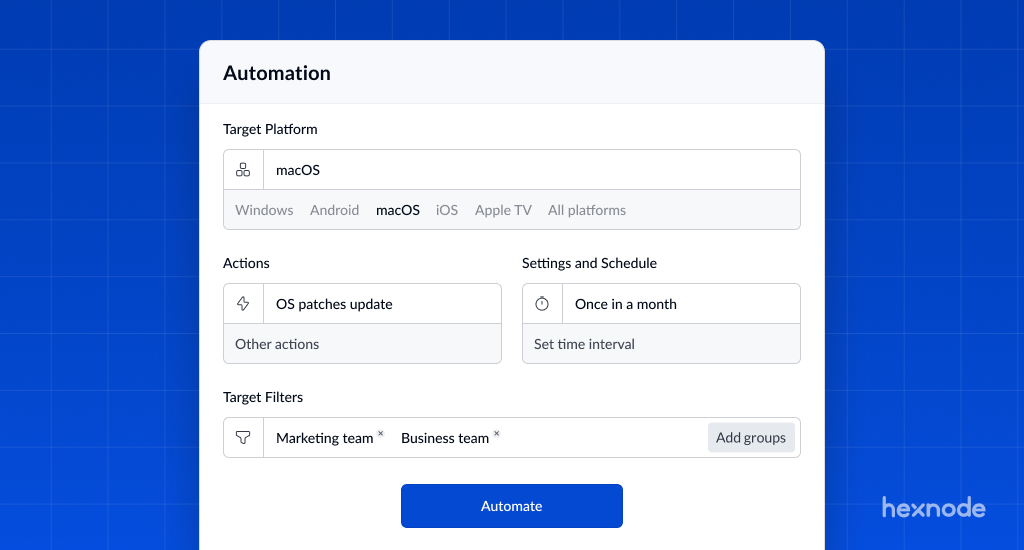
Hexnode supports both manual and automated patch deployment workflows for Windows and macOS. That gives IT teams flexibility: they can stay hands-on when needed while still using automation to reduce repetitive work where appropriate.
Why this matters:
- Teams can patch urgently when needed
- They can reduce repetitive execution through automation
- They do not have to choose between control and efficiency
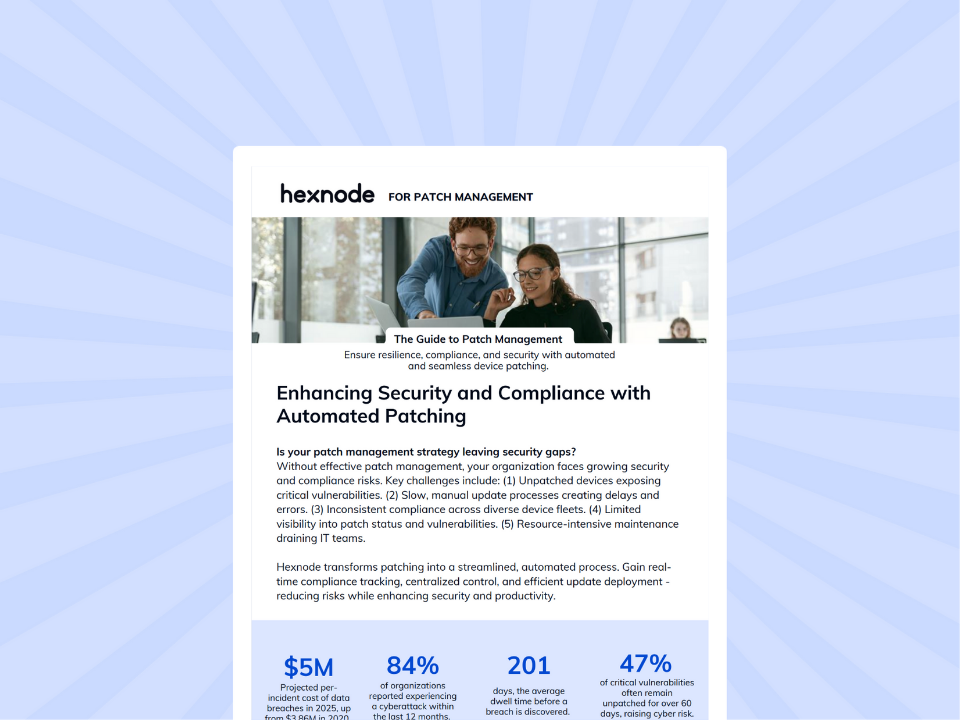
Featured Resource
Hexnode UEM for Patch Management
Get a quick overview of how Hexnode helps IT teams manage patches with automated deployment and real-time compliance visibility.
Download White paper3) Automation with control, not guesswork
Hexnode’s Windows automated patch management lets teams configure automated deployment using criteria such as:
- CVE
- KB number
- Product
- Release date
- Severity
- Update classification
- Update name
It also includes the option to require update approval, ensuring that only approved updates are deployed to Windows devices.
For lean teams, this means automation can act as a force multiplier rather than a blind process.
4) Safer rollout options
Hexnode allows admins to:
- Create a dedicated testing environment
- Vet updates before deployment
- Defer updates
- Roll back failed or problematic updates
That matters because lean IT teams cannot afford unnecessary disruption. The goal is not just faster patching; it is stable patching.
| What lean IT teams need | Hexnode capability | Team benefit |
|---|---|---|
| Centralized patch visibility | Patches and Updates dashboard and Applicable Critical Patches view | Faster decisions and better prioritization |
| Manual and automated patching | Deployment workflows for Windows and macOS | More flexibility with less repetitive effort |
| Controlled automation | Criteria-based automated patch deployment | Better targeting without extra manual work |
| Approval before rollout | Update approval for Windows deployments | More control over what gets deployed |
| Safer patching | Testing, deferral, and rollback options | Lower disruption and greater stability |
Make Patch Management Work for Your Team
For lean IT teams, patching cannot remain a task handled only when time allows. Manual processes quickly become inconsistent and reactive, increasing both risk and operational effort.
A more structured approach combining visibility, automation, and controlled rollout helps make patching easier to manage with limited resources. With Hexnode, teams can reduce manual workload, improve consistency, and stay ahead of risk.
Simplify patching with Hexnode
Automate patch deployment, improve patch visibility, and reduce manual workload with Hexnode.
Start Free Trial