TL;DR:
Transportation and travel kiosks automate passenger and automotive workflows, while centralized management keeps distributed devices secure, consistent, and operational.
- Self-service kiosks streamline ticketing, fare payments, schedule access, passenger information, and vehicle maintenance processes.
- Integrating kiosks with backend platforms supports consistent fares, transactions, and service records across locations.
- Hexnode enables IT teams to restrict devices to approved apps or websites, deploy applications, monitor device status, and troubleshoot supported platforms remotely.
A transportation kiosk is a self-service terminal used in transit systems. It automates ticket purchases, fare payments, and passenger information. These devices reduce reliance on staffed counters and allow passengers to complete transactions independently. Transit authorities are increasingly installing kiosk terminals across stations and transit hubs to improve efficiency and maintain consistent service during busy hours.
When organizations deploy large numbers of kiosks across stations, depots, and vehicles, centralized device control becomes essential. With a Unified Endpoint Management platform like Hexnode, administrators can easily apply strict kiosk mode policies to control device behavior. This allows administrators to restrict supported, enrolled kiosk devices to approved applications by configuring and associating the appropriate kiosk policy.
Why Transportation Kiosks Are Transforming Public Transit
Public transportation systems must serve thousands of passengers daily. Traditional ticket counters often struggle during peak travel periods, creating long queues and operational delays. A transportation kiosk addresses this problem by automating key services and allowing passengers to complete transactions independently.
These kiosks enable travelers to purchase transit passes, reload smart cards, check schedules, and validate tickets without assistance. The self-service model improves passenger throughput while allowing transit operators to maintain service continuity even with limited staff.
Transportation agencies commonly deploy ticketing kiosks to provide fast and reliable passenger services. These kiosks support several essential functions:
- Ticket purchase and pass issuance
- Smart card recharge and balance checks
- Route lookup and travel schedule information
- QR code ticket validation
- Contactless or digital payment processing
Passengers can complete these tasks quickly using automated kiosks. This helps transit providers reduce waiting times and improve the passenger experience.
In many cities, kiosk networks also support digital transit initiatives by integrating directly with fare management platforms. This ensures that pricing updates, fare adjustments, and payment integrations remain consistent across every station.
The rise of the unattended retail – powered by kiosks
Explore how unattended retail kiosks improve self-service shopping with secure, centralized Hexnode management.
How Travel Kiosks Improve the Passenger Experience
A travel kiosk focuses on helping passengers access journey-related information quickly. Organizations commonly install these kiosks in airports, railway stations, bus terminals, and travel hubs where travelers often need quick access to schedules or booking details.
Instead of going to help desks or customer service counters, passengers can use a travel kiosk to quickly find important travel information. These self-service kiosks reduce congestion and helps travelers move through transit hubs more efficiently.
Travel kiosks typically allow passengers to perform several useful tasks:
- View route maps and travel schedules
- Print tickets or boarding passes
- Check gate, terminal, or platform information
- Retrieve itinerary or booking details
- Access customer service information
These features are especially useful in large airports and busy train stations where travelers often need quick updates about departures or boarding instructions. The ability to retrieve information instantly ensures passengers remain informed throughout their journey.
For transportation operators, travel kiosks reduce the workload at information desks and allow staff to focus on more complex customer service tasks.
Ticketing Automation with Self-Service Kiosks
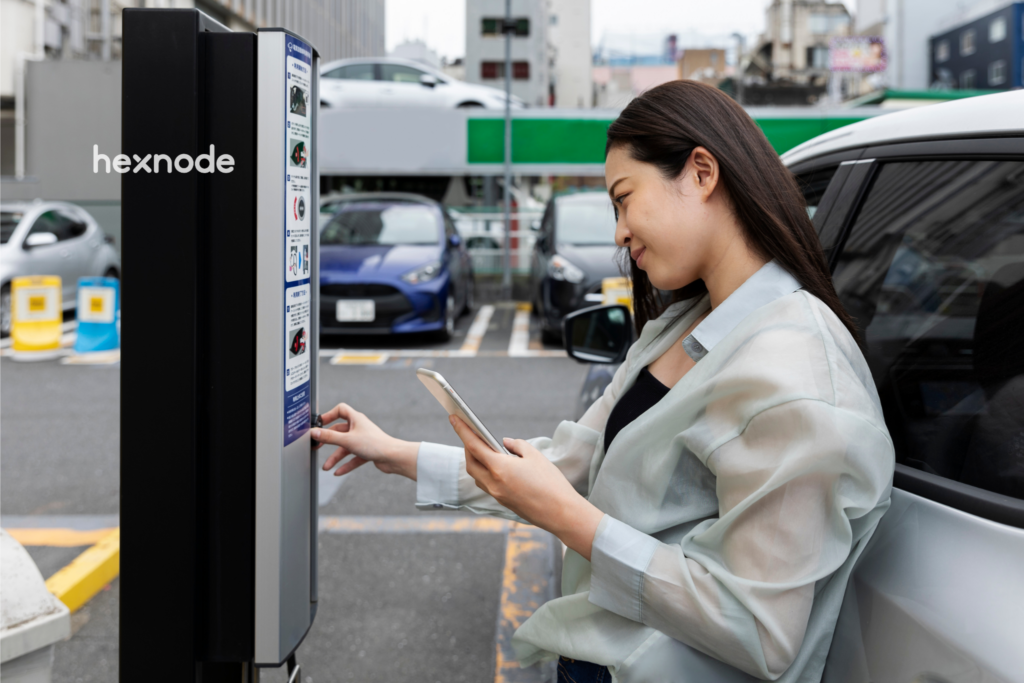
Ticketing is a common transportation-kiosk application alongside passenger check-in, boarding-pass printing, rebooking, and baggage services. A self-service ticketing kiosk allows passengers to purchase tickets independently without interacting with staff.
The process is simple and efficient. Travelers choose their destination, select a ticket type, and pay using a card, digital wallet, or contactless payment method. Within seconds, the kiosk issues or prints the ticket.
The benefits of self-service ticketing kiosks for guests are clear. Passengers can skip long queues and buy tickets faster, while transportation providers get a scalable ticketing system that can handle large passenger volumes.
Transit agencies frequently deploy self-pay kiosks for public transportation systems because they support automated fare collection and digital payments. These kiosks connect directly with backend transit platforms, allowing operators to update fares, validate tickets, and track transactions across multiple stations.
A similar concept is used in other industries as well. For example, self-service movie ticket kiosks enable customers to purchase cinema tickets independently. Transportation networks adopt the same automation model to improve efficiency in busy transit environments.
By reducing manual ticket processing and enabling digital payments, kiosk systems help transportation providers modernize their infrastructure and improve service reliability.
Did You Know?
Self-service technology is rapidly reshaping transportation hubs. SITA’s 2025 Air Transport IT Insights reports that 77% of surveyed airports use self-service kiosks, indicating widespread adoption in airport operations. Current SITA data indicates that self-service kiosks are widely used at airports, although it does not establish their rate of adoption across all travel services. This growing preference for automated services explains why transportation kiosks and travel kiosks are becoming essential in airports, metro stations, and bus terminals. These kiosks reduce queues, speed up ticketing and check-in, and improve passenger flow in busy transit environments.
Automotive Use Case: Vehicle Diagnostics Through Kiosk Systems
Kiosk technology also supports operational workflows beyond passenger services. In automotive and fleet environments, kiosks can assist technicians and service teams by providing digital service terminals.
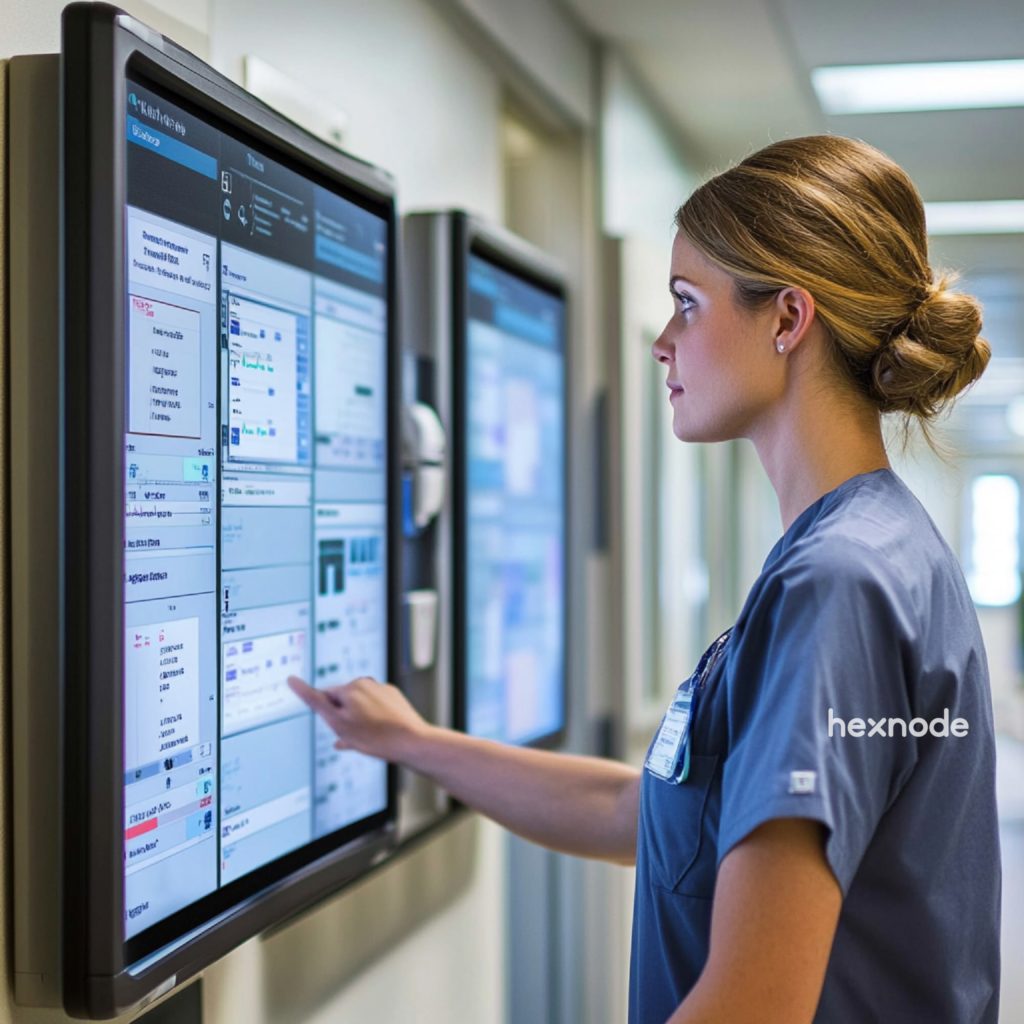
A transportation kiosk installed in a fleet depot or automotive service center helps technicians quickly log vehicle information and retrieve diagnostic reports.
Instead of relying on paperwork, service teams can use kiosks to manage vehicle maintenance digitally. When integrated with a dealer or fleet management system, a kiosk can capture service information and store associated records in the connected backend platform.
Depending on their hardware, software, and backend integrations, automotive kiosks may support:
- Vehicle check-in
- Service-request logging
- VIN scanning
- Vehicle identification
- Maintenance-history access
- Diagnostic-report retrieval
By digitizing these processes, fleet operators can maintain better visibility into vehicle performance and service schedules. This ultimately improves maintenance efficiency and reduces administrative workload.
How Hexnode Simplifies Transportation and Travel Kiosk Management
Deploying kiosks across stations, airports, or service depots introduces a major operational challenge: managing large numbers of devices across distributed locations. Without centralized management, maintaining consistent security policies and software updates becomes extremely difficult.
With Hexnode kiosk Management organizations can configure, secure, and manage kiosk devices from the Hexnode UEM console. Administrators can enforce restrictions, deploy applications, and monitor device status without visiting each kiosk location.
Hexnode’s kiosk management capabilities allow organizations to:
- Lock devices into single app mode so passengers only interact with ticketing or travel apps
- Deploy Android kiosk mode for secure passenger-facing devices
- Restrict access to approved websites using supported website-kiosk and browser configurations.
- Monitor device status and manage kiosk devices through the Hexnode UEM console
- Perform remote troubleshooting using Hexnode’s supported Remote View and Remote Control capabilities on supported platforms
These capabilities help administrators secure, monitor, troubleshoot, and maintain supported kiosk devices across large deployments. Transportation networks can use Hexnode’s centralized console to monitor and manage enrolled kiosks across multiple locations.
Hexnode Pro Tip
Kiosk deployments often fail when devices are not properly restricted or monitored. Hexnode helps administrators secure supported, enrolled transportation kiosks by applying kiosk policies and device restrictions. It enables administrators to centrally monitor and manage deployed kiosk devices through the Hexnode UEM console.
Retail Kiosk: The Complete Guide to UEM Security & Management
Key Takeaway for IT Administrators
A transportation kiosk improves passenger service and operational efficiency, but large deployments require centralized control. With Hexnode, organizations can securely manage thousands of kiosks across transportation networks from a single console.
FAQ
How should IT teams secure unattended transportation kiosks?
IT teams should limit each kiosk to approved apps or websites and block unauthorized device access. Centralized management can also enforce policies, deploy updates, monitor device status, and support remote troubleshooting.
What should transit operators consider before deploying ticketing kiosks at scale?
Transit operators should assess payment methods, ticketing workflows, backend fare-system integration, device restrictions, and remote support requirements. They should also plan how IT teams will update and monitor kiosks across stations, vehicles, or cities.
Can transportation kiosks continue to deliver consistent services across multiple locations?
Yes, centralized management helps organizations apply consistent applications, restrictions, and configurations across distributed kiosks. Integration with backend transit platforms can also keep fares and payment workflows aligned across stations.
How does kiosk mode protect passenger-facing ticketing devices?
Kiosk mode restricts a device to approved applications or websites, preventing passengers from accessing unrelated settings and content. Single-app mode is suitable when the device should run only one ticketing, payment, or travel application.
How can IT teams troubleshoot transportation kiosks without visiting each site?
IT teams can use supported remote monitoring, viewing, and control capabilities to inspect device status and address certain issues from a central console. The available troubleshooting actions depend on the kiosk’s operating system and management configuration.
What is the difference between a passenger kiosk and an automotive service kiosk?
A passenger kiosk supports tasks such as fare payment, ticket printing, schedule lookup, and booking retrieval. An automotive service kiosk supports operational tasks such as vehicle check-in, VIN scanning, maintenance-history lookup, and diagnostic-report access.
Ready to Deploy Secure Kiosk Solutions?
If your organization plans to deploy kiosk systems across transportation networks, centralized device management is essential. Hexnode allows IT teams to configure kiosk devices, enforce security policies, deploy applications, and monitor large kiosk networks from a single platform.
Start a Hexnode free trial to see how centralized kiosk management simplifies large-scale deployments.
Manage Transportation Kiosks with Hexnode
Use Hexnode to secure, monitor and troubleshoot transportation and travel kiosks from one centralized console.
Sign Up Now