


Streamlining Device Management with Apple’s Automated Device Enrollment (ADE)
Streamline large-scale Apple device deployment using Automated Device Enrollment and Hexnode.

Get fresh insights, pro tips, and thought starters–only the best of posts for you.
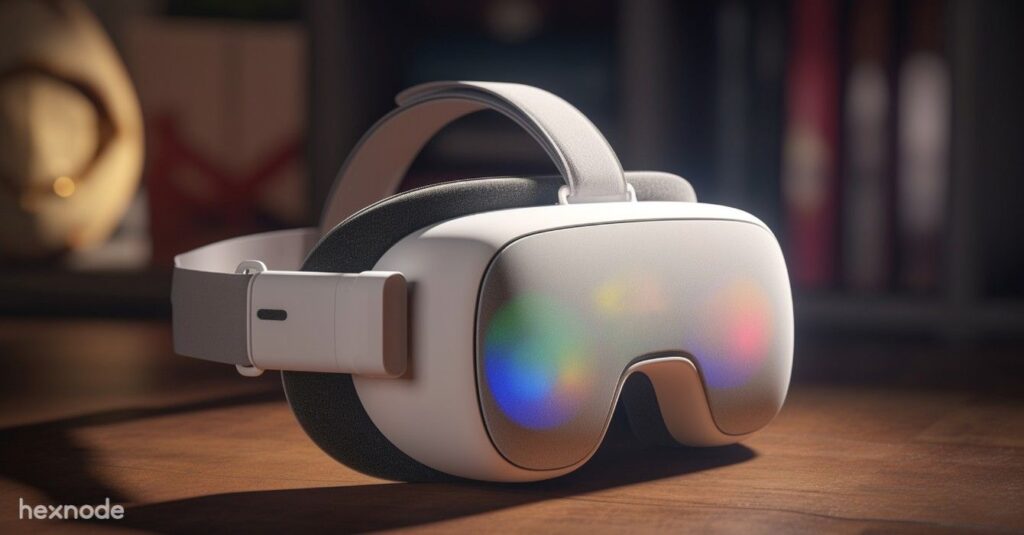
In 2026, the transition from experimental pilots to industrial-scale fleets signaled the maturity of extended reality applications in business. What began as a handful of Meta Quest 3 and Apple Vision Pro units managed via spreadsheets has evolved into massive deployments across global construction, healthcare, and logistics sectors. However, this rapid scaling has exposed a critical “Spatial Computing Gap,” where organizations often treat these $3,500 devices as isolated guest hardware or manage them through niche, siloed platforms that exist outside the core security stack.
To eliminate this fragmentation, CISOs must shift from a siloed “XR Strategy” to a unified endpoint philosophy. Rather than viewing spatial computers as peripheral gadgets, they must be architected as primary enterprise endpoints integrated directly into your security infrastructure. This guide details how to leverage Hexnode UEM to secure visionOS and Meta Quest devices, ensuring that your spatial workforce is governed by the same rigorous compliance and identity standards as your mobile and desktop fleets.
Standard marketing for high-end headsets often suggests that managing an enterprise fleet requires specific, manufacturer-branded subscriptions. These programs frequently steer organizations toward a restricted ecosystem of “official” partners, creating a fragmented management experience that can become a strategic trap.
This approach introduces three primary challenges for the enterprise:
The Hexnode Perspective: Because these headsets share a common DNA with smartphones and tablets, Hexnode manages them using our core Apple and Android Enterprise engines. You do not need a specialized, high-cost portal to push a 3D application or enforce a security passcode; you simply need a UEM that understands the underlying architecture at a root level. By bringing both Meta Quest and Apple Vision Pro into Hexnode, you achieve Single Pane of Glass visibility—ensuring your spatial devices appear alongside your laptops, subject to the same compliance rules and identity governance.
Apple has made enterprise adoption easy by building visionOS on the foundation of iOS. If you can secure an iPad, you can secure a Vision Pro—if you understand the nuances.
The Hexnode Security Layer: The Vision Pro introduces new privacy risks. It has cameras that constantly record the user’s room.
Actionable Policy: Use Hexnode to enforce a “Spatial Flow” Restriction.
The primary use case for Meta Quest in the enterprise is Training. You don’t want an employee playing Beat Saber when they should be learning Forklift Safety. This is where Hexnode’s Android Kiosk Mode becomes your “Spatial Strategy.”
Addressing the “File Size” Challenge: VR apps are massive. Pushing a 4GB update to 500 headsets can kill your Wi-Fi.
Hexnode Fix: Utilize our Local Content Distribution (or integrate with a local caching server). Hexnode can schedule these heavy downloads for 2:00 AM, ensuring the headsets are updated and ready for the 8:00 AM shift.
The biggest security risk in VR is “The Shared Headset.” In a design studio, five engineers might share one Vision Pro. If Engineer A logs in and leaves their Slack open, Engineer B has access to it.
We treat the headset as a “Zero Trust” endpoint.
For Meta Quest shared devices, use Hexnode to push a “Reset on Idle” script or policy (where supported) to clear app data between shifts, ensuring a sterile environment for the next trainee.
VR headsets have a high “walk-away” rate. They are expensive, portable, and desirable.
The Hexnode Geofence: You cannot physically chain a VR headset to a desk. But you can digitally chain it.
The mistake enterprises make is treating “Spatial Computing” as a separate discipline. It is not. It is just another screen. Whether that screen is in your pocket (iOS), on your desk (Windows), or strapped to your face (visionOS), the requirements are the same:
By managing your Apple Vision Pro and Meta Quest fleets via Hexnode UEM, you dismantle the “XR Silo.” You bring the Spatial Workplace into the fold, ensuring that your innovation doesn’t outpace your security.Don’t buy a separate tool. Extend your perimeter.
Learn how to enroll and configure VR headsets in Hexnode.
SIGN UP NOWYes. Since Meta Quest devices run on an Android-based operating system, Hexnode can manage them using Android Enterprise capabilities. Admins can push enterprise apps (.apk files), enforce Kiosk Mode (locking the headset to a specific training app), and configure Wi-Fi/Certificates, providing a cost-effective alternative to specialized XR portals.
Yes. Hexnode offers full support for visionOS. Enterprises can enroll Vision Pro devices using Automated Device Enrollment (ADE) or Account-Driven Enrollment (Managed Apple IDs). Hexnode enables admins to push apps, enforce restrictions (like disabling AirPlay or iCloud), and configure VPN/Wi-Fi profiles just like an iPad or Mac.
For shared headsets (e.g., in training centers), the best security strategy is Kiosk Mode. Using Hexnode, you can lock the device to a single application or a curated launcher. This prevents users from accessing the browser, store, or settings, ensuring the device is used strictly for its intended business purpose and preventing “Shadow IT” usage.