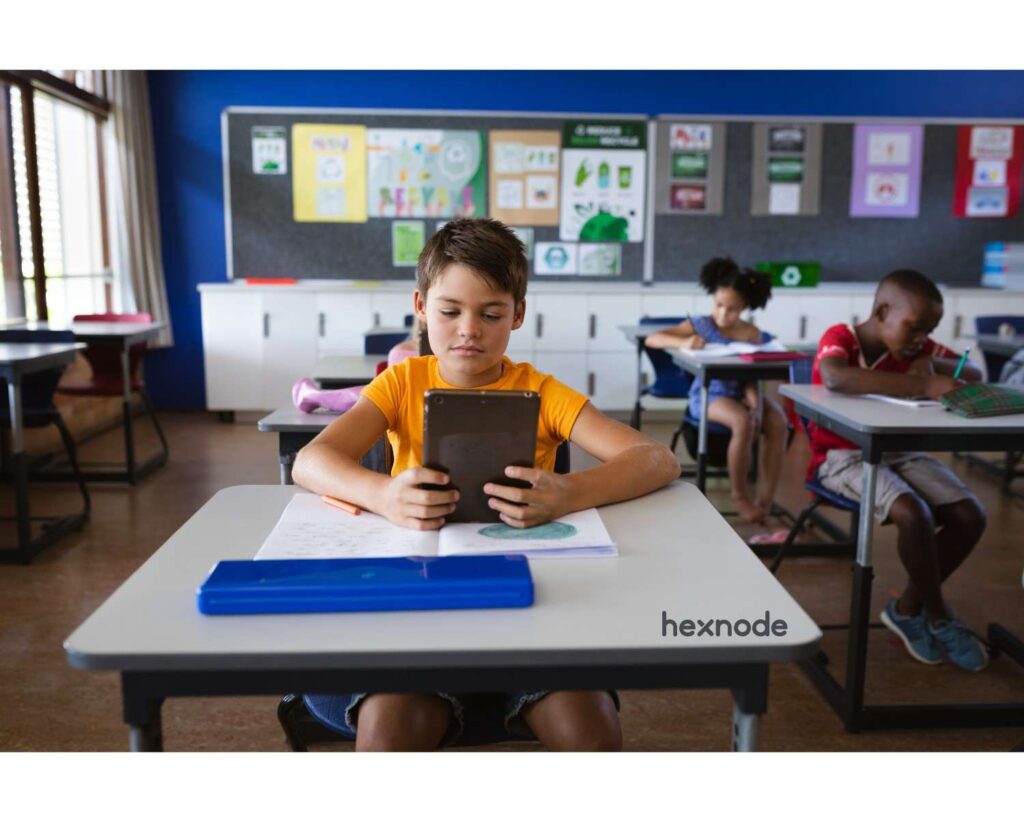
TL;DR:
iPad management for schools uses Unified Endpoint Management (UEM) solutions like Hexnode to remotely secure, configure, and manage student devices at scale. With Apple School Manager and supervised iPad mode, IT admins can remotely deploy apps, restrict distracting apps, and configure kiosk lockdowns for exam workflows. This reduces device-side setup and helps schools establish a centrally controlled learning environment after administrators configure enrollment and management policies.
Managing hundreds or thousands of iPads in a school environment is complex without centralized control. IT administrators must balance student productivity, device security, and compliance – all while minimizing manual effort. Choosing the right iPad management software for schools has become mission-critical for modern digital classrooms.
iPad management for schools enables IT teams to remotely configure, monitor, and secure devices at scale. This centralized administration uses a Unified Endpoint Management (UEM) solution to control security policies. It eliminates the need for manual configuration on every individual tablet within the school district.
Modern education deployments can use Apple School Manager with a device management service to automate device enrollment after the required service connection, device assignment, and enrollment settings are configured. This system allows administrators to deploy apps and content without ever touching the hardware. It also enables supervised iPad mode, which provides deeper levels of control for administrators.
What is iPad Management for Schools?
iPad management for schools is the centralized administration of Apple devices using an UEM solution to control apps, settings, and security policies. This framework allows schools to manage devices throughout their entire lifecycle. It starts from initial unboxing and continues through yearly grade transitions and graduation.
Unlike consumer device management, education-focused solutions leverage Apple School Manager and supervised iPad mode for deeper control. IT teams can push configurations over-the-air to ensure every student has the same learning tools.
- Deploy Apps Remotely: Send educational software to thousands of devices simultaneously without physical contact.
- Enforce Safe Usage: Set strict rules on which websites and apps are accessible to students.
- Monitor Compliance: Check if devices have the latest security patches or if students removed profiles.
- Automated Enrollment: Use Apple School Manager and Automated Device Enrollment to enroll assigned iPads during Setup Assistant and deliver management configurations with minimal device-side interaction.
Why Schools Need iPad Management Solutions
Schools require iPad management to ensure secure, distraction-free, and scalable digital learning environments for all students. Without proper management, students may misuse devices for games, social media, or unauthorized browsing. This creates a massive security risk and an operational overload for school IT departments.
With a robust iPad management software for schools, organizations can standardize configurations across all devices. This can reduce access to unauthorized or distracting apps, although its effect on learning outcomes depends on the school’s implementation and teaching practices. It can help protect the school’s investment by supporting inventory tracking and, on supervised iPads, enabling Managed Lost Mode to lock and locate lost or stolen devices.
Hexnode amping up the classroom device management game for schools
Explore iPad management for schools: supervised mode, app restrictions, key school controls, plus Hexnode UEM.
Key Restriction Capabilities in iPad Management
Restriction capabilities allow IT admins to control what students can access, ensuring safety, compliance, and focus in classrooms. These settings prevent the tablet from becoming a distraction during vital instructional time.
App Usage Restrictions (Supervised iPad)
Supervised iPad mode enables advanced control over app installations, usage, and the removal of software. This is the most powerful tool for ensuring tablets remain dedicated to education.
- Block Distractions: Disable gaming, social media, or any app that does not serve the curriculum.
- Mandatory Apps: Ensure specific educational tools remain on the device and cannot be deleted.
- Store Restrictions: Prevent students from downloading unapproved apps or making costly in-app purchases.
Web Content Filtering
Web filtering restricts access to harmful or non-educational websites while allowing safe browsing on approved domains. For schools subject to CIPA, web filtering can support the required technology-protection measure, but compliance also requires an internet safety policy, monitoring, education, certification, and applicable public-notice procedures.
- Whitelisting: Allow access only to approved educational domains for research and projects.
- Blocklisting: Deny access to administrator-specified websites and use Apple’s built-in web filter to limit access to adult content.
Device Feature Restrictions
Admins can disable specific iPad features to reduce distractions and eliminate potential security risks. This ensures the device is used strictly as a tool for academic achievement.
- Disable AirDrop: Prevent students from sharing unapproved files or photos during classroom lessons.
- Block Camera: Turn off the camera during exams or in sensitive school areas.
- Restrict Siri: Disable voice assistants to prevent cheating or noise disruptions during tests.
Content & Media Restrictions
Content restrictions ensure age-appropriate usage across apps, media, and downloads for different grade levels. This provides peace of mind for parents and educators alike.
- Restrict Explicit Content: Filter out mature music, movies, or podcasts from Apple services.
- Age-Based Limits: Set app store ratings so students only see content for their age.
How iPad Management for Schools Works
iPad management works through UEM platforms integrated with Apple School Manager to automate enrollment, configuration, and policy enforcement. The UEM service uses Apple Push Notification service (APNs) to notify devices, which then contact the service to retrieve available management commands and configurations.
Step-by-Step Workflow
- Device Enrollment: iPads are assigned to Hexnode via Apple School Manager and automatically enroll in Hexnode through Automated Device Enrollment during device setup.
- Supervised Mode: This mode is activated during enrollment to enable the most advanced controls.
- Policy Configuration: Admins define restrictions, app access, and Wi-Fi settings in the Hexnode console.
- Deployment: Hexnode deploys these configurations remotely to targeted enrolled devices when they are online and can communicate with the required management services.
10 reasons why it’s time to implement a Mac device management solution in your school
First-Hand Setup Experience with Hexnode
Hexnode supports iPad enrollment through Apple School Manager, supervised-device management, policy deployment, app management, and remote actions.
The Setup Process:
- Integrate ASM: Connect Apple School Manager with Hexnode by uploading a secure server token.
- Assign Devices: Select iPad serial numbers in ASM and assign them to the Hexnode UEM server.
- Zero-Touch Enrollment: When a student powers on the iPad, it automatically enrolls into Hexnode via Automated Device Enrollment and receives school policies.
- Apply Policies: Create a policy and associate it with a device group, such as “7th Grade,” to deploy configurations to its member devices.
What Stands Out: Admins can configure supported iOS restrictions in a policy and associate that policy with multiple devices or groups.
Troubleshooting iPad Management with Hexnode
Hexnode provides remote device scans, device information, action history, and supported remote actions to assist with troubleshooting when an enrolled device can communicate with the portal.
- Device Not Enrolling: Verify ASM assignment and ensure the device has a stable network connection.
- Policies Not Applying: Confirm that the device is enrolled, online, and supervised where required. If necessary, initiate Force Sync from the Hexnode UEM app on the device to process pending actions.
- App Install Failures: Check app licenses in Apple School Manager (Apps and Books) and ensure the token is active and synced.
- Hexnode Advantage: On supervised devices running iOS 10.3 or later, admins can initiate a remote restart. They can also scan the device or ask the user to initiate Force Sync from the Hexnode UEM app when pending actions are not applied.
Real Enterprise and Education Use Cases
iPad management extends beyond schools to corporate training centers, hospitals, and multi-device organizations. The same tools used for students can protect sensitive business data.
- Educational Institutions: Create standardized learning environments and enforce secure exam mode restrictions.
- Corporate Training: Provide controlled app access for training modules on shared company tablets.
- Multi-OS Organizations: Manage iPads alongside Android and Windows devices from one unified dashboard.
Why Hexnode is the Best iPad Management for Schools Solution
Hexnode supports centralized management of multiple platforms, including iOS, Android, macOS, Windows, ChromeOS, Linux, and tvOS. It provides a competitive edge by offering advanced restriction policies for the supervised iPad.
It bridges the gap between education-focused control and powerful enterprise-grade device management. Schools can use Hexnode to manage supported device platforms through a centralized UEM portal.
FAQ
What is a supervised iPad in schools?
A supervised iPad is an organization-owned device placed in Apple’s supervised state, typically through Automated Device Enrollment or Apple Configurator, which enables additional restrictions and management controls. It allows IT admins to enforce much stricter policies compared to unsupervised personal devices.
What is the best iPad management software for schools?
Hexnode supports supervised iPad management, Automated Device Enrollment, app deployment, restrictions, kiosk configurations, and cross-platform device management. It supports supervised mode and manages multi-OS environments through a single interface.
How do schools control student iPads?
Schools can use Hexnode to apply iPad restrictions, manage apps, and review available device, app-inventory, compliance, and network-data information. This ensures the iPads remain safe, secure, and focused on the school’s educational goals.
Can iPads be locked during exams?
A compatible device management service can use Apple’s App Lock capability to restrict a managed iPad to one app, while supported assessment apps can use Automatic Assessment Configuration for controlled testing sessions. This can keep students within the testing application while the App Lock payload or compatible assessment session remains active.
Why is supervised mode important?
Supervised mode unlocks advanced controls like silent app installation and deep hardware feature restrictions. Supervision enables additional management controls. To prevent users from removing the MDM profile, admins must also configure a supported enrollment method and disable profile removal.
Best Practices for iPad Management
Following these best practices ensures long-term success and security for your school’s tablet fleet.
- Always Enable Supervision: This is the only way to access the most powerful restrictions.
- Use Group-Based Policies: Create groups for different grades or user categories and associate suitable restriction and web-filtering policies with each group.
- Regular Audits: Use Hexnode to regularly audit device compliance and ensure profiles remain active.
- Automate Enrollment: Use Apple School Manager and Automated Device Enrollment to reduce manual device-provisioning work.
Conclusion
iPad management for schools is no longer optional—it is essential for secure, scalable, and effective learning. With the right iPad management software for schools, IT teams can enforce powerful restrictions easily. Hexnode supports supervised-iPad restrictions, app management, Automated Device Enrollment, kiosk configurations, device scans, and supported remote actions. By streamlining operations and improving productivity, Hexnode helps schools unlock the full potential of digital education.
Manage School iPads with Confidence
Secure and configure supervised iPads, manage apps, and simplify school device management with Hexnode UEM.
Sign Up Now