Why does endpoint management become difficult as MSPs scale?
Endpoint management becomes harder as every new customer adds different devices, operating systems, policies, applications, and reporting requirements. An MSP-ready UEM platform must accommodate these differences without turning each client into a separate management project.
Disconnected tools, repeated configurations, and frequent console switching increase technician workload. They also create inconsistent processes across customer environments.
Supporting a high device count is not enough. MSPs need separate client environments, centralized oversight, and repeatable workflows to scale efficiently. In this blog, we examine seven features that make a UEM platform ready for MSP operations.
What happens when a UEM platform is not built for MSPs?
A UEM platform without MSP-focused architecture creates operational friction as the customer base grows. Client onboarding slows, configuration errors become more likely, and inconsistent policy enforcement makes service commitments harder to meet.
Where does the operational strain appear?
The impact extends across service delivery, staffing, and customer security. Common problems include:
Higher technician workload: Manual setup and repeated tasks increase the effort required for each customer.
Limited scalability: MSPs may need to expand their teams as managed device counts grow.
Longer support cycles: Fragmented tools and customer data make investigation and resolution slower.
Weak customer separation:Poor tenant boundaries can expose customer information or configurations to unauthorized administrators.
Excessive privileges: Broad technician access increases the risk of unintended or unauthorized changes.
Fragmented reporting: Disconnected reports make service performance and compliance harder to assess.
Limited license visibility: MSPs may struggle to track allocation and usage across customers.
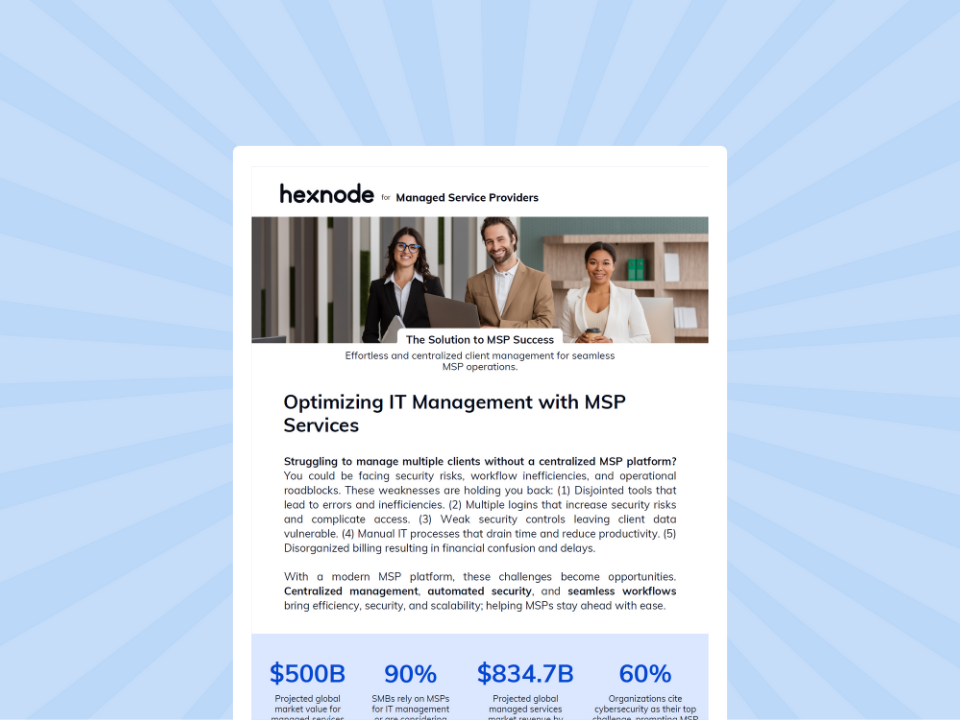
Hexnode UEM MSP: All you need to know
Explore how Hexnode UEM MSP simplifies secure multi-client device management.
What are the 7 essential features of an MSP-ready UEM platform?
An MSP-ready UEM platform manages multiple customer environments through tenant separation, delegated access, centralized oversight, and repeatable workflows. Broad device support alone is insufficient; MSPs must also evaluate administration, reporting, automation, and remote support.
Hexnode UEM MSP provides a multi-tenant management model for these requirements. The following seven features offer practical evaluation criteria.
1. Multi-tenant architecture for client separation
Each customer’s devices, users, policies, applications, and management data require appropriate tenant isolation to prevent unauthorized cross-customer access or interference.
How Hexnode separates customer environments
Hexnode provides a parent-level portal for administering individual customer environments while keeping their management operations distinct.
The Hexnode MSP portal allows administrators to create and manage separate UEM portals, or nodes, for different customers.
Administrators can move between assigned customer portals from the parent portal without combining their devices, policies, or applications.
2. Granular technician roles and access
Technicians should receive access based on their responsibilities rather than broad control across every customer. This reduces unnecessary privileges and supports clearer accountability.
How Hexnode delegates administrative access
Hexnode combines role-based permissions with portal and resource-level assignments to distribute responsibilities among MSP personnel.
Technician Roles cover functions such as administration, reporting, application management and billing.
MSPs can use portal assignments and Technician Roles to restrict technicians to relevant customer environments and management functions.
3. Centralized visibility across customer portals
Service managers need an aggregate operational view without merging customer environments. Centralized visibility helps them identify capacity requirements and portals that need attention.
What the Hexnode MSP dashboard shows
The dashboard provides parent-level information for oversight, while detailed endpoint administration remains within each customer portal.
The Hexnode MSP Dashboard presents portal status, device totals, platform distribution, and license consumption.
Devices, users, policies, and applications are managed within the relevant customer’s UEM portal.
4. Multi-OS management and flexible enrollment
Customer environments rarely use a single operating system. MSPs need platform-appropriate enrollment and management workflows without maintaining a different management tool for every OS.
Which enrollment options does Hexnode support?
Hexnode supports multiple-OS management and provides enrollment methods suited to different platforms and organizational requirements.
Enrollment methods, policies, security controls, remote actions, and management depth vary by platform, ownership model, and enrollment type.
5. Automation for repeatable client operations
Repeatable workflows reduce technician involvement in application distribution, device scans, updates, notifications, and lifecycle actions. They also help teams execute routine tasks more consistently.
How Hexnode supports workflow automation
Hexnode allows administrators to construct workflows around defined events, conditions, schedules, targets, and actions.
Automation Templates provide starting points for common workflows, although available actions depend on the target platform and management context.
6. Customizable reports for service oversight
MSPs need customer-specific reporting for inventory, compliance, applications, and device activity. Consistent reporting also supports exception reviews and customer discussions.
What reporting options does Hexnode provide
Hexnode supports predefined and customizable reports for reviewing management data within customer environments.
Administrators can customize report criteria and data layouts according to their operational requirements.
Reports can be exported, while custom reports can be scheduled for delivery to relevant stakeholders.
7. Remote support and device actions
Remote assistance can reduce travel, user downtime, and resolution delays across distributed customer environments. Technicians need appropriate support controls within each customer portal.
How Hexnode supports remote troubleshooting
Hexnode provides remote assistance and management options for supported devices, helping technicians investigate and address issues without being physically present.
Remote viewing, control, unattended access, consent requirements, and available actions vary by operating system, device configuration, and management scenario.
How should MSPs evaluate Hexnode UEM MSP?
MSPs should evaluate Hexnode UEM MSP through a controlled pilot based on actual customer environments, devices and service requirements. The assessment should cover both the parent MSP portal and individual UEM portals while measuring setup time, technician effort, workflow consistency, reporting effort, and exception visibility.
Step 1: Map client and service requirements
Begin by defining what each customer environment requires. This prevents the pilot from relying on generic use cases that do not reflect production operations.
What should MSPs document?
Device platforms and ownership models
Enrollment methods and policy requirements
Required applications and management actions
Technician responsibilities
Reporting and service commitments
Step 2: Validate portal separation and technician access
Create representative UEM portals from the Hexnode MSP portal and assign technicians according to their operational responsibilities.
What should MSPs verify?
Each customer’s devices, policies, and applications remain within its UEM portal.
Technician Roles provide access to the required management functions.
Portal assignments and Technician Roles help limit access according to each technician’s responsibilities.
Role changes and access removal work as expected.
Step 3: Pilot workflows, reporting and scalability
Use representative devices to test the tasks technicians will perform regularly. Include the platform-specific differences that may affect service delivery.
What should the pilot measure?
Time and manual effort required for enrollment
Consistency of policy and application deployment
Execution and exception visibility for Automate workflows
Availability of remote support on required platforms
Effort required to generate customer reports
Device and license visibility through the MSP Dashboard
Featured resource
Hexnode UEM for MSPs
Simplify multi-client management, automate routine tasks, and strengthen service delivery with Hexnode UEM MSP capabilities.
How does Hexnode UEM MSP bring these capabilities together?
Hexnode UEM MSP combines multi-tenant administration with the device-management capabilities required for client service delivery. This allows an MSP to maintain centralized oversight without treating every customer environment as part of one shared portal.
Separate customer operations with centralized control
The Hexnode MSP portal provides access to separate UEM portals or nodes, helping MSPs keep customer devices, users, policies, and applications distinct. The MSP Dashboard gives administrators a consolidated view of portal status, device distribution, and license consumption.
Delegate administration across service teams
Technician Roles and portal assignments help align access with operational responsibilities. MSPs can delegate administrative, application-management, reporting, and billing functions while retaining parent-level visibility across customer portals.
Standardize service delivery across client fleets
Multi-OS management, Automation Templates, Report Management, scheduled custom reports, and Remote View and Control support repeatable management and support processes. Together, these capabilities help an MSP-ready UEM platform reduce repetitive administration as customer and device counts grow.
FAQs
What is the difference between a standard UEM and an MSP-ready UEM platform?
An MSP-ready UEM platform adds multi-customer administration capabilities, such as tenant-level separation and centralized oversight, to core endpoint management functions. It also provides centralized oversight, delegated technician access, cross-customer license visibility, and repeatable management workflows.
Can an MSP manage customers with different operating systems through one UEM platform?
Yes, a multi-OS UEM platform can manage customer fleets across supported operating systems. However, enrollment methods, policies, remote actions, and management capabilities may differ by platform, ownership model, and enrollment type.
How should MSPs assign UEM access to technicians?
MSPs should assign access according to each technician’s customers and operational responsibilities. Technician Roles and portal assignments can limit unnecessary privileges while preserving access to required administrative, application-management, reporting, or billing functions.
Choose a UEM platform that can scale with your MSP
An MSP-ready UEM platform must do more than support a growing device count. It should combine separate customer environments with centralized visibility, controlled technician access, automation, reporting, multi-OS management, and remote support.
Evaluate Hexnode UEM MSP using representative customer portals, technician roles, devices, and service workflows. A practical pilot can reveal how the platform handles day-to-day administration, platform differences, and operational growth more clearly than a feature checklist alone.
See how Hexnode UEM MSP fits your service model. Start your free trial or schedule a personalized demonstration today.
Scale every client environment efficiently
Start your free trial and simplify multi-tenant device management.
A storyteller for practical people. Breaks down complicated topics into steps, trade-offs, and clear next actions—without the buzzword fog. Known to replace fluff with facts, sharpen the message, and keep things readable—politely.