TL;DR:
Android kiosk lockdown software transforms standard Android devices into secure, single-purpose business tools by restricting access to approved apps, settings, and system functions. Unlike native screen pinning, enterprise kiosk solutions provide remote management, deeper security hardening, peripheral control, and scalable deployment. Hexnode extends this with features like secure browser lockdown, remote troubleshooting, geofencing, and digital signage support – helping businesses reduce misuse, improve productivity, protect sensitive data, and manage large device fleets efficiently.
Android devices are popular in business. They are flexible and cost-effective. But how do you stop a delivery driver from watching YouTube? Or ensure a digital menu board stays on the right screen? The answer is kiosk lockdown android technology.
This guide covers everything IT admins need to know. We will explore definitions, setup steps, and troubleshooting tips. This ensures your devices remain secure, productive, and business-ready.
What is Android Kiosk Lockdown Software?
Android Kiosk Lockdown software is a tool or Unified Endpoint Management (UEM) feature. It restricts an Android device to a single app or a specific set of apps.
It replaces the default Home Screen. This prevents users from accessing settings or unauthorized apps. Effectively, it turns a consumer smartphone into a dedicated business tool. A kiosk lockdown android app ensures devices perform only their intended task. This eliminates distractions and closes security loopholes.
In Android Enterprise, these are now referred to as dedicated devices, formerly called Corporate-Owned Single-Use (COSU) devices. Whether it is a ticket scanner or a logistics tablet, the device is provisioned to handle strictly one specific scenario, removing any ambiguity for the end-user.
The Definitive Guide to Kiosk Management and Strategy (2026 Edition)
Why Dedicated Software Beats Native Settings
While Android has a native “Screen Pinning” feature, it is often insufficient for enterprise use. Relying solely on native settings lacks the scalability and security required for business operations. This is where dedicated kiosk lockdown android software becomes essential.
- Remote Management: Native pinning requires manual setup on every device. Professional software allows admins to push kiosk policies to large device fleets from a cloud console.
- Security hardening: Tech-savvy users can easily bypass standard screen pinning using button combinations. Dedicated software can disable hardware/software buttons, restrict system UI access, and disable USB debugging to help prevent unauthorized exits from kiosk mode.
- Peripheral Control: Business software goes beyond the screen. It manages Wi-Fi, Bluetooth, and volume controls, ensuring the device environment is just as locked down as the app itself.
Android kiosk mode security: Should I be concerned?
Keep Android kiosks secure from threats, misuse, and unauthorized access with Hexnode.
Types of Android Kiosk Modes
Not all lockdowns are the same. You can configure kiosk lockdown android modes in three ways. This helps balance security and functionality.
| Mode |
Best For |
Description |
| Single App Mode |
Digital Signage, POS, Kiosks |
The device launches one specific app on boot. Users cannot exit the app or switch tasks. |
| Multi-App Mode |
Field Workers, Logistics |
Users can switch between a predefined list of approved apps. For example, Maps and Inventory. They cannot access the rest of the device. |
| Kiosk Browser Mode |
Education, Web Portals |
Android kiosk browser lockdown restricts the device to specific websites. It blocks the address bar and navigation buttons. |
First-Hand Setup Experience: Configuring Kiosk Mode
Deploying kiosks at scale requires a structured approach. Below is the standard setup process utilized by IT administrators when using a UEM like Hexnode.
1. Enrollment & Provisioning
Speed is critical for large fleets. Ideally, organizations utilize Android Zero-Touch Enrollment or Samsung Knox Mobile Enrollment. This allows devices to be shipped directly to the end-user. Once the device connects to Wi-Fi, the kiosk lockdown android profile installs automatically. This ensures IT personnel do not need to physically handle the unboxing process.
2. App Whitelisting & Policy Configuration
The required applications are selected directly within the Hexnode console.
Pro Tip: It is essential to look beyond the main application. If an app utilizes Google Maps or a specific keyboard, those package names must be background-whitelisted. Failure to include these dependencies can cause the kiosk lockdown android mode to crash the application unexpectedly.
3. Peripheral Lockdown
Effective security extends beyond simply hiding the app icon. To ensure total compliance, specific hardware and system features are typically disabled:
- Hardware Buttons: Volume, Power, and Home buttons are locked to prevent physical tampering.
- Status Bar: Access is restricted to prevent users from dragging down notifications to reach system settings.
- USB Debugging: This feature is disabled to stop tech-savvy users from connecting the device to a PC, preventing attempts to bypass kiosk lockdown android restrictions.
Hexnode’s Android Kiosk Software: What We Offer
Choosing the right kiosk lockdown android app is about more than just locking a screen; it is about the ecosystem of tools that keep that screen running. Hexnode offers a comprehensive suite designed to handle every aspect of the kiosk lifecycle.
- Hexnode Messenger: Communication is vital for field teams. This feature allows IT admins to broadcast messages directly to the kiosk screen. It ensures drivers or warehouse staff receive urgent alerts immediately, even without access to standard messaging apps.
- Hexnode Kiosk Browser: Hexnode Kiosk Browser is a secure browser designed for kiosk environments that enables controlled web access with URL restrictions and kiosk browsing configurations.
- Digital Signage Capability: Hexnode supports digital signage capabilities for Android devices, enabling organizations to configure kiosk-based display experiences for retail and corporate environments.
- Custom Branding: Your kiosk experience should align with your business needs. Hexnode provides customization options such as digital signage and kiosk screensaver configurations, helping organizations deliver a professional and focused user experience.
Hexnode vs. Dedicated Solutions: The Competitive Edge
Many basic kiosk tools focus primarily on app pinning, while enterprise deployments often require broader management capabilities. Here is why Hexnode’s kiosk lockdown android software stands out against other dedicated solutions:
- Granular Peripheral Controls: We don’t just lock the screen. We let you control Wi-Fi, Bluetooth, and brightness inside the kiosk. This gives users enough control to do their job without breaking the lockdown.
- Advanced Location Geofencing: Hexnode supports geofencing and compliance-based actions that help organizations monitor device movement and enforce security policies when devices leave approved locations.
- Remote View & Control: When a deployed kiosk fails, you cannot physically inspect it. Hexnode provides real-time Remote View and Remote Control, allowing admins to troubleshoot issues as if they were holding the device.
- Data Usage Management: Hexnode provides device management capabilities that help organizations monitor and control device usage as part of broader kiosk management strategies.
The 10 best Android kiosk software for businesses of all sizes
Industry Use Cases: Who Needs Lockdown?
Android kiosk lockdown technology powers industries where device failure is not an option. It ensures user focus is paramount.
Logistics & Transport
Drivers use tablets locked to navigation apps. This helps keep drivers focused on the road.
Healthcare
Nurses use handhelds locked to patient systems. This protects patient privacy (HIPAA). It prevents data leakage to unauthorized apps.
Retail & POS
Point-of-Sale terminals are often Android tablets. They run a single checkout app. Kiosk lockdown android mode ensures customers can’t exit the payment screen.
Rugged Manufacturing
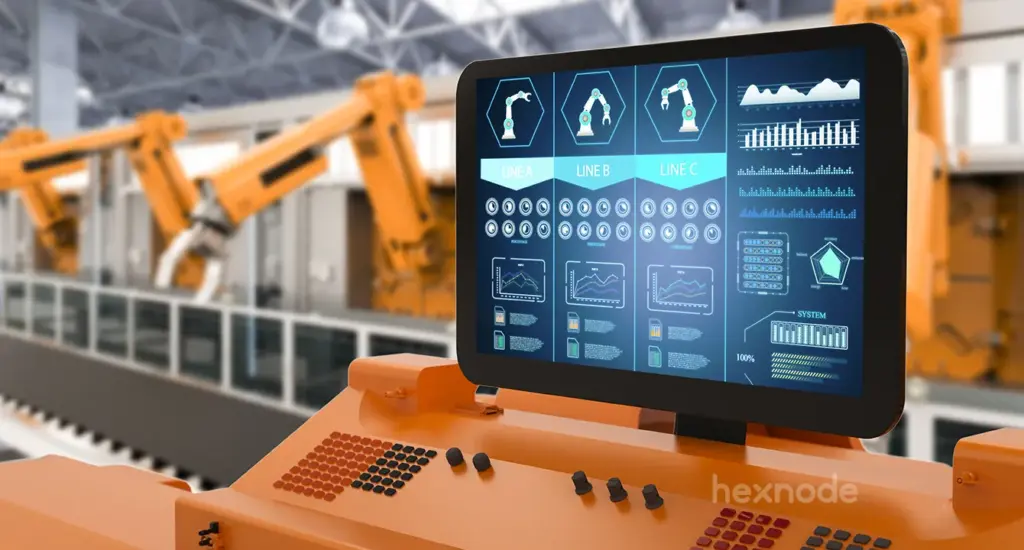
Warehouse devices from Zebra or Honeywell rely on rugged device management. It locks them to inventory scanners and supports workflow-focused device usage in industrial environments.
Troubleshooting with Hexnode: Real-World Solutions
Even the best setups face issues. Here are common problems IT admins encounter. We also include solutions using Hexnode.
Problem: The Kiosk App keeps crashing or minimizing.
The Fix: This happens when the app tries to open a secondary window. In Hexnode, Background Apps can be configured in kiosk mode to allow supporting applications and services required for the primary kiosk app to function properly.
Problem: Screen times out or device sleeps during operation.
The Fix: This is a common issue for digital signage. Hexnode provides kiosk peripheral settings that allow administrators to configure display-related behavior for kiosk devices.
Problem: User is stuck in a “boot loop” of the kiosk app.
The Fix: An app update might break the kiosk. You need a way out. Hexnode allows administrators to remotely disable kiosk mode or remove kiosk policies from managed devices. You can also use a “Safe Exit” password on the device. This grants temporary admin access for manual fixes.
Frequently Asked Questions (FAQ)
What does Android lockdown mode do?
Android lockdown mode restricts device functionality. It limits access to specific approved applications. It hides the system UI and blocks notifications. It also disables hardware buttons. This ensures the kiosk lockdown android keeps the device strictly for business use.
What is an Android kiosk?
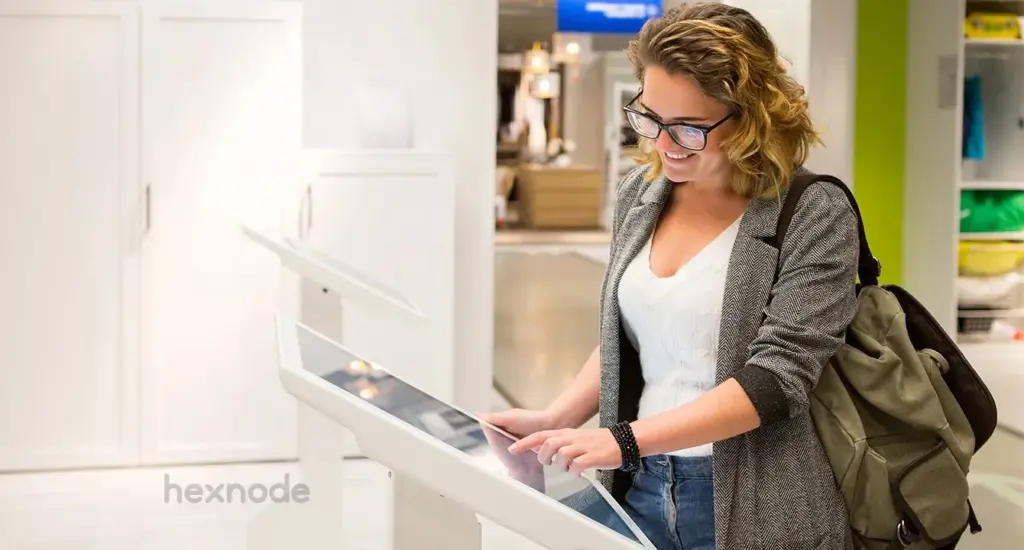
An Android kiosk is an Android device configured for a specific task. It can be a tablet, phone, or TV. It acts as a dedicated appliance. Examples include ticketing machines or self-checkout stands. It does not function like a standard personal smartphone.
What are the security risks of kiosk apps?
The main risks are “kiosk escaping” and data leakage. A user might access settings via a notification. This allows them to bypass the kiosk lockdown android. Poor configurations expose sensitive data. A robust solution like Hexnode mitigates these risks through kiosk restrictions, peripheral controls, and USB debugging restrictions.
Can I use a standard Android phone as a kiosk?
Many standard Android devices can be configured as kiosks if they support the required Android Enterprise or device-management capabilities. You can use kiosk lockdown android app software like Hexnode to provision supported consumer-grade devices for dedicated kiosk use.
Designing the Perfect Android Kiosk UI: Branding Tips and Hexnode Best Practices
Conclusion: Securing Your Business Mobility
Implementing robust Android Kiosk Lockdown software is vital. It is one of the most effective ways to secure corporate devices and boost employee productivity.
You might deploy digital signage in a mall. Or you might hand out rugged tablets to drivers. The success of your strategy hinges on control. Kiosk lockdown android transforms generic smartphones into purpose-built tools. You will eliminate distractions and help prevent data breaches. This can also help reduce unnecessary data usage when paired with appropriate app and network controls.
A lockdown strategy is only as good as the tool managing it. True enterprise security requires more than pinning an app. It requires granular control and remote troubleshooting.
Do not leave your endpoints exposed. Empower your workforce with a kiosk lockdown android strategy today. It balances strict security with seamless usability.
Protect Every Android Kiosk with Hexnode
Restrict apps, secure browsing, and prevent device misuse with Hexnode’s advanced Android kiosk management.
Sign Up Now