Retailers should upgrade cloud-based digital signage software when slow updates, poor screen visibility, manual recovery, security gaps, scaling friction, or rising costs start affecting operations. The key is to diagnose whether the issue sits in the content/CMS layer or the device/operations layer before replacing anything. A modern stack should support centralized control, monitoring, automated deployment, secure configurations, and remote recovery, with rollouts piloted and phased around retail peak periods.
Cloud-based retail digital signage software reduces reliance on fragile operational models such as USB-based updates and location-by-location media management. Instead of dispatching staff with USB sticks or maintaining on-premise media servers per location, content, scheduling, and screen control are all managed remotely over the internet. Updates propagate centrally; screens pull from the cloud rather than waiting for a manual touch.
But the term “signage software” flattens what is actually a two-layer stack, and this distinction matters for every decision that follows:
The content/CMS layer — the platform that designs, schedules, and publishes what appears on the screen.
The device/operations layer — the layer beneath it that provisions, secures, monitors, and controls the physical endpoints running that content.
This matters because retail signage is no longer a handful of promotional displays.
It now spans menu boards, wayfinding, self-service kiosks, and checkout screens—each one a networked endpoint inside the store environment that must be properly segmented from sensitive systems such as POS.
That expansion exposes the core tension. Content strategy moves at the speed of marketing, but the hardware and management layer underneath can lag—and that gap often becomes a trigger for upgrade discussions.
Why the “When to Upgrade” Question Matters More for Retailers
When selecting cloud based retail digital signage software, timing miscalculations carry higher stakes. For most enterprise systems, this is an internal inconvenience, but in retail, signage sits on the revenue path, which changes the calculus entirely.
Screens are revenue-adjacent infrastructure. A frozen menu board during a lunch rush or a dark promotional display during a launch window is not just a cosmetic failure; it can disrupt transactions, campaigns, and customer perception at a high-value moment. The cost of a signage failure scales with the value of the moment it interrupts.
Scale turns minor faults into systemic events. A single misconfigured screen is a ticket. The same defect replicated across hundreds or thousands of locations is an operational incident, and often one you discover through customer complaints rather than monitoring.
Retail runs on a seasonal cadence, so timing is a hard constraint. An upgrade that would be routine in Q2 becomes untenable during peak season. The window for change is narrow and non-negotiable, which means the decision must be made deliberately—not reactively when something breaks.
Finally, customer experience expectations have risen sharply. Glitchy, dated, or inconsistent signage can weaken the in-store experience and may undermine the premium perception retailers try to build.
7 Signs It’s Time to Upgrade Your Signage Software
Most cloud based retail digital signage software upgrades aren’t triggered by a single failure—they’re triggered by an accumulation of friction that IT has quietly absorbed for too long. The signals below are diagnosable in your own environment right now.
1. Content updates are slow or require manual, per-store effort
If you’re using outdated cloud based retail digital signage software with recurring lag between publishing content and screens reflecting it, and that lag exceeds your operational SLA, your propagation model needs review. The clearer tell is scope: if you cannot push a single change to all locations simultaneously, you’re operating a manual system with a cloud label on it.
2. You’re flying blind on screen health
You should always know which screens are online, frozen, or displaying the wrong content—without asking anyone. If store staff or customers surface these problems before your team does, you have no real telemetry. Hexnode provides centralized visibility into managed devices through information such as device activity status, last check-in time, kiosk-enabled status, compliance details, activity logs, and supported device reports, helping IT identify device-management and kiosk-configuration issues from the console.
3. Scaling to new stores is painful
New-location onboarding is a stress test for your deployment model. If provisioning a store’s screens is slow, manual, or dependent on tribal knowledge, you lack a standardized, repeatable process—and every expansion inherits that friction.
4. Security and compliance gaps are emerging
If signage endpoints sit on poorly segmented store networks or run outdated OS/firmware, they can become a real exposure. Watch for:
Outdated OS or firmware and unpatched vulnerabilities
Screens that can be tampered with, exit into device settings, or display unintended content
5. Downtime is frequent and recovery is manual
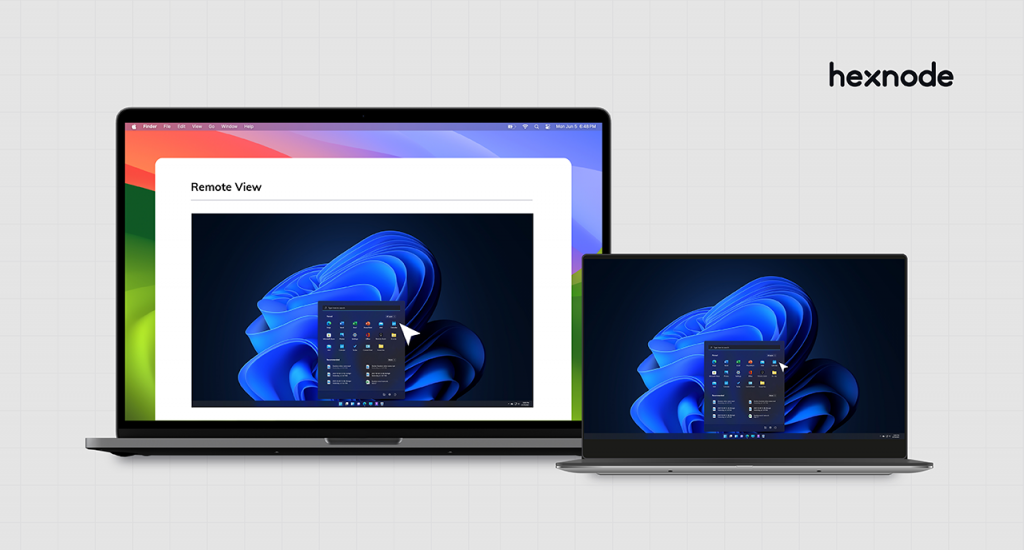
If restoring a screen means dispatching someone to a physical location to reboot or reconfigure it, your recovery cost scales with your footprint. Hexnode supports remote restart for compatible managed devices and Remote View/Control on supported platforms, helping IT troubleshoot many issues without immediately dispatching someone onsite.
6. Your vendor has stalled
Evaluate your provider as a partner, not a line item. Infrequent updates, weak support, missing integrations, and an absent roadmap are structural risks that compound over the life of the contract.
7. Costs are creeping without matching value
Rising spend isn’t inherently a problem—rising spend without proportional value is. Audit per-screen licensing, hidden fees, and labor overhead. When operational cost outpaces the benefit delivered, the economics of staying put have already turned against you.
Android TV Kiosk Mode: The Complete Guide to Digital Signage
Learn how Android TV kiosk mode supports secure, remotely managed digital signage for retail screens.
Signage Software Problem vs. Device Management Problem
Here is the diagnostic error that drives most wasted signage spend: teams rip out and replace a content platform to fix problems the content platform never caused. Before you scope an upgrade, isolate which layer is actually failing.
Recall the two-layer stack:
The content/CMS layer — designs, schedules, and publishes what appears on screen.
The device/operations layer — provisions, secures, monitors, and controls the physical endpoints running that content.
Symptoms that point to the content layer:
Rigid or dated templates and limited design flexibility
Weak scheduling logic—no dayparting, targeting, or conditional playlists
Limited media support or poor handling of dynamic data feeds
Symptoms that point to the device/operations layer:
Screens crashing, freezing, or rebooting into a blank state
Devices drifting out of kiosk mode and exposing the underlying OS
Security exposure—unpatched firmware, no configuration enforcement
No mechanism for remote recovery when something goes wrong
The critical point: these problems are solved independently. A best-in-class CMS will not patch a vulnerable endpoint, hold a device in single-purpose mode, or reboot a frozen screen in a store 400 miles away. Likewise, a robust operations layer won’t fix a weak template library. Upgrading one layer does nothing for a fault living in the other.
This is where the device/operations layer is often the real gap. Hexnode can function as the device-management layer for supported signage endpoints by enforcing kiosk policies, applying configurations, monitoring device status, and supporting remote actions. Hexnode manages the device and operations side of supported signage endpoints; content/CMS requirements should be evaluated separately.
How to Weigh the Cost of Upgrading vs. Staying Put
The cloud based retail digital signage software upgrade decision stalls because teams compare a visible number—the new license—against an invisible one: the compounding cost of the status quo. Make both sides explicit and the decision becomes an arithmetic problem, not a leap of faith.
Quantify the cost of staying. The status quo is rarely free; it’s just unbudgeted. Account for:
Downtime and its revenue impact, weighted by the value of the moment interrupted
Manual labor and truck rolls—every store visit to reboot or reconfigure a screen
Lost promotional revenue when displays fail during high-traffic windows
Security and compliance risk carried by unpatched, aging endpoints
Brand inconsistency across locations that erodes premium perception
Quantify the cost of upgrading. Be equally honest on this side:
Licensing and platform costs
Migration effort—engineering time, configuration, data portability
Staff training and change management
Potential short-term disruption during transition
The right lens is total cost of ownership over a 2–3 year horizon, not the upfront price tag. A cheaper platform that demands constant manual intervention frequently costs more by year two than the alternative it was chosen to avoid. Labor and downtime can become major TCO drivers, especially in distributed retail deployments with manual recovery processes.
Finally, treat timing as a lever, not a constraint you’re stuck with. Schedule migrations in the low season, phase the rollout by region or store tier, and run a pilot before committing the full fleet. Disruption is largely a function of sequencing—and sequencing is within your control.
What a Modern Cloud-Based Signage Stack Should Deliver
Whether you upgrade your current cloud based retail digital signage software platform, switch vendors, or add a management layer beneath your CMS, the evaluation criteria are the same. Use the following as a procurement checklist—each item maps to an operational outcome, not a feature line.
Centralized, remote control. You should administer every screen across every location from a single console. If any routine action requires physical or per-store access, the architecture is already behind.
Real-time monitoring and alerting. Screen and device health should surface proactively through automated alerts, not reactively through complaints. You need to know a screen has failed before your customers do.
Automated deployment and configuration. New stores and new devices should provision from standardized templates, not manual setup. Onboarding time is a direct proxy for how well the platform scales.
A strong security posture. Non-negotiable for endpoints sharing infrastructure with POS and store networks:
Locked-down, single-purpose devices that resist tampering
Controlled OS and application updates across the fleet
Enforced configuration baselines that don’t drift over time
Reliable remote recovery. When a screen fails, resolution should be a remote reboot or reconfiguration—not a dispatched technician. Recovery cost should be decoupled from your physical footprint.
Scalability without proportional labor. The defining test of a modern stack: adding 500 more screens should not require 500 units of additional effort. Management overhead must stay flat as the fleet grows.
Several of these outcomes—remote control, automated deployment, and device lock-down—sit squarely in the device/operations layer, which is precisely what a platform like Hexnode is built to handle. The point isn’t any single product; it’s that these capabilities are now the baseline, and any stack lacking them is a liability rather than an asset.
Rolling Out an Upgrade Across Multiple Locations Without Disruption
The fear of chaos across hundreds of stores keeps otherwise justified upgrades stuck in evaluation indefinitely. That fear is legitimate—but disruption is an artifact of poor sequencing, not an inevitability. A disciplined rollout de-risks the change almost entirely.
Start with a pilot. Validate the full workflow on a single store or a representative region before committing the fleet. The pilot should mirror real conditions—hardware mix, network variability, content complexity—so the issues you surface are the ones you’d hit at scale.
Standardize before you deploy. Lock down device configurations and content templates upfront. A rollout that pushes standardized, pre-validated baselines is repeatable; one that improvises per store multiplies your failure surface. Hexnode supports automated Android Zero-Touch Enrollment, dynamic device groups, and policy application to help standardize provisioning and reduce manual group maintenance.
Schedule against the retail calendar. Sequence the rollout around peak periods and store hours—never during a high-traffic season, and ideally outside operating hours to keep any transition invisible to customers.
Build a rollback plan and monitor actively. Every phase needs a defined rollback path and heightened monitoring during the transition window. If a phase misbehaves, you revert cleanly and contain the blast radius rather than propagating the problem fleet-wide.
Executed this way, the rollout becomes a series of controlled, reversible steps—each one validated before the next—rather than a single high-stakes cutover.
Keeping Retail Screens Secure, Visible, and Always-On with Hexnode
The signals, the layer diagnosis, and the rollout playbook all converge on the same requirement: a device/operations layer that holds screens in a known-good state across the entire fleet. This is the specific problem Hexnode is built to solve.
Single-purpose, locked-down displays. Hexnode supports single-app kiosk and multi-app kiosk on supported platforms, allowing admins to restrict devices to designated apps or web apps and limit access to system functions based on platform capabilities and policy configuration. The screen shows only its intended content, which protects both brand consistency and the customer experience while shrinking the endpoint’s attack surface.
Remote monitoring and recovery. IT can use Hexnode to monitor managed device status and connectivity, review device and kiosk reports, remotely restart compatible devices, and use Remote View/Control on supported platforms for troubleshooting. Hexnode can help IT detect certain device, compliance, and kiosk-state issues centrally and perform supported remote actions, which may reduce the need for onsite troubleshooting.
Automated deployment and secure updates at scale. Hexnode standardizes device provisioning using Android Zero-Touch Enrollment, dynamic groups, policy application, and update controls. These automated capabilities cut manual management overhead and ensure consistent security as your fleet grows.
The net outcome is the one that matters to the business: signage that stays on-brand, online, and secure—whether the estate is 10 stores or 1,000. The operations layer becomes something IT enforces centrally, not something it chases store by store.
Featured Resource
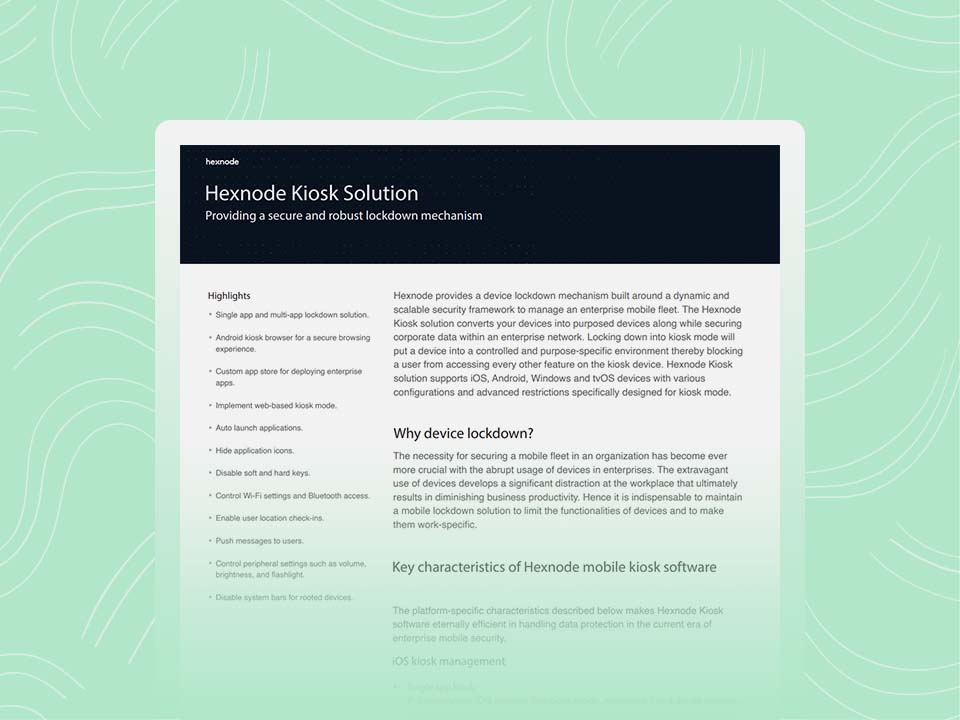
Hexnode Kiosk Solution
See how Hexnode helps lock down, secure, and manage purpose-built kiosk and signage devices.
How do I know if the problem is my cloud based retail digital signage software CMS or the device management layer?
If the issue is limited to templates, scheduling, playlists, or media support, it likely sits in the CMS layer. If screens are freezing, exiting kiosk mode, missing updates, or requiring onsite recovery, the device/operations layer is probably the bigger problem.
Should retailers replace their digital signage software as soon as issues appear?
Not always. First, identify whether the issue is recurring, operationally expensive, or tied to security, visibility, or scalability gaps. Replacing the wrong layer can increase cost without fixing the real problem.
What should retailers check before upgrading signage software across multiple stores?
Retailers should review downtime impact, manual support effort, licensing costs, migration work, training needs, and rollout timing. A pilot is important because it tests the upgrade against real store conditions before a wider deployment.
Why is remote recovery important for retail signage?
Remote recovery reduces dependence on store visits when a screen needs to be restarted or reconfigured. This matters more as the number of locations grows because manual troubleshooting becomes harder to scale.
When is the best time to roll out a signage upgrade?
The safest window is usually outside peak retail periods and, where possible, outside store operating hours. A phased rollout by store, region, or device group helps contain issues before they affect the full fleet.
Where does Hexnode fit in a retail signage setup?
Hexnode fits into the device/operations layer for supported signage endpoints. It can help with kiosk policies, device visibility, reports, remote actions, standardized provisioning, and configuration management while the CMS handles content creation and scheduling.
Conclusion
The question that started this—’should we upgrade our cloud based retail digital signage software?’—is really two questions in disguise. Is the failure in the content/CMS layer, or in the device/operations layer beneath it? Diagnose which layer is actually failing before you scope any spend, because replacing the wrong one is the most common and most expensive mistake retailers make here.
From there, the decision is disciplined rather than daunting. Watch for the warning signs, model true total cost of ownership over a two-to-three-year horizon—where labor and downtime, not license price, tend to dominate—and treat timing as a lever by scheduling changes around the low season. When the rollout is piloted and phased, an upgrade stops being a high-stakes cutover and becomes a series of controlled, reversible steps. The payoff is visibility, security, and reliability that hold steady as the fleet grows.
So evaluate both layers independently, and be honest about which one is holding you back. If the gap sits in the operations layer—screens drifting out of mode, blind spots in health monitoring, recovery that still depends on a store visit—Hexnode is worth assessing against that specific problem.
Ready to manage retail signage devices?
Manage retail signage devices with Hexnode using kiosk lockdown, monitoring, and remote actions.
Associate Product Marketer at Hexnode focused on SaaS content marketing. I craft blogs that translate complex device management concepts into content rooted in real IT workflows and product realities.