Empower your frontline workers with the right technology
Enhance Digital Employee Experience by giving frontline teams the right tools for the job.

Get fresh insights, pro tips, and thought starters–only the best of posts for you.

For the last decade, the IT mandate for frontline technology was simple: “Lock it down.” Traditional digital workspace solutions often treated devices like warehouse scanners as security risks. We restricted the personalized workspace by hiding settings and locking users into static Kiosk Mode, which ultimately hindered frontline productivity.
However, as we move through 2026, data shows this rigid approach is failing.
The real problem isn’t the hardware; it’s the Digital Employee Experience (DEX).
When you lock a device down too aggressively, you create friction. You treat a skilled supervisor the same as a temp worker. By adopting digital workspace solutions, you can pivot from restrictive lockdown to a personalized workspace that empowers your team.
This guide explains how to use Hexnode UEM to create a secure, dynamic environment that adapts to the human holding the device.
The traditional method assigned a Kiosk Policy to a Device Group (e.g., “Warehouse Scanners”). Today, leading enterprises assign policies to a User Role (e.g., “Inventory Manager”).
By integrating Hexnode with your Identity Provider—such as Azure AD (Microsoft Entra ID) or Okta, you can deliver a dynamic dashboard based on who logs in.
The Result: Two employees pick up the same hardware. The Associate sees a scanner; the Supervisor sees a communication hub. You have successfully personalized the device without compromising security.
A static gray screen feels transactional. It signals to the worker that they are just a cog in the machine. The Hexnode Kiosk Launcher offers deep customization to build a branded, engaging workspace.
Do not just use app icons. Use the Dynamic Lock Screen for Enterprise and wallpaper features as a corporate communication channel.
Don’t hide support. Frontline workers often work odd hours when IT is asleep.
Nothing frustrates a worker more than work notifications during their break. Conversely, accessing heavy apps off-shift drains battery and data. You can improve Digital Employee Experience for Shift Workers by making your policies “shift-aware.”
A truly smart workspace knows when to shut up. Respecting the worker’s time is the first step in a healthy Digital Employee Experience.
When a frontline worker struggles with a glitchy app, they feel helpless. If IT requires them to “bring the device to the depot,” they lose hours of productivity.
Embed the Hexnode Remote Assist app directly into the Kiosk Launcher.
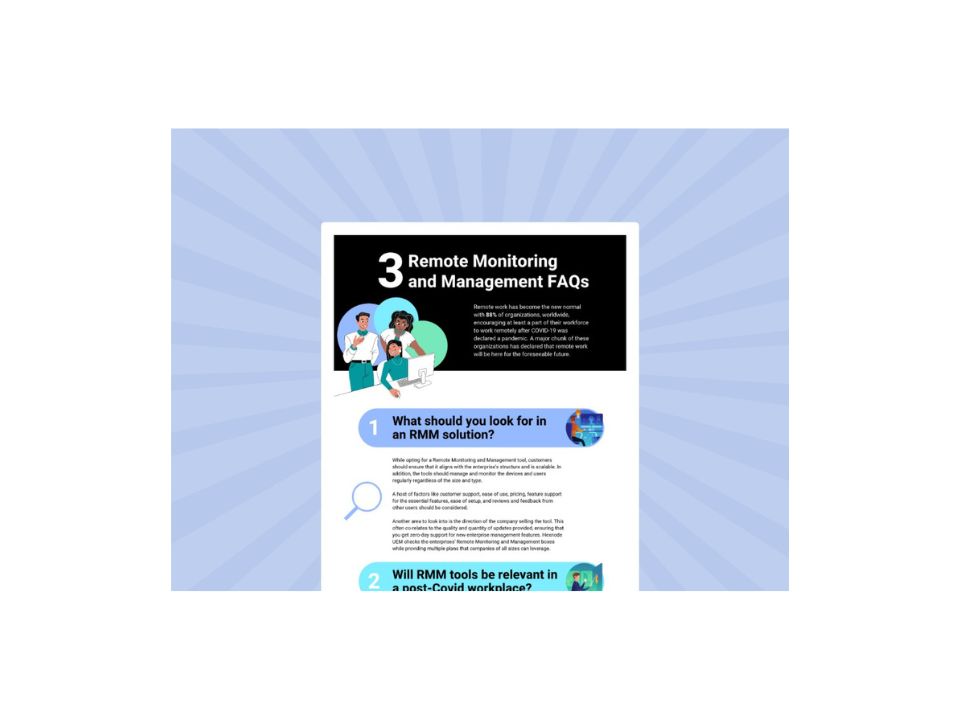
Explore the essential questions and answers surrounding Remote Monitoring and Management (RMM) to understand how centralized control and real-time visibility can streamline your digital workspace solutions.
Download the infographicWhy should an Operations Director invest in a personalized workspace? Because experience drives retention.
Replacing a trained nurse or a senior warehouse picker in 2025/2026 costs an average of $61,110 per RN. If you reduce turnover by just 10% by making tools less frustrating, your UEM investment pays for itself.
| Metric | The Old Way (Lockdown) | The Hexnode Way (Personalized) |
| Worker Sentiment | Frustrated / Disconnected | Empowered / Supported |
| Support Cost | High (Physical Depot visits) | Low (Remote Assist) |
| Productivity | Static / Friction-heavy | Dynamic / Role-based |
It is time to retire the term “Lockdown.” Lockdown implies a threat. Your workers are your most valuable assets, not threats to your security.
By using Hexnode UEM to build a personalized workspace, you send a clear message: “We trust you, and we are giving you the tools to succeed.”
Do not just manage the device. Design the experience.
Stop letting rigid technology slow down your frontline. Join thousands of IT leaders who use Hexnode to eliminate friction.
Try Hexnode TodayKiosk Mode is a restrictive security setting that locks a device to specific apps. A Digital Workspace (or Launcher) is an experience layer built on top of Kiosk Mode that provides role-based access, personalized dashboards, and self-service tools, focusing on employee productivity rather than just restriction.
Yes. By integrating Hexnode with directory services like Azure AD or Okta, you can map specific Kiosk Policies to specific User Groups. This allows a Supervisor to see a different set of apps and settings than a Line Associate, even if they are using the same hardware model.
Research shows that 76% of frontline workers feel burned out, and poor technology is a leading cause of turnover. Investing in a seamless Digital Employee Experience (DEX)—fast logins, relevant apps, and remote support—can significantly reduce frustration and improve retention rates in high-churn industries.