Kiosk Lifecycle Management: The Complete Guide
Learn about the critical stages involved in managing kiosk lifecycle and how Hexnode helps with kiosk management.

Get fresh insights, pro tips, and thought starters–only the best of posts for you.

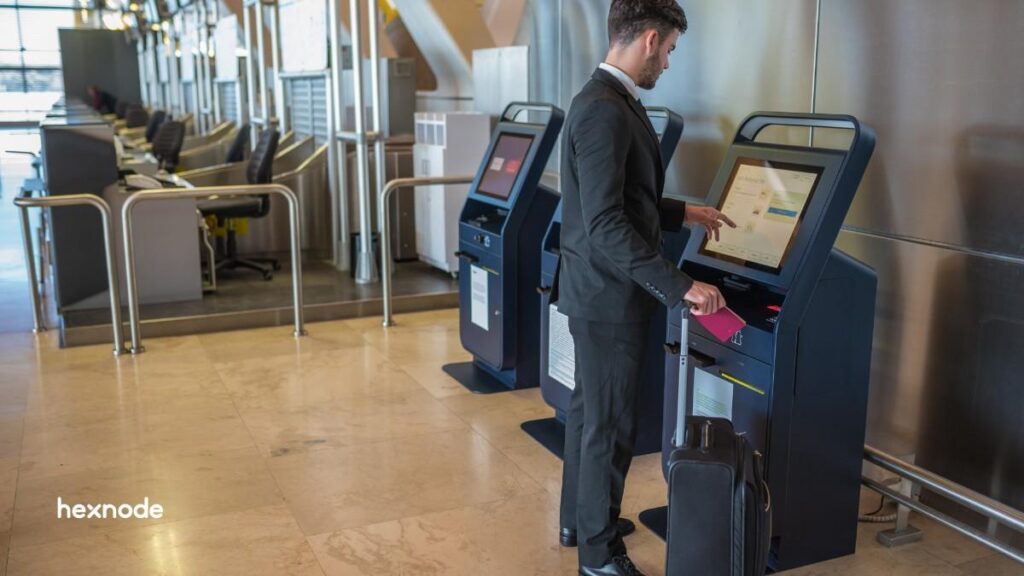
Mobile devices have become critical operational tools across industries. Tablets and smartphones now power everything from retail self-checkout systems and digital signage to warehouse scanners. However, deploying devices in such dedicated roles introduces a unique challenge. Administrators must ensure that devices remain locked to their intended purpose while still being manageable, secure, and scalable across large deployments.
This is where kiosk mode becomes essential. By restricting devices to specific applications or workflows, kiosk mode prevents unauthorized use, strengthens security, and ensures a consistent user experience across devices.
While Android Enterprise provides the foundation, organizations often require deeper control over device behavior, provisioning, and lifecycle management. Samsung Knox builds on Android’s native capabilities by adding advanced, enterprise-level features. Hexnode UEM then provides a centralized platform to deploy and manage these kiosks at scale.
In this article, we explore how Samsung Knox and Hexnode work together to enable advanced kiosk capabilities for enterprise deployments.
Android Enterprise enables organizations to configure company-owned devices designed for specific operational tasks. These devices are typically deployed in environments such as:
Android Enterprise provides a credible kiosk baseline through dedicated device management. Company-owned devices configured for narrow business use cases. And in many deployments, kiosk behavior can be enforced using lock task mode. In lock task mode:
However, administrators often encounter challenges when managing large fleets of devices or when deeper device-level controls are required.
Samsung Knox is Samsung’s enterprise security and device management platform built directly into supported Samsung device hardware and firmware. Designed for enterprise environments, Knox provides multiple layers of protection and control, ranging from secure boot and device integrity protections to advanced management capabilities for corporate devices.
While Samsung Knox provides the device-level capabilities required for secure Samsung Knox kiosk deployments, organizations typically rely on a Unified Endpoint Management (UEM) platform to configure and manage these capabilities across large device fleets. Solutions such as Hexnode UEM integrate with Samsung Knox to deliver centralized policy management, provisioning workflows, and scalable kiosk deployments.
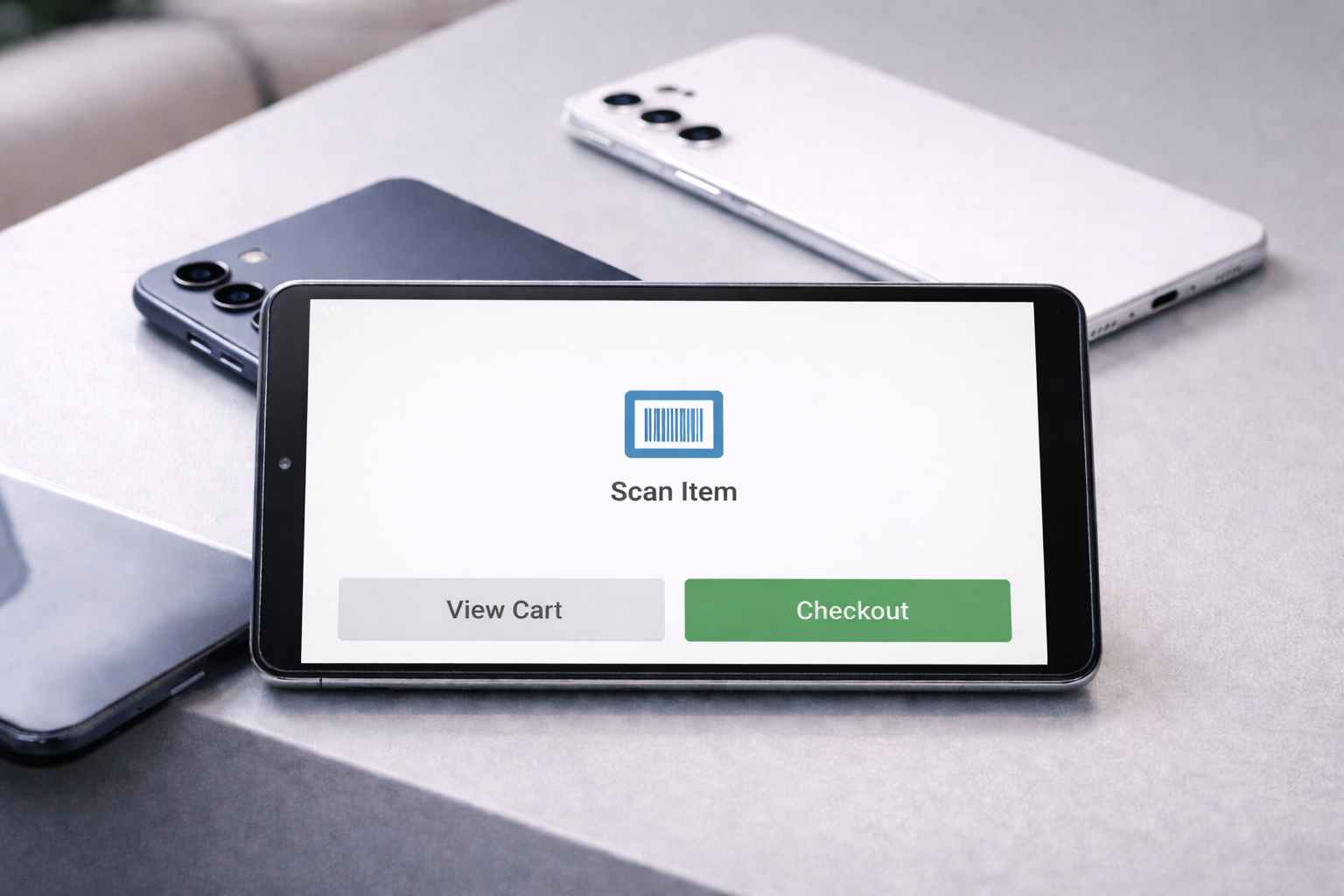
At a foundational level, kiosk deployments rely on several core capabilities that control how devices behave in dedicated operational environments.
While these capabilities form the foundation of kiosk deployments, enterprise environments often require deeper provisioning workflows and stronger policy control. These are the areas where Samsung Knox kiosk capabilities extend Android’s native kiosk functionality, enabling deeper device control and more scalable deployments.
Once the foundational kiosk features are in place, the next question is whether the deployment can scale and remain consistent over time. In enterprise environments, an advanced Samsung Knox kiosk deployment involves more than simply locking a device to a single application. Instead, it requires multiple layers working together to ensure devices remain secure, predictable, and manageable across large fleets.
Samsung Knox enables these advanced capabilities through features such as Knox Mobile Enrollment (KME), Knox SDK kiosk controls, and Knox Service Plugin (KSP), which expose Samsung-specific device policies for enterprise management.
While Samsung Knox provides the device-level capabilities required for advanced Samsung Knox kiosk deployments, organizations still need a centralized platform to configure, enforce, and manage these capabilities across large fleets. This is where Hexnode UEM acts as the operational layer.
Hexnode integrates with the Samsung Knox ecosystem to streamline device provisioning, apply kiosk policies, and manage Samsung-specific controls from a unified console. By combining Android Enterprise management with Knox integrations, administrators can deploy and maintain kiosk devices with greater consistency, security, and scalability.
Hexnode integrates with Samsung Knox Mobile Enrollment (KME) to enable automated device onboarding for Samsung devices. With KME, administrators can preconfigure enrollment profiles in the Knox portal so that devices automatically enroll into Hexnode when powered on and connected to the internet.
This zero-touch provisioning workflow significantly reduces the need for manual device staging. Devices automatically install the Hexnode management agent during setup, ensuring that management policies are applied immediately.
Through KME integration, organizations can:
Hexnode provides a centralized interface for configuring and enforcing kiosk policies on managed devices. Administrators can create and deploy kiosk profiles that define how devices behave in dedicated operational environments.
Hexnode supports multiple kiosk configurations, including:
Through the Hexnode console, administrators can control application access, restrict navigation, configure device behavior, and apply policies across device groups.
Samsung-specific device policies are delivered through the Knox Service Plugin (KSP), Samsung’s OEMConfig application. OEMConfig enables device manufacturers to expose proprietary device policies through standard Android Enterprise management frameworks.
Hexnode enables administrators to add the Knox Service Plugin (KSP) via Managed Google Play and configure it using managed app configurations (OEMConfig policies) directly from the Hexnode console. This allows IT admins to apply Knox Platform for Enterprise policies seamlessly across Samsung devices.
Managing kiosk deployments at scale requires continuous monitoring and lifecycle management. Hexnode provides tools for administrators to maintain device compliance, update configurations, and troubleshoot issues remotely.
Key management capabilities include:
These capabilities allow organizations to maintain operational continuity across large fleets of Samsung kiosk devices.
Read more to explore how Hexnode simplifies Android device management with centralized control, security policies, and scalable endpoint management.
Get the White paper| Feature | Android Enterprise Kiosk | Samsung Knox and Hexnode |
| Kiosk UX basis | Dedicated device management + lock task mode | Hexnode enforces single-app, multi-app, and web-app kiosk centrally |
| App allowlisting | Standard allowlisting in lock task mode | App allowlisting plus app activities/deep links |
| Notification/UI suppression | Limited to Android native behavior | Delivered as part of kiosk policy design and rollout |
| OEM-specific controls | Limited unless OEM extensions exist | Hexnode delivers Samsung OEMConfig policies through KSP |
| Zero-touch provisioning | Some provisioning methods exist, but not inherently zero-touch | Hexnode uses KME for no-touch enrollment into UEM |
| Policy targeting | Depends on EMM/UEM | Policies can be associated to device groups at scale |
| Firmware/update handling | Generic enterprise controls | KSP-backed Samsung controls can be managed alongside kiosk policy |
Enterprise Samsung Knox kiosk deployments require more than simply locking a device to an application. Organizations need a framework that combines strong device security, advanced policy control, and scalable management.
Samsung Knox provides the foundation with hardware-backed security and deep device controls built directly into Samsung devices. Features such as Knox Mobile Enrollment and Knox Service Plugin enable automated provisioning and extended policy management beyond standard Android Enterprise capabilities.
Hexnode builds on these capabilities by providing the centralized management layer needed to deploy and manage kiosk devices at scale. Through its Knox integrations, administrators can configure kiosk policies, manage device restrictions, deploy applications, and monitor device fleets from a single console.
Together, Samsung Knox and Hexnode enable organizations to build secure, scalable kiosk deployments with consistent device behavior and simplified management across large fleets.
1. How does Samsung Knox kiosk provisioning work?
Samsung Knox kiosk deployments typically use Knox Mobile Enrollment (KME) for automated device provisioning. With KME, administrators can preconfigure device enrollment so that Samsung devices automatically enroll into a management platform when powered on and connected to the internet. This enables zero-touch deployment, reduces manual staging, and ensures devices are automatically configured with the correct kiosk policies.
2. Can Samsung Knox kiosk devices be remotely updated or reconfigured?
Yes. Administrators can remotely update applications, modify device policies, and push configuration changes through a UEM platform. This ensures kiosk devices remain secure, uptodate, and aligned with operational requirements without requiring physical access.
3. What types of devices support Samsung Knox kiosk deployments?
Samsung Knox kiosk deployments are supported on many Samsung smartphones and tablets that include the Knox platform. These devices provide hardware-backed security and enterprise management capabilities required for dedicated kiosk and operational device environments.
Enable zero-touch enrollment, enforce advanced device lockdown, and manage Samsung devices at scale with ease.
Signup Now