Public safety kiosks are mission-critical endpoints used in police cars, firehouses, and command centers that require highly secure, single-purpose access. Managing them effectively calls for a UEM solution that can instantly lock devices down to critical dispatch apps, enforce location-based policies through geofencing, and enable remote control for zero-downtime maintenance. Hexnode UEM streamlines these fast-response workflows, enabling first responders to maintain security compliance and maximize uptime.
In high-stakes operational environments handled by police, fire, and EMS departments, the technology used by first responders serves as a digital lifeline. When human safety is on the line or critical services are being accessed, device failure or distraction is simply an unacceptable risk. The tablet in a patrol car or a self-service kiosk in a municipal lobby functions as a public safety kiosk, going beyond a traditional endpoint device.
Today, more than 70% of emergency reporting, dispatching, and navigation runs through these devices, raising the importance of security and performance. To guarantee this level of functionality and reliability, a specialized management solution like Unified Endpoint Management (UEM) is required. This solution must also be capable of enabling fast-response kiosk workflows and guaranteeing strict security compliance.
This article breaks down the functions of public safety kiosks, defines the key management requirements for these endpoints, and demonstrates how Hexnode UEM helps emergency teams maintain verifiable security, compliance, and guaranteed performance.
Defining the Public Safety Kiosk: Functionality and Impact
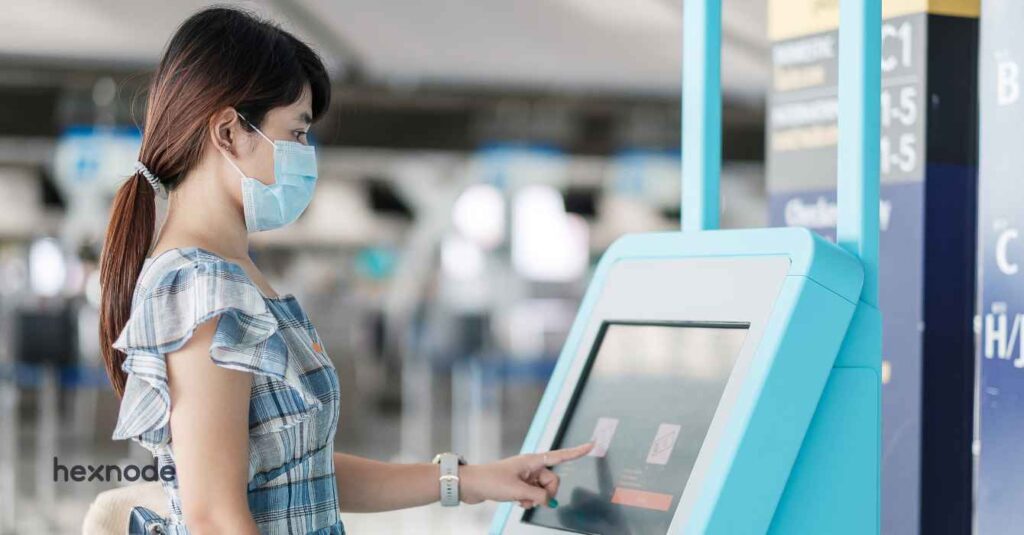
A public safety kiosk is a functionally specialized endpoint (a device that has been purpose-built or converted from a standard device) to give users and responders fast, controlled access to critical services. They can be mounted in a patrol car, placed in a fire station, or installed in a municipal lobby. These devices eliminate distractions, lock in essential workflows, and ensure that vital information is always available when it matters.
Their importance can be attributed to the unique functionality they bring and the real-world impact they deliver.
Core Functions of a Public Safety Kiosk
Emergency Response & Communication: A public safety kiosk is a fast lane to emergency action. It gives you instant and uninterrupted access to dispatch systems, SOS triggers, live alerts, and communication channels. These options become critical in scenarios where every second matters.
Secure Data Handling & Transmission: These kiosks process and handle sensitive operational data, serving as secure interfaces for critical inputs such as incident reports, confidential witness statements, and Protected Health Information (PHI).
Reliable Interaction Layer: Organizations design these kiosks for continuous operations. They keep workflows active and accessible, even under environmental stress. They can also manage and sustain mission-critical workloads against constant use, extreme temperatures, and network fluctuations without performance degradation.
The Essential Benefits
These functions deliver immediate benefits to the public and the departments that deploy them. Some benefits include:
Continuous Access When It Matters the Most: Public safety kiosks ensure users have 24/7 uninterrupted access to essential services, information, and communication channels. They enable rapid connectivity with relevant department personnel, reducing the communication gap and accelerating resolutions.
Smoother Operations and Less Administrative Drag: A well-configured kiosk offloads routine, mundane work like status updates and inquiries, from trained personnel, allowing them to focus on high-priority tasks.
Stronger Security and Built-in Accountability: Modern kiosks support advanced security measures like authentication for access control workflows. Every interaction is logged, which makes compliance audits straightforward and strengthens the agency’s security posture.
The Unique Security & Operational Challenges of Managing Public Safety Kiosks
With the benefits, you might think deployment would be straightforward in scenarios such as routine police patrol, remote field reporting, and firehouse public access. However, the reality is far more complex. Organizations must set up, manage, and maintain these endpoints carefully because teams rely on them for critical operations.
Security Challenges
Data Sensitivity and Compliance: Public safety kiosks are endpoints that frequently handle highly sensitive information and confidential details. These devices must strictly adhere to compliance standards, which govern how law enforcement or safety agencies protect data. A single compromised endpoint can lead to massive fines and data breaches, jeopardizing public trust.
Operational Challenges
Zero-Downtime Requirement: Emergency response devices must be reliable and available 24/7. These terminals also operate in harsh, mobile environments, constantly subjected to vibration, temperature extremes, and dust exposure. Any device failure, software crash, or unmanaged update directly translates to a slower response time for the public.
Maintenance Difficulty: Unlike personal devices, kiosks in patrol cars, fire trucks, and remote substations cannot return to IT teams for manual maintenance or troubleshooting. You need instant, remote capabilities to diagnose issues, push fixes, and ensure 100% operational uptime without pulling a critical resource out of the field.
These security and operational challenges make one thing clear. Public safety kiosks need more than standard device management. To remain secure, reliable, and responsive in the field, they require a management approach built specifically for high-stakes environments. This is where solutions like Unified Endpoint Management come in. They provide the controls needed not only to protect sensitive data, but also to maintain uptime, simplify support, and keep critical services continuously accessible. These needs form the foundation of the key management pillars discussed next.
8 Essential Management Pillars for Public Safety Kiosks
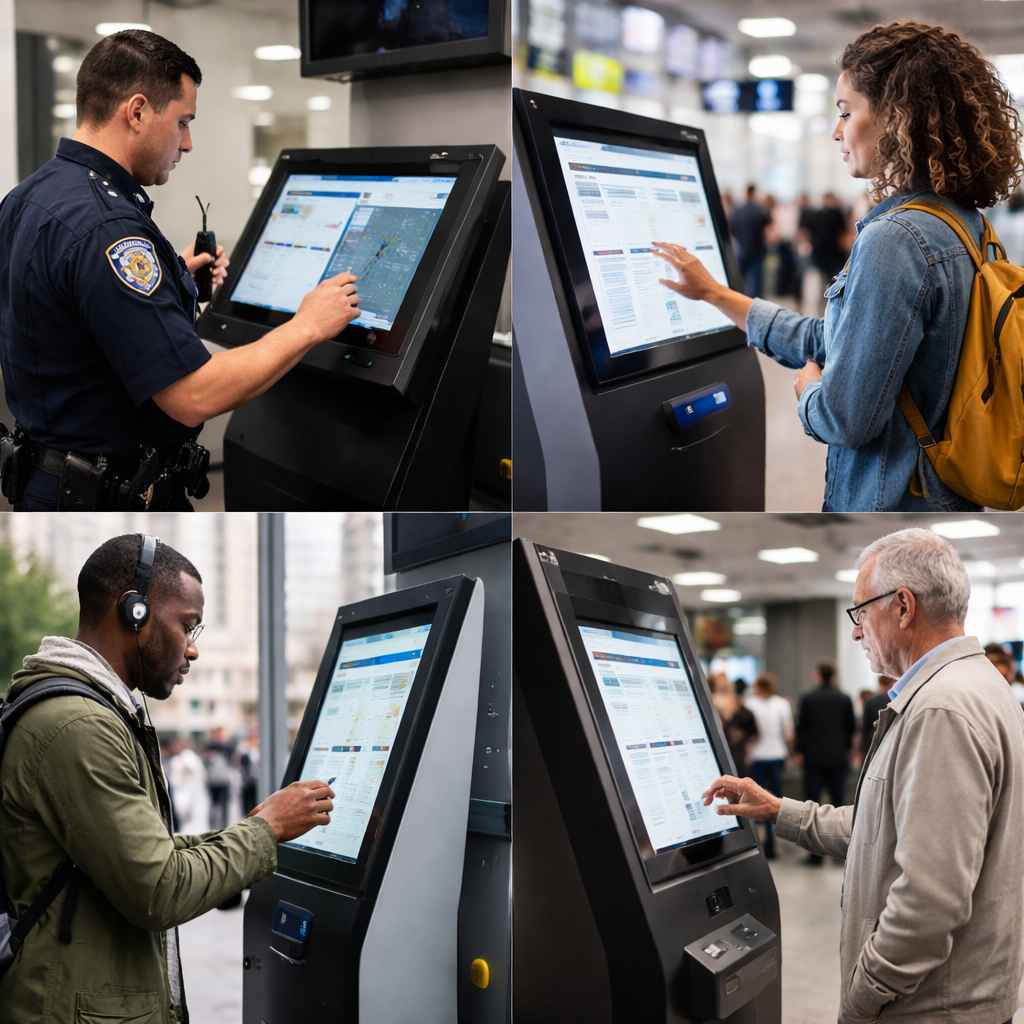
People using public kiosk
1. Device Encryption
Government and emergency operations use public safety kiosks to handle sensitive information, such as police records, judiciary information, and medical details. Agencies must protect this data even when someone loses or steals a device. A strong UEM platform ensures full-disk encryption is enabled, regardless of OS. Whether it’s BitLocker on Windows or FileVault on macOS, the system should enforce encryption policies, flag non-compliant devices, and, when required, lock them down until they meet compliance standards.
2. Peripheral and Network Control
Public safety kiosks face risks from physical interfaces and networks as well. USB drives, unauthorized Bluetooth devices, or public hotspots can all become backdoors for data theft or malware. An effective UEM solution provides granular control over the endpoints, allowing IT teams to block external storage, limit Bluetooth connections, or disable tethering or hotspots entirely. This reduces the risk of attacks and ensures that endpoint behavior remains predictable and secure.
3. Audit-Ready Compliance Tracking
Departments operating under strict compliance frameworks like Criminal Justice Information Services (CJIS) should prove that their devices always remain compliant during audits. A strong UEM foundation creates an audit trail automatically by logging every policy enforcement, configuration change, and encryption status. During inspections and audits, teams can produce clear, timestamped records and reports of all the minute details of the kiosk device within minutes.
4. Remote View & Control
A device freezing during dispatch or an app refusing to load can have severe consequences in critical environments. These scenarios call for unattended fixes and immediate troubleshooting. But devices hosted away from the admin make it more challenging. UEM solutions should facilitate this with remote device management, including features like:
Live View: Mirror the kiosk screen in real-time, instantly diagnosing the issue as the responder sees it and fix them.
Remote Control: Take over and control the device to perform essential fixes all without user intervention.
Real-time Telemetry and Diagnostics: Proactively monitor telemetry data such as battery state, memory utilization, network saturation, and app crash logs, either as reports or in real-time.
5. Automated Patching
Automated patching allows you to schedule OS and app updates during predictable low-activity windows, such as late nights or shift transitions. Through this, you can ensure devices receive the latest security fixes without affecting response times or taking units out of service. It also prevents differences between devices, keeping the entire fleet uniformly up to date.
Understanding Patch Management: Why it Matters?
Learn more about patch management and understand how well-structured patching keeps devices protected.
6. Scaling Security Services
Public safety kiosks can span hundreds or thousands of endpoints across police, fire, EMS, and municipal teams, and can expand across devices and domains. Therefore, a management solution which is effortlessly scalable is essential. UEM platforms with multi-tenant or hierarchical controls help IT teams and MSPs manage all devices from one console. They provide:
Policy Consistency: Apply security and kiosk policies uniformly across all clients.
Operational Efficiency: Reduce the operational overhead and context-switching required by managing multiple client accounts from different platforms.
Consolidated Reporting: Generate compliance reports specific to each client agency from one dashboard.
7. Zero-Touch Provisioning
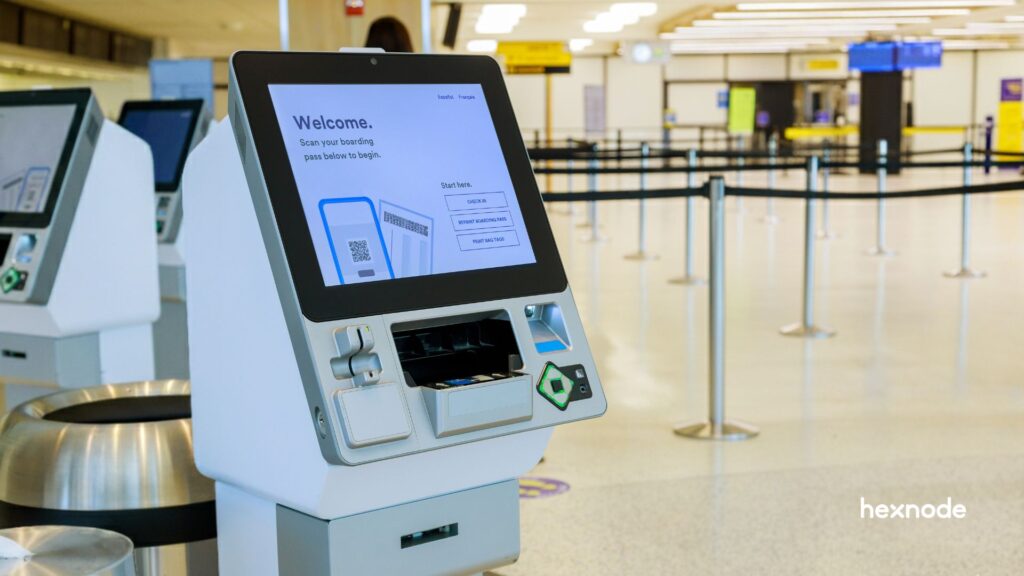
Emergency services often deploy devices directly to field locations, meaning traditional manual setup is impractical. Zero-touch provisioning eliminates the need for in-person configuration. Devices ship directly from the vendor, automatically enroll in UEM at first startup, and lock into the correct kiosk mode, encryption policies, network settings, and compliance rules. This approach reduces setup errors, accelerates deployment during emergencies, and ensures every kiosk begins its lifecycle fully configured and compliant from the moment it powers on.
Featured Resource
Hexnode Zero Touch Device Management
Download the datasheet to find out more about Hexnode's Zero Touch Device Management features.
In the case of a portable kiosk, the UEM architecture must be able to analyze its location and assign security measures based on it. For this a UEM that support dynamic policy swapping based on its immediate operational context, such as precise location or time parameters is needed. The UEM should then also allow the device to automatically enforce more restrictive security controls the moment it moves outside a designated, trusted physical perimeter or geofence.
Bringing all these requirements together, from encryption and enforcement to audit ready compliance, is what separates a generic device management solution from a true public safety platform. An UEM capable of delivering these pillars becomes the backbone of a dependable emergency response infrastructure. Hexnode UEM is engineered around these exact principles, giving agencies a unified field-ready foundation for building secure, compliant, and always available public safety kiosks.
Real-World Use Cases: Where Hexnode UEM Makes the Difference
Public safety devices are operated in a variety of conditions like moving vehicles, in extreme temperatures, and constant pressure. This is where the practical value of a strong UEM platform becomes obvious. The following use cases show how the right UEM platform supports public safety teams in the moments they need it most.
Use Case 1: Instant Dispatch Access through Single App Kiosk Mode
In emergency response, the gap between a dispatch call and a responder’s arrival is very critical. When a patrol car or fire engine receives a distress call, the location and situational data must be pushed and locked onto the dashboard device instantly. There is zero margin for manual navigation, accidental app-swaps, or UI distractions. This is why a strong UEM must lock the device into a CAD or AVL app, ensuring it auto-launches and locks on to that information.
Hexnode’s single-app kiosk mode provides this non-negotiable lockdown. It turns the mobile endpoint into a dedicated dispatch terminal. It suppresses distractions and keeps critical data instantly available for urgent decisions.
Use Case 2: Guaranteed Uptime with Instant Remote Resolution
Imagine a scenario when an officer calls in saying the dispatch app has frozen, or the critical mapping software stopped responding mid-shift. You can’t have that officer drive back to the station for a manual fix, sacrificing precious minutes. Your management system must let IT teams access the device remotely. They should see what the responder sees, fix the issue, and keep the vehicle in rotation.
Hexnode’s remote view and control tools solve this operational bottleneck instantly. You can mirror the screen, apply essential fixes like clearing a cache or restarting an app in real-time. Paired with automated patching, you ensure devices stay updated and secure without ever interrupting active duty. The result is minimized vehicle downtime and guaranteed operational availability when the public needs it most.
Elevate Your Emergency Service Management with Hexnode UEM
Deploying and maintaining secure public safety kiosks is a challenge that demands specialized management far exceeding standard UEM capabilities. IT teams must deploy devices instantly, troubleshoot them remotely, and maintain compliance with features like geofencing and strict controls. These capabilities help improve user experience and responder efficiency.
UEM solutions like Hexnode are the essential management platform purpose-built for this environment. It transforms standard hardware into secure, single-purpose public safety endpoints by providing verifiable configuration control and real-time visibility. By automating compliance and ensuring zero-downtime maintenance, Hexnode guarantees fast response workflows and robust security.
Frequently Asked Questions (FAQ)
1. What is the main security risk of Kiosks in public safety vehicles?
The main risk is unauthorized access to sensitive data and distraction. If the device is not locked down, the driver could access unauthorized apps, or unauthorized users could access criminal records if the device is left unattended.
2. What role does UEM play in CJIS compliance for first responders?
UEM provides the auditable proof required by CJIS. It enforces mandatory controls like strong passwords, session locks, and full-disk encryption. It also maintains detailed logs proving the security policies are continuously active on the mobile endpoint.
3. Can Hexnode UEM enable different Kiosk modes for different responder roles?
Yes. Hexnode uses dynamic device groups and role-based access control. IT teams can apply policies to provision different kiosks instantly. For example, a firefighter kiosk can focus on hydrants and mapping apps. An EMS kiosk can focus on patient intake forms and communication apps.
Keep Public Safety Kiosks Secure, Compliant, and Mission-Ready
Hexnode gives you the control, visibility, and automation needed to keep every kiosk mission ready.
Curious, constantly learning, and turning complex tech concepts into meaningful narratives through thoughtful storytelling. Here I write about endpoint security that are grounded in real IT use cases.