Devices report location via GPS, Wi-Fi, and cellular triangulation; consent, GDPR compliance, and BYOD boundaries determine whether tracking is legally defensible.
Key features to evaluate: scan location, periodic tracking, location reports, force-enable location, and geofencing.
Hexnode UEM supports scoped, policy-driven tracking across Android, iOS, Windows, and macOS — including geofencing that flags non-compliant devices automatically.
Imagine yourself trekking on a deserted mountain with no GPS. A widely known way of tracing the path you are following in unchartered territory is trail brazing. Why is this relevant you ask? because random facts are cool.
You need not be in a wild unknown territory to be lost, and tracking isn’t just to make sure you’re safe. It serves multiple purposes. Let me tell you how…. but first
What is Geo tracking?
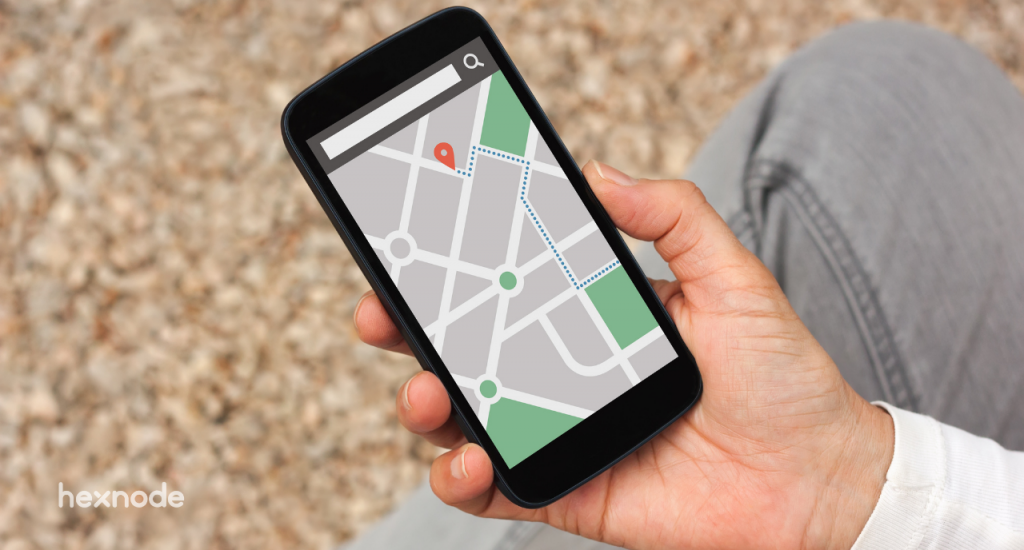
Geo tracking, also known as geographical tracking, is the process of determining someone’s or something’s physical location at a specific point in time.
To be more specific about its requirement, it is most useful for enterprises who want to track their devices and whereabouts. This can be due to a lot of factors, like privacy, productivity, and other use cases. Location tracking can be done with the help of a Unified Endpoint Management solution.
How Does Device Location Tracking Actually Work?
Before enabling anything, it helps to know what’s happening under the hood.
Devices don’t rely on one single method to report location. Most UEMs pull from a mix of sources:
GPS gives the most accurate reading outdoors, but drains battery faster and struggles indoors.
Wi-Fi positioning estimates location from nearby networks — useful indoors, where GPS signals weaken.
Cellular triangulation uses mobile tower signals as a fallback when neither GPS nor Wi-Fi is available.
Hexnode pulls whatever positioning data the device’s own location services report — GPS, Wi-Fi, or mobile network — and for the most reliable blend of all three, the device needs High Accuracy mode turned on, which admins can prompt Android users to enable.
There’s also a timing decision worth knowing: some platforms track constantly (“Always On”), while others only ping location when a device is reported lost. Constant tracking gives richer historical data; on-demand tracking is lighter on battery and arguably more privacy-conscious.
Neither approach is universally “correct” — it depends on whether your priority is asset visibility or minimal footprint. Knowing this distinction helps you configure tracking frequency intentionally, rather than defaulting to whatever setting happens to be pre-selected.
Before you can track any device, we need to turn the location services on. The way to do this differs based on the OS of the device.
Constant tracking isn’t that an invasion of privacy. Well, it’s complicated. In the age that we live in, remote work is not a choice but the only way forward. When the users are scattered all across the globe it is imminent that they go around places, connecting to unsafe networks or leaning towards unproductive things and in cases like these, location tracking becomes a necessity for corporates.
Is Employee Location Tracking Legal? Consent, Privacy, and Compliance
Let’s actually unpack the “it’s complicated” part.
Location tracking sits at the intersection of security and privacy law, and getting it wrong can cost more than the device you’re trying to protect.
Most regions require some form of employee consent before tracking a personal or work device. GDPR, for instance, treats location data as personal data — meaning organizations need a legitimate purpose and a transparent policy, not just a UEM license.
The practical fix is scope, not avoidance. Track corporate-owned devices under a documented acceptable-use policy. For BYOD, track only the managed work container, never the personal side of the device.
Transparency also isn’t optional. Employees should know tracking is active, why it’s active, and what triggers it — a lost-device search is very different from constant surveillance, and your policy should say so explicitly.
A UEM doesn’t decide your legal posture for you. It just needs to support the guardrails your legal and HR teams set — consent prompts, scoped tracking, and clear audit trails.
Get this right, and location tracking stops being a privacy liability and becomes exactly what it should be: a security tool with boundaries.
Lost and found
This is the most obvious use case of Geo tracking. Imagine you lose your corporate device. If it is enrolled with a UEM like Hexnode, you need not worry, because knowing the location of the device is just a click away for the IT admin. This saves the corporate valuable money. In the off case that the device is not connected to the internet or just cannot be retrieved, the admin can push a policy to wipe the device. Hence, protecting the corporate data.
Featured resource
Why Hexnode UEM
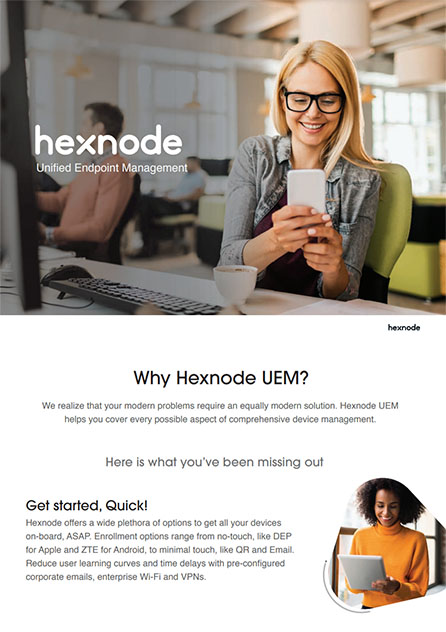
We realize that your modern problems require an equally modern solution. Hexnode UEM helps you cover every possible aspect of comprehensive device management. Refer to the brochure to know more about UEM features.
When an employee works from a remote location, oftentimes corporate is not present to monitor their productivity and gather valuable information. There are many industries that rely on Geo tracking for a multitude of their corporate needs. Like transport services, vehicle rental services, food delivery among others.
Industries that use Geo tracking
Track your hunger
It is highly likely that you have ordered food from services like Just Eat, Grubhub, and UberEats. While we constantly refresh our screens to check where our delivery person is, the technology we use to keep us sane is Geo tracking.
Transportation
Earlier people used to arrive at the boarding point or hit the street quite early in search of a cab. They could only book a cab from a single boarding site or had to resort to going on the road and finding one.
However, uber changed the ball game, introduced GPS and time monitoring technologies, making travel simple and secure. People can now hire a cab from the comfort of home. They can track the cab’s location and predicted arrival time.
Well, this isn’t the only travel industry that uses Geo tracking, it can be used to track valuable items that are being transported and can constantly update you about their whereabouts. Everything from on-board flight to a cruise ship is integrated with dedicated Geo tracking technology.
Vehicle rental
Industries renting out vehicles are giving out an important asset and it cannot just be run on trust, a dedicated Geo tracking technology is of paramount importance to make sure the vehicle is safe.
It also helps in calculating the distance travelled by the vehicle, as most rented out vehicles have a cap on the number of kilometers a person can use the vehicle. This eliminates the risk of theft, while also helping the cause of the business
Logistics
A logistics company’s drivers and frontline executives must have access to a complete repository of information regarding the real-time location and usage scenarios of endpoints and vehicles. When a UEM solution for logistics providers includes location monitoring as a feature, it may greatly improve the company’s IT security. It enables the organization to keep on top of endpoint security and allows them to follow their devices and employees in real-time.
When a vehicle or driver is being tracked this also helps in improving productivity, as being constantly monitored. The drivers will tend to finish their work on time and huge money, that the drivers spend on fuel for personal gain, can also be reduced.
By enrolling the devices into a UEM, the enterprise can manage and monitor the entire device fleet, saving up a lot of time and money.
Schools
It is important to manage and track the devices used by kids, Geo tracking helps you track the whereabouts of the device in case a kid misplaces it or helps in finding the kid himself/herself. Enrolling it in a UEM such as Hexnode also unlocks other possibilities to manage and deploy various policies besides tracking.
Industries
Core industries with huge workplaces, involving a lot of manufacturing and moving around, have a need to manage and track devices. In a huge industry, oftentimes it is very hard to navigate all by yourself and there is a need to locate important personnel and equipment. If you enroll your devices in Hexnode, with its geofencing feature, you can easily track the movement of personnel and make geo-fence. This will make sure that, if an employee walks out of an assigned location, the managed corporate device he/she is using will become non-compliant.
Now that you know the importance of Geo tracking and how using a UEM can ease up its basic requirements. Let us look into some important features for Geo tracking that you need to look out for before selecting a UEM.
Start off by looking for this feature, can your UEM retrieve the live location of the enrolled devices in the network?
Location tracking
This feature updates the location of the device periodically, depending on the time period set by the admin.
Location reports
This feature lets you view information on the location history of the enrolled devices, and filter these reports based on their recorded dates.
Force enable location
There can be multiple bad apples in a company that would want to sneak through this level of scrutiny, so it is important for the UEM you choose to have a feature that forces the user to enable location of the device at all times on their work devices.
BYOD vs. Corporate-Owned: Where Should Tracking Stop?
“Force enable location” sounds great for corporate devices. It sounds a lot more invasive on an employee’s personal phone.
This is where ownership model changes everything. On a corporate-owned device, forcing location on is a reasonable security baseline — the device is a company asset, full stop.
On a BYOD device, the same setting can cross a line fast. Employees reasonably expect their personal location history — home, weekend errands, doctor visits — to stay private.
The fix isn’t choosing between security and privacy. It’s scoping tracking to the work container only. A properly configured UEM should track the managed profile’s location and activity without touching personal apps, personal location history, or anything outside the work boundary.
When evaluating a UEM, don’t just ask “can it force location on?” Ask “can it force location on for the work profile only, on BYOD devices?” That distinction determines whether your policy is defensible or a liability waiting to surface in an employee complaint.
Get this boundary right at the policy level, and geofencing, scan location, and location reports all become far easier to justify — because they’re scoped to exactly what the business needs to know.
Geofencing
This is a game-changer when it comes to device management capabilities. Geofences are virtual location barriers that are placed by the IT admins. This helps admins configure and push various policies and restrictions on devices that are inside the allocated geofence. This can also be used to make a device non-compliant in case a device moves out of the geofence. By using dynamic grouping along with geofencing, admins can push policies together to multiple devices which are grouped together, and easily monitor devices that fall out of the group due to non-compliance. Organizations can then apply stringent security policies to the devices that are out of compliance or in the worst case can remove them from the enterprise network itself.
Can employees turn off location tracking on their work device?
On corporate-owned devices, IT admins can enforce location services and prevent users from disabling them through a force-enable policy. On BYOD devices, this control should be scoped only to the managed work profile, leaving personal-side settings untouched. The exact restriction depends on how the organization’s UEM policy is configured.
Does location tracking still work if a device is offline?
No, real-time location tracking requires an active internet connection to report data back to the UEM console. If a lost device has no connectivity, admins cannot fetch its live location and may need to rely on the last known location or push a remote wipe instead. This is why device recovery strategies typically pair tracking with remote lock and wipe policies.
What happens if a device leaves its assigned geofence?
The device is automatically marked as non-compliant in the UEM console once it exits the defined virtual boundary. Admins can then trigger stricter security policies, remove it from a compliant device group, or escalate to further remediation. This makes geofencing useful for enforcing location-based access rules without manual monitoring.
How often should a UEM update a device’s location?
There’s no single correct frequency — it depends on whether the priority is detailed historical visibility or minimal battery and data usage. Continuous (“Always On”) tracking provides richer location history, while on-demand tracking only pings location when needed, such as after a device is reported lost. Admins should set the interval intentionally rather than relying on default settings.
Does GPS need to be enabled for a UEM to track a device indoors?
Not necessarily, since GPS signals weaken indoors and most UEMs fall back on Wi-Fi positioning or cellular triangulation instead. These methods estimate location using nearby networks or mobile tower signals when GPS accuracy drops. A well-built UEM blends all three sources automatically to return the most reliable result.
Tracking the best UEM
Hexnode is one UEM that you can bank on to deliver all the capabilities that we have discussed thus far. With its feature-rich portal and multi-platform support look no further as we got you covered.
Get to know Hexnode better
Implement Geo-tracking into your device management suite with Hexnode.



 Lizzie Warren