Hexnode IdP conditional access aligns access rules with user identity, device compliance, and security context.
Poorly scoped policies can expose resources, interrupt legitimate access, and increase troubleshooting.
Define requirements, confirm supported controls, and test permitted and restricted access before expanding deployment.
Use Hexnode IdP’s authentication, session, and reporting capabilities to support access requirements, investigate unexpected results, and maintain policies as business needs change.
Why do conditional access policies need careful design?
Hexnode IdP conditional access policies need careful design because access requirements vary across users, applications, devices, and working locations. IAM administrators must translate those requirements into clear rules that protect business resources while allowing employees to complete legitimate tasks.
That becomes difficult when teams leave key questions unanswered: who needs access, under which conditions, and for which business purpose? Vague requirements can produce inconsistent restrictions, unnecessary exceptions, and repeated policy changes.
This field guide explains how to define access requirements, configure documented Hexnode IdP controls, validate expected outcomes, and maintain policies as your workforce and application needs change. The goal is consistent access decisions that administrators can test and explain.
What happens when access policies are too permissive or restrictive?
Overly permissive policies can expose sensitive resources. Overly restrictive policies can prevent employees from accessing the tools they need.
Unnecessary access: Users can reach applications or data beyond their job requirements.
Employee lockouts: Legitimate users lose access, which delays their work.
Repeated troubleshooting: IT teams spend time investigating failed sign-ins and adjusting rules.
Difficult access reviews: Unclear requirements make it harder to explain why someone has access or faces restrictions.
Each policy needs a clear purpose, an owner, documented requirements, and a tested recovery procedure. The goal is predictable access decisions that protect resources and support everyday work.
How does Hexnode IdP conditional access work?
Hexnode IdP conditional access enforces access rules using user identity, device compliance, and security context. These factors help administrators account for the circumstances surrounding an access request.
Start policy design with three questions:
Who needs access? Identify the users and their business requirements.
What conditions should apply? Define the relevant access requirements.
What outcome should follow? Specify the expected access decision.
Use these questions to organize requirements before configuration.
Which access conditions does Hexnode IdP support?
Hexnode IdP supports access rules around three categories:
User identity: The identity requesting access.
Device compliance: Whether the device meets applicable compliance requirements.
Security context: The circumstances surrounding the request.
Hexnode also documents location and network restrictions. The dashboard’s Conditional Policies widget summarizes their enforcement scope and links to the Security tab through Manage Policies.
Map each business requirement to a supported condition and confirm device compliance support for your intended applications and platforms.
How do application assignments, MFA, and session controls fit together?
Each control serves a specific purpose:
Application assignments determine which users and groups receive access to configured applications. Conditional access adds requirements surrounding that access.
Contextual Authentication adds two-factor step-up authentication for high-risk actions.
Session Management controls access duration through session inactivity policies.
Review application entitlement, authentication requirements, and access conditions separately when designing policies.
Conditional Access Explained
Understand conditional access policies, device compliance, and secure rollout practices.
How do you design and roll out Hexnode IdP conditional access policies?
Confirm prerequisites, define access requirements, configure supported controls, and test representative scenarios. Review the results before expanding deployment. The steps below combine documented Hexnode workflows with practical recommendations for testing, recovery, and ongoing maintenance.
Step 1: Confirm licensing, application readiness, and access assignments
Start with a working application integration and the correct subscription. Establish successful baseline authentication before adding access restrictions.
Verify licensing and application access
Confirm Hexnode IdP Enterprise, which includes the Conditional Access Engine and Context Aware Policies.
Ensure the pilot application already has its SAML or OIDC configuration.
Open Applications > MyApps, select the application, and review Assignments for the intended users and groups.
Define the pilot and responsibilities
Choose users who represent the access scenarios you need to support. Assign an application owner and an administrator who can investigate failures and restore previous settings. Confirm that pilot users can sign in before introducing additional restrictions.
Step 2: Build a policy requirements matrix
Write down the access decisions your organization needs. Treat the following scenarios as proposed requirements to validate against available Hexnode IdP controls.
Record the business reason for each requirement. Keep application entitlement separate from contextual restrictions: needing an application does not remove its access requirements.
Give every temporary exception an owner, a reason, and a review date. Confirm support for device compliance conditions in your intended application and platform combination.
Step 3: Map requirements to the documented security controls
Use the requirements matrix to guide configuration. Keep application assignments separate from the security conditions surrounding access.
Open the conditional policy controls
From the dashboard, open Conditional Policies > Manage Policies to reach the Security tab. The widget summarizes the scope of location and network restrictions.
Map your location and network requirements to the available controls. Record each rule’s intended behavior and validate how controls interact during the pilot.
Add authentication and session requirements
Consider these controls where they address a specific requirement:
Contextual Authentication: Add two-factor step-up authentication for high-risk actions.
Session Management: Define session inactivity policies to control access duration.
Document why each control belongs in the design and what users should experience. Confirm the available settings in your tenant before including them in rollout instructions.
Step 4: Test permitted and restricted access before expanding deployment
Check that legitimate access succeeds and intended restrictions take effect. Change one condition at a time so you can identify what affects the result.
Test the main access scenarios
Intended users and users without application access.
Access from permitted and restricted networks or locations.
Compliant and non-compliant devices wherever the relevant controls apply.
For each test, record the user, application, context, expected outcome, observed result, and timestamp.
Verify recovery and prepare support
Test the administrator’s recovery procedure and confirm that restoring previous settings returns access to the expected state.
Resolve unexpected results before expanding deployment. Give users clear instructions explaining what to do when access fails, what information to collect, and how to contact support. Expand the rollout gradually and review each group’s results.
Step 5: Investigate failures and maintain the policy design
Use authentication records to investigate unexpected results. Check the access requirements and configuration before relaxing a restriction.
Review sign-in evidence
Open Users Dashboard > Last 10 Sign-ins> Sign in Logs to reach Reports for authentication details. Match the user and timestamp to your test record.
Use the main dashboard’s Login Activity to review failed sign-ins and failed MFA verification. Check User Sign-in Locations for location context. These widgets support investigation but do not explain every policy decision.
Correct the cause and review changes
Check account readiness, application assignments, authentication configuration, and relevant access conditions. Update the requirement or configuration that caused the unexpected result, then repeat the test.
Reassess policies when applications, user responsibilities, or working locations change. Review temporary exceptions with their owners and document any changes to expected access.
Why choose Hexnode IdP for this access policy design?
Hexnode IdP connects contextual access requirements with authentication controls and ongoing oversight. Assess its fit against the access scenarios, expected outcomes, and operational needs you validated during the pilot.
Contextual access controls: Hexnode IdP Enterprise includes the Conditional Access Engine and Context Aware Policies. Map these capabilities to the access requirements your pilot confirmed.
Additional verification and session controls: Contextual Authentication provides two-factor step-up authentication for high-risk actions. Session Management lets administrators define inactivity policies to reduce exposure from unattended sessions.
Visibility for ongoing reviews: The Conditional Policies widget summarizes the scope of location and network restrictions. Activity Reports cover sign-in logs, provisioning, and authentication history, helping administrators review activity and investigate unexpected results.
Featured resource
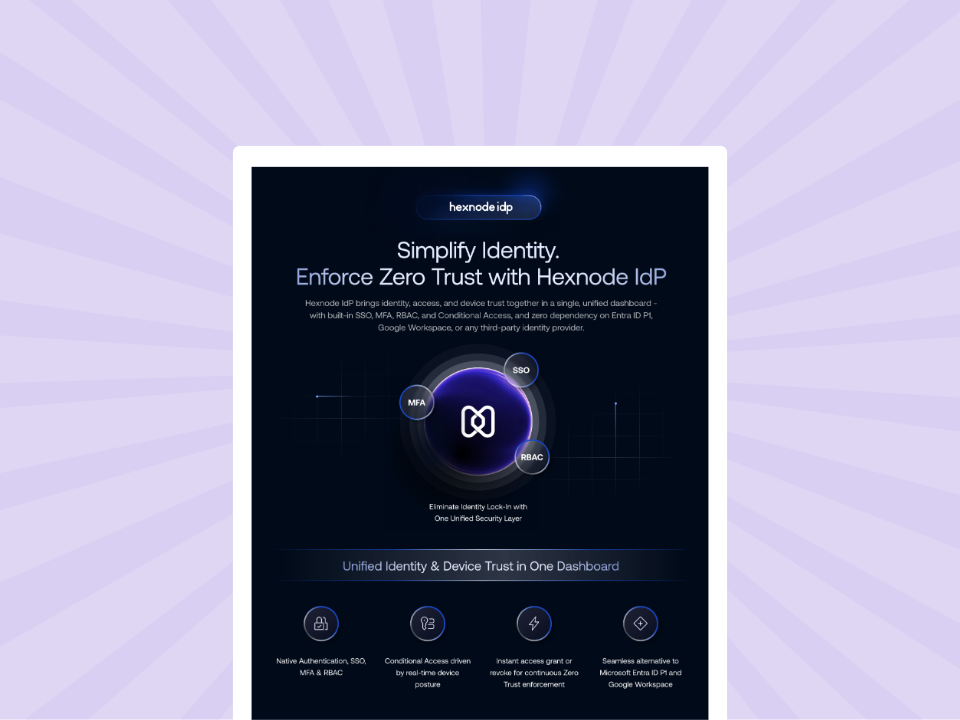
Hexnode IdP Info sheet
Explore how Hexnode IdP connects identity, access controls, and device trust to support enterprise security.
Can a user pass MFA and still lose access to an application?
Yes, completing MFA does not establish that the user meets every access requirement. The user must also have the appropriate application assignment and satisfy applicable conditional access rules.
Should every application use the same conditional access requirements?
Access requirements should reflect each application’s business purpose, intended users, and supported controls. Reuse requirements where those needs align, but validate the expected outcomes for each application before deployment.
How should I handle location-based access restrictions for employees who travel?
Review the employee’s expected locations and application needs before travel. If a temporary exception is necessary, use supported controls, document the reason, assign an owner, and set a review date.
Validate your access requirements with Hexnode IdP
Bring a representative application, a small group of pilot users, and your requirements matrix into a Hexnode IdP evaluation. Test the access scenarios that matter to your organization, compare expected and observed outcomes, and check how your team will manage policy changes.
Use those results to assess product fit and operational readiness before expanding deployment. Request a Hexnode IdP demo to evaluate conditional access policies against your organization’s access requirements.
A storyteller for practical people. Breaks down complicated topics into steps, trade-offs, and clear next actions—without the buzzword fog. Known to replace fluff with facts, sharpen the message, and keep things readable—politely.