TL;DR:
Unattended retail is moving beyond old vending machines into smart, self-service kiosks that let customers shop, pay, and move on without staff assistance. From micro-markets to healthcare, grocery, and automotive use cases, these kiosks reduce wait times, lower operational costs, and support 24/7 service. But to work reliably at scale, they need secure lockdown, remote troubleshooting, and centralized device management.
Unattended retail is a transaction model using self-service kiosks. Customers select products and pay without employee assistance. Unattended retail can use technologies such as IoT sensors, contactless payments, AI-based tracking, and device management, depending on the deployment. These solutions appear frequently in airports, offices, and stores.
Snail mail and video stores are ancient history. Streaming replaced the hassle of driving to rent movies. Technology has expanded where and how unattended retail can operate. Contactless payments like Apple Pay make interactions easy. Smart sensors create intuitive retail hubs.
The Evolution: From Vending to Micro-Market Kiosks
A micro-market kiosk is an open retail space. Customers pick items from shelves and pay at a terminal. It differs significantly from traditional vending machines. Micro-markets allow the purchase of multiple items at once. They offer a convenient “grab-and-go” experience.
Old vending machines were often frustrating. Crinkled bills would get stuck frequently. Modern self-service kiosks often use touchscreens, tablets, or purpose-built terminals designed for easier customer interaction. These touchscreens are highly user-friendly.
The Definitive Guide to Kiosk Management and Strategy (2026 Edition)
Key Differences at a Glance
| Feature |
Traditional Vending |
Modern Unattended Retail (Kiosks) |
| Product Access |
Locked behind glass |
Open shelves or “smart” carts |
| Transaction |
One item at a time |
Multi-item basket checkout |
| Technology |
Mechanical dispensing |
Touchscreens, sensors, RFID/barcode scanning, app-based checkout, computer vision, or device management depending on the setup. |
| Payment |
Cash/Coin heavy |
Card, contactless, app-based, QR-code, or biometric options depending on the kiosk. |
Real-World Applications of Unattended Retail
Unattended retail solutions reduce wait times and labor costs. Industries are deploying market kiosks to redefine service.
Automobile: Buying Cars via Kiosk
The auto industry has embraced the vending concept.
- Alibaba & Autobahn Motors: Autobahn Motors built a 15-story luxury car vending machine in Singapore, while Alibaba’s car-vending concept was a separate automotive retail and test-drive initiative in China.
- Service Centers: Ford uses smart service kiosks. Customers drop keys at the secure kiosk. Payment and retrieval happen later without waiting. The service advisor queue is skipped entirely.
Healthcare: Contactless Care
Hospitals use kiosks to minimize human contact.
- Patient Check-In: Kiosks handle registration and payments quickly. This reduces administrative bottlenecks significantly.
- Pharmacy Access: CVS places automatic retail kiosks in airports. Travelers buy medicine 24/7. It offers a private space for personal purchases.
Food & Grocery: The Smart Cart Era
The food industry leads unattended retail innovation.
- Restaurants: QSR chains use kiosks to speed up ordering.
- Amazon Go: Amazon Go uses Just Walk Out technology to track items and automate checkout, while Amazon Dash Cart is Amazon’s smart shopping cart system. Just Walk Out uses cameras, AI, and sensor fusion to track items taken or returned, while Dash Cart uses cart-based sensors and scanners. With Just Walk Out, the system maintains a virtual cart and automatically processes payment when the shopper exits.
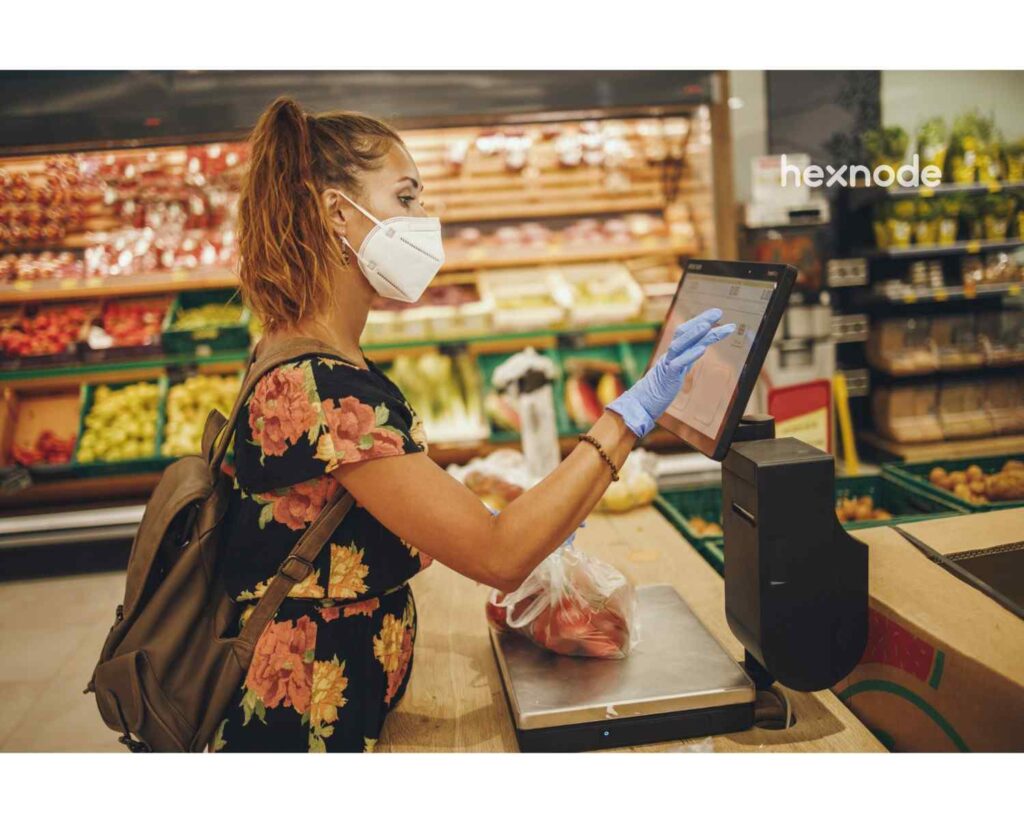
- Albertsons: Albertsons piloted automated grocery pickup kiosks at select stores, including a Jewel-Osco location in Chicago. The kiosk stores pre-ordered groceries and robotically moves the order to the pickup area after the customer scans a code.
Retail Kiosk: The Complete Guide to UEM Security & Management
See how Hexnode secures and manages retail kiosks with centralized control, remote maintenance, and kiosk lockdown.
Operational Setup Experience: Deploying a Kiosk with Hexnode
Setting up a kiosk requires strict security measures. Administrators must lock down consumer tablets effectively. This ensures the device runs only the POS application.
Simply installing an app is not enough. Users often try to exit the app. The following workflow using Hexnode UEM secures the device.
The “Single App” Lockdown
iOS Single App Mode: For a supervised iPhone or iPad, navigate to Policies > Kiosk Lockdown > iOS Kiosk Lockdown > Single App, select the retail app, and associate the policy with the device. The device is then restricted to the selected app and relaunches it after a reboot.
Peripheral Hardening
Where supported, administrators can configure platform-specific restrictions for volume and power or sleep/wake controls. Availability and behavior vary by operating system, enrollment mode, and device model.
The “Keep Alive” Protocol
On supported Android kiosk devices, administrators can configure a selected app to launch automatically when kiosk mode starts or after the device remains idle on the kiosk home screen for a specified interval.
Expert Tip: This prevents frustration-tapping on the screen.
Troubleshooting Common Kiosk Issues with Hexnode
Even the best hardware fails sometimes. Fast troubleshooting saves money.
Common unattended retail failures occur occasionally. IT teams resolve them using remote management tools.
Scenario 1: The “White Screen of Death”
The Issue: A customer reports a frozen screen.
The Hexnode Fix: On a supported and reachable device, the administrator can navigate to Manage > Devices, select the kiosk, and start a Remote View or Remote Control session. The administrator may also issue the Restart Device action as a troubleshooting step, but completion time and results depend on the platform and device state.
Scenario 2: Network Dropouts
The Issue: Wi-Fi issues stop payment processing.
The Hexnode Fix: Hexnode can push Wi-Fi configurations over the air to managed devices when the device remains reachable on the network. Physical contact may not be required if the device is still online and able to receive commands from the Hexnode UEM console.
Scenario 3: The Idle Screen
The Issue: Idle screens waste marketing potential.
The Hexnode Fix: Configure Hexnode Kiosk Screensaver to display images or play videos with audio while a supported Android kiosk device is idle. Use Digital Signage Display when the device should continuously play media in a loop.
Zero Trust Security Framework for Kiosks
Business Benefits of the Unattended Marketplace
Market kiosks offer advantages over brick-and-mortar stores.
- Cost Efficiency: Kiosks can reduce some operating costs compared with fully staffed retail formats, depending on the deployment model. They can reduce the need for dedicated cashier staffing, though businesses may still need staff for support, replenishment, monitoring, and maintenance.
- 24/7 Availability: Unattended retail can support extended or 24/7 availability when the location, infrastructure, and operating model allow it. Sales continue during holidays and nights.
- Data Accuracy: Self-service can reduce some ordering errors by letting customers directly review and confirm their selections. Customers get exactly what they select.
- Brand Agility: Kiosks act as digital billboards. Pricing updates across locations happen instantly.
Did You Know?
Consumer interest in faster, lower-contact checkout is one factor supporting self-service kiosk adoption. According to PYMNTS, 84% of U.S. consumers prefer self-service kiosks, and 66% of that group choose them over traditional staffed checkouts. The primary drivers for this shift are speed, shorter lines, and the ability to customize orders without pressure.
Why Hexnode is the Unattended Retail Solution Leader
Hexnode UEM is the backbone of secure unattended retail.
- Platform Independence: Hexnode manages Android, iOS, and Windows devices. A single Hexnode UEM console can manage multiple supported platforms, including iOS, Android, Windows, macOS, tvOS, Linux, ChromeOS, visionOS, and Zebra Printer.
- Scalability: Android Zero-touch Enrollment supports bulk provisioning of eligible corporate-owned devices. After an assigned device is powered on and connected to Wi-Fi or cellular data, it can automatically install Hexnode for Work, enroll in Hexnode UEM, and receive the assigned policies and apps.
- Location Tracking: Hexnode allows administrators to create a geographical boundary around a kiosk location and apply location-aware policies. A device can be marked as non-compliant when it moves outside the configured geofence, and administrators can configure alerts for the resulting compliance event.
- Health Monitoring: Hexnode can monitor battery telemetry reported during device check-ins. When a device reports a battery level at or below the configured threshold, an Alert Profile can send an email notification to designated technicians or service desk addresses.
Frequently Asked Questions
What makes unattended retail different from a regular self-checkout counter?
Unattended retail is designed to operate without staff involvement for the full transaction. A customer can select products, pay, and complete the experience through a kiosk or smart system. Regular self-checkout usually still exists inside a staffed store environment.
Why does unattended retail need device lockdown?
Kiosks are often placed in public or semi-public spaces, so users may try to exit the retail app or access device settings. Locking the device to a single app helps keep the kiosk focused on its intended purpose. It also reduces the risk of tampering or accidental misuse.
What happens if a kiosk freezes or loses connection?
When a supported kiosk remains online and meets the required platform and permission prerequisites, IT teams may use Remote View, restart actions, or remotely deployed Wi-Fi policies. If the kiosk is completely offline, remote commands cannot be delivered until connectivity is restored. Remote troubleshooting is especially useful when kiosks are spread across multiple sites.
How can businesses use kiosk screens when no one is actively shopping?
Idle kiosk screens can be used for digital signage. Instead of showing a blank or inactive screen, the kiosk can display ads, promotions, or brand messages. On supported Android kiosk devices, Hexnode Kiosk Screensaver can display images or play videos with audio while the device is idle.
Is unattended retail only useful for food and grocery businesses?
No. Food and grocery are major use cases, but the model also applies to healthcare, automotive services, offices, airports, and other high-traffic locations. The common goal is to reduce waiting, support self-service, and keep transactions available with minimal staff involvement.
Embracing the Future of Retail
The shift toward unattended retail is growing, although adoption varies by business model, customer experience, and operational needs. Customers demand speed and convenience. Businesses gain efficiency and lower costs. However, success depends on reliable technology. Security cannot be an afterthought.
Hexnode helps administrators centrally manage and secure supported kiosk devices through kiosk lockdown, policy enforcement, monitoring, and remote-management capabilities. The unattended marketplace is here to stay. Smart businesses are already adapting.
Power Your Unattended Retail with Hexnode UEM
Manage unattended retail kiosks with kiosk lockdown, remote support, and centralized management.
Sign Up Now