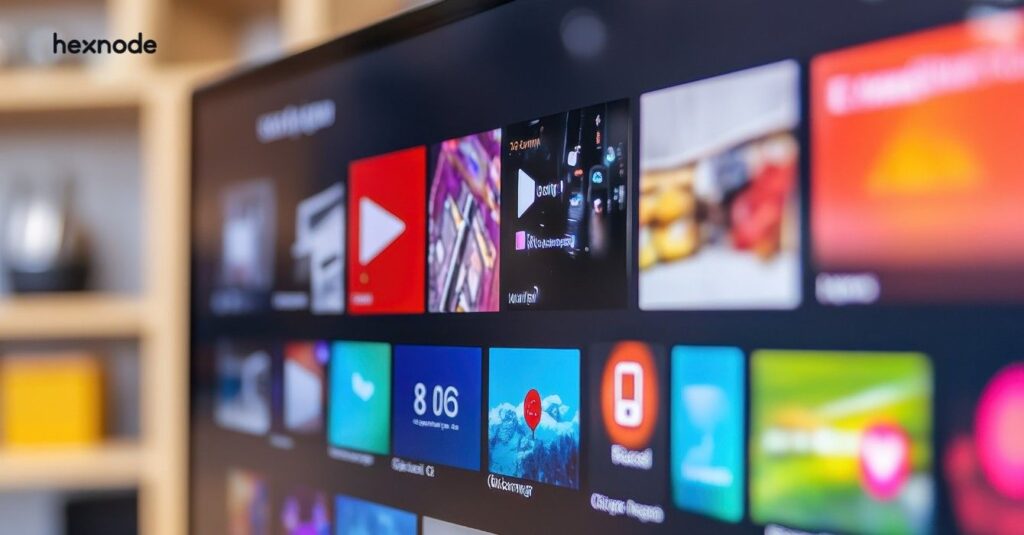
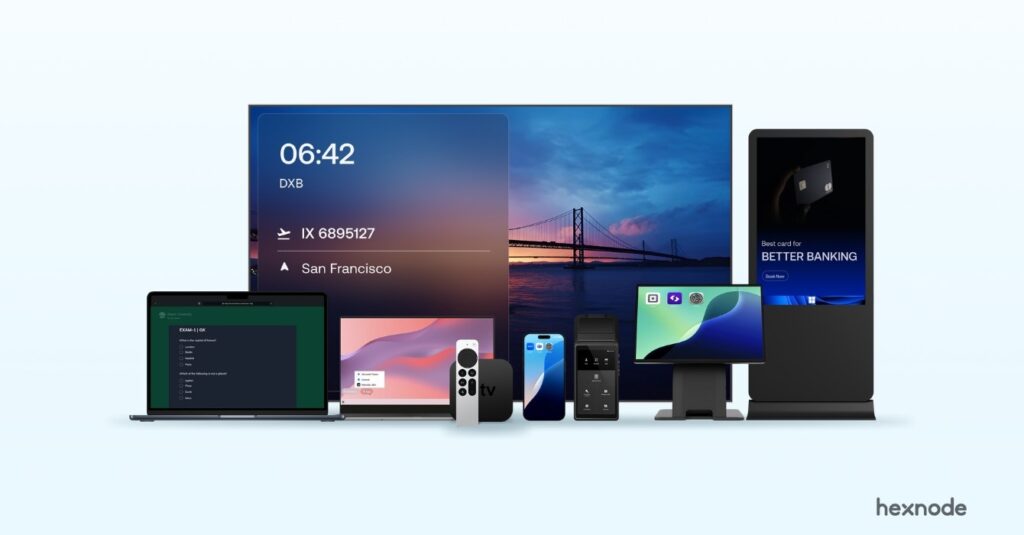
tvOS digital signage uses Apple TV devices to deliver app-based content across distributed screens. Without centralized control, deployments become inconsistent, difficult to manage, and prone to disruptions. Proper device management ensures consistent performance, controlled app behavior, reliable content delivery, and scalable operations across multiple locations.
Digital signage has moved away from dedicated hardware players to more flexible, software-driven systems. tvOs digital signage is part of this shift, where Apple TV devices are used as lightweight endpoints to render dynamic content across displays.
While setting up a single Apple TV for signage is relatively simple, managing multiple devices across locations introduces operational challenges. Differences in configuration, app behavior, and connectivity begin to affect consistency, making it difficult to maintain uniform display output.
To ensure reliability at scale, these devices must be controlled beyond basic setup. Managing tvOS devices involves enforcing behavior, maintaining visibility, and ensuring uninterrupted content delivery across all endpoints.
What tvOS digital signage means in real deployments
Apple TV in signage environments acts as a dedicated execution layer, not a content management system. In app-based digital signage deployments, Apple TV typically relies on an application to retrieve, process, and display content, although other delivery methods such as AirPlay are also supported. It relies entirely on applications to fetch, process, and display content.
In a typical setup:
Content is created and scheduled in a centralized CMS or dashboard, where administrators control what is displayed across different screens and locations.
The digital signage app on Apple TV receives the assigned content from the system and manages its playback, including updates and display behavior.
Apple TV renders the content continuously on the display, with device management ensuring the app stays active and runs without interruptions.
This separation introduces flexibility but also dependency. If the app exits, crashes, or behaves inconsistently, the display output is immediately affected. Compared with signage platforms that integrate player and management functions, Apple TV deployments may use a separate device-management layer to improve configuration consistency and operational control at scale.
Where Apple TV signage breaks without management
At a small scale, issues are easy to ignore. As deployments grow, patterns start to emerge. Some devices begin showing screensavers instead of content. Others disconnect from Wi-Fi without any visibility. In certain cases, the digital signage app exits and the device returns to the home screen, and the device returns to the home screen.
Common breakdown points include:
Inconsistent device configurations across locations, leading to differences in display settings, network behavior, and overall content output.
Uncontrolled app updates that may alter playback behavior, introduce bugs, or interrupt ongoing content display.
Lack of visibility into device status, making it difficult to identify offline screens or detect failures in real time.
Dependence on manual troubleshooting, requiring physical access to diagnose and resolve issues across distributed environments.
No restriction on user interaction, allowing users to exit signage apps or modify settings, disrupting intended display behavior.
These issues rarely occur in isolation. Over time, they create fragmented deployments where each screen behaves differently, making centralized control difficult.
Why controlling tvOS devices is operationally critical
In signage environments, devices are expected to function continuously without deviation. Any interruption, whether caused by system settings, user input, or app instability, directly impacts what is displayed.
Control ensures:
Displays remain active without sleep interruptions.
App Lock keeps the signage app in the foreground and helps it resume after wake or restart.
Devices are not accessed or altered by users.
Content delivery remains uninterrupted.
Without enforcing these conditions, even well-designed signage systems become unreliable. The absence of control shifts operations from proactive management to constant troubleshooting.
Apple TV kiosk- Making it big with digital signage marketing
Apple TV kiosk mode with Hexnode UEM enables secure enterprise digital signage.
How tvOS device management works in practice
Managing Apple TV devices in Hexnode UEM follows a structured workflow that ensures consistent deployment and control across all devices.
Step 1: Add devices to Apple Business Manager
Register eligible Apple TV devices in Apple Business Manager, assign them to the Hexnode UEM server, and configure an Automated Device Enrollment profile. When the devices are activated and connected to a network, they can enroll automatically in Hexnode and be supervised for advanced management capabilities such as kiosk mode.
Step 2: Enroll devices into Hexnode UEM
Once assigned, devices automatically enroll into Hexnode without manual configuration. This eliminates the need for on-site setup and ensures devices are ready for centralized management as soon as they are activated.
Step 3: Configure device policies
Define policies to control device behavior, including restrictions, network configurations, and display settings. These policies ensure devices operate in a controlled environment suitable for digital signage without interruptions.
Step 4: Deploy signage applications
Remotely deploy supported Apple TV digital signage apps through Hexnode and manage their updates centrally. For enterprise apps, administrators can upload a newer IPA and issue the Install Application command again, while VPP deployment installs the updated or device-supported app version.
Step 5: Apply policies across devices
Associate the configured policies with device groups or individual devices. This ensures uniform configuration and consistent behavior across all Apple TVs, regardless of location.
Step 6: Monitor and manage devices
Continuously monitor device status and compliance through the Hexnode console. Perform remote actions such as restarting devices, updating configurations, or reinstalling apps to resolve issues without physical access.
This approach eliminates the need for manual setup and ensures that every device follows the same configuration baseline. Remote actions such as restarting devices or applying updates further reduce dependency on physical access, which becomes critical in distributed deployments.
Core control layers in tvOS digital signage
Managing Apple TV signage requires control across distinct layers, each addressing a specific part of device operation.
Device Configuration Layer: Controls system-level behavior such as sleep mode, screensavers, and display settings. These configurations ensure the screen stays active and content is not interrupted.
Application Control Layer: Ensures only the required Apple TV digital signage app is installed and running. Restricting access to other apps prevents users from exiting or interfering with the display.
Monitoring and Visibility Layer: Provides insight into device status and availability. This helps identify offline devices or failures before they interfere with normal operations
Network Management Layer: Maintains stable connectivity by configuring Wi-Fi and network settings. Reliable network access is essential for continuous content delivery and updates.
Challenges in managing Apple TV digital signage at scale
Scaling signage deployments introduces operational complexity that is not visible in smaller setups. As the number of devices grows across locations, managing consistency, monitoring issues, and maintaining control becomes increasingly difficult without a structured approach.
Alert fatigue makes it difficult to identify critical issues when multiple devices generate frequent notifications, leading to delays in addressing high-impact problems.
Lack of context limits understanding of why devices fail or behave inconsistently, making it harder to identify root causes quickly.
Tool fragmentation creates gaps when different management tasks are handled across multiple systems, reducing overall visibility and control.
Correlating issues across locations becomes difficult without centralized insights, especially when similar failures occur across multiple devices.
Limited investigation depth restricts troubleshooting without remote access, forcing reliance on manual checks and increasing downtime.
These challenges highlight the need for a unified management approach that provides both control and visibility, enabling teams to manage large-scale deployments efficiently.
How tvOS digital signage works in real-world use cases
Different environments use Apple TV signage in distinct ways, but all require consistent performance, controlled behavior, and reliable content delivery.
Retail
Retail environments use Apple TV signage to display promotions, advertisements, and in-store campaigns across multiple locations. Consistency is critical, as any mismatch in content directly impacts branding and customer experience.
Corporate
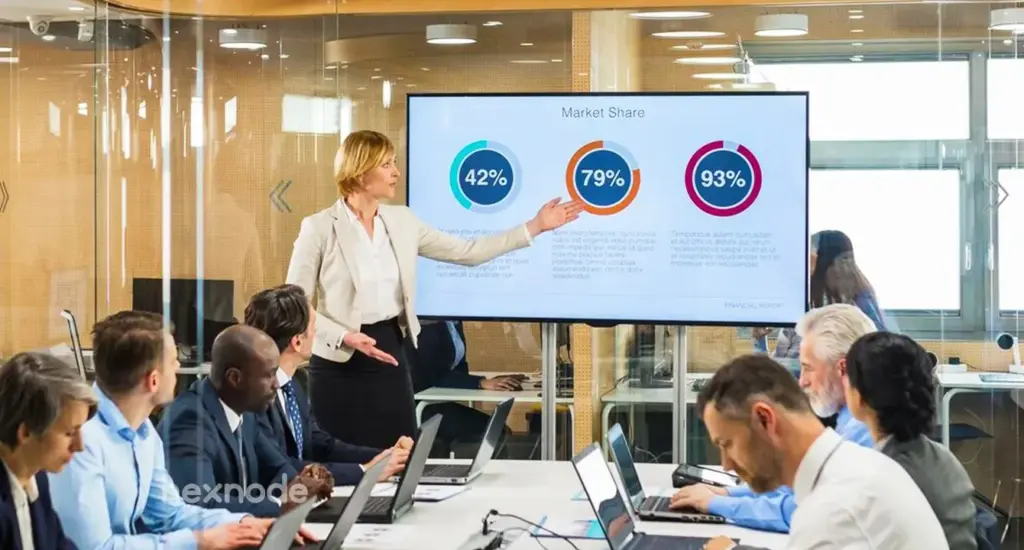
Organizations use Apple TV signage to display dashboards, announcements, and internal communications. These deployments require uninterrupted operation to ensure important information remains visible throughout the day.
Hospitality and events
Hotels and event venues use signage for schedules, directions, and dynamic updates across multiple areas. Content changes frequently based on events or guest needs, making it important to maintain both flexibility in updates and consistent device performance.
Healthcare
Hospitals and clinics use signage for patient information, navigation, and queue management across departments. These environments require high reliability, as display interruptions or incorrect information can lead to confusion and affect patient experience.
Education
Educational institutions use signage for campus announcements, schedules, and emergency notifications across multiple buildings. Devices must remain consistently configured and operational to ensure timely communication without disruptions.
What to look for in TV digital signage software
Choosing the right TV signage software directly impacts how effectively Apple TV deployments can be managed over time.
Key considerations include:
Compatibility with tvOs digital signage environments to ensure seamless operation on Apple TV devices.
Centralized device control that allows administrators to manage configurations, apps, and behavior across all devices.
Support for remote app deployment and updates to maintain consistent application behavior without manual intervention.
Real-time monitoring capabilities to track device status and quickly identify failures or disruptions.
Ability to scale across multiple locations and device groups while maintaining consistent policy enforcement.
The goal is not just to deploy devices, but to maintain control, consistency, and reliability as the deployment grows.
How Hexnode enables tvOS digital signage management
Hexnode enables organizations to manage tvOs digital signage deployments by providing centralized control over Apple TV devices. tvOS digital signage uses Apple TV devices to deliver app-based content across screens, offering a scalable and cost-effective alternative to traditional signage setups.
However, as deployments grow, challenges such as inconsistent configurations, app disruptions, and limited visibility emerge. With structured device management, these issues can be addressed to ensure consistent performance and reliable content delivery across all endpoints.
Key capabilities include:
Automated enrollment through Apple Business Manager, enabling zero-touch deployment and supervised device management.
Remote app deployment, allowing Apple TV digital signage apps to be installed and managed without manual setup.
Policy-based control to restrict device usage, manage settings, and ensure devices remain dedicated to signage.
Centralized visibility into managed Apple TVs, including compliance information, application inventory, and supported device-management status.
Remote device actions such as restart and configuration updates, reducing dependency on physical access.
This approach simplifies management while maintaining consistency, control, and visibility across all devices.
Featured resource
Platform guide for tvOS management
Hexnode UEM secures and manages Apple TV devices with policy enforcement, encryption, monitoring, and remote administration.
Best practices for managing Apple signage deployments
Managing Apple TV signage deployments effectively requires a structured approach to maintain consistency, control, and reliability across devices as deployments scale.
Standardize configurations before deployment to ensure all Apple TV devices follow the same setup, including display settings, restrictions, and network configurations, reducing inconsistencies across locations.
Restrict devices to a single Apple TV digital signage app to prevent users from exiting or accessing other apps, ensuring uninterrupted content playback and controlled device usage.
Review managed Apple TVs regularly using available device information, compliance data, application inventory, and app scans to identify missing apps or management issues early.
Ensure reliable network connectivity by configuring stable Wi-Fi and minimizing network interruptions, as consistent connectivity is essential for continuous content delivery.
Establish remote troubleshooting processes to restart devices, update configurations, or reinstall apps without physical access, reducing downtime across distributed deployments.
FAQs
Do Apple TVs need to be supervised for digital signage?
Not necessarily. Apple TV can display signage content without supervision, but supervision is required for advanced management controls such as App Lock, certain app restrictions, and preventing the device from going to sleep, making it advisable for tightly controlled signage deployments.
Can Apple TV signage work offline?
Some signage apps support cached content for offline playback, but most deployments require network connectivity for updates and real-time content delivery.
How do you prevent Apple TV from going to sleep during signage?
By configuring device settings through management policies to disable sleep mode and screensavers, ensuring continuous content display.
Can you schedule different content across multiple Apple TVs?
Yes, content scheduling is handled through signage apps or CMS platforms, allowing different content to be displayed across devices or locations.
Conclusion
tvOs digital signage offers a flexible approach to delivering content using Apple TV devices. However, as deployments grow, maintaining consistency and reliability becomes increasingly complex without proper management.
By enforcing control over device behavior, managing applications effectively, and maintaining visibility across all endpoints, organizations can ensure that their signage systems operate smoothly. A structured approach allows Apple TV deployments to scale without compromising performance or consistency.
Control your Apple TV signage easily with Hexnode
Start your free trial to manage tvOS digital signage at scale today.
A storyteller for practical people. Breaks down complicated topics into steps, trade-offs, and clear next actions—without the buzzword fog. Known to replace fluff with facts, sharpen the message, and keep things readable—politely.