ZTE issues typically stem from device compatibility, reseller setup, and configuration errors. Most android zero touch problems can be avoided with proper planning, while failures often result from misconfigured DPC, network issues, or device state. A UEM solution like Hexnode streamlines deployment and reduces errors.
ZTE issues are one of the most common roadblocks enterprises encounter when deploying Android devices at scale using zero-touch enrollment. While Android Zero-Touch Enrollment promises seamless, out-of-the-box provisioning, the reality is that even small misconfigurations can disrupt the entire deployment pipeline.
Organizations adopt zero-touch to eliminate manual setup, accelerate onboarding, and enforce policies from the first boot. However, without a clear understanding of dependencies—such as reseller provisioning, device compatibility, and enrollment configurations—teams often run into recurring android zero touch problems that delay rollouts and increase IT overhead.
This blog breaks down the most common ZTE issues, explains why they occur, and provides actionable solutions to resolve and prevent them.
Android Zero-Touch Enrollment is a deployment method under Android Enterprise that allows organizations to automatically provision devices in bulk. When a device is powered on for the first time, it connects to Google’s zero-touch servers, retrieves assigned configurations, and enrolls into the organization’s UEM.
This process depends on three critical components:
A zero-touch supported device
An authorized reseller
A configured EMM/UEM platform
Because multiple stakeholders and systems are involved, the enrollment workflow is highly sensitive to misalignment—making ZTE issues more common than expected.
Why ZTE Issues Are More Common Than You Think
Zero-touch enrollment operates within a fragmented Android ecosystem. Device manufacturers, OS versions, carrier variations, and reseller dependencies introduce multiple points of failure.
Unlike manual enrollment methods, zero-touch does not provide flexibility during execution. If any prerequisite is misconfigured, the device simply fails to enroll. This rigidity is why android zero touch problems often surface during large-scale deployments rather than pilot testing.
Additionally, enterprises tend to underestimate:
The importance of accurate device mapping
The impact of incorrect JSON configurations
The role of network conditions during initial setup
Featured Resource
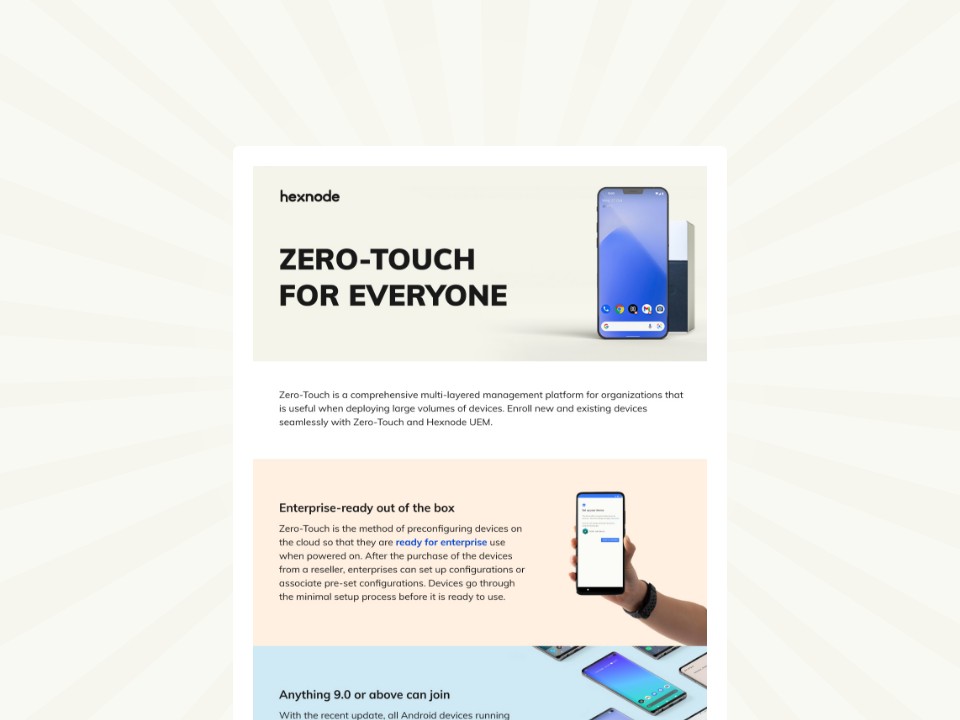
Zero-Touch Enrollment for everyone
See how Zero-Touch Enrollment simplifies Android device deployment with faster, hands-free onboarding.
ZTE issues often originate from gaps in device compatibility, where unsupported models or inconsistent OS versions disrupt enrollment workflows. Identifying these android zero touch problems early helps prevent failures during large-scale deployments.
1. Device Compatibility Issues
Not all Android devices support zero-touch enrollment. Even among supported devices, OS versions and regional variants can affect functionality.
Resolution:
Always validate device compatibility before procurement. Work only with authorized resellers who can guarantee zero-touch eligibility.
2. Improper Reseller Configuration
Zero-touch enrollment depends entirely on the reseller assigning devices to your organization in the zero-touch portal. If this mapping is incorrect, devices will not enroll.
Resolution:
Audit IMEI or serial number assignments before distribution. Ensure that the correct configuration profile is linked to each device batch.
3. Enrollment Method Conflicts
A common ZTE issue arises when IT teams attempt to use multiple enrollment methods on the same device. For example, applying QR-based enrollment on a zero-touch-assigned device creates conflicts.
Resolution:
Stick to a single enrollment method per device. If conflicts occur, perform a factory reset and restart the process using zero-touch exclusively.
4. Network and Connectivity Failures
Zero-touch enrollment requires uninterrupted internet access during the initial setup phase. Captive portals or unstable connections can interrupt provisioning.
Resolution:
Ensure devices connect to a stable Wi-Fi or mobile network without authentication barriers during setup.
5. Incorrect DPC or Configuration JSON
The Device Policy Controller (DPC) and its configuration payload define how the device enrolls. Errors in JSON formatting or incorrect parameters can cause enrollment failures.
Resolution:
Use validated configuration templates and test them in a controlled environment before large-scale deployment.
6. Google Mobile Services (GMS) Dependencies
Zero-touch enrollment relies on Google Play services. Devices with restricted or disabled GMS cannot complete enrollment.
Resolution:
Verify that GMS is active and properly configured. Ensure the enterprise account is correctly linked.
7. Device Not Factory Reset
Zero-touch enrollment only triggers during the initial setup. Devices that have already been used will not automatically enroll.
Resolution:
Always factory reset devices before provisioning them through zero-touch.
8. User Interruption During Setup
End-users sometimes interrupt the setup process, either intentionally or due to unclear instructions. This results in incomplete enrollment.
Resolution:
Provide clear onboarding guidance or automate the process to minimize user interaction.
Hidden Pitfalls Enterprises Often Overlook
Beyond technical errors, several operational gaps contribute to recurring ZTE issues:
Lack of pre-deployment testing
Over-reliance on reseller accuracy
No fallback enrollment strategy
Poor visibility into enrollment failures
Ignoring these factors often leads to repeated android zero touch problems during scaling.
Best Practices to Avoid Android Zero Touch Problems
To ensure a smooth deployment:
Validate all devices and configurations before rollout
Conduct pilot testing with real-world scenarios
Standardize JSON configurations and policies
Maintain backup enrollment methods such as QR or manual setup
Monitor enrollment logs to identify failures early
A structured approach significantly reduces ZTE issues and improves deployment success rates.
Android Zero Touch Enrollment with Hexnode for easy device deployment
Learn how Android Zero-Touch Enrollment enables fast, secure, and scalable device deployment with Hexnode.
How Hexnode Eliminates ZTE Issues
Hexnode addresses common ZTE issues by streamlining device provisioning and reducing dependency on manual configurations. Its unified approach ensures consistent, streamlined enrollment across large-scale Android deployments.
Seamless Zero-Touch Integration
Hexnode supports Android Zero-Touch Enrollment, enabling devices assigned in the zero-touch portal to automatically enroll into Hexnode during setup. Once devices are assigned to a configuration, they automatically enroll into Hexnode during the first boot without requiring user intervention. Hexnode allows configuration of zero-touch enrollment settings, including DPC details, and enables policies to be applied automatically after device enrollment. This reduces provisioning errors caused by manual steps and eliminates inconsistencies across deployments.
Centralized Enrollment Management
Hexnode provides a centralized console to manage and configure device enrollment settings and policies. Administrators can define and assign policies, configure restrictions, push applications, and enforce compliance rules during automated enrollment, ensuring devices are ready for use from first boot. Hexnode enables administrators to assign policies and configurations to devices, ensuring consistent management after enrollment. It also allows bulk assignment of profiles to device groups, which is critical for maintaining uniformity across large fleets and avoiding misconfigurations that typically lead to ZTE issues.
Advanced Troubleshooting Support
Hexnode provides help documentation that outlines common zero-touch enrollment issues and their resolutions. IT teams can systematically identify failure points such as incorrect configuration JSON, device-to-profile mismatches, or enrollment interruptions. This reduces the time required to resolve android zero touch problems and prevents repeated failures during subsequent deployments.
Flexible Enrollment Alternatives
While zero-touch is ideal for bulk provisioning, it is not always viable in every scenario. Hexnode supports multiple fallback enrollment methods, including QR code-based enrollment, Android Enterprise standard enrollment, and OEM-specific programs such as Samsung Knox Mobile Enrollment. Hexnode supports multiple enrollment methods, including QR-based enrollment and OEM-specific options such as Samsung Knox Mobile Enrollment. This flexibility is particularly useful when dealing with mixed device environments, unsupported models, or urgent deployment timelines.
Enterprise-Grade Scalability
Hexnode supports large-scale device deployments, enabling organizations to manage a high volume of devices efficiently. It enables IT teams to onboard, configure, and manage thousands of devices simultaneously while maintaining policy consistency and system stability. Hexnode provides bulk actions and remote management capabilities to simplify device management at scale. This is essential for enterprises aiming to minimize operational overhead while maintaining control over large and distributed device fleets.
Conclusion
ZTE issues can significantly disrupt Android device deployments, but they are rarely unavoidable. Most android zero touch problems stem from preventable misconfigurations, overlooked prerequisites, or lack of testing.
Organizations that approach zero-touch enrollment with a structured strategy—validating devices, configuring environments correctly, and leveraging a reliable UEM—can achieve the seamless deployment experience the framework promises.
With the right tools and practices in place, zero-touch enrollment becomes a powerful asset rather than a recurring challenge.
Avoid Common Android Zero-Touch Pitfalls
Enroll and secure Android devices faster with Hexnode’s streamlined zero-touch deployment workflows.
Content writer at Hexnode. Fueled by good coffee and the occasional cat cuddle, I enjoy crafting content that informs, connects, and resonates. Nothing excites me more than knowing my words have been read, appreciated, and maybe even bookmarked.