How UEMs help organizations get the best out of their identity provider
Learn how UEM-IdP integration boosts security and simplifies access through automated compliance.

Get fresh insights, pro tips, and thought starters–only the best of posts for you.

Enterprise IT environments no longer operate within a defined perimeter. Users access applications from multiple devices, across networks outside IT control, and often from remote locations.
Most organizations respond by strengthening endpoint management. UEM platforms enforce device compliance, push configurations, and maintain visibility. However, UEM does not control access decisions at the point of authentication.
A compliant device does not guarantee secure access. A valid login does not guarantee appropriate authorization. Access control requires a system that evaluates identity, device posture, and context together.
This is where the question becomes relevant: when to use an Identity Provider?
This guide explains the practical scenarios where an Identity Provider is required, how it enables Zero Trust access control, and how Hexnode IDP integrates identity with device management to enforce access decisions with precision.
An Identity Provider manages authentication and authorization. It acts as a centralized system that validates user identity and determines access rights.
A typical workflow includes:
Hexnode IDP incorporates device posture from UEM into this process. This allows access decisions to consider whether the device is compliant, enrolled, and trusted at the time of login.
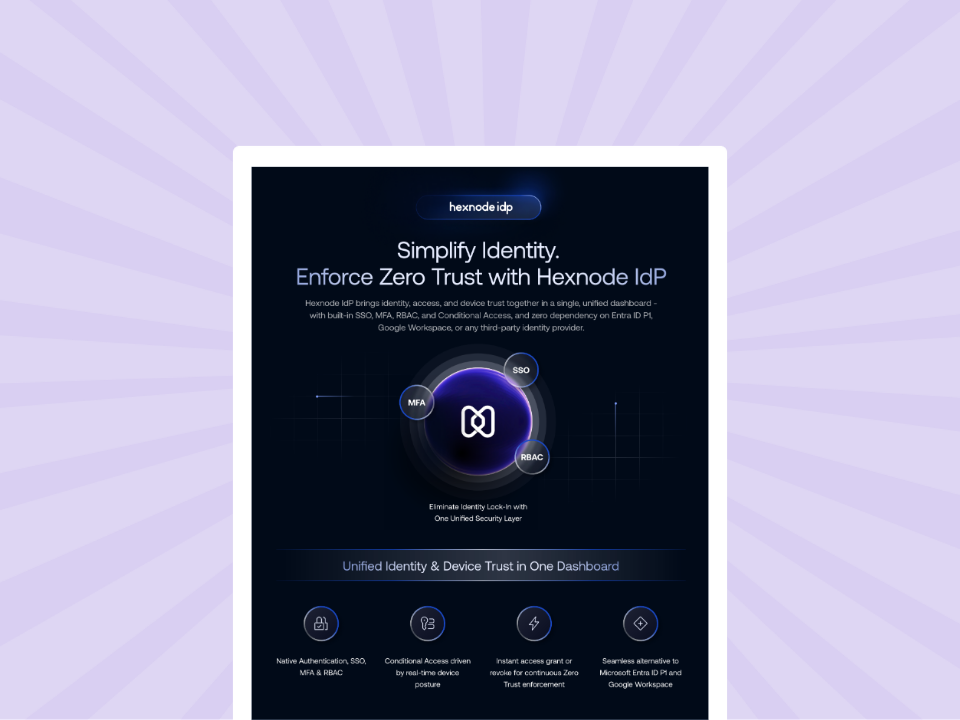
Learn how Hexnode-IdP integration automates provisioning and secures access with MFA/SSO.
Download the InfosheetOrganizations typically introduce an IDP when authentication alone is no longer sufficient. The following conditions indicate when to use an Identity Provider.
Basic authentication does not account for conditions such as network or device state.
An Identity Provider enables conditional access policies such as:
Hexnode IDP supports conditional access without requiring dependency on external identity licensing tiers. This allows IT teams to define access conditions within a single system.
If your access policies depend only on credentials, this is a clear point when to use an Identity Provider.
Authentication systems typically do not evaluate device state.
In environments using unified endpoint management, device compliance data is already available. This includes:
Hexnode IDP integrates with Hexnode UEM to use this data during authentication. Access can be restricted to:
This approach ensures that access decisions incorporate both identity and device posture, which is a core requirement for Zero Trust access control.
If device compliance is not part of your access logic, this is a strong indicator of when to use an Identity Provider.
Remote and hybrid work models introduce variability in access patterns. Users connect from:
These conditions increase exposure to unauthorized access.
An Identity Provider allows IT teams to:
This aligns with Zero Trust access control, where trust is not assumed based on network location.
If your organization supports remote access at scale, this is a common scenario when to use an Identity Provider.
As systems scale, access requirements become more complex. Users require different levels of access based on their roles.
Without structured access control:
An Identity Provider enables Role-Based Access Control:
Hexnode IDP includes RBAC to manage access at scale.
If your environment requires granular permission control, this is another point when to use an Identity Provider.
Managing authentication across multiple applications without a central system leads to fragmentation.
An Identity Provider enables:
Hexnode IDP supports SSO and integrates with identity ecosystems such as Microsoft Entra ID, while still enforcing its own access policies.
If authentication and access control are distributed across systems, it is time to evaluate when to use an Identity Provider.
As organizations grow, managing user identities manually becomes inefficient.
An Identity Provider supports:
Hexnode IDP supports identity lifecycle management through standards such as SCIM. This ensures that access remains consistent and up to date.
If user lifecycle management is manual or inconsistent, this is a clear signal of when to use an Identity Provider.
Traditional authentication models validate access once at login. Modern environments require ongoing validation.
Hexnode IDP supports:
If your system cannot enforce access beyond the initial login, this indicates when to use an Identity Provider.
UEM solutions are designed to manage devices. They:
However, they do not:
This creates a separation between device security and access control.
An Identity Provider bridges this gap by:
To implement Zero Trust access control, organizations must combine UEM with an Identity Provider.
Hexnode IDP introduces identity capabilities alongside device management.
This design allows organizations to extend existing infrastructure rather than replace it.
Access control has shifted from static authentication to context-aware decision making.
Understanding when to use an Identity Provider depends on whether your current systems can:
If these capabilities are missing, an provider becomes necessary.
In modern enterprise environments, identity, device posture, and access conditions must work together. An IDP enables this integration and supports Zero Trust access control by ensuring that access decisions reflect real-time conditions rather than static credentials.
Bridge the gap between your users and devices with automated provisioning, MFA, and seamless SSO integration.
Sign Up NowAn organization should use an Identity Provider when authentication alone cannot enforce secure access. If access decisions need to consider user roles, device compliance, and context such as network conditions, it is the right time to implement an IDP. This is essential for enabling Zero Trust access control.
An Identity Provider is a system that authenticates users and controls access to applications. It verifies identity using credentials or MFA, evaluates access policies such as roles and device compliance, and then grants or denies access based on those conditions.
Authentication only verifies user identity at login. It does not evaluate device health, network risk, or contextual factors. Without these checks, users may gain access to insecure environments, which creates security gaps.
An Identity Provider supports Zero Trust access control by continuously verifying identity and access conditions. It ensures that access is granted only after evaluating factors such as authentication strength, device compliance, and policy rules.
Yes. UEM manages devices but does not control user authentication or access decisions. An Identity Provider complements UEM by enforcing identity-based access policies and incorporating device compliance into authentication workflows.