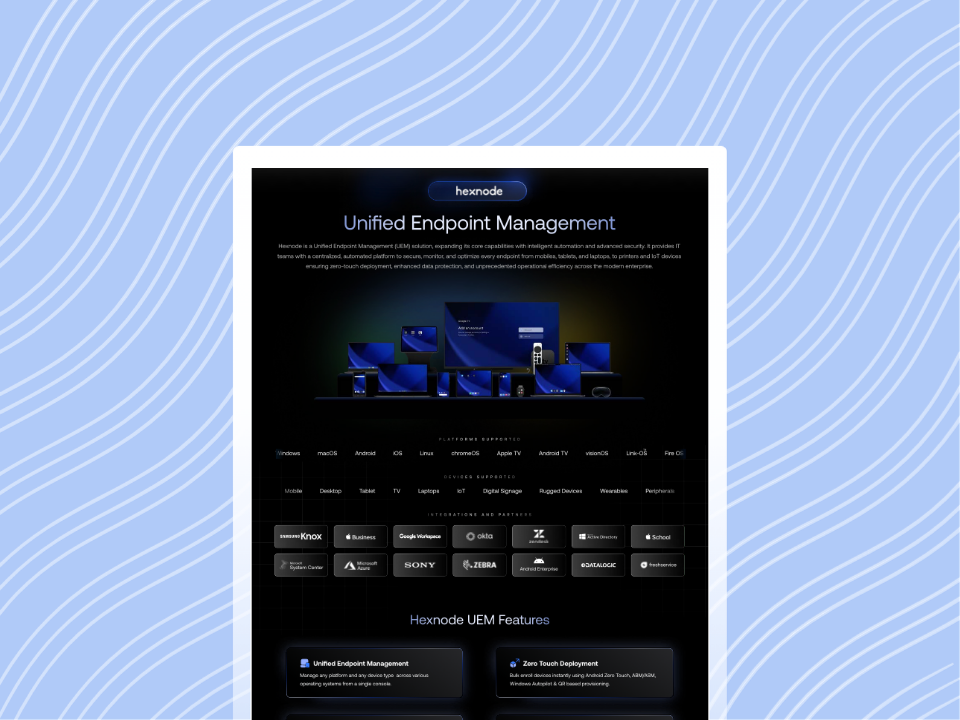
Device quarantine workflows help organizations quickly contain compromised or non-compliant endpoints, reducing the risk of lateral movement while IT teams investigate and remediate issues.
By combining clear policies, automation, and centralized visibility, organizations can improve incident response, maintain compliance, and minimize operational disruption. Hexnode supports these efforts with policy-driven automation, compliance monitoring, and remote management capabilities.
A device quarantine is a security measure that isolates a potentially compromised or non-compliant endpoint from the rest of the organization’s network to reduce the risk of further harm. Rather than immediately wiping or permanently disabling a device, quarantine serves as a controlled containment step. It allows IT and security teams to investigate and remediate the issue while limiting the device’s ability to communicate with other systems.
A device quarantine workflow is the structured process organizations follow to identify, isolate, investigate, and safely restore affected endpoints. Although the exact implementation varies across security platforms, most workflows follow a similar lifecycle:
Detection: A potential security risk or policy violation is identified, such as malware activity, unusual behavior, or a compliance failure.
Policy evaluation: Predefined rules determine whether the detected event warrants quarantining the device.
Isolation: The endpoint’s access to network resources is restricted to help contain the potential threat and reduce opportunities for lateral movement.
Investigation: IT or security teams examine alerts, logs, and device activity to determine the root cause and assess the scope of the incident.
Remediation: The underlying issue is addressed by removing malicious software, applying security updates, correcting configuration issues, or taking other appropriate actions.
Recovery: Once the device is verified as safe and compliant, it can be returned to normal operation.
As organizations manage larger fleets of devices across on-site, remote, and hybrid environments, manually handling every security incident becomes increasingly difficult.
Automated quarantine workflows help organizations respond more quickly, apply security policies consistently, and reduce the time between detecting a potential threat and containing it, ultimately strengthening their overall incident response process.
Once a device is identified as posing a potential security risk, a quarantine workflow helps contain the issue while giving IT and security teams an opportunity to investigate and remediate it. Although the exact process varies between organizations and security platforms, most quarantine workflows follow the same general sequence.
Detection
The process begins when a potential risk is detected. This may result from a security alert, a compliance policy violation, suspicious endpoint behavior, or signs of malware or unauthorized activity. Based on predefined policies or an administrator’s decision, the organization determines whether the device should be quarantined to reduce further risk.
Isolation
After the decision is made, the affected device is isolated from business resources or network segments. This helps prevent the threat from spreading. Depending on the organization’s security controls and technologies, access to corporate applications, internal services, or network resources may be restricted. However, administrative and security management functions typically remain available to support investigation and remediation. The primary objective is to contain potential threats while retaining the ability to manage the device when possible.
Investigation and Remediation
With the device contained, administrators investigate the incident by reviewing security alerts, system logs, and device activity to identify the root cause. Users may be notified of the quarantine status while IT teams remove malicious software, apply required patches, correct configuration issues, or perform other remediation steps. Once these actions are complete, the device is validated to confirm it no longer poses a security risk.
Reinstatement
After the device meets the organization’s security and compliance requirements, it is removed from quarantine and normal access is restored. Many modern endpoint management and security platforms can automate portions of this workflow, enabling organizations to apply consistent policies and reduce manual effort while responding more quickly to potential threats.
Featured Resource
Introduction to Hexnode
Download to explore Hexnode's approach to simplify device management.
Although these terms are sometimes used interchangeably, they serve different purposes in endpoint security. Choosing the right response depends on the severity of the incident and the desired outcome.
Capability
Device Quarantine
Device Lock
Device Wipe
Purpose
Contain a potentially compromised or non-compliant device while it is investigated
Prevent unauthorized access to a device by locking the screen
Permanently erase data from a device to protect sensitive information
Network access
Typically restricted or limited based on organizational policies and security controls
Usually remains unchanged unless separate network restrictions are applied
Removed after the device is erased and reset
User access
May be limited depending on the organization’s quarantine policies
Blocked until the device is unlocked with valid credentials
Removed because the device’s data and configuration are erased
Lost or unattended devices, temporary access control
Stolen devices, device retirement, or confirmed compromise requiring data removal
Quarantine is designed to contain and investigate a potential threat while preserving the device for remediation. A device lock temporarily prevents unauthorized use without affecting stored data, whereas a device wipe is a more drastic measure that permanently removes data when recovery is impractical or protecting sensitive information becomes the highest priority.
Best Practices for Building Effective Device Quarantine Workflows
A well-designed device quarantine workflow helps organizations contain security risks quickly while minimizing unnecessary disruption to users. Following a few key practices can improve both the effectiveness and consistency of incident response.
Define Clear Quarantine Triggers
Establish objective criteria for when a device should be isolated. Common triggers include malware detection, compliance violations, unauthorized applications, rooted or jailbroken devices, or suspicious authentication activity. Clearly defined policies help ensure similar incidents receive consistent responses.
Automate Policy-Based Isolation
Automating quarantine decisions reduces the time between detecting a potential threat and containing it. Instead of relying solely on manual intervention, organizations can configure security policies to trigger predefined response actions when specific risk conditions are met. This enables faster and more consistent incident response.
Maintain Limited Remediation Access
When appropriate, allow quarantined devices to communicate with essential management infrastructure, such as patch management services, device management platforms, or security tools. Maintaining limited administrative access can help IT teams investigate issues, deploy fixes, and verify remediation without fully restoring the device’s access to business resources. The exact level of access should align with the organization’s security policies and risk tolerance.
Document and Review Recovery Procedures
Create a documented process for investigating incidents, validating remediation, restoring normal device access, and maintaining an audit trail of actions taken. Quarantine policies should also be reviewed regularly to reflect changes in organizational requirements, emerging threats, and evolving security best practices.
Many modern endpoint management platforms support automated policy enforcement and workflow automation, helping reduce manual effort while improving the consistency of security operations.
When Should a Business Upgrade from Basic Device Control to Full UEM?
Upgrade to UEM when basic device control falls short. Improve endpoint security, centralized management, and IT scalability.
Common Challenges and How IT Teams Can Avoid Them
While device quarantine is an effective security measure, poorly designed workflows can create operational challenges. Organizations should balance strong security controls with business continuity to minimize unnecessary disruption.
Reduce false positives: Regularly review detection rules and quarantine policies to minimize the chance of legitimate devices being incorrectly isolated. Validate alerts before expanding automated response rules.
Avoid overly aggressive isolation: Apply risk-based quarantine policies instead of treating every security event the same. Consider the severity and context of an incident before restricting device access.
Minimize user productivity disruption: Establish a clear communication process to inform affected users why their device has been quarantined, what actions are being taken, and when access is expected to be restored.
Document remediation procedures: Create standardized workflows for investigation, remediation, validation, and recovery. Consistent procedures help IT teams respond efficiently and reduce errors during incidents.
Test quarantine workflows regularly: Conduct periodic security exercises or incident response drills to verify that quarantine policies, response procedures, and recovery steps work as intended before a real incident occurs.
Streamlining Device Quarantine from Detection to Recovery with Hexnode
Effective device quarantine requires more than isolating a risky endpoint. IT teams also need clear visibility into device compliance, timely alerts, and the ability to take appropriate remediation actions. Hexnode helps streamline these tasks through centralized device management, compliance monitoring, automation, and remote management capabilities.
Administrators can define compliance policies based on security requirements such as encryption status, password compliance, application compliance, device inactivity, or jailbreak and root detection. Devices that fail these checks are marked as non-compliant, while compliance reports and alerts help IT teams quickly identify and investigate affected endpoints.
Hexnode also supports automation to reduce manual effort by triggering predefined administrative actions based on configured conditions. Combined with remote actions such as Lock Device, Lost Mode (on supported platforms), Corporate Wipe, and Device Wipe, administrators can respond more consistently while maintaining control over affected devices.
Once remediation is complete, administrators can verify the device’s compliance status and return it to normal operation in accordance with their organization’s security policies.
By centralizing visibility and automating routine administrative tasks, Hexnode helps organizations improve response consistency, reduce operational overhead, and maintain stronger control over endpoint security.
Final Thoughts
Device quarantine is a critical part of modern incident response. It helps organizations contain potential threats before they spread across the network. Combined with clear policies, consistent remediation procedures, and automated workflows, quarantine speeds up response times. It also reduces manual effort and improves operational efficiency.
As cyber threats evolve, organizations should regularly review and refine their quarantine policies. This helps ensure they align with changing risks, business needs, and security objectives. Periodic testing and policy updates can help teams respond more effectively when incidents occur.
Platforms such as Hexnode can help organizations operationalize these workflows by providing centralized visibility, policy-based automation, and remote management capabilities that support a more consistent and efficient approach to endpoint security.
Try Hexnode Free for 14 Days
Contain endpoint threats faster with automated device management. See how Hexnode helps.
Yes. As long as the device remains connected to the internet and enrolled in the organization’s management and security systems, IT teams can enforce quarantine policies and manage the device remotely. This makes device quarantine particularly valuable for hybrid and remote work environments.
Can device quarantine stop ransomware from spreading?
While device quarantine cannot prevent ransomware from infecting an endpoint, it can help contain the incident by limiting the compromised device’s ability to communicate with other systems. Early containment can reduce the risk of lateral movement and minimize the overall impact of an attack.
Should every security alert trigger device quarantine?
No. Automatically quarantining every device can create unnecessary disruption. Organizations should use a risk-based approach that considers factors such as threat severity, device criticality, and confidence in the security alert before initiating quarantine.
How does Hexnode help organizations manage quarantined devices?
Hexnode provides centralized device visibility, compliance monitoring, automation, and remote management capabilities that help IT teams investigate, remediate, and restore affected devices more efficiently while maintaining administrative control.
I’m a technical content writer at Hexnode who loves simplifying tech. I break down complex ideas, remove the fluff, and help readers clearly understand our product for what it actually is: simple, reliable, and built to solve real problems.