A successful SSO implementation requires more than connecting applications to an identity provider. Enterprises need centralized authentication, device-aware access controls, lifecycle automation, and continuous monitoring. Hexnode IDP helps organizations strengthen access security by combining identity verification with device trust and contextual access policies.
Managing user access has become increasingly difficult for enterprise IT teams. Employees use dozens of cloud applications, work from multiple locations, and access business resources from both corporate and personal devices. As organizations expand their digital ecosystems, fragmented authentication systems often create security gaps, increase administrative overhead, and make access governance harder to maintain.
This is where SSO implementation becomes essential. While Single Sign-On simplifies authentication and improves productivity, enterprises must also ensure that access controls, device security, and lifecycle management work together to support secure access at scale.
Enterprise SSO delivers more than a better login experience. When implemented correctly, it centralizes authentication, simplifies access management, and gives security teams greater visibility into user activity.
Instead of managing credentials across multiple systems, organizations can apply consistent authentication policies from a central platform while improving compliance and operational efficiency.
A mature SSO deployment should help organizations:
Centralize authentication across applications
Reduce password-related support requests
Improve visibility into user access
Accelerate onboarding and offboarding
Strengthen compliance efforts
Support Zero Trust initiatives
Most importantly, modern SSO for enterprise environments should connect identity management with security controls, helping organizations make smarter access decisions based on context rather than credentials alone.
Single Sign On (SSO) and its relevance
Learn how Single Sign-On simplifies authentication and strengthens enterprise access security.
Pre-implementation checklist: Define your SSO scope
Before configuring SSO, organizations need a clear understanding of the applications, users, and identity systems involved. Defining the scope early helps prevent integration gaps, reduces deployment complexity, and ensures a smoother rollout.
Identify all applications that need SSO
One of the most common implementation mistakes is underestimating the number of applications that require integration. Beyond popular SaaS platforms, enterprises often rely on internal portals, VPNs, cloud consoles, administrative tools, and legacy business systems that all require authentication.
Creating a complete application inventory helps teams prioritize integrations and identify potential challenges before deployment begins.
Before implementation, document:
SaaS applications
Internal web applications
Cloud infrastructure portals
VPN solutions
Developer tools
Legacy business systems
Organizations should also identify which applications support modern federation standards such as SAML and OpenID Connect and which systems may require alternative integration approaches.
Map user groups and access requirements
Different user groups require different levels of access. Contractors, executives, administrators, developers, and employees often interact with distinct business systems and data.
Understanding these access patterns helps organizations create logical group structures, enforce least-privilege access, and simplify future governance efforts. A detailed access map should clearly define who needs access to which resources and under what conditions.
Audit your identity infrastructure
Before deployment, evaluate existing directories, identity providers, HR systems, MFA tools, endpoint management platforms, and security monitoring solutions. Identifying overlapping or disconnected identity systems early helps prevent integration challenges later.
Choose the right SSO architecture for your enterprise
The architecture you choose will determine how authentication, authorization, and identity management function across your environment. Selecting the right protocols and identity model early helps ensure scalability, interoperability, and long-term security.
Select the appropriate authentication protocols
Authentication standards determine how applications communicate with identity systems. Choosing the right protocol helps ensure compatibility and supports long-term scalability.
Protocol
Common use case
SAML
Enterprise SaaS applications
OIDC
Modern cloud and mobile applications
OAuth 2.0
API authorization
LDAP/Kerberos
Legacy enterprise environments
SAML remains a popular choice for enterprise software integrations, while OpenID Connect is commonly used in cloud-native environments.
Determine your identity model
Many enterprises operate multiple identity systems across business units or subsidiaries. A federated or hybrid identity model often provides the flexibility needed to establish trust relationships while maintaining local administrative control where necessary.
The right architecture should align with organizational structure, operational requirements, and future growth plans.
Plan for identity provider resilience
Centralized authentication simplifies access management, but it can also introduce operational risk if the identity provider becomes unavailable.
Organizations should establish:
Identity provider redundancy
Disaster recovery procedures
Emergency access accounts
Backup authentication methods
Administrative recovery processes
These safeguards help maintain business continuity during outages.
Application integration checklist
Application integrations form the foundation of any SSO deployment. A structured integration strategy helps organizations reduce complexity, minimize deployment risks, and ensure consistent access experiences across business applications.
Prioritize integrations strategically
Start with widely used applications that offer straightforward integrations. Early successes help validate configurations and build momentum before tackling more complex systems.
A phased approach also allows teams to resolve issues before expanding deployment scope.
Standardize the onboarding process
Every application integration should follow a consistent process.
Key onboarding activities should include:
Application ownership assignment
Security review
Role mapping validation
Metadata configuration
Authentication testing
Documentation updates
Standardization reduces operational complexity and improves long-term maintainability.
Conduct comprehensive testing
Testing should extend beyond successful login scenarios. Organizations should validate authentication workflows for MFA challenges, role changes, account lockouts, mobile access, unmanaged devices, and deprovisioned users.
Comprehensive testing reduces production issues and improves deployment success rates.
Rollout checklist for enterprise SSO
Even a well-designed SSO solution can face challenges during deployment if rollout planning is overlooked. A phased approach helps organizations validate configurations, gather user feedback, and minimize disruption before expanding implementation across the enterprise.
Begin with a pilot deployment
Pilot deployments allow organizations to validate configurations before a broader rollout. IT and security teams often make ideal pilot users because they can quickly identify issues and provide meaningful feedback.
Communicate changes effectively
Users should understand new login procedures before deployment begins.
Organizations should provide:
User training materials
MFA enrollment instructions
Login guides
Support documentation
Help desk escalation procedures
Clear communication improves adoption and reduces support requests.
Roll out in phases
A phased rollout minimizes disruption and allows teams to address issues before expanding deployment scope.
A practical rollout sequence is:
Productivity applications
HR and collaboration tools
Customer-facing applications
Administrative systems
Legacy applications
Post-implementation checklist: Monitor, optimize, and govern
Deploying SSO is only the beginning. Organizations must continuously monitor authentication activity, refine access policies, and evaluate security controls to ensure the environment remains secure and effective over time.
Monitor authentication activity
Continuous monitoring remains essential after deployment. Authentication logs provide valuable insight into user behavior and potential security threats.
Organizations should monitor:
Failed login attempts
MFA failures
Unusual locations
New device access
Privileged account activity
Suspicious authentication patterns
These insights support security operations and compliance initiatives.
Integrate SSO data with security operations
Authentication events provide valuable context for threat detection and incident response. Integrating identity data with SIEM and XDR platforms enables faster investigations and more effective security operations.
Measure implementation success
Organizations should establish measurable goals and evaluate deployment outcomes regularly.
KPI
What it indicates
SSO adoption rate
User acceptance
Password reset reduction
Productivity gains
Failed login rate
Configuration effectiveness
Provisioning time
Operational efficiency
Deprovisioning time
Access governance maturity
These metrics help teams demonstrate value while identifying opportunities for improvement.
SSO best practices for enterprise IT teams
Successful SSO best practices extend beyond authentication. Enterprises should treat identity as part of a broader access security strategy that incorporates endpoint security, lifecycle management, and governance controls.
Most importantly, enterprises should avoid treating identity as the sole factor in access decisions. Modern security strategies require contextual information, device posture, and risk signals to support informed authentication and authorization decisions.
Featured Resource
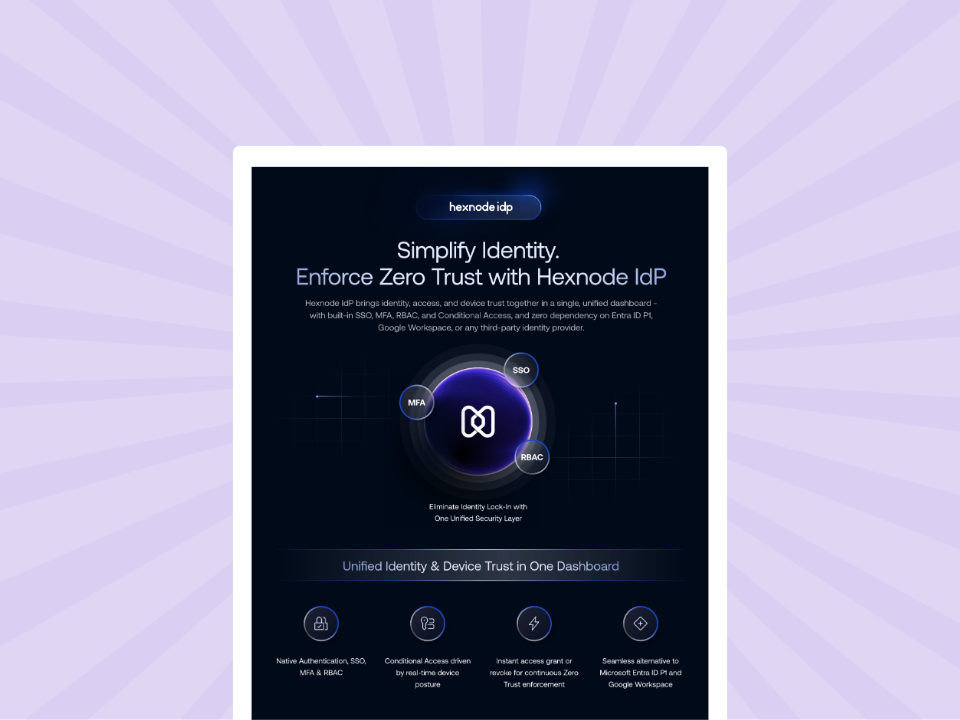
Hexnode IdP Info sheet
Discover how Hexnode IdP unifies identity, device trust, and Zero Trust access management.
How Hexnode IDP strengthens enterprise SSO implementation
Traditional identity solutions often focus on authentication while providing limited visibility into device security. As remote work and BYOD adoption grow, enterprises need access decisions that consider both user identity and device posture.
Hexnode IDP strengthens SSO for enterprise environments by combining identity verification with device trust. Organizations can enforce conditional access policies, contextual authentication, two-factor authentication, session controls, role-based access control, and SCIM-based lifecycle automation from a centralized platform.
By incorporating user identity, device posture, device compliance, and security context into access decisions, Hexnode IDP helps enterprises support Zero Trust access built on device trust.
FAQs
What is the biggest challenge in SSO implementation?
The biggest challenge is balancing user convenience with security. Organizations must simplify authentication while maintaining strong access controls, visibility, and governance.
How long does an enterprise SSO implementation take?
The timeline depends on the number of applications, identity sources, and integration requirements. Most enterprises begin with a pilot deployment and expand gradually through phased rollouts.
Conclusion
A successful SSO implementation requires much more than connecting applications to a centralized login platform. Enterprises must evaluate identity architecture, security controls, device trust requirements, lifecycle management processes, and governance frameworks to create a secure and scalable access strategy.
The most effective deployments balance convenience and security. By combining centralized authentication with conditional access, lifecycle automation, continuous monitoring, and device-aware security controls, organizations can build a stronger foundation for modern identity security. As access management continues to evolve, solutions such as Hexnode IDP help enterprises move beyond basic authentication and create a more intelligent approach to access control.
Simplify Enterprise SSO Deployment
Streamline single sign-on, strengthen identity security, and secure endpoint access with Hexnode Identity and UEM.
Content writer at Hexnode. Fueled by good coffee and the occasional cat cuddle, I enjoy crafting content that informs, connects, and resonates. Nothing excites me more than knowing my words have been read, appreciated, and maybe even bookmarked.