Web kiosks allow organizations to deliver browser-based services such as check-ins, digital catalogs, and self-service portals. However, because browsers are designed for open internet access, unsecured kiosks can be misused or compromised. Secure web kiosks require controls such as URL allowlisting, session resets, navigation restrictions, and device lockdown. Traditionally, managing these controls across devices was complex. With Hexnode UEM, organizations can centrally configure and deploy website kiosk mode, enforce browser restrictions, and remotely manage kiosk devices across various platforms.
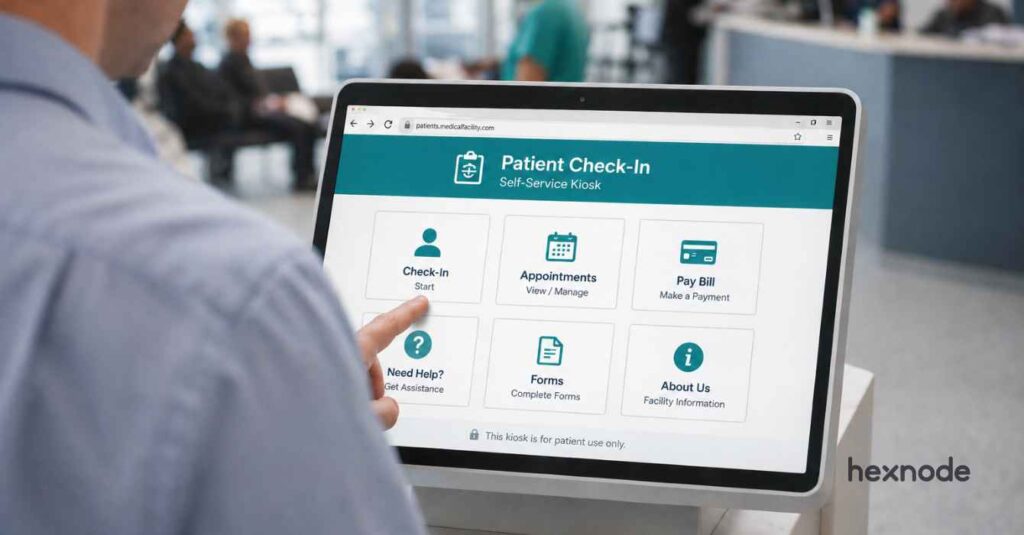
Kiosks have become an essential part of modern digital experiences. From retail self-checkout systems to patient check-in terminals and visitor management screens, organizations rely on kiosks to deliver services quickly and efficiently. Increasingly, these systems are powered by web kiosks, where users interact with applications through a browser rather than a traditional installed app.
But there’s a catch. Browsers are inherently open environments. Without proper restrictions, a kiosk mode browser intended for a specific task can easily be misused. Users may navigate to unauthorized sites, download files, or access device settings.
This is why web kiosk security matters. In this guide, we’ll explore what a web kiosk is, why browser protection is critical, and how organizations can enforce secure website kiosk mode across devices using Hexnode UEM.
A web kiosk restricts the device to its browser environment, allowing access only to a specific kiosk website or a limited set of approved web applications. Unlike a standard device or an application kiosk, a web kiosk is designed to perform a single-purpose task while preventing access to the wider internet, device settings, or local data.
This controlled browsing environment keeps the device focused on its intended function while reducing security risks. And because a web kiosk operates through a browser interface, securing how the browser behaves becomes just as important as restricting which websites users can access.
Why Organizations Are Moving from Native Apps to Web Apps for Kiosks
Web-based applications, as well as their dependent web kiosks, are becoming increasingly popular because they are easier to deploy and manage at scale. In fact, industry research shows that web applications can reduce ongoing maintenance costs by 30–40% compared to platform-specific native apps. This is largely because updates and fixes can be applied centrally rather than on each device individually.
Easier deployment: Instead of installing software on every device, web kiosks only need internet access to run the latest version of the application. This makes deployment significantly easier, especially when managing large kiosk fleets across multiple locations.
Cross-platform compatibility: The same kiosk website can run across other operating systems like Windows PCs, Android tablets, or iOS/iPads without rebuilding the application for multiple operating systems.
Lower development costs: With web applications, organizations can maintain a single codebase that runs everywhere. This reduces development complexity and lowers long-term maintenance costs.
Instant updates: Updating a traditional kiosk app can require device-level upgrades or software distribution. In a web kiosk environment, updates are applied on the server side. The next time the kiosk loads the page, it automatically runs the updated version of the application.
Web Apps vs. Native Apps for Kiosk Deployments
Factor
Native App Kiosk
Web Kiosk
Deployment
Requires installation on each device.
Accessible instantly through a browser.
Compatibility
OS-specific.
Works across multiple platforms.
Updates
Requires manual software updates.
Server-side updates apply instantly.
Development
Requires multiple codebases.
Single web application for all.
Scalability
Harder to scale across various devices.
Easy to deploy across large fleets.
Why Web Kiosk Security Matters More Than You Think
Browsers are designed for open internet access. Without proper restrictions, a web kiosk can easily become a general-purpose browsing device.
Most web kiosks operate in public or semi-public environments such as retail stores, hospitals, airports, and corporate lobbies. As multiple users interact with these devices, they are vulnerable to both accidental misuse and intentional tampering.
If the browser environment is not secured, users may:
Navigate away from the intended website.
Access harmful or unrelated websites.
Download files or introduce malware.
View data left behind from previous sessions.
Attempt to access device settings or system tools.
These risks are even more challenging when kiosks support sensitive workflows like patient check-ins or financial transactions. Organizations must implement controls that restrict browsing behavior, protect user sessions, and prevent unauthorized interactions with the device.
Key Features Needed to Secure a Web Kiosk Browser
A browser running in website kiosk mode should not behave like a normal browser. It must operate within carefully defined boundaries. Therefore, every secure web-based kiosk deployment should include:
Website allowlisting: Allow access only to approved kiosk websites so users cannot browse beyond the intended application.
Navigation restrictions: Disable actions like URL editing and navigating to external links, new tabs, and browser menus to keep users within the kiosk workflow.
Download and upload controls: Block or restrict file downloads and uploads to prevent malware, data exposure, and unauthorized file access.
Session reset and data clearing: Automatically clear cookies, cache, and browsing data between sessions to ensure each user starts with a clean environment.
Escape prevention: Restrict keyboard shortcuts, system buttons, and device settings to prevent users from exiting website kiosk mode.
Remote monitoring and management: Enable administrators to remotely monitor devices, update policies, and manage large web kiosk deployments from a central console.
When these features work together, they create a controlled browsing environment that keeps kiosk devices focused on their intended purpose. However, implementing and managing these controls consistently can be challenging without the right management infrastructure in place.
How Browser Kiosks Were Secured Earlier
Before modern device management platforms became widely available, securing a web kiosk was often done through a combination of manual configurations and system-level restrictions.
IT teams typically relied on tools such as:
Windows Group Policy to restrict system settings and browser behavior.
Browser extensions to limit navigation or block certain websites.
Custom scripts to launch browsers in restricted modes.
Manual device configurations to disable system controls.
While these approaches worked for small deployments, they quickly became difficult to manage as organizations expanded their web-based kiosk environments. Several challenges commonly emerged:
Limited scalability: Updating or modifying policies across dozens or hundreds of kiosks became time-consuming.
Inconsistent security: Devices configured manually often ended up with different settings or outdated restrictions.
Difficult updates: Changes to the kiosk website or browser behavior required manual adjustments on each device.
As organizations began deploying larger fleets of kiosks across different locations and operating systems, these limitations made traditional methods increasingly impractical.
This is where modern Unified Endpoint Management (UEM) platforms play a critical role. Platforms like Hexnode UEM simplify web kiosk security by allowing administrators to configure policies centrally and apply them across devices, ensuring consistent website kiosk mode enforcement at scale.
Featured Resource
The Ultimate Guide to Kiosk Management: Everything your business needs to know
Download the whitepaper to learn how you can adopt the right kiosk management strategy for your business.
With Hexnode, IT teams can ensure that every web kiosk operates within a controlled browsing environment while still delivering a smooth and reliable user experience.
Centralized Kiosk Policy Management
Hexnode allows administrators to create dedicated kiosk policies that define how the browser should behave on a device. These policies control critical aspects of the kiosk environment, including:
Which kiosk websites are users allowed to access
Browser navigation and address bar behavior
Session timeout and reset rules
Download and file handling permissions
Restrictions on system buttons and shortcuts
Once configured, these policies can be applied remotely, ensuring consistent security across all deployed web kiosks without requiring manual configuration on each device.
Advanced Browser Restrictions
Lockdown web kiosks and apply browser restrictions
A secure web based kiosk requires strict control over how users interact with the browser. Hexnode provides advanced browser restrictions that prevent users from navigating outside the intended workflow.
Administrators can implement controls such as:
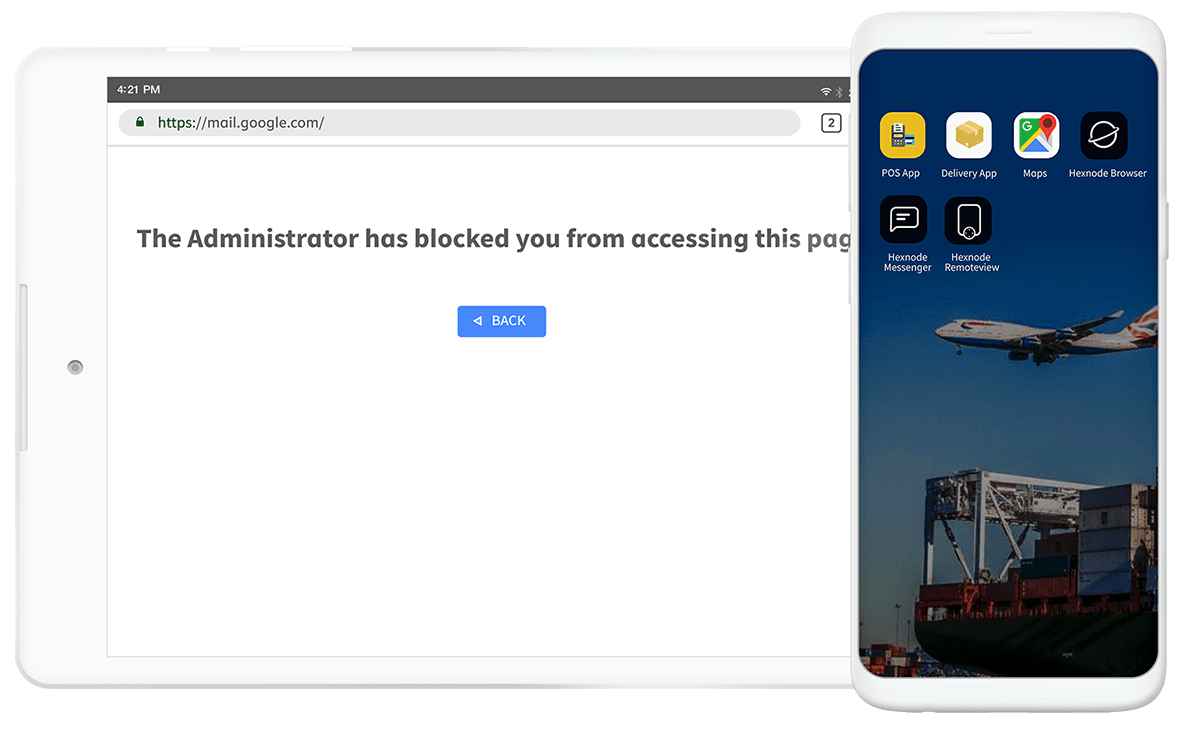
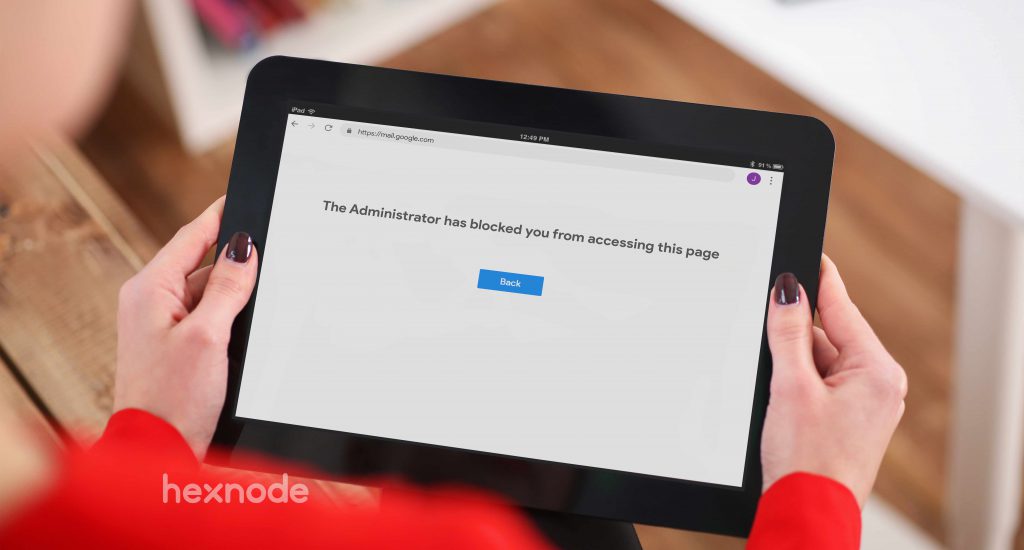
URL allowlisting and blocklisting
Disabling address bar editing
Restricting external navigation
Controlling downloads and uploads
Clearing session data between users
These controls ensure that users remain within the intended kiosk website workflow, reducing the risk of accidental or intentional misuse.
For deployments that require even tighter browser control, administrators can also use the Hexnode Kiosk Browser or Hexnode Browser Lite, a secure browser designed specifically for kiosk environments that restricts browsing to approved websites and web apps.
Kiosk devices are often shared by multiple users throughout the day. Without proper session controls, browsing data such as cookies, cache, or form inputs can remain visible to the next user.
Hexnode enables administrators to configure automatic session resets, clearing browser data and cache after inactivity or at the end of each session. This ensures that every user starts with a clean browsing environment while protecting sensitive information and maintaining privacy across shared devices.
Device Lockdown
For a web kiosk deployment to remain secure, users must not be able to exit the kiosk environment or access underlying system settings.
Hexnode provides device-level lockdown capabilities that restrict keyboard shortcuts, system buttons, and navigation controls. Administrators can prevent users from switching applications, accessing device settings, or interacting with operating system features, ensuring the device remains dedicated to its intended purpose.
Cross-platform Web Kiosk Management
Organizations often deploy kiosks across multiple operating systems depending on their environment. A typical deployment may include various OS such as Windows devices at reception desks, Android tablets in retail environments, and iPads for customer-facing workflows.
Hexnode supports web kiosk deployments across Windows, Android, iOS, and other operating systems, allowing administrators to enforce consistent kiosk policies regardless of platform. This cross-platform capability simplifies management and helps organizations maintain a standardized web kiosk security posture.
Remote Monitoring and Troubleshooting
Large kiosk deployments require visibility and centralized control. Hexnode enables administrators to monitor device status, update kiosk policies, and troubleshoot issues remotely.
IT teams can modify allowed URLs, update configurations, or reset devices when necessary, ensuring kiosks remain secure and operational without requiring on-site intervention. This centralized management approach helps organizations maintain security and reliability across large web kiosk deployments.
What is a web-based kiosk and how can it help your business ?
Learn how web-based kiosks help businesses streamline operations and enhance customer experiences.
Setting Up Web Kiosk Mode with Hexnode
With these capabilities in place, the next step is putting them into action. Enabling website kiosk mode with Hexnode follows this simple process:
Create a kiosk policy: Navigate to the Policies section in the Hexnode console to start creating a kiosk configuration.
Select kiosk lockdown: Choose the Kiosk Lockdown option to configure devices that should operate in kiosk mode.
Choose the device platform: Select the operating system for deployment. Hexnode supports Windows, Android, iOS/iPadOS, and ChromeOS, allowing organizations to manage diverse kiosk environments from a single console.
Select the kiosk mode: Choose the kiosk configuration based on your use case, such as single web app kiosks or multiple approved web apps, and select the browser supported for the chosen platform.
Configure the kiosk website or application: Specify the allowed URL or application and apply browsing restrictions.
Apply session and browser controls: Configure additional restrictions such as navigation limits, download controls, and session reset settings to maintain a secure browsing environment.
Deploy the policy: Apply the configuration to devices, device groups, or user groups. Once deployed, devices can enter web kiosk mode, ensuring users interact only with approved web applications.
Bringing Secure Web Kiosks to Life
Web kiosks have become a core part of modern digital services, enabling organizations to deliver faster and more accessible self-service experiences. However, without the right controls, browser-based kiosks can easily be misused or compromised.
By implementing restrictions such as website allowlisting, session resets, and device lockdown, organizations can maintain secure and reliable kiosk environments. With a centralized platform like Hexnode UEM, businesses can deploy and manage web kiosks at scale while ensuring that devices remain dedicated to their intended purpose.
Frequently Asked Questions (FAQs)
1. Can web kiosks work without an internet connection?
In most cases, web kiosks require an active internet connection to load web applications. However, some deployments may support limited offline functionality if the web app is designed with offline capabilities.
2. Do web kiosks support multiple websites or only one?
Yes. Depending on the configuration, a web kiosk can allow access to a single website or a limited set of approved websites through URL allowlisting.
3. Can web kiosks be managed remotely across locations?
Yes. Modern device management platforms like Hexnode UEM allow administrators to remotely monitor devices, update kiosk policies, and troubleshoot kiosks across multiple locations from a central console.
Secure Your Web Kiosks with Centralized Control
Configure website kiosk mode, enforce browser restrictions, and manage web kiosks across devices from a single console with Hexnode UEM.
Curious, constantly learning, and turning complex tech concepts into meaningful narratives through thoughtful storytelling. Here I write about endpoint security that are grounded in real IT use cases.