
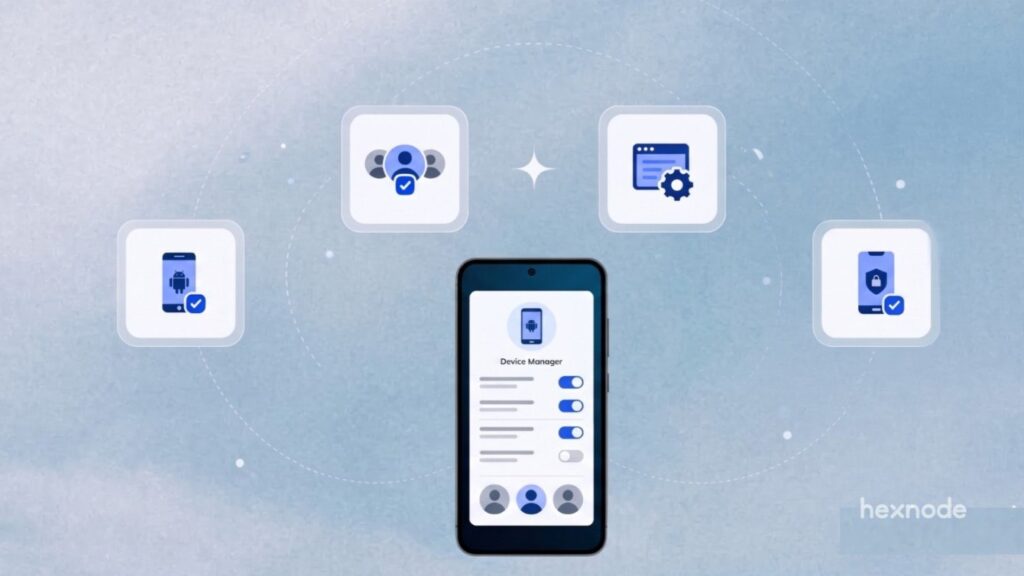
Shared Android devices often serve employees across multiple shifts, departments, or job roles. However, each employee may need different access permissions and session settings. To address these requirements, Hexnode UEM introduces Shared Device Policies, a dedicated framework for configuring the shared-device experience.
Administrators can configure four key areas: Login Settings, Logout Settings, Unassigned Mode, and Customization.
Login Settings lets administrators configure employee sign-in through Active Directory (AD), Google Workspace, Okta, or Microsoft Entra ID. They can allow access to all users or restrict sign-ins to selected user groups. They can also allow access to all users or restrict sign-ins to selected user groups.
Administrators can allow access to all users or restrict sign-ins to selected user groups and configure additional authentication options.
Logout Settings lets administrators configure automatic logout intervals and warning prompts to notify users before their sessions end.
Unassigned Mode lets administrators specify which applications remain accessible when no user is signed in, allowing access to selected apps without authentication.
Finally, Customization lets administrators add an organizational logo and select custom wallpapers for shared devices.
Together, these settings provide control over authentication, session behavior, application access, and device appearance.
When employees share devices across shifts, IT teams must manage the transition between users. They also need to control what happens when nobody is signed in.
For example, frontline employees might need individual authentication during their shifts. Meanwhile, certain utility applications may need to remain accessible between sessions.
Shared Device Policies address these requirements through dedicated configuration options. Administrators can define authentication requirements, manage session termination, and determine which applications remain available in Unassigned Mode.
Additionally, administrators can configure automatic logout intervals and warning prompts to manage user sessions.
Shared Device Policies offer several practical advantages:
- Flexible authentication: Configure supported identity providers and control which users can access shared devices.
- Better session management: Define automatic logout intervals and warning prompts.
- Controlled application access: Specify which applications remain available in Unassigned Mode.
- Consistent device appearance: Apply organizational logos and custom wallpapers.
These capabilities help administrators establish shared-device settings that align with organizational access and management requirements.
Administrators can create and configure Shared Device Policies through the Hexnode UEM portal.
To get started:
- Log in to the Hexnode UEM portal.
- Navigate to Policies > Shared Device Policies.
- Create a new Shared Device Policy.
- Configure the available Login Settings, Logout Settings, Unassigned Mode, and Customization options.
Explore Shared Device Policies in Hexnode UEM to configure authentication, session behavior, and application access across your shared Android fleet.