Table of Contents
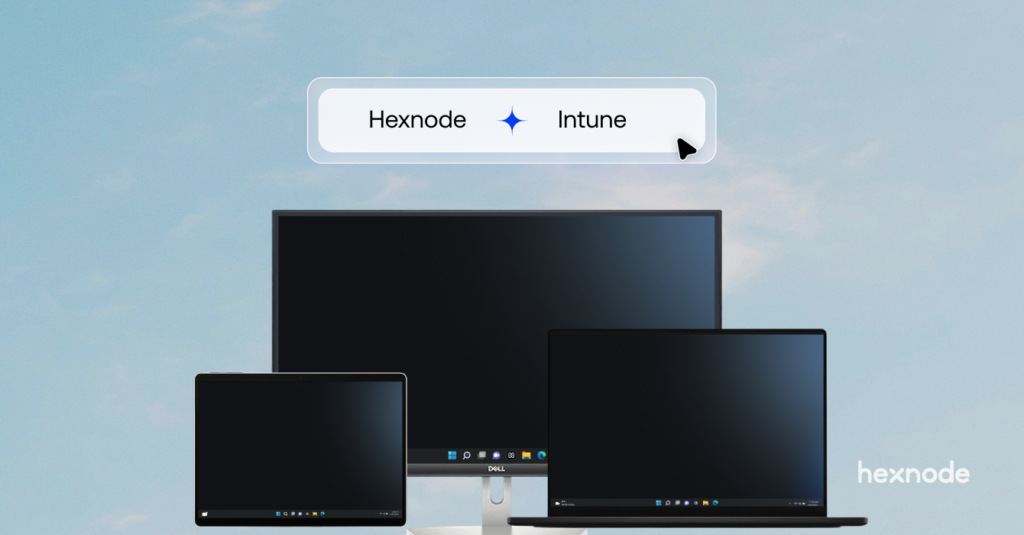
Transitioning to a co-managed IT environment shouldn’t mean sacrificing deployment automation. For organizations looking to leverage both Microsoft Intune and Hexnode UEM side-by-side on their Windows devices, a major administrative bottleneck has been the rollout process.
Previously, deploying the Hexnode agent silently via our MSI package was designed strictly as a migration path, it automatically disenrolls Microsoft Intune during deployment. If you wanted both solutions to coexist, IT admins were forced to install the Hexnode agent manually. When dealing with hundreds or thousands of endpoints, manual installation drastically slows down onboarding and balloons operational overhead.
To fix this, we have updated our Windows deployment capabilities to fully support automated, large-scale co-management.
What’s New?
Hexnode now officially supports Silent MSI Deployment specifically for Co-Management.
Administrators can now deploy the Hexnode agent silently across their Windows fleet without removing Microsoft Intune. This purpose-built MSI package ensures both UEM solutions can seamlessly coexist on the device, unlocking massive scalability for your deployment pipelines.
The Value for IT Admins
By eliminating the forced migration behavior in the silent installer, IT teams immediately gain:
- Zero Disruption: Ensure continuous compliance and management. The installation will not rip and replace your existing Intune framework, keeping all existing policies intact while seamlessly adding Hexnode’s capabilities.
- Accelerated Time-to-Value: Erase the operational friction of manual installs. What used to take weeks of IT hours can now be accomplished in a single automated push, radically speeding up customer onboarding and deployment timelines.
Real-World Use Case
Scenario: An enterprise needs to deploy Hexnode to 2,000 corporate Windows laptops that are currently managed by Microsoft Intune, aiming for a co-managed setup to utilize Hexnode’s advanced kiosk and remote management features.
Previously, using the silent MSI would have uninstalled Intune, forcing the IT team to manually install the Hexnode agent on 2,000 separate machines to preserve the co-managed state.
With the new enhancement, the IT team simply takes the co-management-ready Hexnode MSI package and pushes it globally via their existing software distribution tools. The installer runs silently in the background. Within minutes, all 2,000 laptops are successfully reporting to both Intune and Hexnode, with the end-user completely unaware of the background installation.
Ready to automate your Windows rollout?
Eliminate the manual workarounds and scale your co-managed environments with ease.
Existing Customers: Log in to your Hexnode UEM portal, download the updated MSI, and test your automated deployment today.
New Customers: Sign up for a free trial of Hexnode UEM, access the purpose-built MSI, and experience frictionless co-management for your Windows fleet today.