An Akira ransomware affiliate reportedly used Windows Safe Mode as a defense-evasion technique during an August 4, 2026 intrusion.
The attack began with credential spraying against an exposed SonicWall SSL VPN. Roughly seven minutes after repeated failed login attempts, the attacker successfully authenticated using a valid VPN account without multi-factor authentication (MFA).
From there, the operator accessed a domain controller via Remote Desktop Protocol (RDP), enumerated Active Directory and moved laterally to an application server. Before attempting encryption, the attacker archived mapped file shares with WinRAR and exfiltrated data using s5cmd to an attacker-controlled Amazon S3 bucket.
The defining move came next.
The attacker configured AnyDesk to start in Safe Mode with Networking and forced the system to reboot. This preserved remote access while impairing endpoint security controls.
Akira’s encryptor later failed after encountering virtual-memory exhaustion in the constrained Safe Mode environment. But data and credentials had reportedly already been stolen.
Encryption failure did not mean intrusion failure.
How the Akira Ransomware Attack Began with Credential Spraying
At approximately 03:45 UTC, the SonicWall SSL VPN recorded multiple failed login attempts across different accounts. The pattern was consistent with credential spraying, in which attackers try passwords across multiple identities.
Roughly seven minutes later, a valid VPN authentication succeeded using an account without MFA.
Within about two hours, the attacker accessed a domain controller via RDP, enumerated Active Directory users and systems, and moved to an application server.
Data collection followed. WinRAR was used to archive mapped file shares, while s5cmd transferred stolen information to attacker-controlled Amazon S3 storage.
The sequence moved rapidly from:
Credential spraying → VPN access → RDP → Active Directory enumeration → data staging → exfiltration
By the time the ransomware encryptor appeared, data had reportedly already left the environment.
That distinction is important for incident response. A ransomware operation can create significant impact through data theft and extortion before encryption begins.
How Akira Ransomware Used AnyDesk and Safe Mode to Impair EDR
After stealing data, the attacker deployed AnyDesk and configured its service to operate in Safe Mode with Networking.
At approximately 06:29 UTC, the attacker then used the legitimate Windows utility msconfig.exe to force the compromised system into Safe Mode. Windows subsequently recorded:
SAFEBOOT:NETWORK
Safe Mode starts Windows with a reduced set of drivers and services. By registering AnyDesk before the reboot, the attacker preserved remote connectivity while normal endpoint security components were impaired.
This behavior aligns with MITRE ATT&CK’s Safe Mode Boot (T1688) technique, which covers adversaries abusing Windows Safe Mode to impair endpoint defenses.
Huntress EDR stopped functioning, while Microsoft Defender real-time protection failed to initialize normally. Defender logged:
Event ID 3002
Error: 0x8007043c
Meanwhile, AnyDesk remained available.
Huntress reported this as the first time it had observed Akira using Safe Mode in this manner in its telemetry.
The behavior also fits a broader Akira objective previously observed by Huntress. In an earlier intrusion, an affiliate created a new virtual machine on a compromised hypervisor and executed ransomware where the Huntress agent was absent. The mechanics differed, but both approaches sought an execution environment with reduced EDR visibility.
Why Akira Ransomware Failed in Safe Mode
Shortly after establishing Safe Mode access, the attacker executed akira.exe.
The ransomware spawned multiple processes but soon encountered memory-related failures. Windows reported low and exhausted virtual-memory conditions.
Akira’s encryptor is designed for speed and uses concurrent, memory-intensive operations. On this host, the encryptor encountered virtual-memory exhaustion while running in Safe Mode, which appears to have contributed to the encryption failure.
Encryption failed.
However, Safe Mode is not a defense against Akira ransomware.
The failure was situational, not a defensive control. A host with different memory or page-file resources could behave differently, so Safe Mode should not be treated as protection against Akira ransomware.
The evidence indicates that Akira abused Safe Mode for defense evasion and then encountered virtual-memory exhaustion that appears to have contributed to the encryptor’s failure on this system.
How Akira Ransomware Stole Data Before Encryption Failed
When the compromised system returned to normal Windows operation, Microsoft Defender real-time protection resumed and quarantined the Akira executable.
Preventing encryption was operationally significant. It did not undo the preceding compromise.
Data and credentials had reportedly already been stolen, and the attacker had established internal and remote access before attempting encryption.
A failed encryptor therefore does not establish a failed ransomware intrusion.
Responders should reconstruct activity before ransomware execution, including file access, data staging, remote sessions, process activity, configuration changes and outbound transfers, to determine the actual scope of compromise.
Encryption is one stage of a ransomware intrusion. It is not the sole measure of impact.
What Defenders Should Monitor After Akira’s Safe Mode Attack
The incident provides several concrete behaviors worth incorporating into investigation and threat-hunting workflows:
Credential spraying: Failed authentication across multiple accounts followed by successful VPN access.
VPN accounts without MFA: Externally exposed remote-access accounts relying on password-only authentication.
Safe Mode changes: Unexpected boot-state changes on servers or endpoints.
SafeBoot persistence: New services beneath HKLM\SYSTEM\CurrentControlSet\Control\SafeBoot\Network.
System utilities: Unexpected msconfig.exe activity associated with Safe Mode changes.
Remote-access tools: Newly deployed AnyDesk or similar software appearing in suspicious context.
Data staging and transfer: Unusual bulk archiving of mapped shares followed by command-line transfers to external storage.
These signals become more useful when evaluated as a sequence of activity rather than isolated events.
Gentlemen Ransomware Uses BYOVD EDR Killers to Disable Endpoint Defenses
See how another ransomware operation uses defense-evasion techniques to interfere with endpoint security.
Where Hexnode XDR and UEM Fit in the Akira Attack Chain
The incident highlights two endpoint-security requirements: investigating malicious endpoint activity after it begins and reducing unnecessary endpoint exposure through management controls.
For this attack chain, Hexnode XDR and Hexnode UEM are the most directly relevant Hexnode products.
Hexnode XDR: Endpoint Detection, Investigation and Response
Hexnode XDR provides endpoint threat visibility, investigation and response capabilities. For an Akira-style incident, security teams can investigate endpoint activity using detailed endpoint data and take supported remediation actions.
Its threat-hunting and investigation capabilities allow administrators to query endpoint activity and examine security-relevant events. Hexnode XDR provides threat-hunting and investigation capabilities that allow administrators to build queries and search detailed endpoint data. It also supports custom Alert Profiles for fine-tuned security alerts.
For an Akira-style incident, Hexnode XDR’s threat-hunting capabilities can help administrators query detailed endpoint data and investigate security-relevant endpoint activity. Do not claim automatic detection of the specific HKLM\SYSTEM\CurrentControlSet\Control\SafeBoot\Network path unless that exact detection behavior is documented.
When remediation is required, supported actions include:
endpoint isolation;
malicious process termination; and
file quarantine.
Hexnode XDR also supports automated correlation that links signals across endpoints to help reveal related attack activity.
Hexnode UEM: Endpoint Governance and Hardening
Hexnode UEM can be used to manage supported Windows configurations, restrictions, applications and update policies across managed endpoints.
For an attack chain involving tools such as AnyDesk and s5cmd, Hexnode’s Windows Blocklist /Allowlist policies provide a more direct control. Administrators can create rules for Windows executables based on criteria such as publisher or file path, helping restrict applications that are not approved for use in the managed environment.
Hexnode Application Compliance provides a separate control for identifying Windows devices that violate configured application requirements and marking them non-compliant. Application Compliance itself does not block or restrict those applications.
These are endpoint-management and application-governance controls rather than malware-detection capabilities.
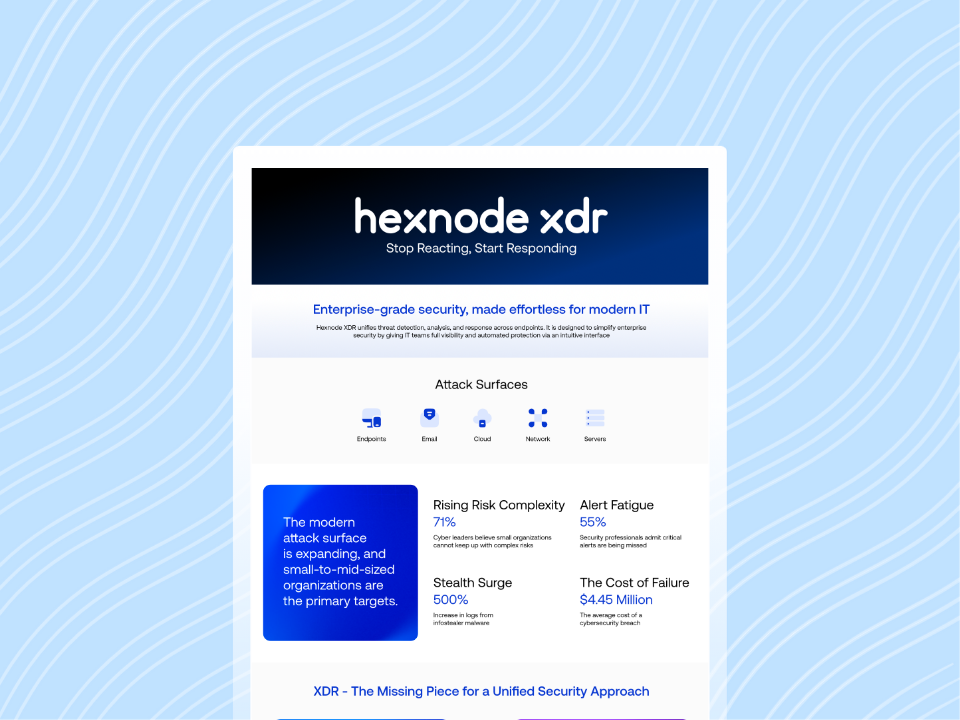
Featured resource
Hexnode XDR Info Sheet
Explore how Hexnode XDR brings endpoint visibility, threat investigation, and response capabilities together to strengthen endpoint defense.
Key Lesson: The Encryption Failed, the Breach Did Not
Akira’s failed encryption attempt should not obscure what happened before it.
The attacker had reportedly already gained significant internal access, stolen data and impaired endpoint defenses before launching the encryptor.
For enterprises, ransomware readiness therefore cannot begin with encryption. Strong remote-access authentication, endpoint hardening, visibility into suspicious endpoint activity and rapid containment all matter earlier in the intrusion.
In this Akira incident, the technical failure prevented encryption, but not compromise.
The encryption failed. The breach did not.
Strengthen Endpoint Management with Hexnode
Apply endpoint-management controls across your managed environment and evaluate with a 14-day free trial.
I write at the intersection of technology, process, and people, focusing on explaining complex products with clarity. I break down tools, systems, and workflows without any noise, jargon, or the hype.