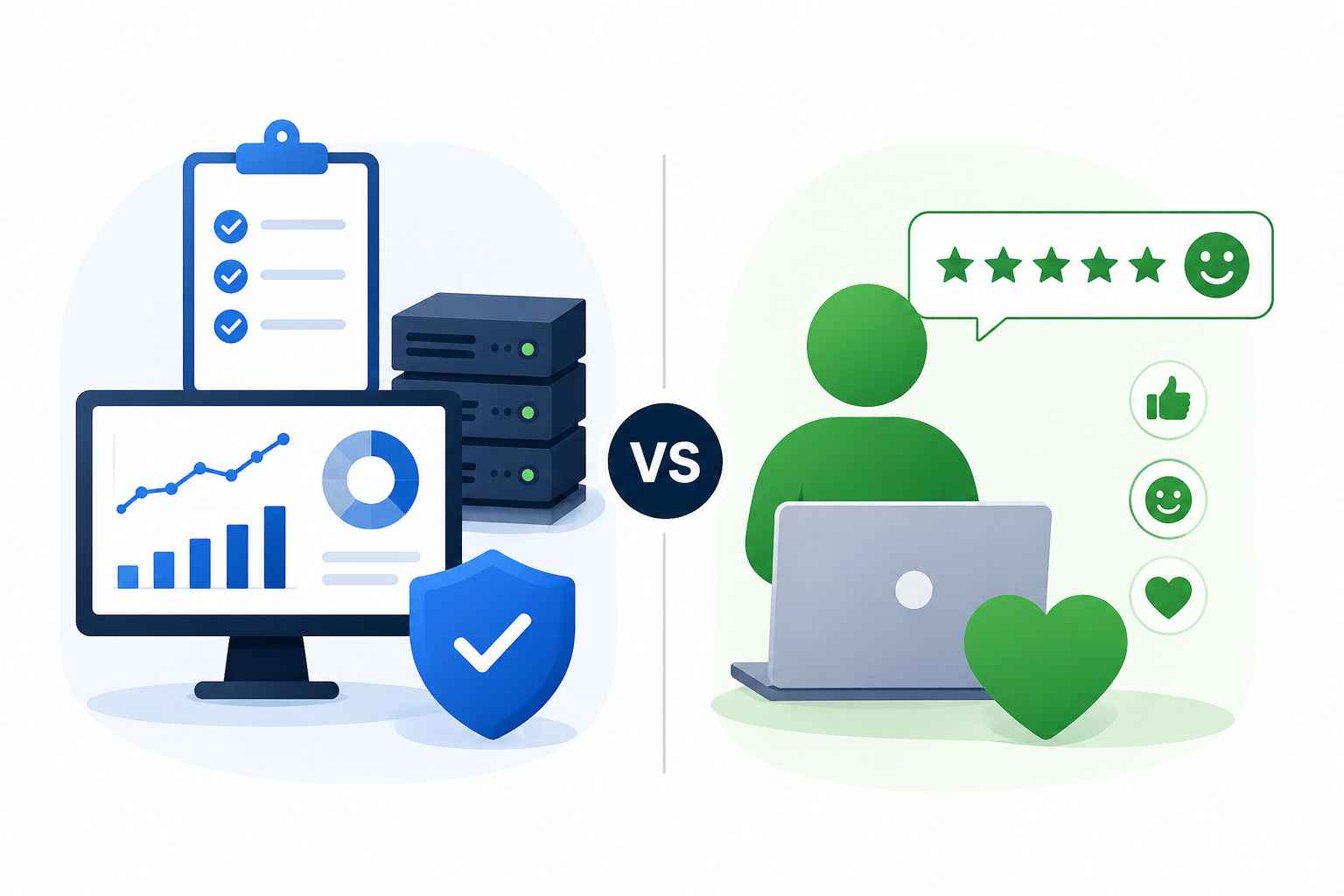
SLAs show whether IT services met agreed performance targets, while XLAs show whether those services actually worked well for users. For teams focused on digital employee experience, both are needed: SLAs protect reliability and accountability, while XLAs reveal satisfaction, effort, productivity impact, and friction. Tracking both helps IT move beyond closing tickets or meeting uptime goals to improving the real employee experience across devices, apps, support workflows, and endpoint services.
A service can meet every target on paper and still fall short in the eyes of users. A Service Level Agreement (SLA) can tell you whether the service was available, whether the ticket was answered on time, or whether the incident was resolved within the agreed window. What it cannot always tell you is whether the user walked away satisfied, productive, or confident that the issue was truly fixed. This is where many businesses struggle.
Employees rely on devices, apps, networks, support teams, and digital workflows to get work done every day. When any part of that experience breaks down, productivity takes a hit, even if the service technically met its target.
This is where the XLA vs. SLA conversation becomes important. SLAs help organizations measure service performance and accountability. XLAs, on the other hand, add the experience layer by looking at how users actually feel and function when they interact with a service.
In this blog, we will break down the difference between SLAs and XLAs, explain why you need both, and show how they work together to give IT teams a clearer view of service quality.
A Service Level Agreement (SLA) is a formal agreement between a service provider and a customer that defines the expected level of service, explains how teams will measure performance, and outlines the consequences of failing to meet those expectations. In simpler terms, an SLA sets the rules for service performance. It tells both sides what “acceptable service” looks like and creates a measurable standard for accountability.
In IT and business services, SLAs are commonly used to track operational commitments such as:
Uptime
Availability
Response time
Resolution time
Error rates
Support queue performance
However, while an SLA can confirm that a service met its agreed targets, it does not always show whether the user had a good experience.
What Is an XLA?
An Experience Level Agreement (XLA) is a framework that helps organizations measure service quality based on users’ experiences when interacting with a service. In IT, XLAs often measure how employees experience support teams, workplace technology, business applications, devices, and digital workflows. They help organizations understand whether users feel supported, whether they can complete their work without unnecessary friction, and whether IT services are improving productivity.
Common XLA metrics include:
User satisfaction
Employee sentiment
Digital experience score
Productivity impact
Friction points
Effort required to complete a task
This makes XLAs especially relevant to digital employee experience, where IT success is not only about whether systems are available but also about whether employees can use them effectively.
XLA vs. SLA: The Core Difference
The easiest way to understand the difference is this: an SLA measures whether the service met the agreed standard, while an XLA measures whether the service worked well for its users.
Category
SLA
XLA
Primary focus
Service performance and compliance
User experience and service value
Measures
Operational outputs
Experience outcomes
Typical metrics
Uptime, availability, response time, resolution time, error rates
Monitoring tools, ticketing systems, service reports, vendor dashboards
Surveys, sentiment feedback, digital experience data, user behavior, productivity signals
Main audience
IT teams, vendors, procurement, operations, compliance teams
Employees, customers, IT leaders, service owners, business leaders
Best used for
Tracking accountability, reliability, contractual obligations, and service performance
Understanding service quality, user perception, productivity, and business impact
Risk if used alone
Service appears healthy while users remain frustrated
Positive feedback lacks context without operational performance data
Where Digital Employee Experience Fits In
Digital employee experience, or DEX, looks at how employees experience workplace technology, including devices, apps, networks, support workflows, and security policies.
This is where the XLA vs. SLA discussion becomes practical. SLAs show whether endpoint and IT services are delivered reliably, while XLAs show whether those services work well for employees. DEX connects both by focusing on device performance, app reliability, employee feedback, issue resolution, and overall ease of work. Gartner describes DEX tools as supporting visibility into device and application performance, reliability, feedback, and faster issue resolution.
Enhancing employee experience with a digital workspace
Learn how a modern digital workspace enhances employee experience and drives productivity and engagement.
Why SLAs Alone No Longer Tell the Whole Story
SLAs help teams verify whether they met agreed targets, but they do not always reveal how users experienced the service. This creates what IT teams often call the “watermelon effect.” In this situation, reports appear healthy while user frustration remains hidden beneath the surface. SLA reports can look healthy even when the experience is poor. For example:
A ticket is closed on time, but the employee has to reopen it.
A system meets its uptime target but slows down during critical workflows.
Support responds quickly, but the issue is passed between teams without clear ownership.
In each case, the SLA may technically be met. The problem is that the metric captures the service activity, not the user outcome.
When this gap goes unnoticed, the impact moves beyond IT. It can lead to:
Reduced productivity
Lower employee engagement
More shadow IT
Higher support volume
Customer churn
Lower trust in IT or service providers
Where SLA-Only Reporting Falls Short
SLA-only reporting often misses important parts of the user experience because it:
Tracks what teams can measure easily instead of what users value most.
Prioritizes speed over usefulness.
Encourages teams to hit metrics instead of improving outcomes.
Overlooks recurring issues, poor usability, emotional friction, and unnecessary user effort.
Why XLAs Alone Are Not Enough Either
XLAs address part of the problem by incorporating user experience into the measurement model. But they should not replace SLAs. Experience data becomes more useful when it is tied to operational performance, incident trends, and service reliability. Businesses still need SLAs to track:
Availability
Response commitments
Resolution targets
Security and compliance expectations
Vendor accountability
SLAs create the baseline for dependable service delivery.
XLAs Can Be Subjective Without Structure
User feedback is valuable, but it can be shaped by:
Expectations
Recent incidents
Poor communication
Frustration with a related process
One bad interaction
That is why XLA data should be reviewed alongside SLA data. If users report a poor application experience, performance data may reveal recurring latency during peak usage hours.
Why Businesses Need Both SLAs and XLAs
Together, SLAs and XLAs give IT and service teams a fuller view of service quality. SLAs help protect service reliability, while XLAs help preserve user value. When organizations track both side by side, they can move beyond proving that they met a target and start understanding whether the service helps users and the business perform better.
How SLAs and XLAs Work Together in a DEX Strategy
Once a business understands the role of both metrics, the next step is to bring them into the same service management and endpoint management process.
SLAs should not sit in one report while user experience data lives somewhere else. IT teams should review them together across dashboards, service reviews, support workflows, vendor discussions, and improvement planning.
Here is how they work together:
Use SLAs to confirm operational reliability: Verify that services, devices, applications, and support workflows meet agreed commitments.
Use XLAs to validate user value: Measure whether employees feel supported, productive, and satisfied with the service experience.
Connect both during root-cause analysis: A ticket may be resolved within the SLA, but poor XLA scores may reveal unclear communication, repeated issues, or incomplete fixes.
Build a combined dashboard: Include service reliability, support responsiveness, device health, app performance, user sentiment, productivity impact, and recurring pain points.
This gives IT teams a more practical view of service quality: not just whether the service performed, but whether it performed well for the people depending on it.
Key SLA and XLA Metrics to Track for Better DEX
If you are planning to implement both SLAs and XLAs, the next step is choosing the right metrics to track. The goal is not to measure everything. The goal is to focus on signals that show whether IT services are reliable, responsive, useful, and valuable to employees.
SLA Metrics to Track
SLA metrics help IT teams measure whether endpoint and service commitments are being delivered reliably.
Availability and uptime: Tracks whether systems, applications, or managed endpoints are accessible when users need them.
Response time: Measures how quickly IT acknowledges a ticket, incident, or endpoint issue.
Resolution time: Tracks how long it takes to fix the issue.
Incident volume and SLA breach rate: Shows how often SLA targets are missed.
Patch deployment timeline: Tracks whether updates are rolled out within the expected schedule.
Compliance rate: Shows whether devices meet security and configuration requirements.
Escalation and communication compliance: Measures whether major incidents are escalated and communicated clearly.
XLA Metrics to Track
XLA metrics show whether IT services are improving the overall digital employee experience.
User satisfaction: Measures how employees rate the support or service experience.
Employee effort score: Tracks how easy or difficult it was to get help or complete a task.
Digital experience score: Combines signals such as endpoint performance, app health, and user sentiment.
Productivity impact: Shows whether device, app, or support issues affected work.
Friction points: Identifies recurring issues such as slow devices, failed app access, confusing workflows, or repeated tickets.
Confidence after resolution: Measures whether users believe the issue was truly fixed.
Qualitative feedback: Captures context that numbers alone may miss.
Together, these metrics help IT teams understand both the operational and human sides of service quality.
Where Hexnode Fits into the SLA, XLA, and DEX Conversation
For endpoint management teams, SLA and XLA thinking applies directly to devices, apps, policies, patches, and support workflows. IT teams may enroll a device, deploy an app, or close a ticket, yet users can still experience friction. Hexnode UEM helps IT teams manage and secure endpoints, deploy apps, enforce policies, support remote actions, and maintain visibility across devices. Hexnode has also announced Hexnode DEX as part of its broader move toward digital employee experience. In this context, SLAs confirm whether IT teams delivered endpoint services as expected, while XLAs indicate whether those services improved employees’ experiences.
Featured Resource
Understanding Unified Endpoint Management (UEM)
Download this White paper to understand how Unified Endpoint Management (UEM) solution has made life easier for enterprises.
Better Service Requires Both Performance and Experience Metrics
SLAs and XLAs work best together. For IT teams focused on digital employee experience, this balance matters. Teams may keep devices compliant, deploy apps successfully, and close tickets on time, but true success depends on whether employees can work without unnecessary friction. Tracking both helps IT teams improve service quality, increase productivity, and build greater trust among IT teams, vendors, employees, and business leaders.
Frequently Asked Questions (FAQs)
1. Should XLAs replace SLAs?
No. XLAs should complement SLAs, not replace them. SLAs create the operational baseline for service reliability, while XLAs help teams understand whether that service actually worked well for users.
2. What is a simple example of using SLA and XLA together?
An SLA may show that the IT team deployed an app within the required window. An XLA can show whether employees were actually able to access the app, use it smoothly, and avoid repeated support requests. Reviewing both helps IT determine whether the team completed the task and delivered a successful user experience.
3. Who should own SLA and XLA tracking?
SLA tracking is usually owned by IT operations, service desk, vendor management, or service owners. XLA tracking often needs broader input from IT, employee experience teams, support teams, and business stakeholders because it depends on user feedback and service outcomes.
Improve Endpoint Experience Without Losing Control
Deploy apps, enforce policies, monitor devices, and support users from one unified console. Hexnode helps IT teams keep endpoints secure, reliable, and easier to manage.
Curious, constantly learning, and turning complex tech concepts into meaningful narratives through thoughtful storytelling. Here I write about endpoint security that are grounded in real IT use cases.