Migrate to Hexnode UEM without disruptive device resets or large-scale reenrollment. A staged, agent-first migration approach lets enterprises transition devices gradually, validate policies early, maintain compliance visibility, and reduce operational risk through controlled co-management and phased deployment workflows across Windows and macOS environments.
For most enterprise IT teams, a UEM migration ranks among the most avoided infrastructure projects. The concern is understandable. Traditional migration projects often require device resets, manual reenrollment, profile recreation, and large-scale user coordination. Even a well-planned rollout can overwhelm support teams if the migration process introduces unexpected disruptions.
Modern endpoint management strategies no longer require organizations to approach migration as a disruptive rip-and-replace exercise.
With a staged migration strategy, IT teams can transition devices to Hexnode UEM in controlled phases while the existing management environment remains active during the migration process. Instead of migrating thousands of endpoints simultaneously, administrators can validate workflows, move devices in batches, and reduce operational risk throughout the rollout.
This approach is especially useful for enterprise Windows environments where organizations can simplify migration using temporary co-management workflows before fully transitioning devices to Hexnode UEM.
Large organizations rarely migrate thousands of endpoints in a single maintenance window. Enterprise IT teams prioritize:
minimizing operational disruption,
preserving compliance visibility,
maintaining access to business-critical resources,
validating policy behavior before rollout,
and reducing helpdesk impact during migration.
A staged migration strategy supports these goals by allowing administrators to prepare devices for migration before removing the existing management framework.
Instead of forcing users through a large-scale manual reenrollment event on day one, IT teams can gradually transition devices after validating migration readiness.
The “Agent-First” migration approach
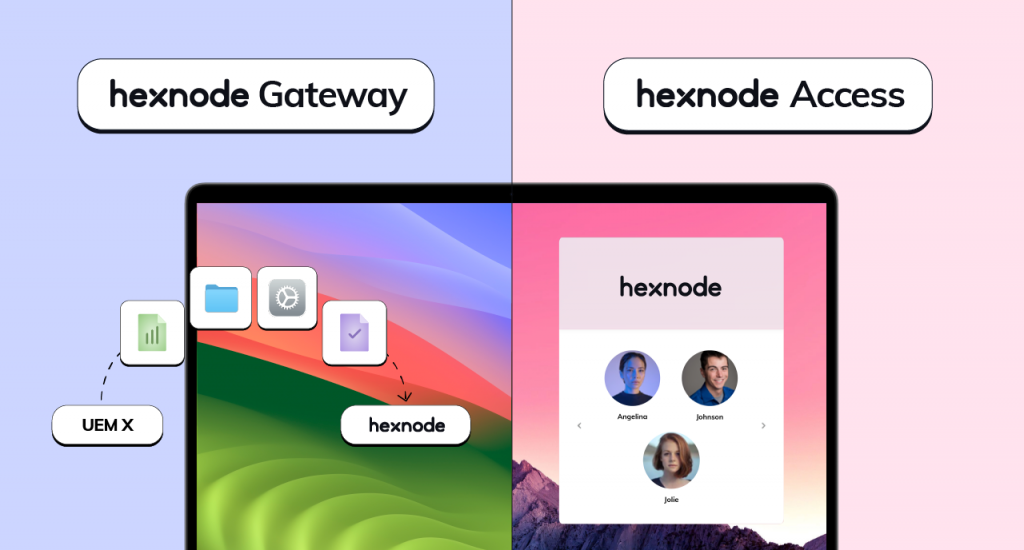
For migration workflows, organizations can deploy the Hexnode Gateway application to target macOS and Windows endpoints through the legacy UEM; on Windows, Hexnode co-management can allow limited coexistence through the Hexnode Installer/Agent before full enrollment.
In this model, the existing UEM solution acts as the deployment channel for the Hexnode Gateway application.
Step 1: Deploy the Hexnode Gateway package
Administrators can download the Hexnode Gateway package:
.msi for Windows devices,
.pkg for macOS devices.
IT teams can then deploy the package through their existing UEM solution using standard software deployment workflows.
Because deployment occurs through the existing management platform, organizations can:
automate deployment,
target device groups,
monitor installation success,
and validate migration readiness before transition begins.
At this stage, the existing UEM platform continues managing the device while the Hexnode Agent and migrator components prepare the system for migration.
Why this migration model matters
A staged migration model reduces deployment complexity during the final transition phase.
For Windows migrations, devices can briefly enter a co-managed state before transitioning fully to Hexnode UEM. This allows administrators to validate migration workflows before completing the final enrollment transition.
This approach helps organizations:
simplify migration coordination,
validate compatibility ahead of rollout,
reduce operational risk,
and manage migration in controlled phases across large endpoint fleets.
For enterprise environments managing geographically distributed users, phased migration workflows provide significantly more operational flexibility than traditional wipe-and-reenroll approaches.
Organizations can also use Hexnode Gateway capabilities to support remote management and staged migration workflows for Windows and macOS environments.
The switchover process
Once administrators validate migration readiness and configure enrollment prerequisites, they can begin transitioning devices from the existing UEM platform to Hexnode UEM.
Step 2: Transition devices to Hexnode management
For Windows migration workflows, Hexnode Gateway can remove the existing legacy MDM profile and apply the Hexnode configuration; alternatively, a co-managed Windows device must have the previous UEM removed before full Hexnode enrollment.
Depending on the organization’s deployment architecture, Windows migrations may involve:
The migration workflow is designed to minimize end-user disruption during the enrollment transition process.
In many migration scenarios, users can continue working normally while administrators complete the migration in the background. As with any enterprise infrastructure change, organizations should still validate workflows through pilot testing before large-scale rollout.
Enterprises that stage migrations carefully can significantly reduce support overhead compared to traditional wipe-and-reenroll projects.
Breaking the vendor lock-in mindset
Many organizations delay UEM migration because they assume the process will disrupt productivity across the business.
In practice, successful enterprise migrations depend on planning, sequencing, and phased execution.
A structured migration strategy allows IT teams to:
validate policies before rollout,
transition devices gradually,
maintain operational continuity,
and reduce migration risk throughout the project lifecycle.
Modern endpoint management platforms support far more flexible migration workflows than legacy all-at-once deployment models.
Best practices for large-scale UEM migration
Before migrating production endpoints, organizations should:
Validate policy behavior: Ensure compliance policies, security configurations, certificates, VPN settings, and restrictions behave as expected after migration.
Start with pilot groups: Test migration workflows with controlled device groups before expanding deployment across production fleets.
Plan rollback workflows: Every migration phase should include recovery procedures in case enrollment validation or policy deployment fails.
Communicate with users: Even low-touch migration projects benefit from proactive employee communication and support planning.
Conclusion
Modern UEM migration strategies no longer require organizations to wipe thousands of devices or force users through large-scale manual reenrollment workflows.
With a staged migration approach, enterprises can validate migration readiness in phases, transition devices gradually, and reduce operational risk throughout the rollout process.
For Windows environments especially, temporary co-management workflows and staged enrollment transitions help organizations modernize endpoint management infrastructure with significantly less disruption than traditional migration models.
Ready to migrate to a better UEM?
Our Migration Engineers can help you script the "Agent-First" deployment for your specific legacy environment.
Can organizations run Hexnode alongside another UEM platform?
On Windows, co-management and coexistence scenarios are commonly supported during migration projects. On macOS, organizations can deploy Hexnode components alongside an existing management solution in certain migration workflows, although macOS still relies on a single active MDM enrollment profile. Platform behavior varies depending on deployment architecture and enrollment method.
Can organizations migrate devices without wiping them?
Yes. Many enterprise migration workflows allow organizations to transition devices to Hexnode UEM without requiring full device resets. The migration method depends on the operating system, existing UEM architecture, and enrollment configuration.
Content writer at Hexnode. Fueled by good coffee and the occasional cat cuddle, I enjoy crafting content that informs, connects, and resonates. Nothing excites me more than knowing my words have been read, appreciated, and maybe even bookmarked.