Network security and firewall – Defined
Learn more on explaining network security and firewalls while detailing Hexnode’s remote configuration.

Get fresh insights, pro tips, and thought starters–only the best of posts for you.

It starts with a single expense report. A sales director returns from a trade show in Switzerland. They didn’t buy a local SIM and didn’t connect to the hotel Wi-Fi; they just “worked.” Then the bill arrives: $4,500 for one week of data. This is the ultimate nightmare for any IT department tasked with reducing corporate data roaming costs, as it proves that a single unmanaged device can derail an entire monthly budget in a matter of days.
For a CFO, mobile roaming charges are the ultimate “Variable Cost” nightmare. They are unpredictable, uncapped, and often discovered 45 days after the money is spent. Industry data suggests that “Bill Shock” accounts for nearly 14% of the Total Cost of Ownership (TCO) for enterprise mobile fleets.
In 2026, relying on employees to “be careful” is not a strategy. Relying on carrier alerts (which can lag by 72 hours) is not a control. To tame this volatility, you need Automated Governance.
This guide explains how to use Hexnode UEM to transform mobile data from a chaotic variable cost into a predictable fixed cost. We will move beyond simple “Data Caps” to granular, app-level engineering that keeps your fleet connected without breaking the bank.
Why does this keep happening despite your service provider’s business plans?
The answer is Latency.
When a device roams on a partner network (e.g., an AT&T phone connecting to Orange France), the usage data is not processed in real-time. The foreign carrier batches the data and sends it to your home carrier, often with a delay of 24 to 72 hours.
To solve this, you must move the control point from the Carrier Network (which is laggy) to the Device OS (which is real-time).
The most common mistake enterprises make is adopting a binary approach: Either Roaming on or Roaming Off.
The Hexnode Fix: Network Usage Rules (App-Level Gating). We can engineer a policy that creates a “Split Tunnel” experience based on the network status.
The Configuration: Using Hexnode’s Network Usage Rules (iOS) or Firewall Policies (Samsung Knox), you can dictate exactly which apps are allowed to use data when roaming is active.
The CFO’s Win: You aren’t paying for entertainment. The device remains a productivity tool, but the “Data Vampires” (streaming and social media) are physically cut off from the cellular modem the moment the device leaves the home network.
For logistics fleets and field services (e.g., trucking between the US/Canada/Mexico or across the EU/UK border), accidental roaming is a massive bleed. Drivers often don’t realize they have crossed a border until the “Welcome to Mexico” text arrives.
We replace fallible human awareness with precise GPS automation, ensuring data costs and security protocols are managed the moment a device crosses a border.
How It Works:
Actionable Step:
Navigate to Admin > Geofencing in your portal. Create a fence labeled “International-Exit”. Apply a dynamic policy that enforces Roaming Data: Off by default. This creates a “fail-safe” state where the user must contact IT to request a temporary override if they genuinely require access.
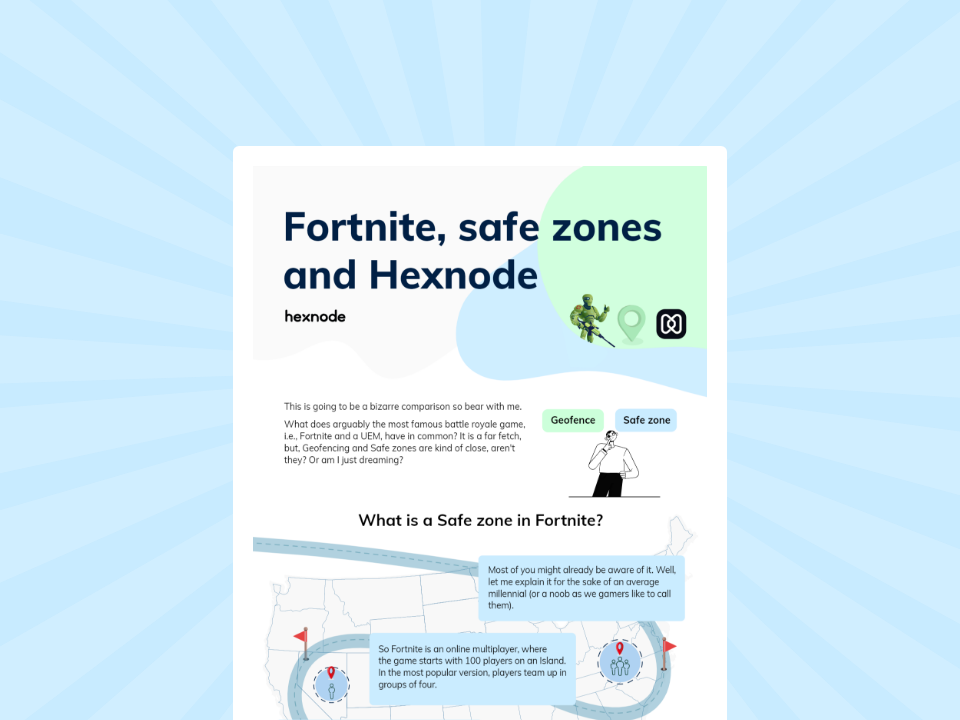
This infographic creatively parallels Fortnite's mechanics with Hexnode's geofencing to explain location-based security.
DOWNLOADNot all employees are equal. Your VP of Sales needs different roaming privileges than a Junior Analyst. Treating them the same creates friction.
The Solution: Role-Based Expense Management
Use Hexnode’s Dynamic Device Groups to apply tiered expense policies automatically.
| Tier | Persona | Policy Configuration |
|---|---|---|
| Tier 1: VIP | C-Suite, VPs | Unrestricted Roaming. Monitor Only. Alert IT Admin if usage > 2GB/day. |
| Tier 2: Traveler | Sales, Field Techs | Managed Roaming. Allowed Apps: Business Only. Blocked: Video Streaming. Daily Cap: 500MB. |
| Tier 3: Standard | Office Staff | Roaming Disabled. Hard block on data roaming. Wi-Fi Only. |
Map these policies to your Active Directory / Okta groups. When “John” is promoted to VP in AD, Hexnode automatically moves his device to the Tier 1 policy, unlocking his roaming capabilities without IT lifting a finger.
The core philosophy of TEM is simple: visibility equals control. Most organizations suffer from “bill shock” because they treat data usage as a historical record rather than a live metric. Hexnode transforms this by shifting from reactive accounting to proactive management.
Rather than waiting for a carrier alert that often arrives too late, Hexnode’s dashboard acts as a live speedometer for your fleet’s data consumption.
1. Real-Time Visualization
The dashboard aggregates data from all enrolled devices, allowing IT admins to spot “data hogs” or runaway background processes in real-time. This visualization bridges the gap between a device’s local settings and the enterprise’s financial bottom line.
2. The Automated Escalation Path
By configuring tiered thresholds, you move from simple monitoring to automated governance:
This system effectively eliminates “overage anxiety.” By the time the carrier bill arrives, the totals are already known, capped, and compliant with company policy, turning a variable expense into a fixed, predictable cost.
The Scenario: An enterprise client deployed 500 iPads to field workers across Europe. Despite strict restrictions on entertainment apps like YouTube and Netflix, the roaming bills were staggering. The organization was paying premium international rates for data that provided zero business value.
The Culprit: The investigation revealed that the culprit wasn’t user behavior, but default OS behaviors. * iCloud Synchronization: Field workers taking high-resolution photos of job sites triggered immediate 4K uploads to iCloud.
The client utilized Hexnode to strip away the device’s autonomy regarding how it connected to the internet, moving beyond simple app blocking to network-layer rules.
The CFO’s job is risk management. Uncontrolled roaming is an unmanaged financial risk. By implementing Hexnode UEM, you transform the mobile fleet from a “Black Box” of expenses into a controlled, predictable utility. You stop hoping employees will be responsible and start engineering the device to be responsible for them. Don’t wait for the next $4,000 bill. Automate your cost control today.
Sign up for a free trial ans Learn how to configure Telecom Expense Management and Network Usage Rules in Hexnode.
Sign Up NowMDM reduces roaming costs by enforcing app-level restrictions (e.g., blocking Netflix/YouTube while allowing Outlook) and setting hard data caps that disable cellular data once a daily limit is reached. Unlike carrier alerts, these controls happen in real-time on the device OS.
Yes. Using Hexnode’s Network Usage Rules (for iOS) or Firewall Policies (for Android/Knox), admins can create a “Allowlist” of business-critical apps that can use cellular data, while blocking all other apps from accessing the internet unless connected to Wi-Fi.
Carrier alerts often suffer from latency (delayed by 24-72 hours when roaming), meaning the alert arrives after the cost is incurred. MDM Data Tracking monitors usage directly on the device in real-time, allowing for immediate blocking or notification the moment a threshold is crossed.